Setting Up Crypto Price Alerts on Twin.so
Tracking crypto assets without a system often feels like watching a kettle and hoping it boils on command. You check your portfolio, refresh the screen, and see nothing happening. Then, ten minutes later, a major move occurs while you are a...
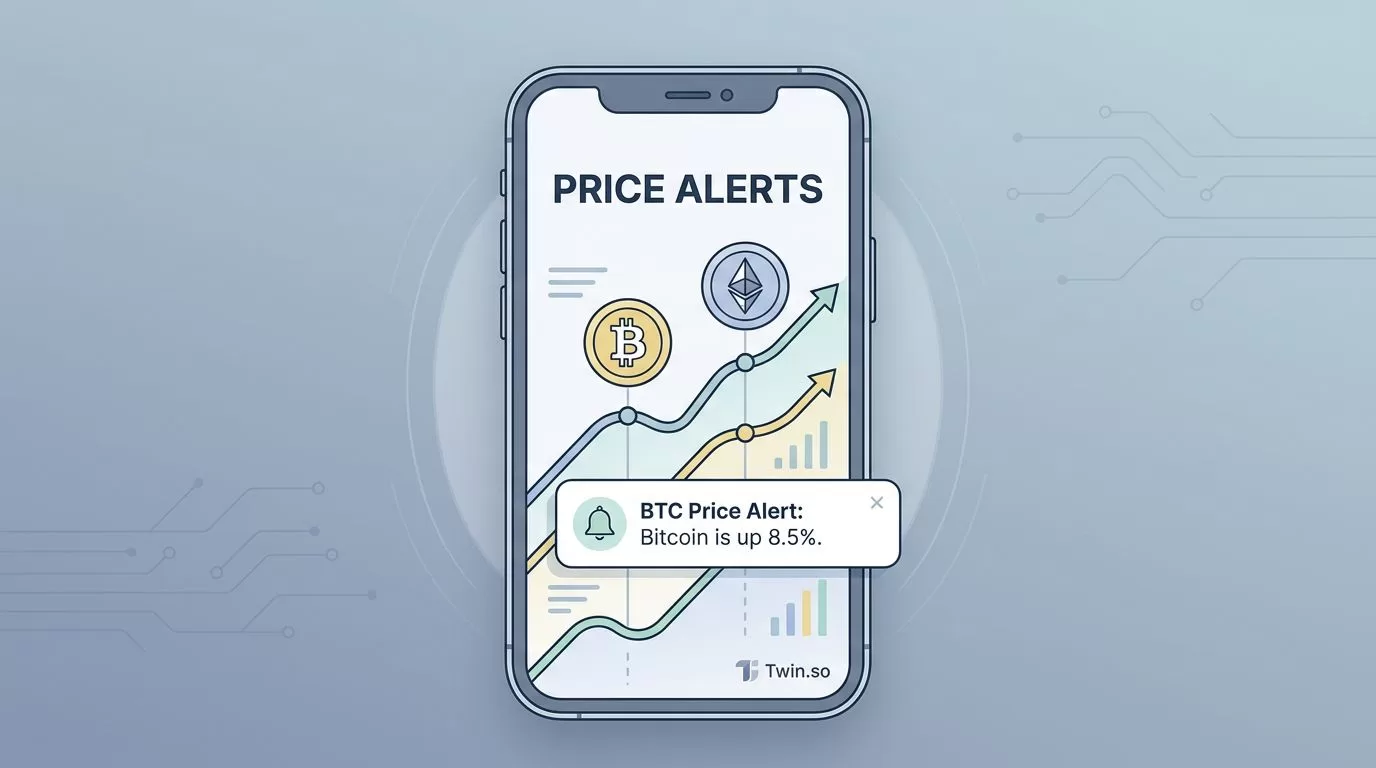
Tracking crypto assets without a system often feels like watching a kettle and hoping it boils on command. You check your portfolio, refresh the screen, and see nothing happening. Then, ten minutes later, a major move occurs while you are away from your desk. This cycle is frustrating and inefficient.
Configuring smart crypto price alerts on Twin.so transforms this manual monitoring into an automated process. Instead of staring at charts, you define specific price triggers that notify you when market action matches your criteria. This approach saves time and keeps you informed about important fluctuations without the need for constant supervision.
How Price Alerts Keep You Informed
An alert is essentially a digital messenger that waits for a specific event. When the market hits your target price, the system sends a notification to your preferred device. This simple action allows you to shift your focus to other tasks while knowing you will be contacted the moment a key level is reached.

You can use these alerts for many different purposes. Some users track support and resistance levels to catch entry points during pullbacks. Others monitor breakout targets to identify when an asset starts a new move. If you manage multiple positions, you might set notifications for daily percentage changes to oversee your total risk exposure.
Reliable alert tools act as an extension of your own observation. For a deeper understanding of how these systems function in a broader monitoring strategy, look at this guide on crypto price alert best practices. By setting meaningful triggers, you turn raw market data into useful information.
Configuring Your First Alert
Getting started with Twin.so is straightforward if you follow a logical order. First, log into your account and navigate to the monitoring section. Most setups require you to select the asset pair, define the threshold, and choose the delivery method.
To set up an effective alert:
- Identify the asset you want to monitor, such as Bitcoin or Ethereum.
- Select the threshold type, which is usually a specific price point or a percentage movement.
- Enter the value that triggers the notification.
- Pick how you want to be notified, such as through email or a push notification.
- Save the alert and verify that it appears in your active list.
Always double-check the price units before saving. An extra zero in your entry can cause an alert to trigger immediately or never, depending on the current market price. Accuracy at the start prevents confusion later when you receive unexpected pings.
Strategies for Useful Market Monitoring
The biggest mistake is setting too many alerts. If your phone pings every time an asset moves one percent, you will quickly ignore all notifications. This is often called alert fatigue. You should aim for higher quality, lower frequency alerts that represent significant market events rather than noise.
Consider these scenarios for meaningful alerts:
- Dip Buying: Set a target five to ten percent below the current price to catch sudden pullbacks.
- Breakout Tracking: Choose a resistance level that has held multiple times and place an alert just above it.
- Portfolio Health: Configure a daily summary that reports your total percentage gain or loss.
- Volatility Spikes: Use an alert that triggers if an asset moves more than five percent in an hour.
You can combine these with no-code automation tools for market data if you want to push this data into other software. Managing your alert stack requires periodic cleaning. If an alert has been inactive for a month, delete it. Your goals for an asset change, so your monitoring settings must change too.
Troubleshooting Common Alert Issues
Sometimes you might find that an alert does not fire as expected. This usually stems from a few common oversights. First, verify that your account has the necessary permissions to send notifications to your device. Check your device settings to see if the application has notification access enabled.
Latency is another factor. If an alert arrives minutes late, it often comes from an API delay or heavy network traffic. For critical trading setups, you want to ensure your chosen platform reads price feeds directly, which often results in faster delivery times. For further reading on why speed matters, check out these tips on crypto alert apps.
If you still experience issues, try the following:
- Re-save the alert by deleting and recreating it with the exact price points.
- Check if the asset pair is still active on your exchange.
- Ensure the platform you are using supports real-time updates for that specific coin.
- Test your notification channel by setting a simple alert for a very close price.
By keeping your alert list tidy and your notification channels prioritized, you maintain a system that actually serves your trading plan. If you are still unsure about the logic of your triggers, refer to this step-by-step setup guide for more context on threshold gaps.
Final Thoughts
The goal of using crypto price alerts is to reclaim your time. You should never feel pressured to watch a screen for hours on end when you can automate that process instead. By focusing on critical price levels, you avoid the noise and receive notifications only when the market moves in a way that matters to your strategy.
Start by setting one or two simple alerts for assets you track regularly. As you become comfortable with the timing and the delivery, add more sophisticated triggers for specific breakout or dip-buying scenarios. A clean, deliberate approach to monitoring keeps you ready for market changes without requiring your constant presence. Use your alerts as a prompt to evaluate your next move rather than a demand for immediate action.
