Why I Would Replace a Custom API Builder with Twin.so
A custom API builder can look clean on day one and still become a slow drain on week twelve. I have seen the pattern enough times to trust it. The work starts with one connector, then grows into retries, auth fixes, logs, edge cases, and su...
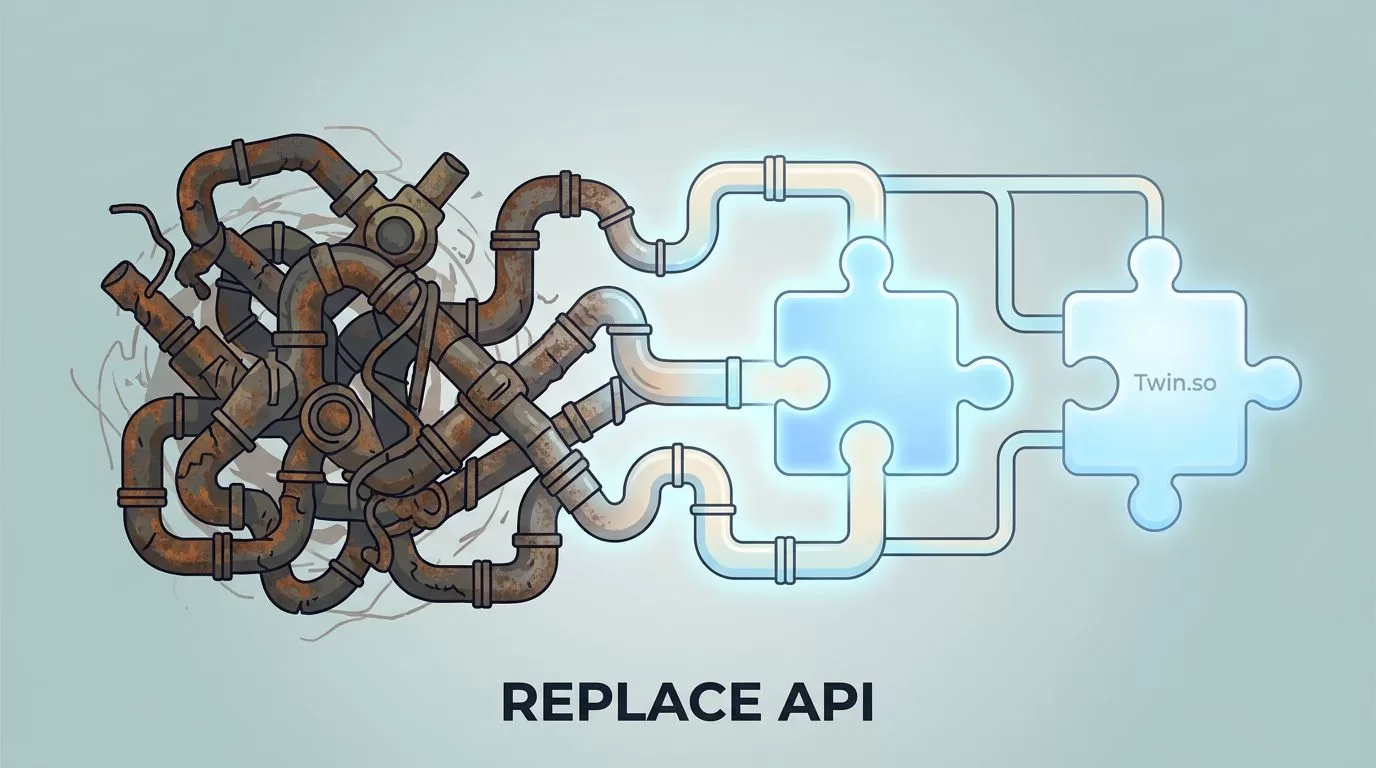
A custom API builder can look clean on day one and still become a slow drain on week twelve. I have seen the pattern enough times to trust it.
The work starts with one connector, then grows into retries, auth fixes, logs, edge cases, and support tickets. If I am weighing engineering time, reliability, launch speed, and total cost of ownership, I want a simpler answer than “keep patching it.”
That is where Twin.so starts to make sense as a custom API builder alternative. The real question is whether I want to keep owning the plumbing or move to a tool that carries more of that load for me.
Why I Started Looking for a Custom API Builder Alternative
Custom API builders usually fail in the same quiet way. They do not break all at once. They crack at the edges.
One API changes a field name. Another needs a new auth flow. A vendor adds rate limits, or a webhook arrives twice, or a downstream system rejects a payload that used to work. Each fix looks small. Together, they turn into a permanent line item on the team calendar.
I have seen the same pattern in Google Ads automation alternatives, where a simple script feels cheap until someone has to babysit it every week. API builders are no different. The first version is often the easiest part. The long tail is what eats time.
A custom builder feels cheap until every endpoint becomes a maintenance item.
For engineering teams, that maintenance has a real cost. Someone has to own auth refreshes, error handling, secrets rotation, monitoring, and version changes. Someone also has to answer the question, “Why did this workflow stop at 2:13 a.m.?” That person is usually already busy.
The hidden cost is not only labor. It is also delay. Every hour spent repairing a connector is an hour not spent on product work, data quality, security review, or customer requests. For a small team, that tradeoff hurts fast. For a larger team, it turns into a backlog that never gets smaller.
Where Twin.so Fits as the Simpler Option
Twin.so is built for the cases where I want the work done without turning integration into a side project. It is a no-code AI agent builder, so I can describe a task in plain English and let the system set up the automation around it. It can build connectors for APIs, and it can also use browser automation when a tool does not offer an API.
That matters more than it sounds. Many teams do not have a neat API problem. They have a messy operations problem. One system has an API, one has partial docs, and one only has a login screen. In that setup, a single custom builder can become a tangle of special cases.
For a basic reference point, IBM’s API integration overview keeps the definition simple, connect systems so work moves cleanly between them. ServiceNow’s API integration explainer says the same thing in a different way. Twin.so fits when I want that connective layer without hand-building every piece.

I also pay attention to how it runs after setup. Twin.so can run workflows on schedules or triggers like webhooks, Slack, and email. That makes it useful for recurring work, like lead routing, enrichment, reporting, or checks that should not depend on a person clicking a button.
The upside is not magic. It is fit. If I need a workflow that changes often, spans API and non-API systems, and should not take weeks to keep alive, Twin.so looks practical.
A Side-by-Side Look at Time, Reliability, and Cost
When I compare a custom builder with Twin.so, I look at the same six things every time. The differences show up quickly.
| Factor | Custom API Builder | Twin.so |
|---|---|---|
| Build time | Longer setup, more engineering time | Faster start, less code |
| Maintenance | Ongoing fixes for auth, schemas, and retries | Less hands-on upkeep when workflows change |
| Reliability | Strong if maintained well, fragile if neglected | Better fit for teams that want fewer manual repairs |
| No-API systems | Requires extra work or separate tooling | Can use browser automation when no API exists |
| Security ownership | Full control, full responsibility | Less code to own, but still needs access review |
| Total cost | Lower at first, higher over time if the stack grows | Often simpler to budget because setup and upkeep are lighter |
The table is simple on purpose. A custom builder wins when I need total control. Twin.so wins when I need the work to keep moving with less effort from my team.
For teams that live in RevOps, marketing ops, or support automation, that difference is easy to feel. A lead enrichment flow that used to need three services and a custom retry layer can be a good candidate for Twin.so. So can a workflow that watches Slack, checks a CRM, and updates a spreadsheet without human cleanup.
When I Would Still Keep a Custom Builder
I would not throw out custom code in every case. Some systems deserve to stay custom because the integration itself is part of the product.
If I am building a proprietary data pipeline, I want precise control over every rule. If the workflow depends on unusual transforms, strict latency targets, or deep audit needs, custom code still makes sense. The same is true when the integration layer has to live inside a tightly controlled environment.
For sales teams with complex routing, I think differently. A workflow that handles lead status, enrichment, and handoff rules may still need custom logic, especially when the process is unique to the business. I have seen that in custom API workflows for sales, where exact routing matters more than speed of setup.
I would also keep custom work when the team already has the skills and the integration volume justifies the cost. If a platform is core to revenue, a bespoke builder can be the right investment. The key is honesty. If the builder exists because no one wants to migrate yet, that is a weak reason.
How I Would Decide Before Making the Switch
I would not switch on instinct alone. I would check the stack against a short list of questions and use real numbers, not feelings.
- I would count how much time the team spends on fixes each month.
- I would review how often APIs change and break current workflows.
- I would separate workflows that need custom logic from those that just move data.
- I would test one low-risk automation in Twin.so before touching the whole system.
- I would compare the real cost of upkeep against the cost of replacing it.
That last step matters most. A custom builder often looks cheaper because the build cost is visible and the maintenance cost is scattered. Once I line up both sides, the picture changes.

I also look at the shape of the team. If I have one engineer keeping an integration alive for three departments, the math usually points toward a simpler platform. If I have a platform team already supporting serious internal tooling, custom code may still be fine.
The switch is easiest to justify when the workflow is repetitive, the business rules are clear, and the source systems change often. It gets harder when the integration is deeply tied to product logic or compliance review.
Conclusion
The first build is rarely the problem. The upkeep is. That is why I treat a custom API builder alternative as a decision about ownership, not just tooling.
Twin.so makes sense when I want fewer moving parts, faster launches, and less time spent fixing brittle connectors. Custom code still has a place when the integration is part of the product or demands strict control.
If the current builder is starting to feel like a second job, the choice is probably already clear. The better system is the one that keeps working after the excitement of the first launch wears off.
