How I Set Up a Dedicated Sending Domain for Cold Email
A cold email campaign can burn your main domain fast. One bad list, one sloppy DNS change, and inbox trust starts to slide. That’s why I treat a dedicated sending domain like a separate workbench. My primary brand stays clean, and my...
A cold email campaign can burn your main domain fast. One bad list, one sloppy DNS change, and inbox trust starts to slide.
That’s why I treat a dedicated sending domain like a separate workbench. My primary brand stays clean, and my outreach machine gets its own space to break in. If I set it up well, I protect deliverability, sender reputation, and the inboxes my team uses every day.
What a dedicated sending domain actually does
A dedicated sending domain is a domain, or subdomain, that I use only for outreach. It keeps cold email traffic away from my core business mail.
If I’m already running business inboxes, I start with Google Workspace email hosting or Microsoft 365 for the mailbox layer, then I separate outbound activity from the main brand domain. That split matters because reputation follows the domain name. When I send spammy traffic from the wrong place, I don’t just hurt a campaign. I risk the company inbox too.
I also keep list quality in view from day one. Poor data can sink a new setup before it gets a chance to settle, so I clean contacts with my Hunter.io bulk email verification workflow and watch for risky accepts-all domains with catch-all email verification.
Subdomain or separate domain?
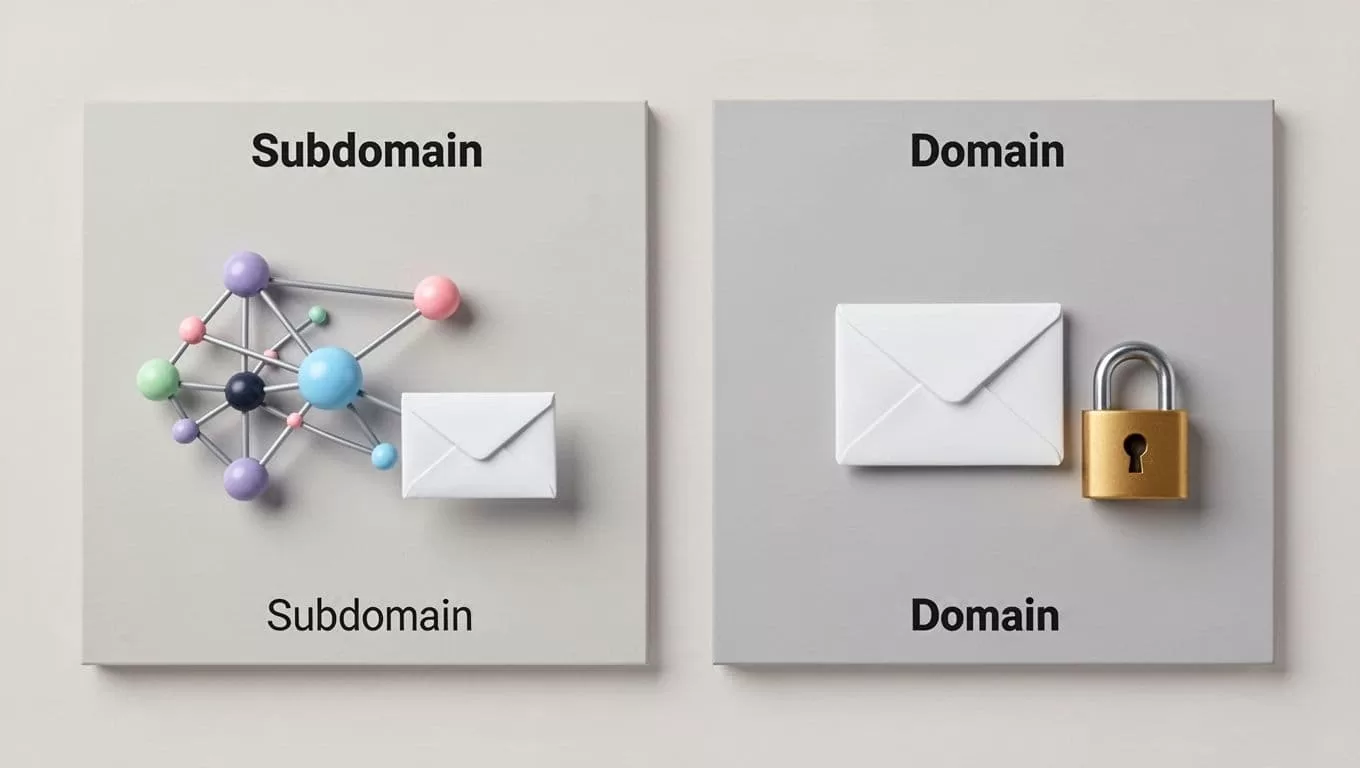
I use this decision to match risk with ambition. A subdomain is easier to connect to my brand. A separate domain gives me stronger isolation.
| Option | Best for | Main benefit | Main trade-off |
|---|---|---|---|
Subdomain, like mail.brand.com | Smaller teams, low-volume tests | Keeps brand familiarity | Still tied to the parent brand |
Separate domain, like brandmail.com | Agencies, SDR teams, higher volume | Better isolation from the main domain | Needs more trust building |
If I’m running outreach for a client, I usually prefer a separate domain. If I’m testing a small internal campaign, a subdomain can work. Either way, I keep the domain believable and simple.
The DNS records I set up first

This is where the real setup begins. I register the domain, connect it to a mailbox provider, and publish the email authentication records. The exact record names and values vary by email platform and registrar, so I always verify the provider docs before I publish anything.
For a plain-language reference on authentication, I like this 2026 SPF, DKIM, and DMARC guide.
| Record | Example name | Example value |
|---|---|---|
| SPF | @ | v=spf1 include:_spf.google.com ~all |
| DKIM | selector._domainkey | Provider-generated TXT or CNAME value |
| DMARC | _dmarc | v=DMARC1; p=none; rua=mailto:dmarc@yourdomain.com |
| Tracking | click or trk | CNAME to the tracking host |
I set up the mailbox in Google Workspace or Microsoft 365, then I publish SPF, DKIM, and DMARC. If I use Google or Microsoft to send mail directly, they handle most of the heavy lifting. If I use my own SMTP server or dedicated IP, I pay close attention to reverse DNS too. Reverse DNS, also called PTR, should point back to the sending host. That helps the mail server look legitimate.
For most cold email setups, I keep DMARC at p=none first. I want reports before I tighten policy. After I confirm everything passes, I move it toward quarantine or reject.
I also set up a separate tracking domain, because link tracking on the main brand can create noise. A clean click. or trk. subdomain keeps analytics tidy and looks more professional.
How I warm up the inbox without wrecking it
A new domain is like a new phone number. If I call too many people at once, someone flags me.
So I warm the inbox slowly. I start with a handful of emails per day, then increase volume in small steps. A good warm-up period usually takes a few weeks, not a few days. If I want a second opinion on the rhythm, I use this warm-up guide for 2026.
I keep the sequence simple:
- I send from one inbox first.
- I keep the first batches tiny.
- I reply to real messages quickly.
- I raise volume only when bounces stay low.
- I stop if spam complaints rise.
Before the first real campaign, I also check that the list is clean. I’ve seen a fresh domain get hurt by a bad CSV more than by bad copy. For bounce control, I keep my cold email bounce reduction workflow handy.
Google Workspace and Microsoft 365 are both solid for mailbox hosting, but I still treat them as inbox platforms, not outreach shortcuts. The domain setup and the sending habits matter more than the logo on the login page.
Common setup mistakes I fix before launch
These are the mistakes that trip people up most often:
- I see two SPF records, which breaks alignment.
- I see DKIM published, but not turned on in the mail platform.
- I see DMARC left out completely.
- I see old MX records still active.
- I see a tracking domain that matches the main brand too closely.
- I see teams sending too many emails before warm-up ends.
- I see people skipping verification and mailing catch-all domains like they’re safe.
If I can’t explain every DNS record in one sentence, I’m not ready to send.
My final pre-launch checklist

Before I hit send, I run one last pass:
- I confirm the domain is live and owned by me.
- I verify SPF, DKIM, and DMARC all pass.
- I check that MX records point where they should.
- I confirm the tracking domain resolves correctly.
- I send a test to Gmail and Outlook.
- I verify my list before uploading it.
- I make sure warm-up has already started.
- I confirm replies go to a real inbox I monitor.
The setup is the strategy
A dedicated sending domain isn’t a trick. It’s protection. It gives me room to test, warm up, and send without dragging my main brand into avoidable trouble.
When I keep authentication tight, warm the inbox slowly, and treat DNS like part of the campaign, cold email gets a lot less risky. That’s the point.
