Digital Transformation Recruitment With Recruit CRM
When I see a recruitment team miss placements, the problem is rarely effort. It’s usually scattered systems, duplicate data, and slow follow-up. That’s why digital transformation in recruitment matters. It pulls the work into on...

When I see a recruitment team miss placements, the problem is rarely effort. It’s usually scattered systems, duplicate data, and slow follow-up.
That’s why digital transformation in recruitment matters. It pulls the work into one flow, so recruiters spend less time chasing updates and more time talking to people.
Recruit CRM fits that shift well. It combines ATS, CRM, automation, and reporting in one place, which helps a team move faster without losing control.
Why the workflow is where transformation starts
I always start with the workflow, because that is where most delays hide. If candidate details, client notes, and job orders live in different tools, every handoff creates friction.
Recruit CRM’s current AI-first recruiting software positioning makes sense here. It is built around one record for the candidate, the job, and the client, so the team does not rebuild context at every step.
If the same candidate note gets typed three times, the process is already costing you placements.
When I map a rollout, I begin with my Recruit CRM setup guide. That first week matters, because the team learns whether the system is a source of truth or just another tab.
A simple example shows the difference. I can pull in a profile, tag the skills, link it to a live role, and hand the same record to an account manager. No one needs to ask for the latest version. That alone improves data visibility and cuts the small errors that slow search work down.
Automating the repeat work without losing the human touch
Automation should clear the desk, not empty the human side of recruiting. I want software to handle the routine work so my team can focus on judgment, timing, and trust.
Recruit CRM’s feature set supports that well. It includes workflow automation, AI resume parsing, job multiposting, and integrations that move data without manual copying.
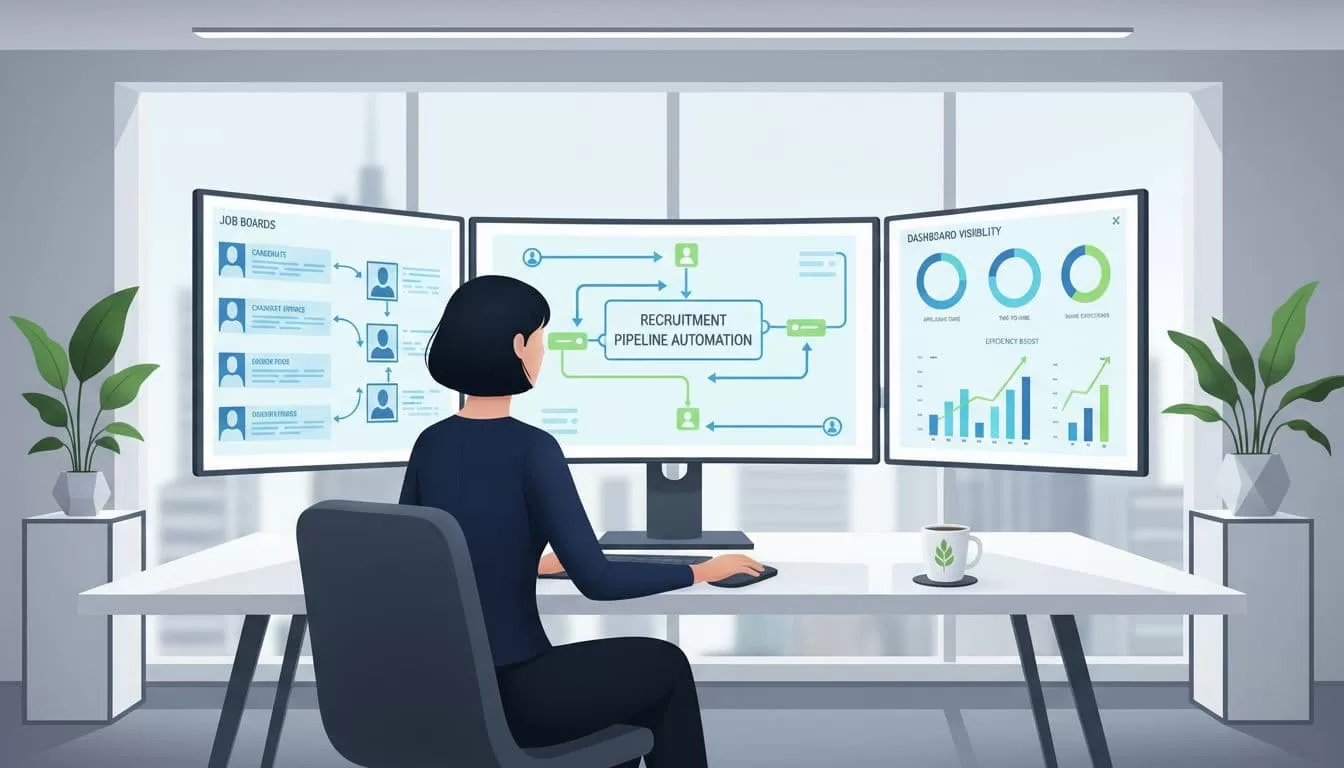
Here’s the kind of process I like to see. A sourcer finds a profile on LinkedIn, imports it with a browser extension, and drops it into the right pipeline stage. Then an email sequence starts on its own, while the recruiter steps in only when a real reply comes back.
That change matters for two reasons. First, it speeds up candidate response times. Second, it keeps the candidate experience steady, because no one feels forgotten after the first call.
If I want the ATS side to stay clean, I also follow these ATS setup notes. A good setup keeps workflows simple. A messy one turns automation into noise.
Recruit CRM is also useful when a team has to do more with less. One person can manage source lists, outreach, stage changes, and basic admin work without bouncing between five tools. That is where recruiter productivity starts to rise in a visible way.
Candidate relationships that keep producing value
A strong CRM is not just a database. It is a memory system for the whole agency.
I use it to keep track of candidates who are not ready today but may fit next quarter. I can save notes, set reminders, tag interests, and keep a clear record of past conversations. That helps me build a talent pool instead of chasing the same names from scratch every month.
Recruit CRM also aligns with the way agencies are hiring now, especially as 2026 recruitment trends keep pushing teams toward AI support, skills-based hiring, and better candidate experience. That matters because candidates expect faster replies and less repetition.

A good CRM flow can look like this. I tag a candidate for remote product roles, note salary range, and set a follow-up for 60 days later. When a matching brief arrives, I do not start cold. I already know who to contact and why.
That approach improves response rates, but it also protects relationships. People remember when a recruiter follows up with context, not with a generic blast.
Reporting and collaboration that give leaders real control
When I lead a recruitment team, I need more than activity counts. I need to see where deals stall, which roles age too long, and which sources actually produce placements.
Recruit CRM’s dashboards and custom reports help with that. I can track pipeline movement, recruiter activity, conversion points, and client engagement in one place. That makes coaching easier, because I am not guessing where the bottleneck is.

A simple before-and-after view makes the gain clear.
| Old way | With Recruit CRM | Result |
|---|---|---|
| Candidates tracked in spreadsheets | One shared pipeline | Fewer missed handoffs |
| Client updates sent from memory | Notes tied to records | Better account visibility |
| Reports built by hand | Live dashboards | Faster decisions |
| Recruiters working in silos | Shared workflows and tasks | Stronger team coordination |
That shift gives leaders cleaner data and fewer surprises. It also helps teams work from the same facts, which matters when several recruiters touch the same account.
I also like that this kind of reporting supports better reviews with clients. Instead of vague updates, I can point to stage movement, bottlenecks, and fill progress. That makes the conversation sharper and more credible.
Conclusion
When I think about digital transformation recruitment, I do not think about adding more software. I think about removing friction.
Recruit CRM does that by bringing automation, relationship tracking, reporting, and team collaboration into one system. The result is faster placements, better candidate experience, clearer data, and a team that spends more time on real recruiting work.
That is the kind of change that lasts, because it fixes the process behind the process.
