Discord Moderation Automation With Twin.so
A busy Discord server can generate more moderation work than your team can review manually. Discord moderation automation helps you catch recurring issues, summarize activity, and route the right alerts before moderators search through hund...
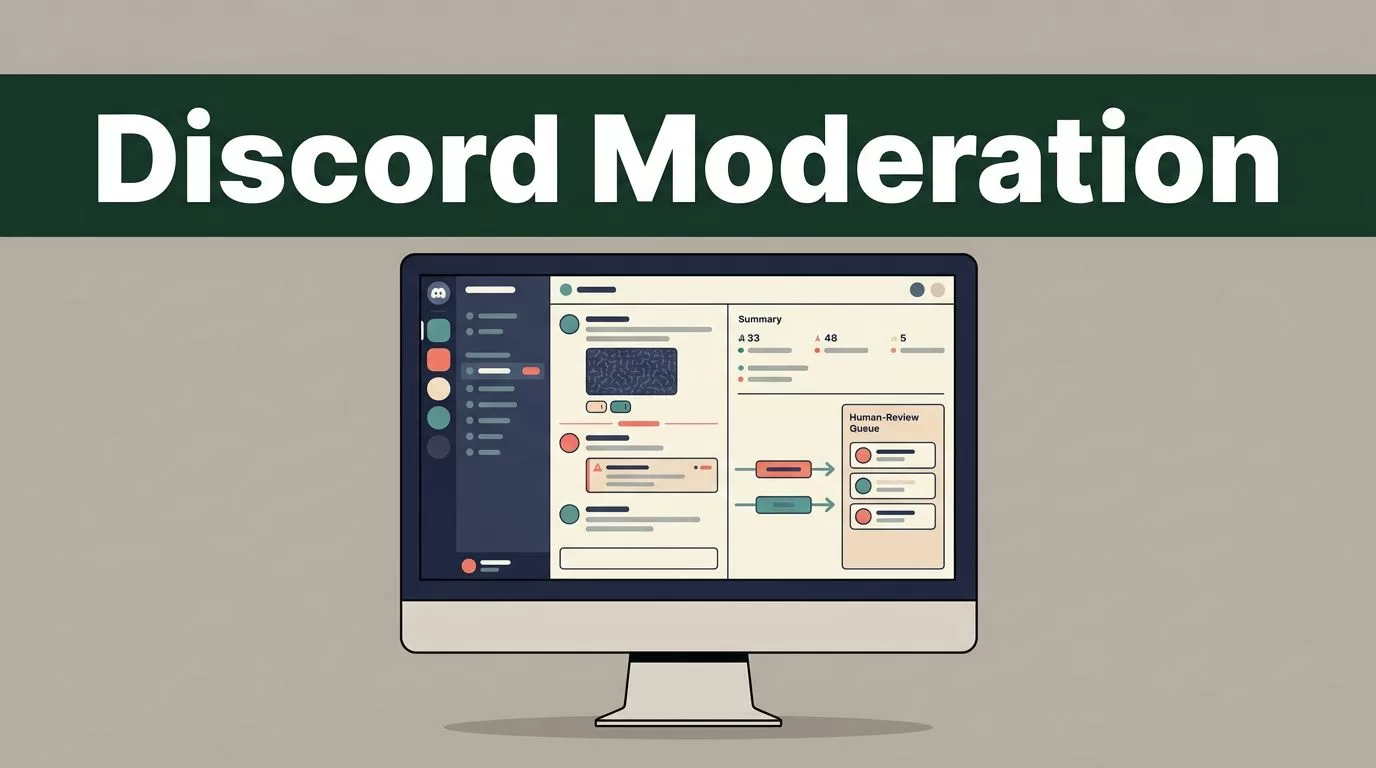
A busy Discord server can generate more moderation work than your team can review manually. Discord moderation automation helps you catch recurring issues, summarize activity, and route the right alerts before moderators search through hundreds of messages.
Twin.so is useful for the workflow around moderation. It can monitor channels and threads, create summaries, send scheduled messages, route alerts, and log activity into other tools. It shouldn’t make unclear policy decisions or issue irreversible punishments without human review.
The practical approach is simple: use Twin.so to collect and organize moderation signals, then keep bans, appeals, and ambiguous cases with your moderators.
What Twin.so Can Automate in Discord
Twin.so’s current Discord integration focuses on agent-based workflows. You describe the process in plain English, connect Discord, and run the workflow on demand or on a schedule.
The platform supports several moderation-related tasks:
| Workflow | Twin.so action | Recommended outcome |
|---|---|---|
| Keyword monitoring | Watches selected channels or threads | Sends an alert to moderators |
| Daily summaries | Reviews new channel activity | Produces a structured report |
| Rule reminders | Posts scheduled messages | Keeps rules visible without manual posting |
| External alerts | Receives information from another source | Publishes a formatted Discord alert |
| Activity logging | Captures Discord information | Writes records to Google Sheets or Docs |
This creates a useful separation. Twin.so handles intake, sorting, formatting, and routing. Your moderation team handles enforcement.
For example, you can monitor a support channel for messages containing “refund,” “chargeback,” or “account locked.” Twin.so can collect the message link, author, channel, timestamp, and surrounding context. It can then send the report to a private moderator channel or email inbox.
Scheduled messages use a webhook or API connection. Discord describes webhooks as a low-effort way to post messages without creating a bot user for that specific posting workflow. A webhook is suitable for outbound notices, but it doesn’t replace a complete moderation system.
Current Twin.so documentation does not establish native actions for banning, kicking, timing out, or deleting messages. Don’t assume that a monitoring agent can safely perform those actions. Build the workflow around verified capabilities first.
Build a Discord moderation automation workflow in Twin.so
Start with one repetitive moderation problem. Do not connect every channel and keyword on the first attempt. A narrow workflow is easier to test and produces cleaner alerts.
Use this setup process:
- Choose the source channel. Select one channel or thread where the issue appears. A support channel, report channel, or new-member area is a good starting point.
- Define the trigger. Use clear terms, topics, or conditions. Examples include repeated payment complaints, suspicious links, requests for personal data, or a sudden cluster of reports.
- Connect Discord through Twin.so. Twin’s current setup flow uses OAuth for the Discord connection. Sign in once, grant only the access required for the workflow, and review the connected account before running it.
- Write the workflow in plain English. State what Twin.so should watch, what information it should capture, where it should send the result, and what it must not do.
- Select the output channel. Send alerts to a private channel such as
#mod-alerts, an email address, or a connected Google Sheet. Keep operational alerts away from public discussion. - Run a test. Use a controlled message that matches the trigger. Check whether the workflow captures the correct author, channel, message link, timestamp, and context.
- Add a schedule only after testing. Daily summaries and recurring reports work better after the source and output are reliable.
A useful instruction might look like this:
Monitor the support channel for new messages containing “refund,” “chargeback,” or “account locked.” Capture the author, message link, UTC timestamp, and two surrounding messages. Classify the issue as billing, access, abuse report, or unclear. Send one grouped summary to the private moderator channel every hour. Do not reply, delete, timeout, kick, or ban any user.
That prompt gives the agent boundaries. It also gives moderators enough information to verify the alert without opening multiple unrelated conversations.
If you need to create or manage Discord webhooks outside Twin.so, review a current Discord webhook setup guide before connecting production channels.
Use monitoring and summaries before enforcement
Moderators rarely need an alert for every isolated message. They need a reliable view of patterns that deserve attention.
Configure Twin.so to group related messages instead of sending one notification per match. A daily summary can include the number of flagged messages, the affected channels, repeated keywords, message links, and unresolved items from the previous report.
This approach reduces notification volume. It also gives moderators context before they act.
Keyword monitoring works well for clear operational signals:
- Several users report the same service problem.
- A message includes a known phishing domain.
- Members repeatedly ask for help with account access.
- A thread contains terms associated with harassment or threats.
- New users post the same promotional content across multiple channels.
Keywords are not proof of a violation. “Chargeback” could describe a legitimate support case. A phrase associated with harassment could appear in a report about someone else’s behavior. The agent should identify possible matches, not decide intent automatically.
Use separate workflows for separate risk levels. A low-risk support summary can run hourly. A potential scam alert should route immediately to moderators. A possible harassment case should preserve the relevant context and avoid public replies.
You can also ask Twin.so to produce a structured report. Keep the same fields every time:
- Message URL
- Channel and thread name
- Author name or ID, if available
- UTC timestamp
- Trigger or topic
- Short context summary
- Suggested priority
- Review status
Consistent fields make the report easier to scan and export. Twin.so can also move activity into Google Sheets or Docs when your team needs a longer-term record.

Keep bans, appeals, and policy decisions human-reviewed
Automation should reduce moderator workload. It should not remove accountability.
A ban can affect a member’s access, reputation, and relationship with your community. An appeal often includes context that a keyword-based workflow cannot understand. Sarcasm, reclaimed language, quoted abuse, and heated but permitted debate can all produce false positives.
Keep these actions with a trained moderator:
- Permanent bans and server removals
- Timeouts that affect active members
- Deleting content when context is disputed
- Decisions involving threats, harassment, or self-harm
- Appeals and reinstatement requests
- Exceptions for trusted partners, staff, or verified accounts
Twin.so can prepare the case for review. It can summarize the conversation, preserve message links, identify repeated behavior, and send a notification. The moderator then checks the original messages and applies the server policy.
Do not ask an agent to infer a punishment from a vague instruction such as “remove bad users.” Define the review boundary instead. A safer instruction is: “Flag possible violations, explain the matching rule, and wait for moderator approval before any enforcement action.”
Your server roles should follow the same design. The account or connection that sends alerts doesn’t need permission to ban members. Keep posting, reading, logging, and enforcement permissions separate where possible.
Create a private review channel with restricted access. Store the original message link in every alert. If a moderator takes action, record the decision and reason in the same case record. This gives your team a clear trail when a member appeals.
Test failure cases before scheduling the agent
A successful test message proves very little. Test the cases that can break your moderation process.
Send messages with uppercase and lowercase variations. Test misspellings, punctuation, quoted text, links, attachments, and multiple languages if your community uses them. Add a message that contains a trigger word but clearly doesn’t violate policy.
Then check the workflow’s behavior when:
- The same user posts several matching messages.
- A thread contains a long conversation.
- A message is edited after the first alert.
- Two keywords appear in one message.
- The source channel has no new activity.
- The output channel is unavailable.
- A moderator receives duplicate alerts.
Your goal is not to make every alert perfect. Your goal is to make the system predictable. A false positive should be easy to dismiss. A real alert should contain enough context for quick review.
Track a few operating metrics after launch:
- Alerts received per day
- False positives per week
- Average time from message to moderator review
- Duplicate alerts
- Cases missing message context
- Reports that required manual follow-up
If alert volume grows faster than your team can review, narrow the trigger or change the schedule. If important cases are missed, expand the monitored terms or add a second workflow. Review the output every week during the first month.
Twin.so says its agents can run on schedules, react to triggers, and manage connected tools. That makes it useful for repeatable operations, but you still need a fallback process. If the Discord connection stops working, moderators should know where to check manually and how to report an incident.
A practical rollout plan for Discord moderation automation
Deploy the first workflow in stages.
Week one: monitor one channel and send alerts to a private review channel. Do not post publicly or take enforcement action.
Week two: add grouping, priority levels, and a daily summary. Remove triggers that create repeated false positives.
Week three: connect a log in Google Sheets or Docs. Record the alert, moderator decision, and final status.
Week four: add scheduled rule reminders or member-support summaries. Keep high-risk enforcement decisions outside the automated path.
This rollout gives moderators time to compare the reports with real Discord activity. It also prevents a poorly configured workflow from flooding your server or affecting members without review.
The strongest workflows are narrow and measurable. “Watch everything” is not a useful specification. “Check the support channel every hour, group repeated billing complaints, and send the links to moderators” is.
Conclusion
Discord moderation automation with Twin.so works best as a triage system. It can monitor activity, summarize conversations, route alerts, publish scheduled messages, and maintain operational records.
Keep the final decision with a human when the outcome involves a ban, appeal, deletion, or unclear policy judgment. Start with one channel, one trigger, and one private review destination. Once the reports are accurate, expand the workflow without expanding its authority.
