Distribution Network Scraping With Twin.so
Distribution network scraping is useful only when each record supports a decision. A list of warehouse links is not enough. Operations teams need location, operator, service area, source, and freshness in a format another system can use. Tw...
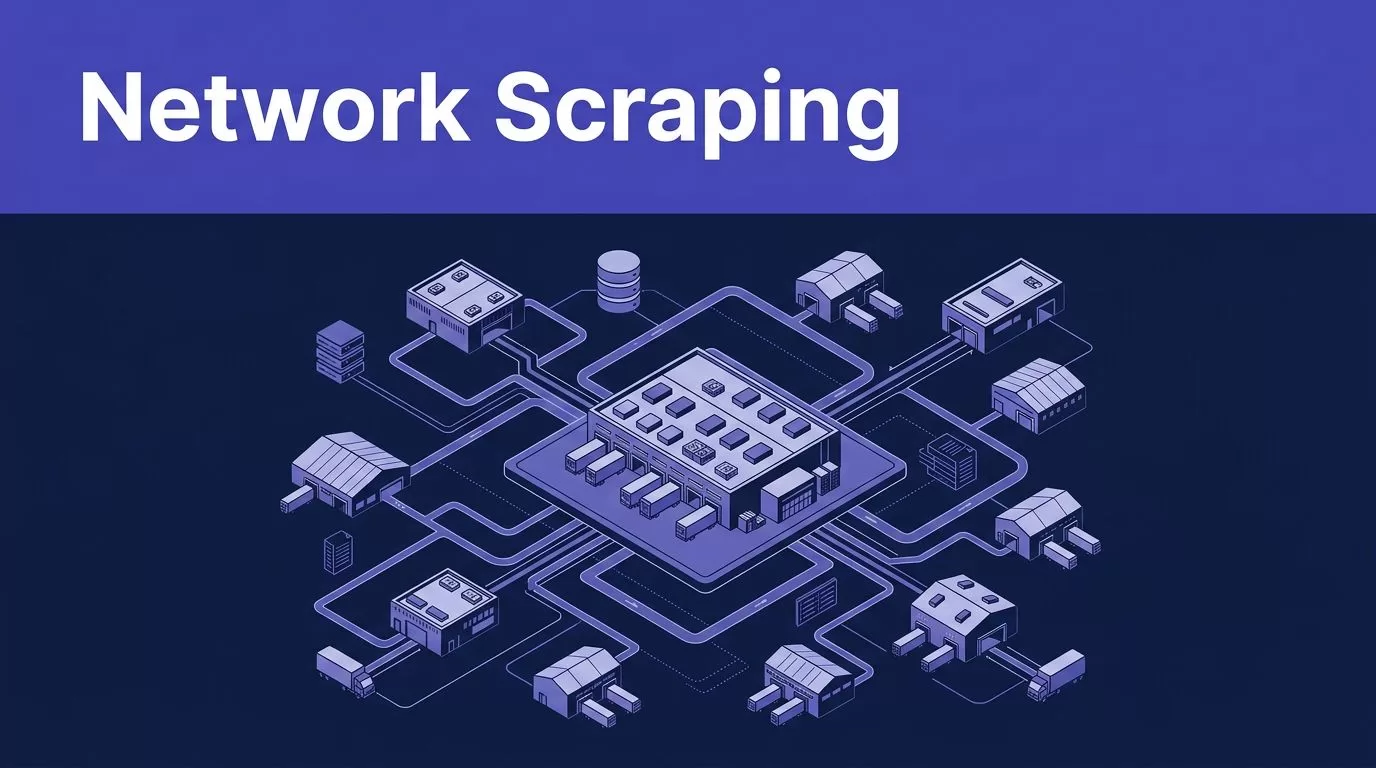
Distribution network scraping is useful only when each record supports a decision. A list of warehouse links is not enough. Operations teams need location, operator, service area, source, and freshness in a format another system can use.
Twin.so can collect structured information from public sites and approved login-protected portals. The practical workflow is direct: define the schema, run a bounded sample, validate the output, then schedule refreshes. Start with the data model.
What distribution network scraping should produce
Start by deciding what one row means. One row might be a facility, distributor branch, route, or partner relationship. Don’t mix these entities. If route analysis matters, create a second table with origin, destination, transport mode, service level, and source URL.
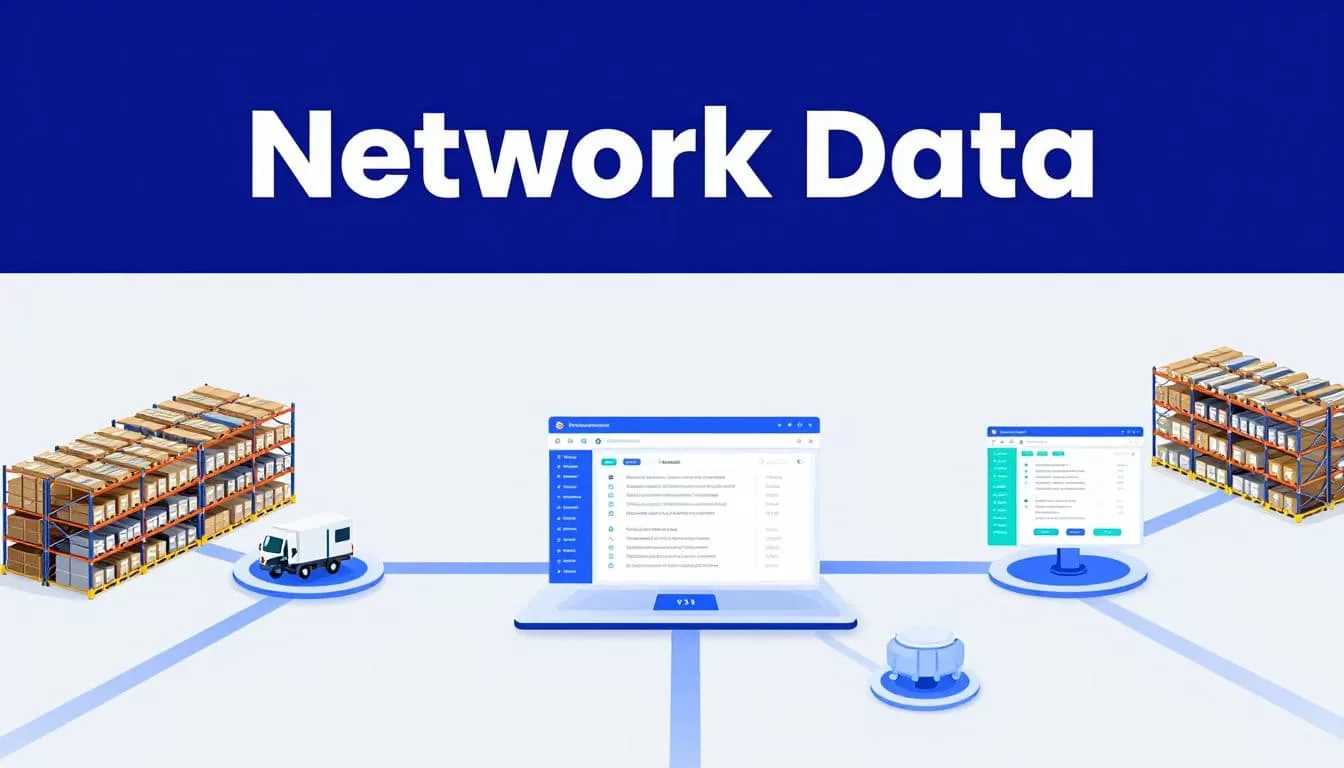
Define the network boundary
Limit the first job to one clear source and geography. For example, collect active distribution facilities listed in approved manufacturer directories for one country.
Keep planned, closed, and temporarily unavailable locations in separate status values. Record the source page for every row. This gives analysts a direct path back to the original record.
Use a schema before extracting
Use field names that match the decisions your team makes. Keep source and timing fields beside business fields, not inside a free-text note.
| Field | What to store |
|---|---|
facility_name | Official facility name |
facility_type | Warehouse, depot, cross-dock, or fulfillment site |
operator | Owning or managing organization |
address | Full address for matching and review |
service_area | Regions, countries, or customer segments served |
capabilities | Cold storage, returns, fulfillment, or stated services |
status | Active, planned, closed, or unavailable |
source_url | Page used for the record |
source_updated_at | Date shown by the source, if available |
extracted_at | UTC collection timestamp |
source_record_id | Stable ID exposed by the source |
Treat missing values as missing. Don’t let the extraction workflow fill gaps with plausible guesses.
How Twin.so fits the collection workflow
Twin.so is the collection and browser-automation layer in a larger data pipeline. It doesn’t replace your data model, validation rules, or publishing controls.
Confirmed Twin.so capabilities
Twin’s published product material describes web extraction on public and login-protected sites. Its browser agent can navigate a site, log in, click, fill forms, and extract data when no suitable API is available. The Twin product overview and no-API browser automation page cover these use cases.
The platform also documents structured instructions, PDF scraping, spreadsheet exports, and runs triggered by schedules or business events. The Twin quickstart includes scheduled agents, event-driven triggers, OAuth integrations, and browser tasks.
Use only the capabilities available to your account and the source you are authorized to access. Login support doesn’t remove the need for permission.
Keep controls in your pipeline
Twin can collect a record, but your workflow must decide whether to accept it. Schema rules, deduplication, conflict handling, legal review, retry limits, and write protection remain your responsibility.
Treat a completed browser run as raw output until the validation stage passes.
Build a reliable extraction job
A reliable distribution network scraping workflow starts with a narrow source and expands only after the output passes review.
1. Select one source and boundary
Start with a source that has clear business authority. Examples include a manufacturer’s partner directory, a distributor’s official location page, or an approved supplier portal.
Prefer a documented API when it exposes the fields you need. Use browser extraction when no suitable API exists. Save the source URL, access method, geography, and collection date in the run record.
Don’t start with every region and page type. A narrow first run makes missing coverage easier to identify.
2. Write the extraction contract
Write instructions that define the output, not only the task. State that one row equals one facility. List each field, allowed values, date format, null behavior, pagination rules, and the requirement to return no guessed values.
Require source_url, source_record_id when available, source_updated_at, extracted_at, and a quality flag. Twin’s instructions documentation describes structured agent instructions with purpose, database or schema details, start checks, workflow, and tools.
Clear instructions reduce inconsistent records. They also give reviewers a fixed standard when the source contains unexpected content.
3. Pilot, then schedule
Run one region or a small page sample first. Review records against the source. Test missing addresses, renamed facilities, duplicate pages, and empty results.
Compare accepted rows with expected coverage before scheduling refreshes. Choose a schedule that matches how often the source changes. Twin’s gated scraping guide describes scheduled and event-driven patterns, along with retries, checkpoints, deduplication, and operator alerts.
Validate before you scale
Collection and publishing are separate steps. Store the raw result, run validation, then write only accepted records to the operational database.
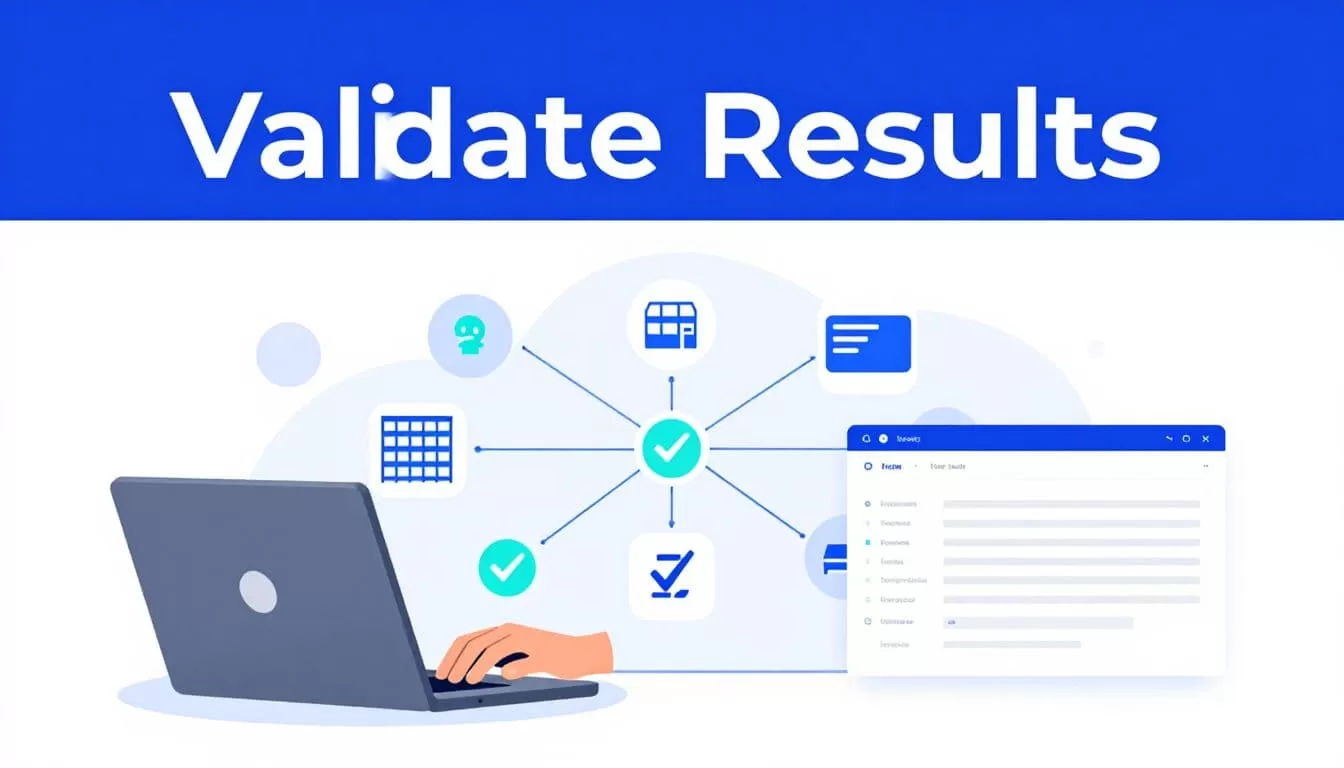
Run field and batch checks
Use field-level rules before any merge:
- Reject rows missing a facility name, source URL, or extraction timestamp.
- Normalize whitespace, casing, country names, and address formats before matching.
- Check that URLs use an allowed domain and point to the expected page type.
- Validate coordinates as numeric values when mapping is required.
- Flag stale source dates, unknown status values, and unsupported capability labels.
- Compare row counts with the prior run and flag a sudden drop or spike.
These checks catch silent skips. They also help separate a source change from a broken extraction.
Compare reruns and protect the last good batch
Match on a source record ID when available. Otherwise compare normalized facility name, address, and operator.
Send uncertain fuzzy matches to review instead of merging them automatically. Store rejected and incomplete rows in an exception table. If the source returns an empty page or partial result, stop the publishing step and keep the last trusted dataset.
A successful run can still be wrong if it returns only part of the network. Row count and source coverage are acceptance tests.
Troubleshoot common Twin.so failures
Most failures fall into access, page behavior, or output quality. Handle each category with a different response.
Login and session problems
Twin supports browser work on login-protected sites, but that capability doesn’t grant permission to enter a portal. Use an approved account and follow the site’s access rules.
If a session expires, re-authenticate through the approved process and record the failure. Don’t retry a permission error or CAPTCHA loop indefinitely. Stop the write step when credentials, multifactor authentication, or account scope blocks the run.
Timeouts and changed layouts
Use waits based on page evidence, not long fixed delays. Apply bounded retries with backoff for temporary network failures.
A changed layout, missing control, or altered table structure needs inspection, not endless retries. Capture the run ID, source URL, expected field, actual result, screenshot, or browser log. Update the extraction instructions only after a person confirms the new layout.
Partial output and duplicate rows
Save progress by page, record ID, cursor, or file name when the source supports it. A browser workflow can finish without an error and still skip records.
Compare each rerun with a known sample. Track missing rows, duplicate rows, changed labels, and conflicting values. Never replace a trusted batch with an empty or incomplete result.
Control cost, compliance, and refreshes
Production scraping needs an operating budget. Credits, review time, correction work, and source access all count.
Measure accepted records, not browser actions
Twin’s published planning examples show roughly 15 to 30 credits for a simple API, filter, and email automation. A scraping job of about 100 items may use 20 to 70 credits. A browser session with about 20 steps may use 100 to 200 credits.
These are planning ranges, not fixed quotes. Actual usage changes with browsing, retries, documents, and output size.
Track credits per run, accepted records, missing and duplicate records, failed runs, retry counts, review minutes, correction time, and cost per accepted record. A run that saves ten minutes but creates thirty minutes of cleanup isn’t a saving.
Set access and legal boundaries
Follow applicable laws, website terms, robots.txt guidance, privacy rules, and reasonable rate limits. Collect only data your team has a right to access and use.
Login-protected content requires authorization. Don’t bypass CAPTCHAs, IP blocks, or other access controls. Minimize personal data, retain provenance, and define retention and deletion rules. A California Law Review analysis of scraping and privacy is a useful starting point for legal review, but your counsel should assess the source and use case.
Twin’s public material gives credit examples, not one universal requests-per-minute limit. Set conservative limits, monitor failures, and confirm account-specific constraints before a large run. If multiple sources, reviewers, and systems are involved, Book A Call to map the schema and exception paths before deployment.
Conclusion
Distribution network scraping works when the output has a clear row definition, stable provenance, and tests that block bad batches. Twin.so can handle collection across public pages, approved portals, PDFs, and no-API browser workflows, but your team still owns validation, permissions, cost control, and publishing decisions.
Start with one source and one region. Measure accepted records. Keep the last trusted dataset when a run fails. The fastest route to usable network intelligence is controlled extraction, not maximum page volume.
