How I Build a Document Approval Workflow for Clients
A client approval workflow breaks down the moment feedback lives in five places at once. I build mine so the draft, the comments, and the final sign-off always have a home. That matters whether I’m handling a proposal, a campaign deck...

A client approval workflow breaks down the moment feedback lives in five places at once. I build mine so the draft, the comments, and the final sign-off always have a home.
That matters whether I’m handling a proposal, a campaign deck, or a policy doc. When the path is clear, clients respond faster and I spend less time chasing versions. Here’s the process I use to keep approvals calm, clear, and easy to follow.
My default approval path for client work
I keep the path short. Four stages cover most client projects: draft, internal review, client review, and final approval. If the job is simple, I combine the first two stages. If it’s high risk, I add a legal or finance check.
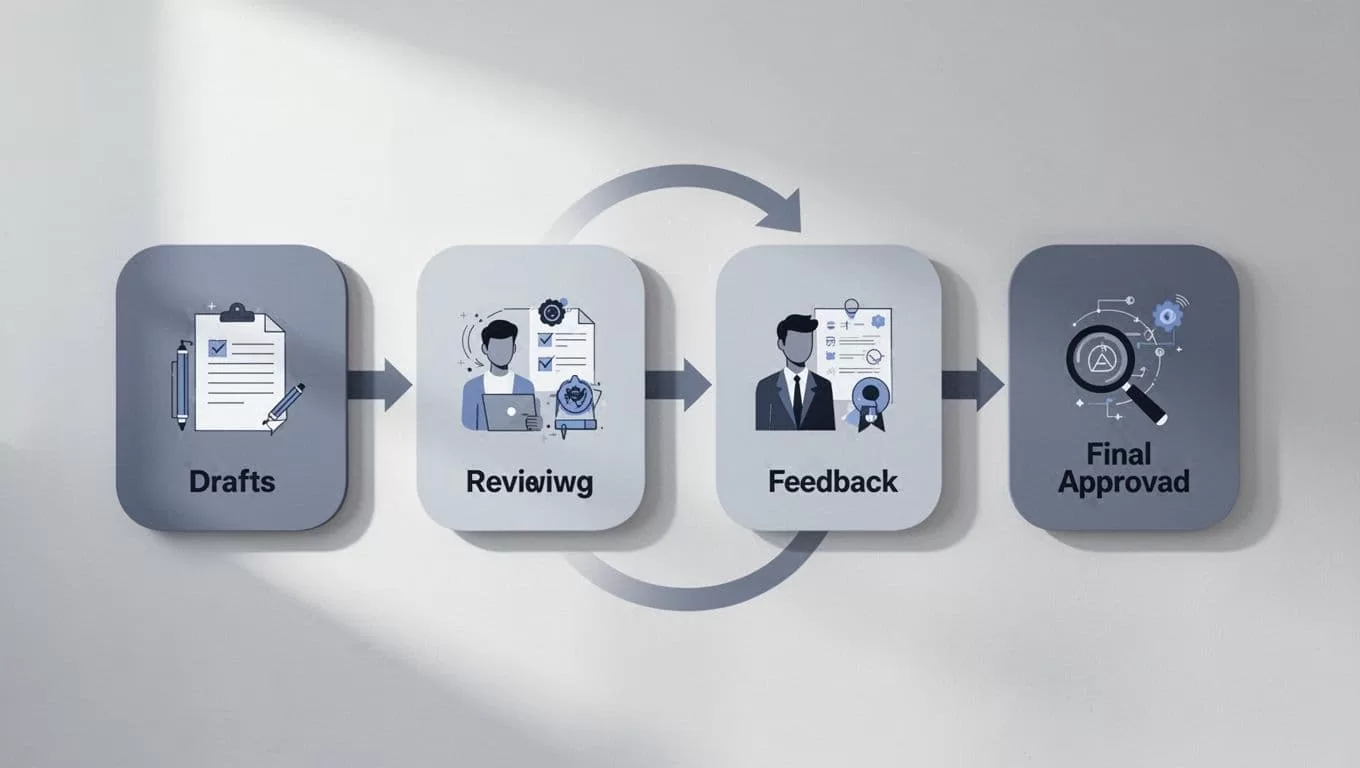
I explain each stage in plain language:
- Draft, I shape the document and get it to a usable first pass.
- Internal review, I check facts, tone, layout, and missing details.
- Client review, the client adds edits or confirms the content.
- Final approval, I lock the version and move it to archive.
I want every client to know three things fast: what needs approval, who can approve it, and where the final version lives.
That simple map cuts most delays before they start.
The roles I assign before I touch software
I keep approval roles narrow. When too many people can say yes, the file gets stuck in a polite traffic jam.
Before I build anything, I name the draft owner, the reviewer, and the final approver. For larger accounts, I add a backup approver and an archive owner. That way, nobody guesses.
This is the setup I use most often:
| Role | What I expect | Typical person |
|---|---|---|
| Draft owner | Builds the file and responds to edits | Freelancer, account lead, or strategist |
| Reviewer | Checks accuracy and brand fit | Project manager or subject expert |
| Final approver | Gives the yes that moves work forward | Client lead, founder, or department head |
| Archive owner | Saves the approved file and closes the loop | Ops person or assistant |

When I work in Google Workspace, I start with Google Workspace sharing best practices 2026. That keeps the right people in the right file.
For team projects, I also use Google Workspace collaboration for remote teams. It helps me keep comments, history, and ownership in one place. That matters more than fancy software.
Rules that stop approval delays
I set rules before the first draft leaves my desk. That sounds formal, but it saves time later.
My most useful rule is simple. Routine documents need one approver. Contracts and pricing sheets need two. Brand copy can move after one client lead signs off, but legal pages go through a stricter path.
I also set timing rules. If a client does not respond within two business days, I send one reminder and then escalate to the backup approver. If they request new scope, I pause the review and log the change instead of burying it in comments.
Version control needs the same care. I use one working file, one comment thread, and one final folder. No duplicate attachments. No “final_final_v3” nonsense. That kind of mess wastes hours.
When I need automation logic, I compare it with Microsoft’s approval workflow guide. It shows how approval routing works across tools, which helps when I build a cleaner handoff path.
The tools I use to keep files moving
I don’t build a document approval workflow in a vacuum. I build it around the tools the client already opens every day.
For small teams, that might be Google Docs, Drive, and email. For larger teams, I add a form, a task tool, or Power Automate. The point is not more software. The point is a visible path from draft to decision.
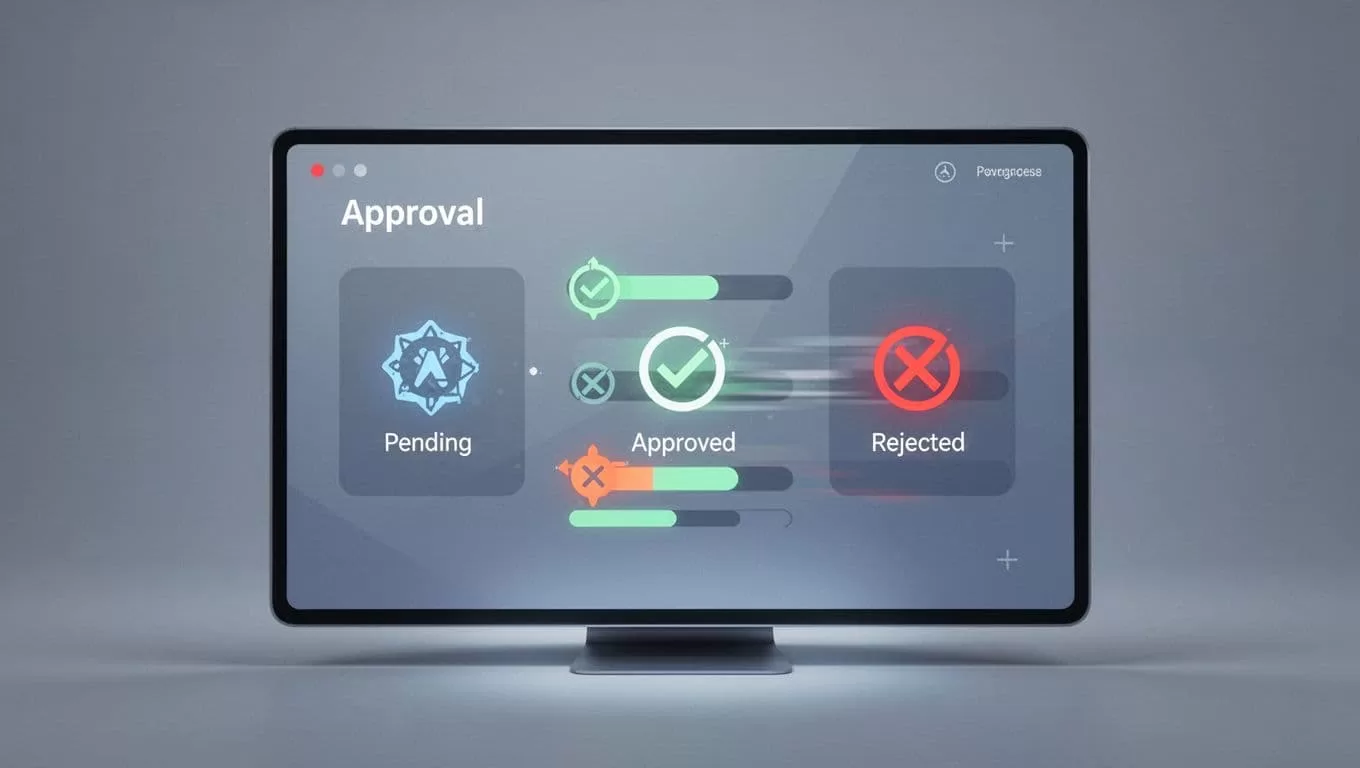
When I compare tools, I look for status tracking, reminders, comment history, and simple permissions. If a tool hides the last approved version, I skip it. If it can’t show who is waiting, I skip that too. For a quick shortlist, I check SafetyCulture’s approval workflow software roundup, then I test the workflow with one real client file.
A good setup feels boring in the best way. The client knows where to comment. I know who owns the next step. Nobody asks, “Which file is final?”
A clean approval path earns trust
When I build a document approval workflow well, the work stops bouncing around. Clients see one path, one owner, and one final file.
That’s what cuts delays and keeps revisions honest. It also makes me look organized without putting on a show.
The best approval process is the one clients hardly notice, because every step makes sense.
