How I Built a Duda Membership Portal With MemberSpace
You run a Duda site and need recurring revenue from exclusive content. Free visitors browse, but paying members get the real value. That’s where a Duda membership portal changes everything. I faced this last year with my coaching site...
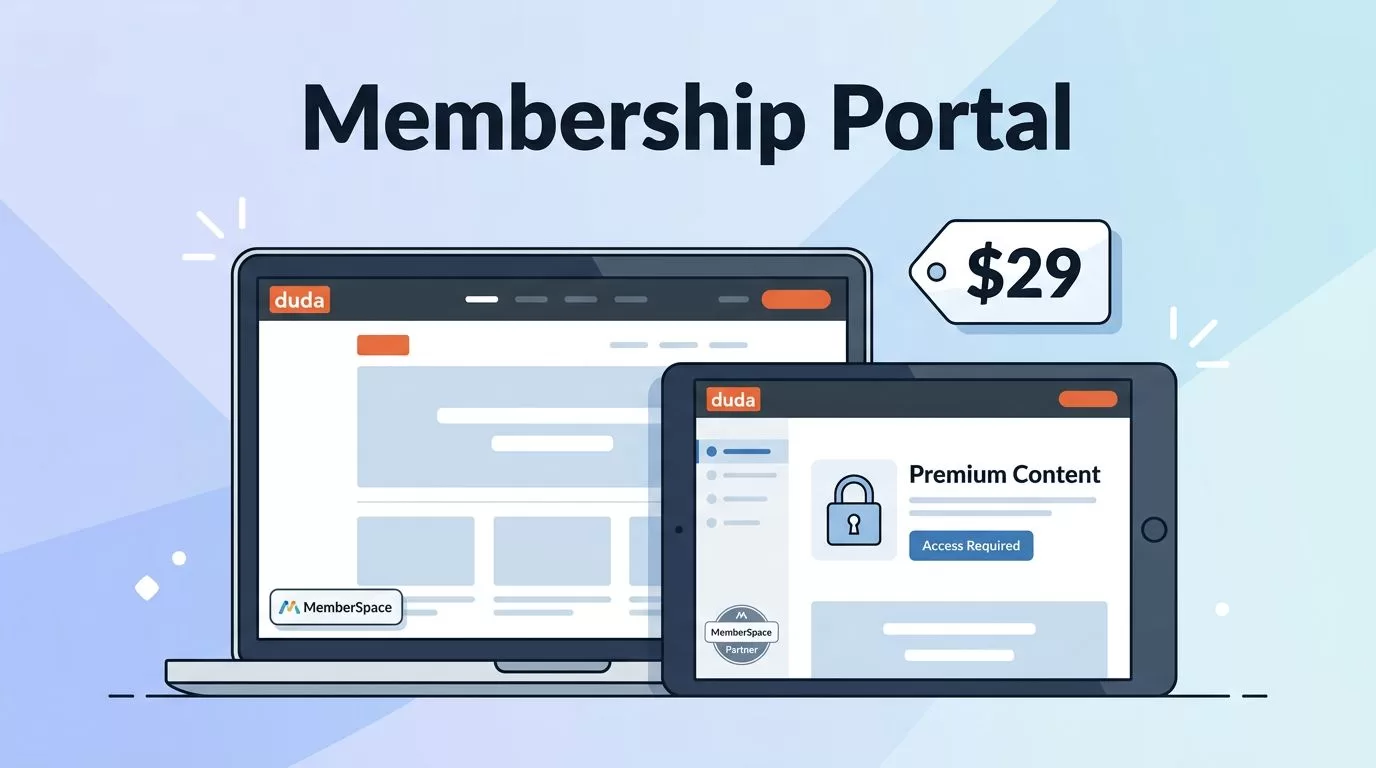
You run a Duda site and need recurring revenue from exclusive content. Free visitors browse, but paying members get the real value. That’s where a Duda membership portal changes everything.
I faced this last year with my coaching site. Duda handles design well, but its native tools fall short for protected areas. MemberSpace fixes that fast. It locks pages, handles payments, and fits your existing layout.
This guide walks you through my exact process. You’ll see steps, tweaks, and examples that work today.
Why Add a Membership Portal to Your Duda Site
Duda sites shine for agencies and creators. Clean templates load quick on mobile. But open access limits income. A membership portal gates premium stuff like courses or templates.
MemberSpace plugs right in. No rebuilds needed. I added it to my site in under an hour. Members now pay $29 monthly for client resources. Revenue doubled without extra marketing.
Think client portals first. Agencies share project updates behind a login. Clients see dashboards with files and notes. No more email chains.
Or online courses. Lock video lessons per module. Drip new ones weekly to keep signups steady.
Gated content works too. Blog readers pay for full guides. I restrict my automation tips that way.
Duda requires a Team plan or higher for apps like this. Check your account. MemberSpace starts at $25 monthly. That covers unlimited members and basic plans.
Limits exist. Duda’s built-in memberships lack directories or affiliates. MemberSpace adds those. For simple needs, it beats custom code.
I compared options like Skool membership sites. Skool bundles community, but MemberSpace sticks to your Duda design. Pick based on if you want all-in-one or layered tools.
Results show up quick. My churn dropped because members log in often. They access value right away.
Pick MemberSpace and Prep Your Accounts
Start with accounts. Sign up at MemberSpace. Free trial lets you test. Link Stripe for payments inside their dashboard.
Duda side needs prep. Log in to your backend. Confirm Team plan active. Go to Apps if unsure.
MemberSpace dashboard shows your install code. It’s a script tag. Copy it once.
I prepped pages too. Create “Members Only” sections in Duda. Add placeholders for locked content. One page for welcome video. Another for downloads.
Pricing comes next. Set tiers like Basic at $19 monthly. Pro at $49 with extras. Annual discounts boost cash flow.
Test payments first. Use a sandbox mode. I bought my own tier to check flows.
Extra security matters. MemberSpace hides pages from non-members. Add passwords for double lock.
Docs help here. See MemberSpace’s Duda guides for screenshots.
This prep takes 15 minutes. Rush it, and logins fail later.
Step-by-Step Setup in Duda
Now install. Open MemberSpace. Go to Customize, then Integrations, Duda tab. Grab the code.
Switch to Duda. Click SEO & Settings on the left. Find HEAD HTML field. Paste the code. Save.
Test it. Visit your live site. MemberSpace verifies in their dashboard. Green check means success.
Lock pages next. In MemberSpace, pick Duda pages by URL. Tag them protected. Non-members see login prompts.
Add sign-up forms. Embed shortcodes from MemberSpace into Duda widgets. Place one on your homepage.
I added a “Join Now” button. It pops a plan selector. Clean match to my blues and whites.
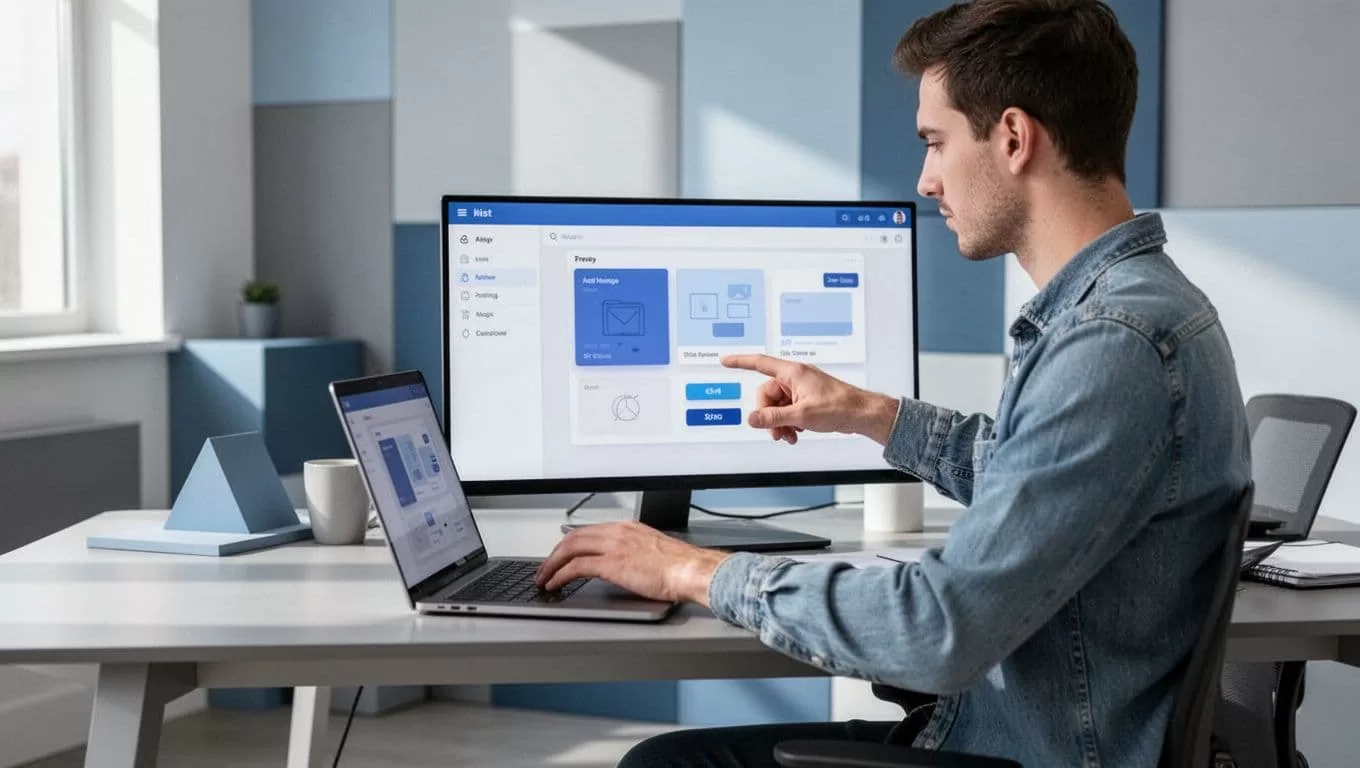
Follow this install tutorial for exact clicks. Interfaces shift, so match latest menus.
Member navigation appears auto. A menu for dashboard, profile, logout. Customize colors to fit Duda theme.
Troubleshoot common snags. Code in body instead of head? Moves break. Clear cache after saves.
I ran a full test. Signed up incognito. Paid, logged in, accessed gates. Logout worked clean.
Setup wraps payments. Connect Stripe in MemberSpace. Payouts hit your bank weekly.
Whole process clocks 30-45 minutes. Live portal ready.
Customizing Your Membership Portal
Default looks solid, but tweak for brand. In MemberSpace, edit styles. Match fonts, buttons to Duda.
Dashboard gets personal. Add welcome messages. Link top resources first.
I built tiers. Basic unlocks blogs. Pro adds videos and Q&A. Use spaces to group content.
Forms adapt too. Change button text to “Start My Access”. Set redirect post-signup to a thank-you page.
Analytics track opens. See drop-offs. I fixed a weak video page that way.

For courses, embed videos. Protect per lesson. Members progress at their pace.
Client portals shine here. Share unique links. Track views per client.
Limitations show. No native forums. Link to external if needed. Or use Duda blogs for comments.
Zapier connects extras. Auto-email new members. Pulls from Duda membership site examples.
Test mobile. Duda responsive helps. MemberSpace follows.
Customs boost retention. Mine hit 85% because it feels like home.
Real-World Use Cases That Pay Off
Agencies love client portals. I built one for marketing teams. Members log in for reports, assets. No shared drives.
See dashboard previews with profiles and charts.

Coaches gate sessions. Recordings, worksheets behind paywall. Drip monthly to retain.
Courses fit educators. Module one free teaser. Rest paid. Track completion.
Directories for networks. List members only to members. Boosts connections.
I run automation tips site. Gated downloads convert 12% of free readers.
Scale with affiliates. MemberSpace supports. Pay promoters 20%.
Compare to others. Unlike Skool communities, Duda keeps your design. Add if community grows.
Costs stay low. $25 base handles thousands. Duda fees separate.
Track metrics. Logins per week signal health. Mine rose 3x post-launch.
Conclusion
A Duda membership portal with MemberSpace turns sites into revenue machines. I gained steady income from gates that fit seamless.
Key steps stick: paste code, lock pages, customize tiers. Test everything live.
Expect $25 monthly start. Gains far outweigh. Your first portal launches today.
Build now. Watch members flock to protected value.
