How I Launch a Membership Site on Skool That Retains Members
Review this guide each quarter. Pricing, trial terms, and platform features change, so recheck the official page and adjust your plan choice when monthly sales move. An empty community feels like a coffee shop where only the fridge hums. Mo...
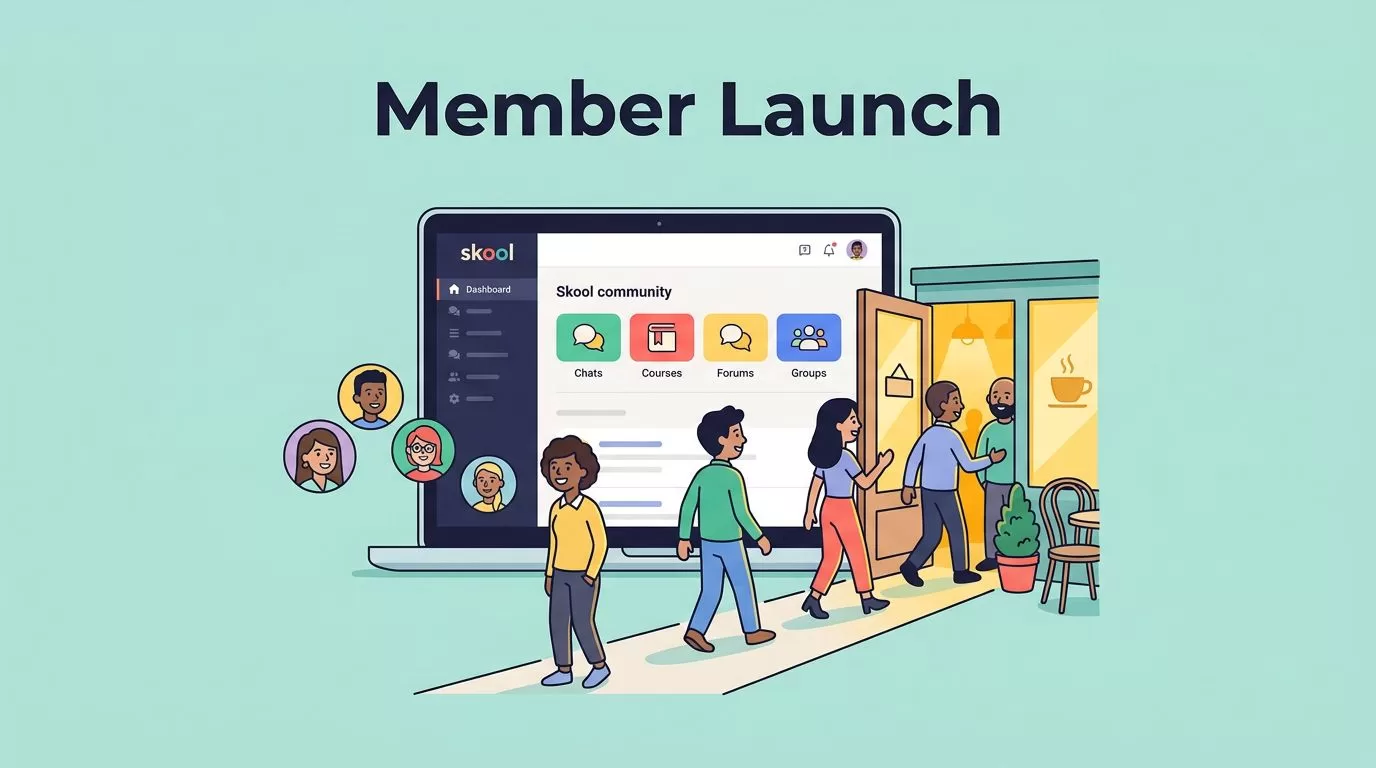
Review this guide each quarter. Pricing, trial terms, and platform features change, so recheck the official page and adjust your plan choice when monthly sales move.
An empty community feels like a coffee shop where only the fridge hums. Most failed launches start there, with too much setup and too little clarity. A Skool membership site succeeds when the promise stays narrow, the welcome feels warm, and the weekly rhythm is obvious.
This guide covers the offer, the plan choice, onboarding, the classroom, the weekly cadence, the founding cohort, and the retention numbers worth tracking. Pricing details come from the official Skool pricing page. Confirm them before you launch.
Build the offer before you pick a plan
Start with the result, not the colors, tabs, or lesson uploads. Decide what members will improve in the next 30 days. Write the promise in one sentence.
- Coach: Help founders book five sales calls a month.
- Creator: Help marketers build workflows saving five hours a week.
- B2B expert: Help operations teams fix one pain point, such as reporting or security reviews.
A vague library loses to a room solving one sharp problem. Narrow promises attract the right people and repel the wrong ones. Both outcomes help retention.
Pick a pricing model
Choose between a monthly fee, a yearly fee, a one-time course price, or a mix. Monthly access suits ongoing support and live calls. A one-time price suits a fixed curriculum. Test one price with your founding group before you add tiers.
Price against the outcome, not the content volume. A member paying monthly expects visible progress each month. A member paying once expects a complete path. Match the model to the promise you wrote above.
Examples of focused community offers
| Audience | Promise | Core rhythm |
|---|---|---|
| Freelance designers | Land two retainer clients in 60 days | Weekly pitch review call |
| Small agency owners | Build a repeatable onboarding process | Monthly template drop and live teardown |
| New course creators | Launch a first course in 30 days | Weekly accountability thread |
| Local service owners | Fill the calendar through referrals | Biweekly case study session |
Each row names one audience, one result, and one rhythm. Copy the structure, not the topic. Your own promise should come from problems you already solve for paying clients.
Choose a Skool plan
The official Skool pricing page lists two plans. Both include unlimited members, courses, videos, and live calls, plus a custom URL and affiliates.
| Plan | Best for | Monthly price | Transaction fee |
|---|---|---|---|
| Hobby | New creators testing demand | $9 | 10 percent |
| Pro | Established paid communities | $99 | 2.9 percent |
Skool offers a 14-day free trial. The page advertises two months free on yearly billing but does not show yearly prices. Earlier versions of this guide listed a fixed per-transaction charge and extra features on Pro. The pricing page does not confirm either, so check the vendor for payment processing details.
Use simple math to choose. Hobby costs $9 plus 10 percent of sales. Pro costs $99 plus 2.9 percent of sales. At $1,000 in monthly sales, Hobby costs $109 and Pro costs $128. At $2,000, Hobby costs $209 and Pro costs $157. Pro wins once monthly sales pass about $1,270. Run the numbers with your own revenue.
Compare Skool with course platforms if you sell mostly lessons. The guide on the Teachable alternative shows fee math across both tools.
Set up the community for retention on day one
Treat setup like arranging a small house. People should know where to hang a coat, where the coffee sits, and where the conversation happens.

Start with onboarding, not content
Onboarding decides retention more than lesson quality. Build a simple flow.
- Pin a welcome post explaining the promise and the rules.
- Record a short start-here video of two to three minutes.
- Ask for one easy first action, such as an introduction post or a goal for the month.
- Unlock a quick win, such as a template or a short lesson solving one small problem.
- Reply to every introduction within a day.
A new member should know what to do in the first minute, not by the third email. Early progress keeps members longer.
Keep the classroom tight
Forty lessons turn value into fog. Group content into four to six paths instead. Useful paths include Start Here, Core Training, Templates, Case Studies, and Replays.
A coaching group works well with one core lesson a week and neatly archived call replays. A business community works well with swipe files, procedures, and short trainings usable the same day.
Moderators and assistants need planning documents outside the community. The guide on remote team productivity with Google Workspace covers a shared workspace for this purpose.
Use posts and events to create rhythm
Content gets people in. Rhythm brings them back. A simple weekly cadence works for most groups.
- Monday: a prompt asking members to share a plan.
- Wednesday: a live session or office hours.
- Friday: a wins thread celebrating progress.
Keep recurring calls visible at least four weeks ahead so members build the habit. Record every live session and post the replay in the classroom.
Set the culture in the first month
Culture forms from the first twenty posts. Members copy the tone of early content. Model the behavior you want.
- Answer questions with specific steps, not vague encouragement.
- Thank members publicly when they share a result.
- Ask follow-up questions under every introduction post.
- Remove spam and off-topic sales pitches quickly.
- Write short community rules and pin them near the welcome post.
Members who feel seen stay longer. A short personal reply costs a minute and often earns months of membership. Share moderation duties early if the group grows, and give helpers clear written guidelines.
Launch with a founding cohort
Skip the big opening. Invite a founding group of 20 to 50 people. Small rooms give better feedback and let you reply to everyone.

Watch the first weeks closely. If nobody joins office hours, the event or the pitch is wrong. If members read lessons but do not post, the prompts are too broad. If people join and vanish, onboarding failed.
Offer the founding group a lower price in exchange for honest feedback. Tell them the price will rise. This builds trust and gives you a fair test of demand.
Pre-launch checklist
- Clear promise: one result, one audience, one reason to pay monthly.
- Start-here flow: welcome post, introduction prompt, first quick win.
- Content map: no clutter, no duplicate lessons, no empty sections.
- Weekly cadence: recurring event, recurring discussion, recurring wins thread.
- Member path: a plan for day 1, day 7, and day 30.

Retention numbers to track
A quiet community usually has a clarity problem, not a traffic problem. Track a few signals from the first week.
| Signal | Meaning | Action when low |
|---|---|---|
| Introduction post rate | Onboarding strength | Simplify the first action |
| Event attendance | Value of live sessions | Change the topic or time |
| Member posts per week | Conversation health | Post sharper prompts |
| Renewal rate | Long-term value | Interview members who left |
Offering a free trial or a low-priced entry also means conversion matters. A guide on how to track trial-to-paid conversions in Baremetrics helps spot leaks outside the community itself.
What to do when members cancel
Cancellations carry information. Send a short, friendly message to each departing member. Ask one question: what would have made staying worth the price? Collect answers in a simple sheet and look for patterns each month. Three similar answers justify a change to onboarding, events, or pricing.
Common launch mistakes
- Pricing too early without testing demand.
- Uploading too much content before members arrive.
- Skipping onboarding and hoping members will figure everything out.
- Hosting events without a clear topic or schedule.
- Ignoring members who go quiet in the first two weeks.
Fix these in order. Onboarding first, rhythm second, content third.
A 30-day plan after launch
- Week one: welcome every member by name and ask each for one goal.
- Week two: run the first live session and share the replay.
- Week three: ask members for feedback and publish one change based on their answers.
- Week four: review the retention table and decide on pricing for the next cohort.
FAQ
How much does a Skool membership site cost?
Skool lists a Hobby plan at $9 per month with a 10 percent transaction fee and a Pro plan at $99 per month with a 2.9 percent transaction fee. Confirm current prices on the official page.
Does Skool have a free trial?
Skool lists a 14-day free trial with cancellation at any time.
How many members do I need to launch?
Start with 20 to 50 founding members. A small group gives clear feedback and lets you build a strong welcome.
When should I switch from Hobby to Pro?
Switch when the lower fee saves more than the higher monthly price. By the listed prices, the break-even point sits near $1,270 in monthly sales.
What content should I post first?
Post a welcome, a start-here video, and one quick win. Add one core lesson a week after launch.
Conclusion
A good Skool membership site does not need a huge audience on day one. The site needs a sharp promise, a clean welcome, and a weekly reason to return. Build the onboarding flow first, invite a small founding group, and let real member behavior shape the rest. Confirm plan details and fees on the official Skool pricing page before you set your price.
