Scale energy sector automation with Twin.so
Energy companies rarely lack data. They lack a reliable way to move that data through inboxes, portals, spreadsheets, and approval queues. That is where energy sector automation with Twin.so can fit. Twin.so is documented as an AI agent pla...
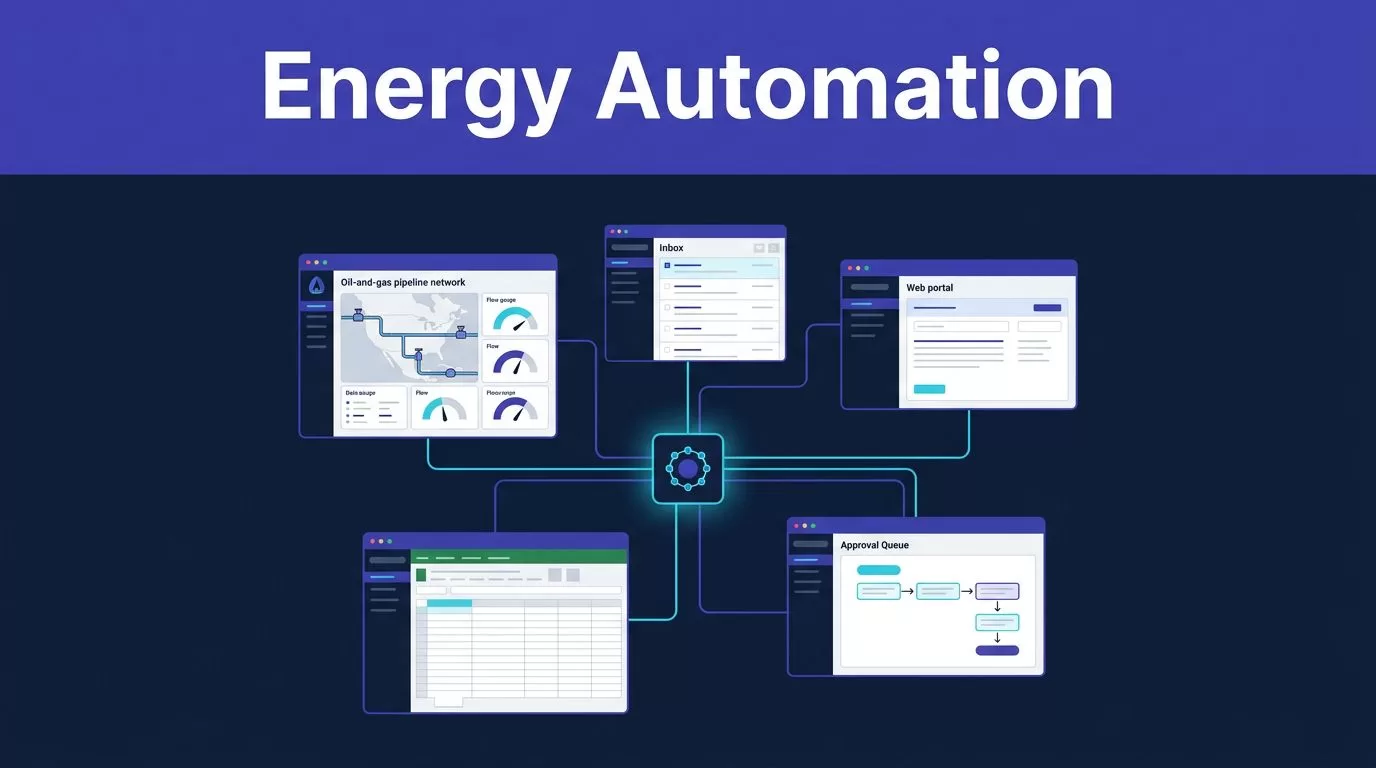
Energy companies rarely lack data. They lack a reliable way to move that data through inboxes, portals, spreadsheets, and approval queues.
That is where energy sector automation with Twin.so can fit. Twin.so is documented as an AI agent platform for Slack, Gmail, websites, and connected business tools. It can run scheduled or event-triggered processes, but available product information doesn’t establish it as a physics-based digital twin for a plant, pipeline, or grid.
The practical model is simple. Use Twin.so for the workflow layer around energy assets. Keep engineering models, sensor platforms, and OT control systems in the systems built for those jobs.
What Twin.so can, and cannot, automate
Energy automation has two separate layers. The first layer manages physical assets and operational conditions. The second moves information between people, documents, and business systems.
Twin.so fits the second layer.
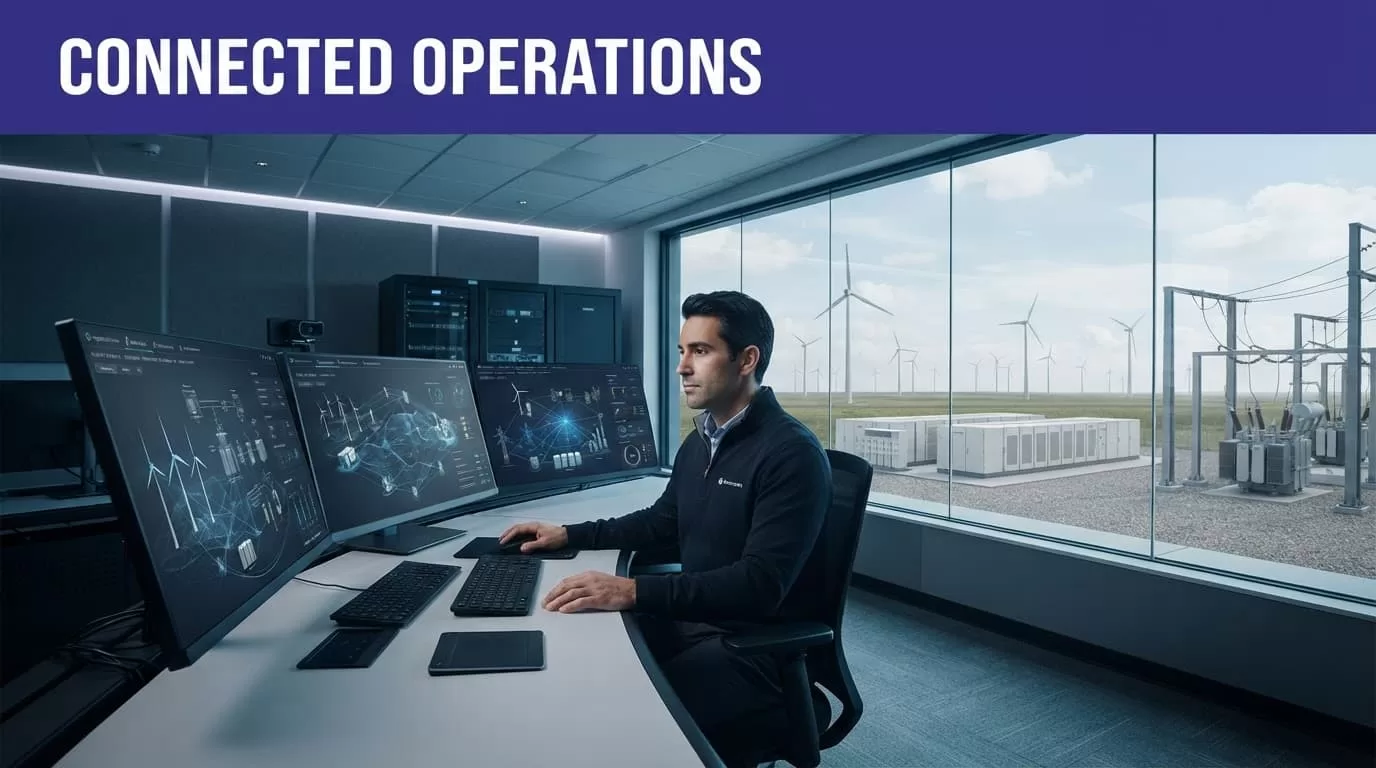
Twin.so fits the enterprise workflow layer
Public product information positions Twin.so as an agent platform that works inside Slack and Gmail, connects with other tools, visits websites, and runs complete processes. Triggers can include a schedule, email, call, or webhook.
That creates useful options for energy businesses with repetitive information work. An agent can read a maintenance request, extract the site and asset details, update an approved system, and notify the responsible team. It can retrieve vendor records, organize documents, or move structured information between a portal and a database.
The strongest fit is work with clear inputs, defined outputs, and limited decision risk. The agent should know what to read, what fields to return, where to write the result, and when to stop.
It isn’t an industrial digital twin
An industrial digital twin is a connected virtual model of a physical asset, process, or network. It can combine operational data with engineering models for monitoring, analysis, simulation, or prediction.
NIST’s exploratory digital twins study treats digital twins as a broad technical field that needs shared definitions and measurement practices. Energy research also covers digital twins for assets, installations, and networks, including monitoring and optimization use cases. A review of digital twins in energy transition provides useful context for that engineering role.
Twin.so’s documented product information doesn’t verify physics-based simulation, OT telemetry, sensor fusion, predictive maintenance models, or direct control of energy equipment. Don’t present it as a substitute for an industrial twin platform.
Where energy sector automation with Twin.so creates value
The best business case is usually not autonomous control. It is the removal of repetitive handoffs that slow operations and create data quality problems.
Maintenance and vendor coordination
An operations inbox may receive service requests from field teams, contractors, and site managers. Each message can contain a different asset name, priority, location, and requested date.
A controlled Twin.so workflow can extract those fields, check them against approved records, create a draft work item, and route the request to the correct planner. It can also identify missing information and return the request instead of creating an incomplete record.
Vendor coordination follows the same pattern. An agent can collect approved quotes or certificates from a supplier portal, place the documents in a defined folder, and notify procurement when a required file is missing.
Keep a person involved when the workflow changes a work order, approves a contractor, affects a safety process, or commits the company to a cost.
Documents, invoices, and compliance evidence
Energy companies manage inspection reports, permits, environmental records, invoices, contracts, and equipment certificates across many systems. Manual collection consumes time and creates inconsistent naming, dates, currencies, and status values.
Twin.so can fit browser-based retrieval when the team has permission to access the source. Define the required fields before the agent runs. Keep the original value beside the normalized value. Store the source URL and run date with the output.
A completed extraction doesn’t prove that every record was captured. Portals may hide data behind pagination, scrolling, delayed loading, or separate pages. Send incomplete or uncertain records to review before they enter an accounting, compliance, or reporting process.
Build a controlled Twin.so workflow
Treat each automation as an operational process, not a broad instruction such as “handle maintenance requests.” The narrower the process, the easier it is to test and measure.
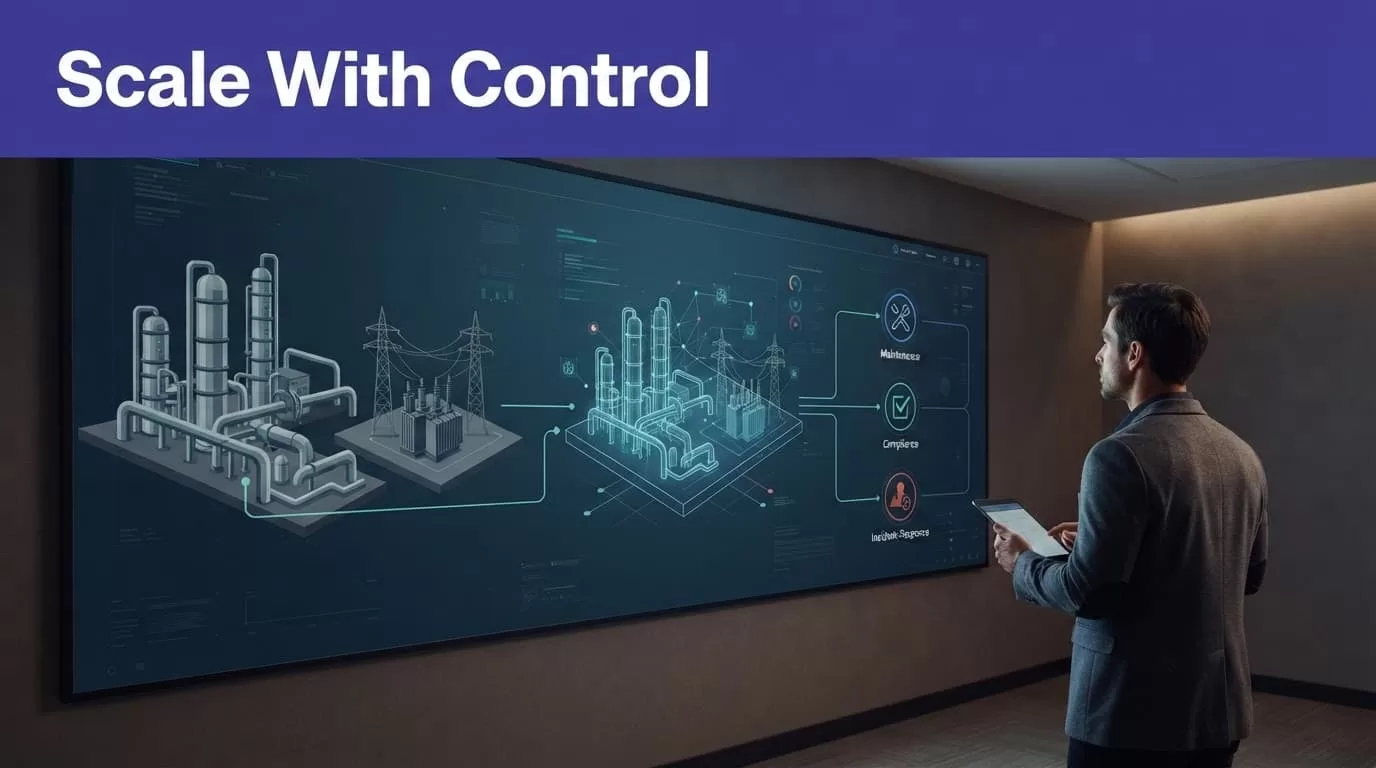
Define the process and data contract
Write down five items before connecting the agent:
- The event that starts the workflow.
- The systems and records the agent may access.
- The fields it must return.
- The destination for approved output.
- The person responsible for exceptions.
Use stable asset IDs, supplier IDs, invoice numbers, and case numbers whenever the source provides them. Define accepted status values and date formats. Keep currencies and time zones explicit.
Separate different business objects. An invoice, payment, purchase order, and service request shouldn’t be forced into one overloaded row. A clean data contract prevents later reconciliation work.
Start with supervised actions
The first version should collect, validate, and prepare. It shouldn’t make irreversible decisions.
A sensible pilot may read a small batch of records, return structured results, attach evidence, and send exceptions to an operator. Review the first 20 to 50 records manually. Check missing fields, duplicates, incorrect classifications, and unsupported assumptions.
Move to automated writes only after the output passes validation. Keep approval gates for external messages, financial changes, compliance submissions, contractor selection, and anything that can affect safety.
If your team needs help selecting a workflow and defining the pilot, Book A Call before committing to a large deployment.
Connect Twin.so to the systems you already run
Integration quality controls the value of the workflow. An agent that produces accurate output in the wrong system still creates manual work.
Use APIs for stable records
Use an approved API when it provides the required fields and actions. APIs are usually easier to monitor and test than browser steps. They also provide clearer error messages and more stable data structures.
Twin.so’s public materials describe connections with CRM, drive, and data tools. They also state that the platform can build a missing integration. Treat that as a capability to verify during a pilot, not as a reason to skip technical review.
Ask for the authentication method, permission scope, rate limits, error handling, and audit records. Test failed requests as carefully as successful ones.
Use browser automation with boundaries
Browser automation is useful when a supplier portal, customer system, or internal application has no suitable API. The agent can sign in to an authorized account, follow page steps, collect fields, and place the result in an approved destination.
Browser workflows are also fragile. A page redesign, changed login process, new download dialog, or altered field label can break the run. Restrict the account to the pages and actions the workflow needs. Avoid broad credentials and unnecessary access.
Keep raw values, source links, timestamps, and run status. A successful browser session proves that the steps completed. It doesn’t prove that the output is complete or correct.
Govern security, OT boundaries, and exceptions
A scalable deployment needs clear limits. Energy companies can’t treat an AI agent like a trusted control-system component.
Keep IT workflows separate from OT control
Current product information doesn’t document Twin.so for SCADA, PLC, protection systems, plant control, grid dispatch, or direct equipment commands. Don’t place it in a safety or control loop based on general workflow automation claims.
Use read-only data exports or approved IT copies for the first phase. Let the agent prepare a ticket, summarize an event, organize evidence, or draft a response. Require an authorized operator to approve actions that affect equipment, safety isolation, market positions, or field instructions.
Keep the agent outside the control loop until its output passes validation and human approval.
Set security rules before production
Public product descriptions don’t provide enough detail to assume a particular certification, access model, data residency policy, or audit design. Obtain written answers about:
- SSO, role-based access, service accounts, and credential storage.
- Data retention, deletion, model training, and regional processing.
- Network access, browser session isolation, and outbound connections.
- Audit logs for prompts, actions, records, approvals, and failures.
- Incident response, subcontractors, vulnerability handling, and support access.
Interoperability and cybersecurity also depend on standards, not only product features. The ANSI summary of NIST’s digital twin standards report explains why shared standards affect compatibility, safety, and security.
Plan for exceptions. Portal changes, missing documents, ambiguous asset names, access failures, and duplicate records need defined owners and response times.
Measure ROI before scaling
Don’t measure success by the number of agents deployed. Measure the work completed after validation and human review.
Establish a baseline
Record the current manual effort for one process. Capture cycle time, records completed, error corrections, exception volume, and review minutes.
A useful pilot tracks:
- Average time per completed record.
- Percentage of records that pass validation.
- Missing-field and duplicate rates.
- Human review time per record.
- Failed runs, retries, and portal errors.
- Cost per accepted outcome.
Compare the pilot with the old process over the same period. A faster workflow that creates more correction work isn’t an improvement.
Price the completed result
Twin’s published pricing guidance uses credits. Its examples indicate that a simple automation may use about 15 to 30 credits, while a browser workflow with roughly 20 steps may use 100 to 200 credits. Stable repeat runs may cost three to ten times less than the initial build.
Treat those figures as planning estimates. Your portal, retry rate, document volume, and validation rules will change the result. Calculate credits consumed per accepted record, then add human review and downstream correction time.
Scale only when the process has stable inputs, known exception rates, documented controls, and a measurable cost advantage.
Conclusion
Energy sector automation with Twin.so is most practical around the asset, not inside the asset control system. Use it for inbox routing, document collection, vendor coordination, structured updates, and other repeatable work with clear boundaries.
Keep industrial digital twins, OT data, and equipment control in platforms designed for those functions. Define the data contract, start with supervised actions, protect credentials, test exceptions, and measure cost per accepted result.
The safest path to scale is a narrow workflow that proves its value before it receives broader access.
