Deploying Enterprise Voice AI: A Technical Implementation Guide
Integrating automated voice capabilities into business operations requires more than just picking a casual audio tool. When you scale up customer support lines, mobile interfaces, or internal training systems, you need reliable infrastructu...
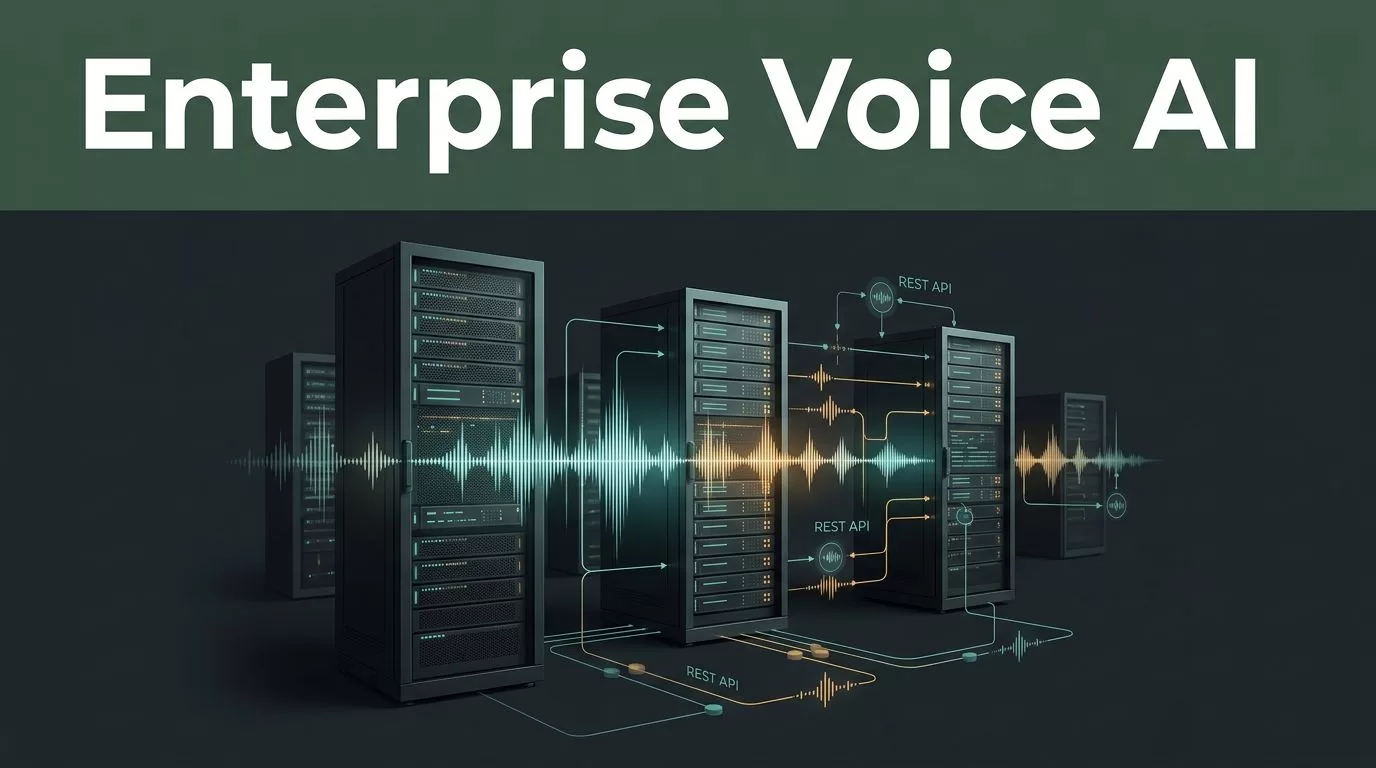
Integrating automated voice capabilities into business operations requires more than just picking a casual audio tool. When you scale up customer support lines, mobile interfaces, or internal training systems, you need reliable infrastructure that handles large data volumes without stuttering. Building these pipelines correctly saves development hours and ensures your audio output sounds professional from day one. You can explore Speechify to see how modern developers embed text generation and audio streaming into their existing applications. Let’s look at how to deploy enterprise voice AI cleanly across your tech stack.
Key Takeaways
- Pair text-to-speech audio playback with synchronized word highlighting to keep your attention locked on the technical documentation.
- Organize your development scripts and source files into dedicated digital folders to prevent constant context switching during deployment blocks.
- Configure REST API endpoints and streaming options carefully to maintain sub-second response times for end users.
- Implement strict access controls, role-based permissions, and data privacy safeguards to protect sensitive operational workflows.
Core Architecture for Enterprise Voice AI Integration
Deploying enterprise voice AI starts with understanding the underlying API structure and data flow. You connect your application server to a robust speech generation engine via secure REST endpoints or real-time streaming protocols. This setup lets your system convert raw text documents into natural-sounding audio streams on demand. For a technical walkthrough of endpoint configuration and authentication keys, check the Speechify text-to-speech API documentation to get your first audio payload running.

When designing your architecture, you need to decide whether to generate complete audio files beforehand or stream them dynamically. Pre-generating files works well for static help center articles and fixed training modules. Dynamic streaming is essential for live conversational applications where response latency directly affects user experience.
Setting Up the Speechify Build API Endpoints
Getting your integration running requires proper credential management and correct payload formatting. You send HTTP POST requests containing your target text string, selected voice identifier, and configuration parameters to the primary synthesis endpoint. The service processes your input and returns formatted audio data ready for playback.
You should structure your request headers with a valid API key and specify your desired output format, such as MP3 or WAV. Keep character counts within documented limits per request to avoid payload rejections. If you are processing long-form documentation, break your source text into manageable chunks before hitting the endpoint.
| Parameter Field | Target Input Type | Recommended Setting |
|---|---|---|
| Audio Format | String | MP3 or PCM |
| Character Limit | Integer | Under 2,000 per standard request |
| Speech Rate | Decimal | 1.0x for standard clarity |
| Streaming Mode | Boolean | Enabled for real-time output |
Calibrate your payload parameters based on the specific use case. Quick notification messages tolerate faster pacing, while complex tutorials require standard cadence and careful pause insertion.
Managing Scale, Latency, and Streaming Audio
High-volume production environments demand strict latency management. When users interact with a voice interface, every millisecond of delay degrades the experience. To keep response times low, configure your application to start audio playback before the entire file finishes rendering on the server.
You also need to handle error states gracefully when network spikes occur during peak usage hours. Implement automatic retry logic with exponential backoff for failed API calls. Monitoring your request throughput helps you identify bottlenecks before they impact end users.
Pushing playback speed past comprehension thresholds turns productive auditory review into wasted cycles. Always match your audio configuration to the actual density of the technical material.
Developers should review architectural patterns in guides covering voice AI APIs for developers and the Speechify API advantage to optimize latency and payload handling. Testing your streaming pipelines under simulated load conditions reveals potential failure points early in the deployment cycle.
Implementing Voice Cloning and SSML Controls
Consistency across your brand audio assets matters when you deploy conversational tools at scale. Voice cloning lets you create custom voice models from short audio samples, giving your application a distinct auditory identity. Ensure your source recordings are clean and free of background noise before uploading them to the platform.
You can further refine audio delivery by utilizing Speech Synthesis Markup Language tags within your text inputs. SSML tags let you control pauses, word emphasis, and pitch variations programmatically. This level of control prevents robotic sounding outputs and makes automated responses sound natural during complex customer interactions.
Security, RBAC, and Compliance Workflows
Enterprise deployments require rigorous security safeguards around data handling and user access. You must enforce strict role-based access control so only authorized team members can modify voice models or API credentials. Verify that your vendor agreements guarantee your training data remains private and unshared with external models.
Audit your API logs regularly to track usage patterns and detect unauthorized access attempts immediately. Setting up webhook validation and cryptographic signature checks protects your backend services from spoofed requests. Maintaining clean security boundaries ensures your voice infrastructure remains compliant with industry standards.
Conclusion
Deploying enterprise voice AI transforms how your organization builds scalable audio applications and customer interactions. By configuring robust API endpoints, managing streaming latency carefully, and implementing strict security controls, you remove operational friction from your workflow. Review your current software stack, test your integration endpoints with a small pilot project, and scale your voice infrastructure with confidence.
