Etsy Competitor Monitoring With Twin.so
Your Etsy competitors can change prices, photos, tags, and product ranges while you are still reviewing last week’s notes. Etsy competitor monitoring gives you a current view of those changes without forcing you to check every shop ma...

Your Etsy competitors can change prices, photos, tags, and product ranges while you are still reviewing last week’s notes. Etsy competitor monitoring gives you a current view of those changes without forcing you to check every shop manually.
Twin.so can help automate this work through plain-English agents, scheduled workflows, API connections, and browser actions. The useful outcome isn’t a pile of scraped data. It’s a repeatable system that shows which competitor changes require a decision.
Etsy Competitor Monitoring Starts With the Right Scope
Start with a short list of direct competitors. Choose shops that sell similar products to the same buyer. A shop with a large audience but a different price range may provide inspiration, but it shouldn’t drive your daily pricing decisions.
Track between five and fifteen shops at first. Add more only when the workflow produces clean data and useful alerts. A small, accurate watchlist is more valuable than a large list filled with unrelated products.
Record each shop’s name, URL, product category, price range, and primary customer type. Then select the listings that matter most. These may include bestsellers, new products, products with high review activity, or listings that rank for your target search terms.
Useful monitoring fields include:
- Current price, sale price, and discount status.
- Listing title, category, tags, and visible attributes.
- Product photos, video availability, and listing count.
- Review total, average rating, and new reviews since the last scan.
- Estimated changes in product range, shipping information, and personalization options.
- Search position for a defined keyword, if your research method can capture it reliably.
Treat third-party estimates as directional data. Etsy doesn’t expose every business metric publicly, so you shouldn’t present estimated sales, revenue, or conversion rates as confirmed facts.
Tools such as Alura’s Etsy research tools can help with product and keyword research. Use them alongside your own monitoring process rather than treating any single estimate as a complete market report.
The first goal is change detection. You need to know what changed, when it changed, and whether the change matters to your shop.
How Twin.so Fits an Etsy Monitoring Workflow
Twin.so is an AI automation platform that builds workflows from plain-English instructions. You describe the task, data sources, output format, schedule, and review rules. Twin then creates an agent that can execute the workflow across connected tools and websites.
The platform supports two main execution paths. It can use an API when a suitable connection exists. It can also use browser automation for websites and tools that require normal page interaction. Twin says its browser agent can log in to websites the user is authorized to access and perform actions such as navigating, clicking, and collecting information.
That distinction matters for Etsy research. Your workflow may need to combine public shop pages, a spreadsheet, email, and an internal product database. You don’t need to build a separate script for every step. You can tell the agent where the data belongs and how the result should be formatted.
A practical workflow looks like this:
- Twin checks your approved competitor list on a schedule.
- The agent captures the fields you selected.
- It compares the latest scan with the previous record.
- It identifies meaningful changes.
- It writes the results to a spreadsheet or document.
- It sends an alert when a rule is triggered.
Twin supports scheduled agents and event-based triggers. It can also produce structured documents and update spreadsheets. These features make it suitable for a recurring monitoring process, but you still need to test each workflow before relying on it.

Build an Etsy Competitor Monitoring Agent
Create the first agent around one narrow job. Don’t begin with “monitor everything on Etsy.” That instruction creates unclear outputs and makes errors harder to diagnose.
Use a detailed request that defines the sources, fields, schedule, and reporting format. For example:
Check the approved competitor shop list every weekday at 9 a.m. Capture the current price, sale status, listing title, review count, rating, and listing URL for the selected products. Compare each result with the previous scan. Write changed fields to the monitoring spreadsheet. Send a summary when a price changes by at least 10 percent, a new product appears, or a listing receives at least 20 new reviews.
Treat that request as a starting specification. Test it against a few shops before expanding the list.
1. Prepare the destination spreadsheet
Create columns for the shop name, listing URL, product name, scan date, price, sale price, review count, rating, and status. Add a separate change log with one row per detected change.
Do not overwrite the previous values. Historical records let you compare pricing patterns and review velocity over time. Without history, your agent can tell you the current price but not whether the shop raised it last week.
2. Define the approved sources
Store the competitor URLs in one controlled sheet. Include only pages you are permitted to access. Avoid giving the agent broad instructions to search private dashboards, bypass access controls, or collect information behind restrictions.
Set rules for missing fields. If a price is unavailable, the agent should write “not found” and flag the row for review. It shouldn’t guess a value or copy a nearby number.
3. Add comparison rules
A change report should separate routine updates from meaningful events. Set thresholds that match your business.
A $1 price change may not matter for a $15 product. It may matter for a high-margin item with frequent sales. Review the rule after two weeks of results and adjust it when the alerts create noise.
4. Run a manual review period
Keep the agent in review mode for at least several runs. Compare its output with the source pages. Check prices, product names, review totals, and links manually.
Browser layouts change. Listings may show variations, sale prices, or different availability states. Twin’s agent may retry or surface exceptions, but your workflow still needs a clear human review path.
Track Metrics That Lead to Decisions
Data collection only helps when each metric connects to an action. Pick metrics that tell you what to investigate next.
Price movement shows whether competitors are testing higher prices, discounting older products, or using frequent sales. Compare the regular price with the actual sale price. A shop that displays a permanent sale may be using the sale price as its real market price.
Review velocity is often more useful than total reviews. Track the change in review count between scans. A listing with thousands of old reviews may be less active than a newer product gaining reviews quickly.
Product launches reveal where competitors are expanding. Record new listings by category, style, material, personalization option, and price band. Look for repeated patterns across several shops before changing your own product plan.
Listing changes include new photos, updated titles, revised descriptions, and added personalization details. A single title edit doesn’t prove a strategy shift. Several changes across related listings deserve closer review.
Availability and promotion status can show seasonal activity. Track whether products are active, sold out, discounted, or newly featured. Don’t infer sales volume from availability alone. A product can be unavailable for many reasons.
Use a simple decision framework:
- Monitor when the change is minor and isolated.
- Investigate when the same pattern appears across several listings.
- Test a response when the change affects your price, product offer, or buyer expectation.
- Ignore the change when it doesn’t affect your target category or customer.
This keeps Etsy competitor monitoring tied to decisions instead of turning it into passive data collection.
Automate Alerts and Reports Without Creating Noise
Send alerts only for events that need attention. A daily message containing every unchanged listing will train your team to ignore the system.
Useful alert rules include:
- A tracked price changes by a defined percentage.
- A competitor launches a product in your target category.
- Review growth exceeds your selected threshold.
- A listing disappears or changes status.
- A scan fails or returns missing fields.
- A product appears across multiple competitor shops.
Use two report types. The first is a short exception alert. It should include the shop, listing, changed field, old value, new value, scan time, and source URL.
The second is a weekly summary. It should group changes by competitor and category. Include price movement, new listings, review activity, unresolved errors, and recommended items for manual review.
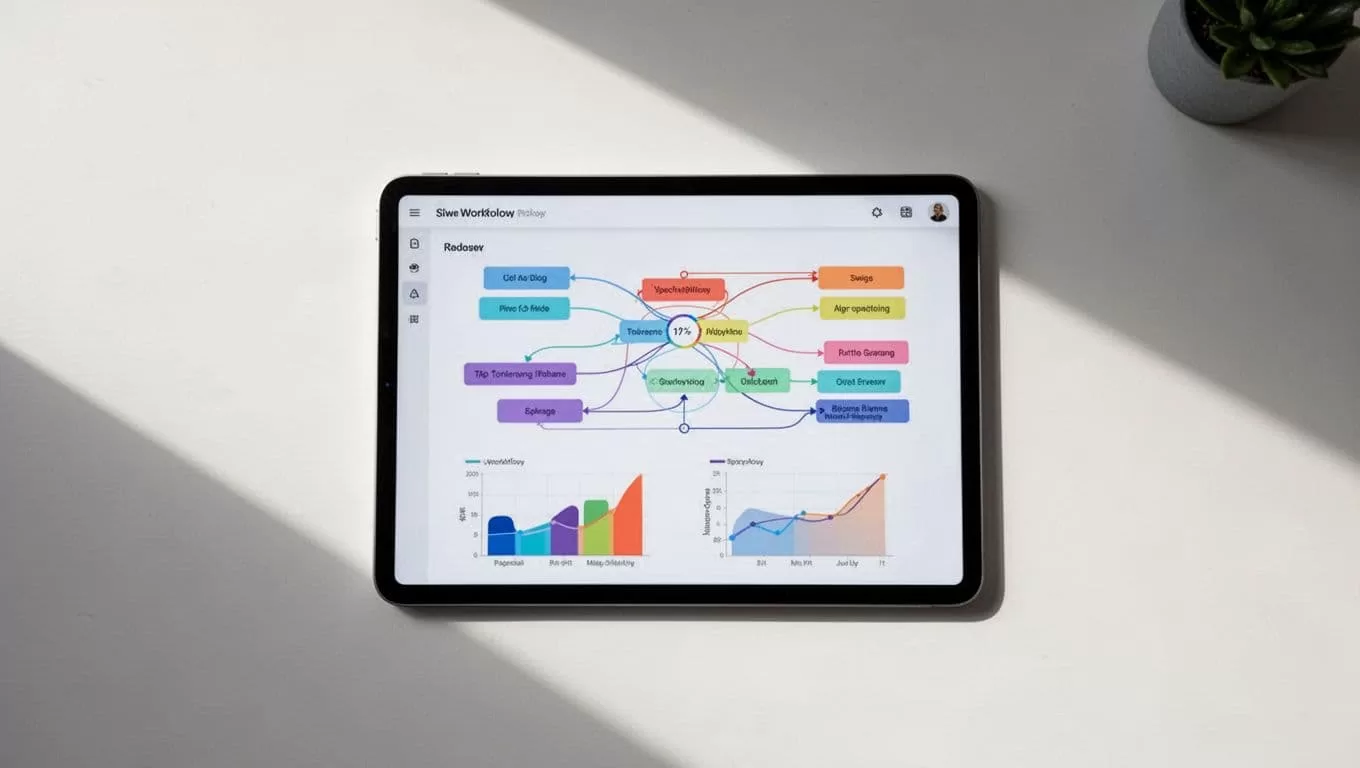
Keep reports in a shared spreadsheet or document. Send urgent exceptions through the channel your team already checks. Twin can connect workflows to external apps, and its documentation describes scheduled execution, structured outputs, and error handling. Confirm the current connection and permission requirements before deployment.
Add an error status to every run. Use labels such as completed, partial, blocked, or needs review. A failed scan should never look like a successful scan with no changes.
Use Competitor Data Responsibly
Competitor research doesn’t mean copying another shop’s photos, descriptions, designs, or branding. Use the data to understand market movement and make independent decisions.
Follow Etsy’s current terms and applicable data-use rules. Review access permissions before connecting an account or website to an automation agent. Keep credentials in the approved secure system. Never ask an agent to bypass a login, captcha, rate limit, paywall, or technical restriction.
Limit collection to information you need. Public listing details may support market research, but personal customer information doesn’t belong in your monitoring database. Remove unnecessary personal data from outputs and restrict spreadsheet access to the people who need it.
Validate important findings before acting. A browser change, variation selection, regional price, or temporary promotion can create a false signal. Check the source listing manually before changing your product, price, or advertising strategy.
Community discussions such as Etsy seller research conversations can provide practical context, but treat forum advice as opinion. Confirm platform rules and product data through current official sources.
Conclusion
Manual competitor checks break down when listings, prices, and reviews change every day. A focused Twin.so workflow can collect approved data, compare it with historical records, and send alerts when a defined condition occurs.
Start with a small competitor list and a limited set of fields. Test the agent against real pages, preserve historical values, label failures, and review important changes before acting. Effective Etsy competitor monitoring is not about watching every shop. It’s about turning relevant market changes into clear operating decisions.
