Food Cost Monitoring on Twin.so: A Practical Setup
A menu can look profitable on paper while supplier prices and kitchen waste reduce the margin every day. Food cost monitoring on Twin.so gives operators one place to track those changes before they become a month-end surprise. Food prices m...
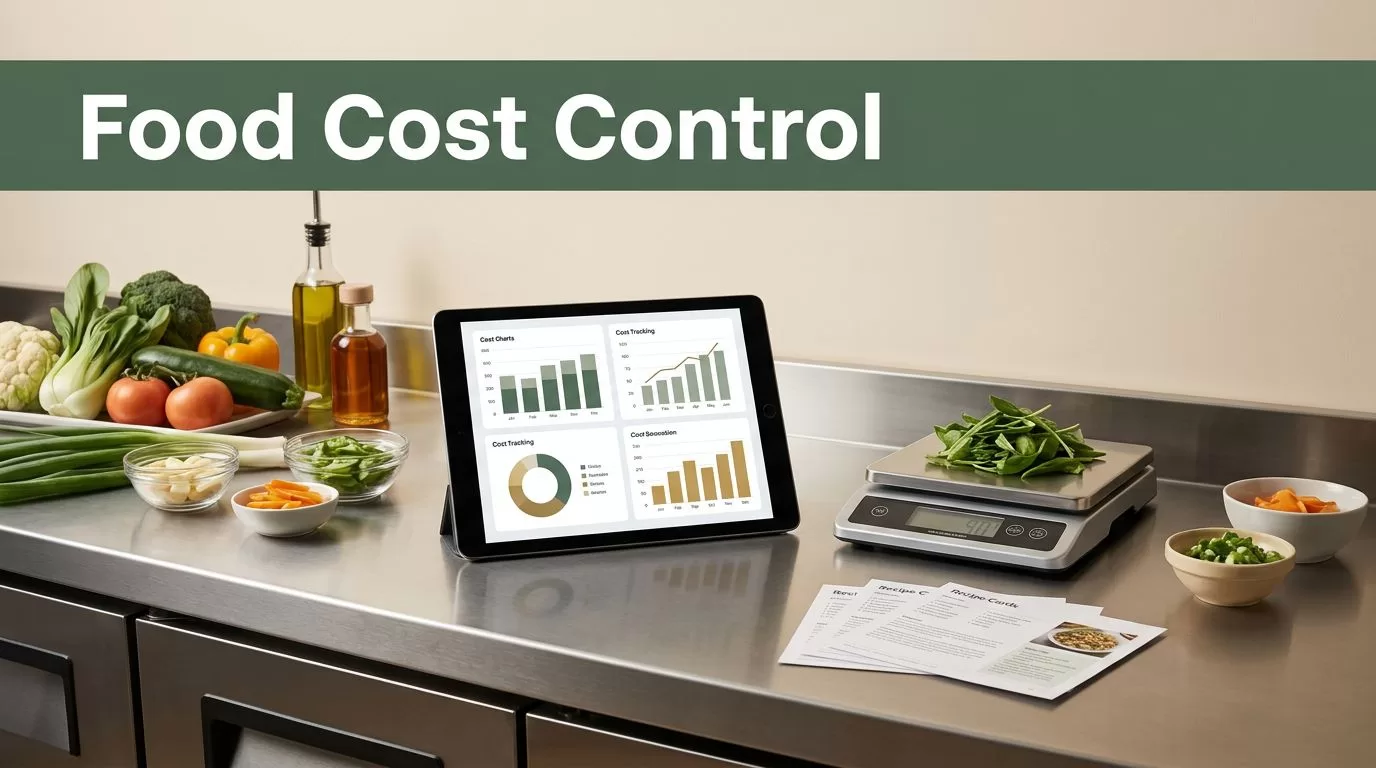
A menu can look profitable on paper while supplier prices and kitchen waste reduce the margin every day. Food cost monitoring on Twin.so gives operators one place to track those changes before they become a month-end surprise.
Food prices move, pack sizes change, recipes get adjusted, and portions drift during service. A continuous workflow connects those changes to recipe costs, menu prices, inventory variance, and waste. Start by building a clean cost workspace, then establish a review routine your team can maintain.
WHY CONTINUOUS FOOD COST MONITORING MATTERS
Food costs rarely change at convenient times. A supplier can raise the price of a core ingredient between two inventory counts. A new pack size can make an old unit price inaccurate. A portion adjustment can increase recipe cost without changing the menu description.
Monthly reporting shows what already happened. Continuous food cost monitoring gives you a shorter response window.
Twin.so can act as a central workspace for the records your team already uses. Store supplier invoices, price lists, recipe specifications, inventory counts, and waste records in an organized structure. Then use the workspace to review changes and assign follow-up actions.
The goal isn’t to watch every ingredient every minute. The goal is to make important cost changes visible while there is still time to respond.
Track these figures consistently:
- Purchase cost, which is the amount paid to the supplier.
- Usable ingredient cost, which accounts for pack size, conversions, and yield.
- Recipe cost, based on the quantity used in each dish.
- Theoretical cost, based on recorded sales and recipe usage.
- Actual cost, based on purchases and inventory movement.
- Waste, credits, staff meals, and other adjustments.
A reliable cost process turns these figures into operating decisions. You can review a recipe, correct a portion, question a receiving record, or update a menu price before the margin disappears.
BUILD A CLEAN COST WORKSPACE IN TWIN.SO
Your food cost results are only as accurate as the records behind them. Start with a simple structure that separates source documents from calculated information.
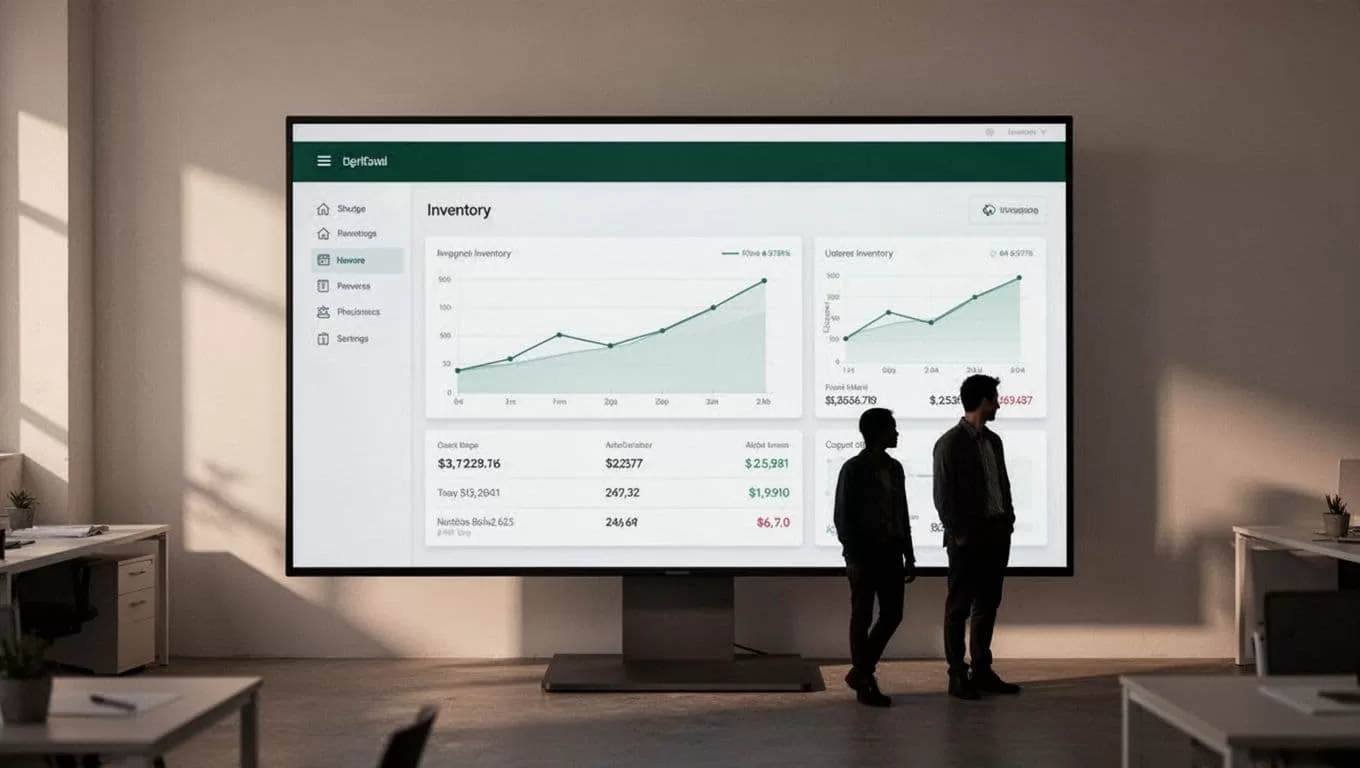
Create folders, documents, or linked records based on how your Twin.so workspace is configured. Separate information by location, supplier, accounting period, or operating function. This keeps the reading queue structured and reduces context switching when you review costs.
Use four core data groups:
- Supplier invoices and current price lists show what each ingredient costs at purchase.
- Recipe cards record ingredients, quantities, preparation yields, and portion sizes.
- Inventory counts show what entered the operation, what remained, and what was used.
- Waste and adjustment records capture spoilage, prep loss, spills, returns, comps, and staff meals.
Use consistent names for ingredients. “Chicken breast,” “chicken breast 5 oz,” and “chicken fillet” may describe the same item, but inconsistent names make comparisons harder.
Each ingredient record should include the purchase unit, pack size, price, storage unit, and conversion. Add yield information when your kitchen has reliable measurements. A case price alone doesn’t tell you the usable cost if trimming or cooking reduces the final quantity.
The basic calculation is simple:
Usable cost = purchase cost / usable quantity
Keep invoice price and usable cost separate. That distinction matters when you compare suppliers, change pack sizes, or review a recipe that uses a prepared ingredient.
HOW FOOD COST MONITORING WORKS ON TWIN.SO
Build the workflow around a repeatable sequence. The exact field names or workspace options may differ, so configure each step around the information your team can verify.
- Capture new cost information. Add supplier invoices, updated price sheets, credit notes, and receiving records as soon as they arrive. If your Twin.so setup supports document uploads or connected sources, verify the imported values against the original document.
- Standardize the data. Record every ingredient with the same unit and naming format. Convert cases, pounds, liters, and individual items into the units used by your recipes. Never compare two prices until their units match.
- Connect ingredients to recipes. A recipe should use the current ingredient record, not a price typed into an old spreadsheet. When a cost changes, the affected recipes become easier to identify and review.
- Create exception views or review tasks. Focus attention on price increases, missing costs, unusual waste, and large gaps between theoretical and actual usage. You don’t need to inspect every record with the same level of detail.
- Record the decision. Note whether you changed the menu price, adjusted the portion, approved a substitute, contacted the supplier, or accepted the lower margin. Add the review date and owner so the issue doesn’t return without context.
This workflow creates an operating history. A manager can see what changed, when it changed, and what action followed. That history is useful during budget reviews, supplier negotiations, and menu planning.
Don’t build the process around an integration you haven’t verified. If a source doesn’t connect directly to Twin.so, use a controlled manual import or document update instead. A smaller workflow with accurate inputs is better than an automated process that produces unverified costs.
SET A REVIEW CADENCE YOUR TEAM CAN MAINTAIN
Continuous monitoring works when each review has a clear purpose. Assign daily checks to the people closest to the data. Reserve broader analysis for weekly and monthly reviews.
| Review timing | What to check | Operational response |
|---|---|---|
| Daily | Receiving prices, waste, credits, and unusual adjustments | Correct records while details are fresh |
| Weekly | Major price changes, high-cost ingredients, and usage variance | Investigate causes and assign owners |
| Monthly | Recipe costs, menu prices, inventory movement, and margin trends | Update pricing, recipes, and purchasing plans |
Daily checks should stay short. Receiving staff can confirm quantities and pack prices. Kitchen managers can record waste before the next shift. Managers can then review exceptions instead of reconstructing an entire month.
Use the weekly review to identify patterns. One waste entry may be a normal mistake. Repeated waste for the same ingredient points to a storage, prep, ordering, or training issue.
The monthly review should connect food costs to sales performance. A dish with a strong percentage margin may still require attention if its sales volume is low. A popular dish with a narrow margin may have a larger effect on total profit.
TURN PRICE CHANGES INTO MENU DECISIONS
A supplier price increase doesn’t automatically require a menu price increase. First calculate how the change affects the full recipe.
Use this formula:
Recipe cost = sum of ingredient quantity x usable unit cost
Then calculate:
Food cost percentage = recipe cost / menu price x 100
Food cost percentage helps compare dishes. It shouldn’t be the only measure. Also review contribution margin, sales volume, portion size, labor requirements, packaging, and other costs that affect the item.
When an ingredient price changes, record the current state and the proposed state in Twin.so. Compare the existing recipe cost with possible actions:
- Keep the menu price and accept the lower margin.
- Raise the menu price.
- Reduce or redesign the portion.
- Replace the ingredient with an approved alternative.
- Change the preparation method to improve yield.
- Remove the item if its operational cost no longer fits the menu.
A price change becomes a management issue when it affects a recipe, not when it first appears on an invoice.
Keep the decision tied to evidence. If you change a portion, update the recipe record. If you approve a substitute, document the supplier, unit, yield, and quality standard. Otherwise, the same cost question will return during the next review.
FIND WASTE AND VARIANCE BEFORE IT HITS THE P&L
Food cost monitoring becomes more useful when it explains the gap between expected and actual usage.
Theoretical usage comes from recipe quantities and recorded sales. Actual usage comes from purchases, opening inventory, closing inventory, transfers, and adjustments. A difference between the two doesn’t identify the cause by itself. It gives you a place to investigate.
Review repeated variance by ingredient and location. Common causes include:
- Portions that exceed the recipe specification.
- Prep yields that differ from the recipe assumption.
- Spoilage caused by ordering or storage issues.
- Unrecorded staff meals, comps, or transfers.
- Receiving errors or incorrect pack counts.
- Recipe changes that never reached the cost record.
Use a short exception queue in Twin.so. Assign each issue to a manager and record the next action. Avoid creating a report that lists every small discrepancy without ranking them. Focus first on high-cost ingredients, high-volume dishes, and repeated variances.
A waste record should include enough detail to support action. Record the ingredient, quantity, reason, date, and location. “Waste” is a category. “Trim loss after prep” or “expired before service” gives the team something to correct.
KEEP THE WORKSPACE ACCURATE AS THE MENU CHANGES
Recipes change throughout the year. Suppliers change pack formats. New locations may use different vendors or portion standards. Your workspace needs a clear current version for each ingredient and recipe.
Archive outdated records instead of deleting them when possible. Historical costs help explain past results. Mark current records clearly so staff don’t use an old price by mistake.
Review conversions whenever a supplier changes packaging. A case that contains a different number of units can distort the cost even if the invoice total looks similar. Check recipe quantities after every portion adjustment.
Limit editing access to approved team members. Give kitchen staff a simple process for submitting corrections, while managers control recipe costs and menu pricing. Review changes before they become part of the regular reporting cycle.
The strongest setup is not the one with the most fields. It’s the one staff can update during real operating conditions.
CONCLUSION
Continuous food cost monitoring on Twin.so gives restaurant operators a working view of ingredient prices, recipe costs, waste, and margin decisions. The process depends on clean source records, consistent units, current recipes, and a review cadence that fits the operation.
Organize the workspace first. Then connect cost changes to clear actions, such as correcting waste, updating a recipe, changing a portion, or reviewing a menu price. When food costs stay visible, margin protection becomes part of daily operations instead of a month-end repair job.
