Event Management Automation With Twin.so for Real Event Workflows
Most event teams lose time in the handoffs, not the event itself. A registration form gets filled out, then someone copies the data into a CRM, then another person starts follow-up, and the whole chain slows down. I use Twin.so to close tho...
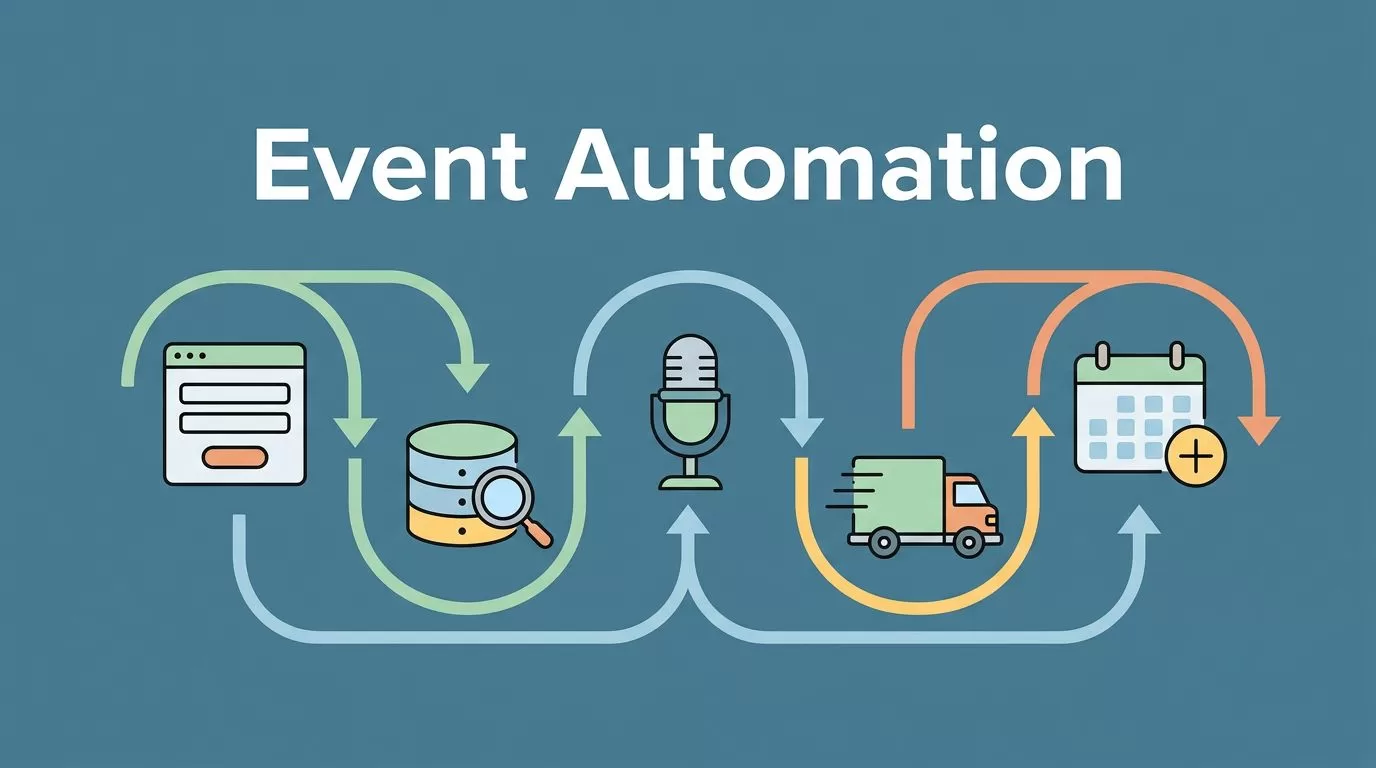
Most event teams lose time in the handoffs, not the event itself. A registration form gets filled out, then someone copies the data into a CRM, then another person starts follow-up, and the whole chain slows down.
I use Twin.so to close those gaps. It helps me turn repeat event tasks into fixed workflows, so attendee registration, CRM updates, lead routing, follow-up sequences, speaker and vendor coordination, internal approvals, and post-event reporting all move on their own.
That matters when the event runs every month, every quarter, or across a full campaign calendar. I want the process to feel boring in the best way, because boring systems are easier to trust.
Why manual event work breaks down so fast
Manual event work looks simple until the volume rises. One webinar is manageable. A series with sponsors, speakers, paid leads, and regional follow-ups is different.
The problem starts with duplicate handling. A marketing manager exports registration data, an ops lead cleans the list, sales wants the hot leads, and someone else needs a recap for leadership. By the time the same record has moved through four tools, small mistakes have already crept in.
I see the same pattern in recurring event programs. People build one-off fixes for each event, then repeat them with tiny changes. That is where errors pile up.
A useful reference point is FMX’s automated event scheduling process. The lesson is simple, when scheduling, reminders, and handoffs are planned in advance, the team spends less time reacting.
If I have to chase the same update twice, I already lost time.
Twin.so gives me a better shape for the work. Instead of treating every event as a fresh puzzle, I can define the steps once and keep them moving. That is what event management automation should do.
What I automate first in Twin.so
I start with the tasks that repeat every time and touch more than one team. Those are the spots where Twin.so pays off fastest.
| Workflow | What I do by hand | What Twin.so handles |
|---|---|---|
| Attendee registration handoff | Export forms, clean rows, assign owners | Push clean records into the right system |
| CRM updates | Paste contact data into fields | Map fields and update records on submit |
| Lead routing | Sort leads after the event | Send leads to the right rep or queue |
| Follow-up sequences | Send email reminders one by one | Trigger timed messages after the event |
| Speaker and vendor coordination | Chase status updates in email | Send reminders and log responses |
The table shows my starting point. I do not begin with the hardest workflow. I begin with the most repetitive one.
That same logic appears in Cvent’s event management automation tips. The details vary by team, but the pattern is the same, remove the manual handoff and the rest gets easier to manage.
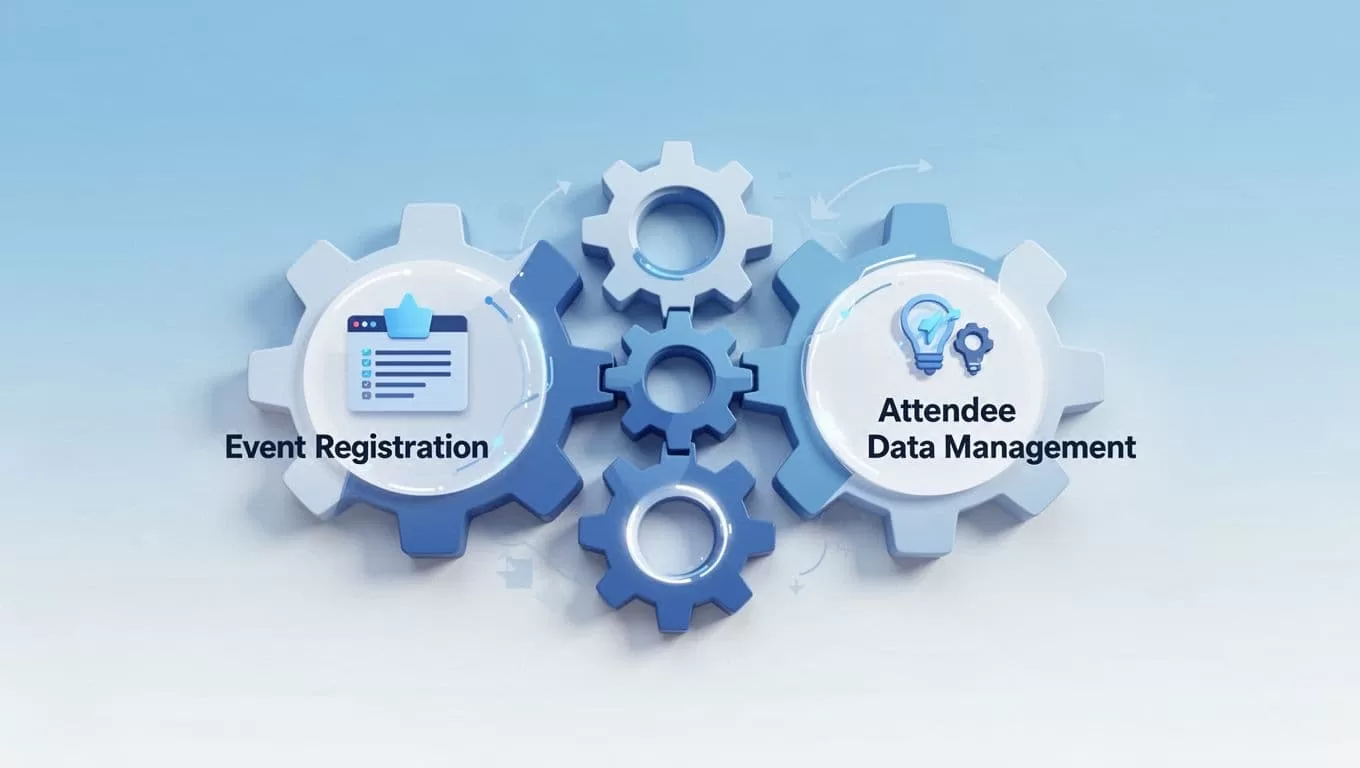
Twin.so works best when I use it as the handoff layer between tools. I do not ask it to replace every system. I ask it to move the right data at the right moment.
A practical Twin.so workflow for registration and follow-up
When I set up event management automation in Twin.so, I want the flow to be easy to read. A clean workflow is easier to keep alive after the first launch.
I usually map the path in four steps:
- A registration form captures the attendee’s name, company, email, and event source.
- Twin.so checks the data, tags the record, and sends it to the CRM.
- The record triggers a lead route, a nurture path, or an internal alert.
- A follow-up sequence starts after the event, based on attendance or intent.
That setup keeps the work moving without waiting for a person to copy fields around. It also helps me split attendees from sales-ready leads. A webinar registrant may need a thank-you note. A demo request may need a fast handoff to sales.
When I need cleaner contact data before outreach, I use the same discipline I describe in my Hunter.io automation workflows. The point is not the tool chain itself. The point is getting the right contact to the right place before the moment cools off.
I also like the way Eventcombo’s complete guide to event management automation frames the category. Registration, engagement, lead routing, and reporting belong in one flow, not four disconnected chores.
Twin.so helps me keep that flow tight. If someone registers from a partner campaign, I can tag them differently. If a prospect comes from a product demo event, I can route them to sales. If the attendee is already in the CRM, I can update the record instead of creating another one.
That matters because follow-up loses value when it starts late. A same-day email feels informed. A three-day delay feels like a missed chance.
Keeping speakers, vendors, and approvals in sync
Event teams spend a lot of time managing people who are not in the room. Speakers need reminders. Vendors need specs. Internal approvers need context. Each group has a different rhythm, so the workflow has to adapt.
Twin.so helps when I treat these tasks as tracked steps instead of loose reminders. For a speaker, I can send a confirmation, request a headshot, and wait for the file before moving to the next step. For a vendor, I can collect delivery details, send a reminder if the deadline passes, and flag the issue for ops. For internal approvals, I can hold the next action until the right person signs off.
That structure keeps the event from drifting. It also makes ownership visible. Nobody has to ask, “Who has this?” because the workflow already answers it.
Speaker and vendor coordination gets messy when updates live only in email. Twin.so gives me a better paper trail. If a stage rental changes, I want the update to reach finance, ops, and the event lead without three separate messages.
The same idea applies to approval chains. A contract, sponsor asset, or budget change should move in a clear order. If the approval stops, the workflow should stop too. That prevents downstream tasks from starting too early.
I also use this phase to protect the attendee experience. If a speaker misses a deadline, the team should know before the session page goes live. If a vendor misses a confirmation window, ops should see it before setup day.
Those alerts are small, but they save the event from last-minute scrambles.
What I measure after the event
Post-event reporting is where many teams lose patience. Everyone is tired, the inbox is full, and the numbers live in too many places. Twin.so helps me collect the story while it is still fresh.
I want to see how many registrations turned into actual attendees, which leads were routed to sales, which follow-up emails got replies, and which tasks stayed open too long. I also want a clear read on sponsor deliverables and speaker completion, because those details affect the next event.
When I need to reconcile costs or track invoices after a live program, I use the same mindset behind my QuickBooks AI automation guide. Clean data in finance matters just as much as clean data in marketing.
That is why I do not wait until the end to think about reporting. I build it into the workflow. If a registration comes in, it should already carry the tag I need later. If a lead is routed, it should be easy to trace. If a follow-up sequence runs, I should know who opened, replied, or ignored it.
The report then becomes a record of the event, not a rescue mission.
I also use reporting to spot weak points. If the same approval keeps slowing things down, I fix that step. If one lead source produces better attendance, I change how I route those records. If a vendor step keeps slipping, I add a reminder or a status gate.
That is the real value of Twin.so for recurring events. It gives me a loop I can review, improve, and run again.
Conclusion
Event work gets harder when the same data has to cross too many desks. That is why I build event management automation around handoffs, not around flashy features.
Twin.so fits that approach well. It helps me move registration data, CRM updates, lead routing, follow-up sequences, speaker and vendor coordination, internal approvals, and post-event reporting through one repeatable flow.
When the handoffs are clean, the event feels calmer for everyone. That is the goal I keep aiming for.
