Exhibit Logistics Automation With Twin.so
Trade show logistics break when each deadline lives in a different inbox. Exhibit logistics automation on Twin.so can connect booth assets, vendors, freight, staff travel, and approvals into one operating flow. Twin.so should not replace yo...
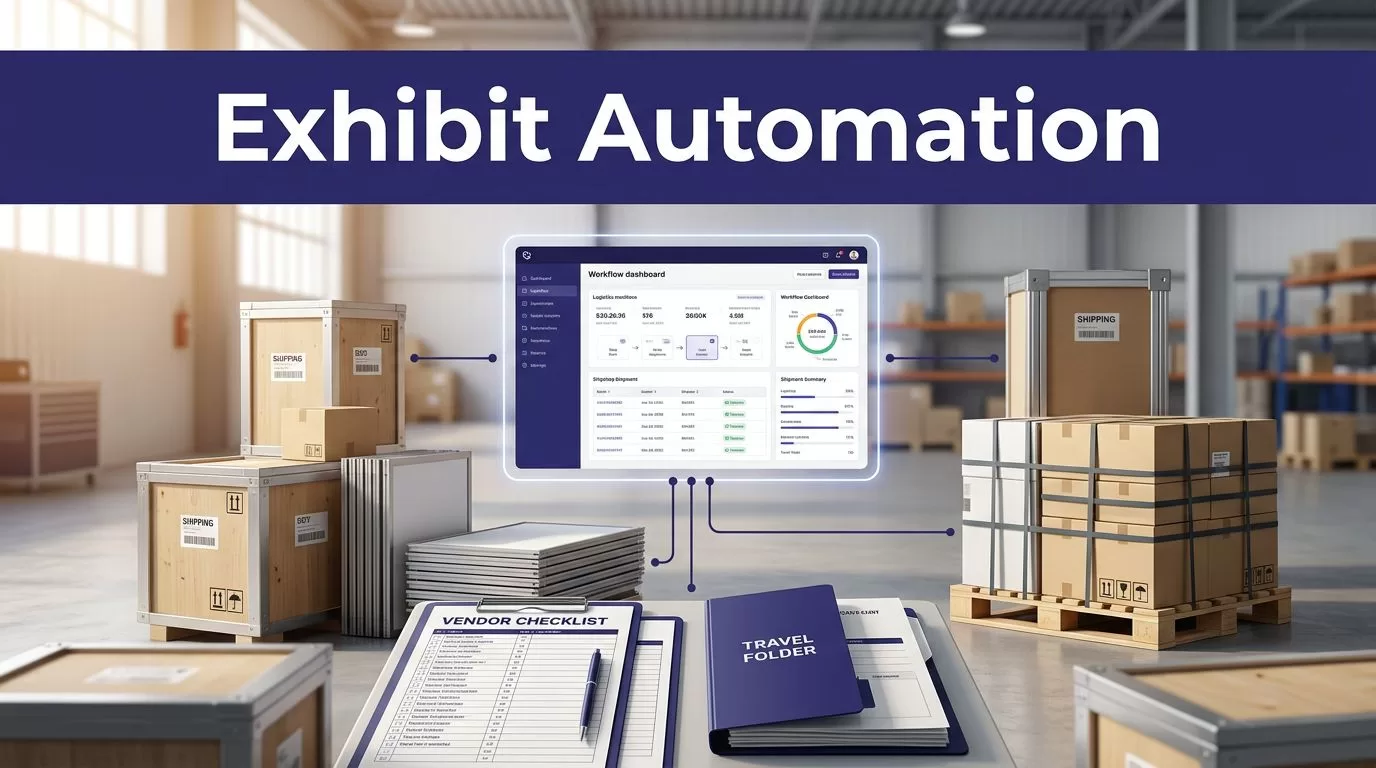
Trade show logistics break when each deadline lives in a different inbox. Exhibit logistics automation on Twin.so can connect booth assets, vendors, freight, staff travel, and approvals into one operating flow.
Twin.so should not replace your project system or event owner. Use it as an execution layer that reads approved records, creates tasks, sends reminders, prepares updates, and routes exceptions. The result is a repeatable process with clear ownership.
Build the Exhibit Workflow Before Automating It
Automation works only when the exhibit plan has defined inputs, owners, dates, and outcomes. Start with one event record. Then connect every deliverable to that record.
Define the event record
Create a parent record for each show. Store the event name, venue, city, booth number, booth size, installation window, show dates, teardown window, budget owner, and event manager.
Add the official exhibitor services manual as a source document. It usually contains deadlines for advance warehouse freight, direct-to-show delivery, electrical orders, rigging, installation, and dismantle. The Logistics Expo exhibitor manual shows how preparation and installation instructions belong in the event record.
Add a version date to the manual. Event information changes. Your workflow should identify which document supplied each deadline.
Convert deliverables into linked records
Create one record for every operational item. That can include:
- Booth graphics and printed materials
- Displays, monitors, furniture, and demonstration equipment
- Freight booking and tracking details
- Drayage, which is the movement of freight between the dock and booth
- Installation labor and electrical orders
- Staff flights, hotels, badges, and shift assignments
- Vendor contracts, proofs, invoices, and approvals
- Return freight and post-event teardown
Each item needs an owner, due date, dependency, status, source link, and next action. A booth graphic should not show only “in progress.” It should show who approves the proof, when production starts, where it ships, and which freight deadline applies.
Centralize Logistics Information Before Taking Action
Twin.so can automate connected workflows, but it can’t fix incomplete event data. Build one controlled operating record before creating agents or scheduled runs.
Use one source of truth
Keep the event plan in an approved system your team already uses. This might be a project tracker, spreadsheet, database, document system, or CRM. Twin.so can read and write across connected applications, but the destination must be chosen by your operations team.
The Twin integration hub documents connections that can support structured records, task creation, documents, calendars, and notifications. Confirm the exact connector and permissions before designing the workflow around it.
Avoid storing the only copy of a deadline inside an agent instruction. Store it in the event record. The agent should retrieve the current value, compare it with related dates, and report the result.
Set field rules and ownership
Use controlled values for status. For example:
- Not started
- In progress
- Waiting for approval
- Ready to ship
- Delivered
- Installed
- Returned
- Exception
Define the time zone for every event. A shipment deadline at a Las Vegas venue shouldn’t be interpreted using the time zone of an operations manager in London.
Add fields for evidence and failure handling. Store the source URL, document version, last checked time, vendor confirmation, tracking number, and review notes. If a deadline is missing, the workflow should create an exception. It shouldn’t leave the field blank and continue as if the task is complete.
The transport logistic exhibitors guide provides a useful example of the information event teams often need to organize, including deadlines, contacts, invoicing, stand construction, and travel arrangements.
Build exhibit logistics automation on Twin.so
Build the workflow around clear triggers and limited actions. Don’t start with a broad instruction such as “manage the entire trade show.” That makes errors difficult to detect and ownership unclear.
Use schedules and event triggers
Twin.so describes agents that can run on a schedule or respond to an application event. Use those options for repeatable checks.
A weekly planning run can review every open deliverable due within 30 days. It can identify missing owners, overdue approvals, unconfirmed freight, and vendors without a current status.
A daily run during show week can check delivery updates, installation tasks, staff changes, and unresolved exceptions. An event trigger can start a workflow when a vendor changes a record to “proof ready” or when a shipment tracking update enters the system.
A useful workflow has this shape:
- Read the approved event and deliverable records.
- Check dates, dependencies, status values, and required fields.
- Create proposed tasks or notifications.
- Write the result to the approved tracker.
- Route missing data and conflicts to a named reviewer.
Twin’s autonomous agent overview describes agents that plan steps, select tools, and execute across apps and websites. Your instructions still need to define the boundaries.
Prefer APIs, then use browser automation
Use an API or approved connector when the source provides stable access. This is usually easier to test and monitor than browser navigation.
Use browser automation only for authorized portals that lack a usable API. A general contractor portal may require login, several page actions, and a download of the latest services manual. That can fit a browser workflow, but it also creates more failure points.
Give the agent a narrow task. For example:
“Open the approved venue portal. Locate the current exhibitor services manual for event ID 4821. Return the file link, publication date, freight deadlines, electrical deadline, and source status. If the portal is unavailable or the event ID doesn’t match, create an exception and don’t update the deadline fields.”
This instruction limits the source, fields, and failure response. It also prevents a clean-looking but unsupported update.
Automate Reminders, Handoffs, and Approvals
Reminders should be based on dependencies, not random calendar intervals. A vendor reminder sent seven days before a deadline is useful only if the workflow knows whether the vendor has already submitted the required file.
Tie reminders to operational dates
Create reminders around the dates that can stop the project:
- Booth design approval
- Graphic production release
- Advance warehouse cutoff
- Direct-to-show freight cutoff
- Drayage order deadline
- Installation crew arrival
- Staff travel confirmation
- Equipment delivery
- Return freight booking
- Teardown completion
Each reminder should include the event, deliverable, owner, due date, required action, and source record. Send a reminder only when the item remains open. Record the send time and response status.
For freight, include the carrier, tracking number, shipment contents, delivery location, and receiving deadline. A reminder that says “check shipping” creates more work. A reminder that identifies a missing tracking number gives the owner a clear next step.
Keep approval gates visible
Approvals are handoffs. Treat them as records, not informal messages.
When a vendor submits a booth graphic proof, create an approval request for the named reviewer. Store the proof link, submission time, due date, review status, comments, and revision number. If the reviewer rejects it, return the item to the vendor with the notes attached. If the reviewer approves it, release the production task.
Use the same structure for floor plans, electrical orders, booth copy, demo equipment, hotel allocations, and freight invoices. Automation can prepare the request and route the outcome. The event manager still controls the decision.
If several systems, vendors, or approval points are involved, Book A Call to map permissions and exception paths before a wider rollout.
Track Dependencies and Changes Without Losing Accountability
A trade show plan changes constantly. The problem isn’t that dates move. The problem is that related tasks remain unchanged after a date moves.
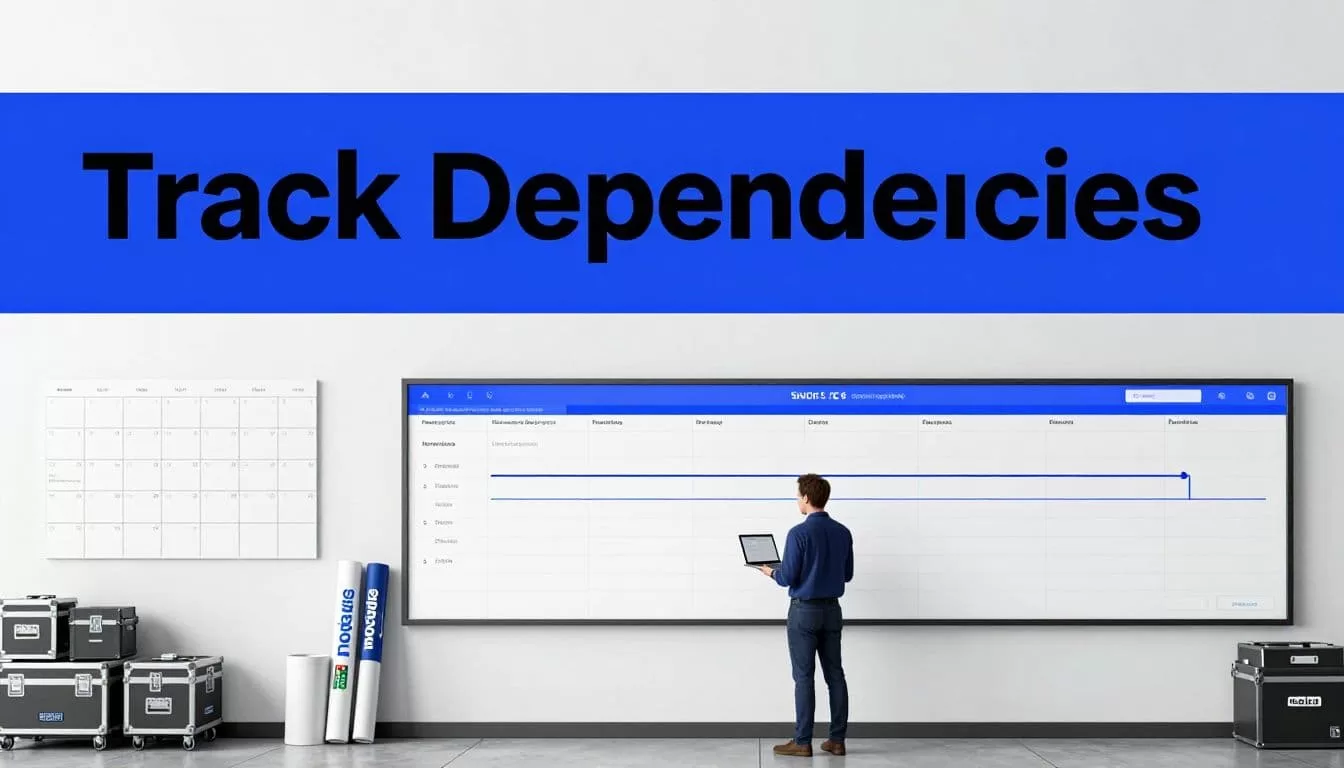
Recalculate affected work
Suppose the venue moves installation back by one day. The workflow should identify the affected installation crew, electrical order, freight arrival, staff travel, and booth handoff. It should propose the changes and show the records that need review.
Don’t let the agent silently overwrite dates. Record the old value, new value, source of the change, timestamp, and person who approved it.
Use dependency fields such as:
- Depends on
- Blocks
- Related vendor
- Required before shipment
- Required before installation
- Required before show open
This gives the event manager a usable impact list. It also prevents a vendor from marking one item complete while a required predecessor remains open.
Stop on missing or conflicting data
A failed retrieval is not a successful check. If the venue portal is unavailable, the manual has changed, or two records show different freight deadlines, stop the write step.
Create an exception with the source, error, affected records, attempted time, and assigned reviewer. Keep the last trusted value visible, but label it as unverified.
Run the first pilot in report-only mode. Let Twin.so identify proposed changes without updating the production tracker. Compare the output with known event records. Test missing attachments, duplicate vendors, late approvals, changed deadlines, and failed portal access before enabling automatic writes.
Measure the Workflow Before Scaling It
Track outcomes that show whether the process reduces work without creating corrections. Useful measures include completed deliverables, overdue tasks, missing-field rate, duplicate records, failed runs, retry count, human review minutes, and correction time.
Measure cost per accepted event record, not cost per automated action. Twin.so usage can vary with browser steps, API calls, document volume, retries, and output size. Run a small approved batch and record the actual result.
A practical monthly benefit calculation is:
Eligible deliverables x minutes removed x loaded hourly rate / 60
Subtract Twin usage, connected-system costs, monitoring time, human review, and correction work. A workflow that saves ten minutes but creates thirty minutes of rework is not reducing cost.
Keep credentials restricted to the systems and actions the workflow needs. Store source evidence with every update. Maintain a manual fallback that states who checks the venue portal, where the result is recorded, and which value remains trusted when automation fails.
Conclusion
Exhibit logistics automation works when the plan has defined records, owners, dependencies, sources, and review points. Twin.so can handle repeatable collection, task creation, reminders, document work, notifications, and approved updates across connected systems.
Start with one event and one workflow, such as vendor proof approvals or freight deadline monitoring. Run it in report-only mode, inspect the exceptions, and measure correction work before expanding into staff travel, installation, and teardown.
The goal isn’t to automate every exhibit decision. It is to make every handoff visible, timely, and accountable.
