I remember scraping sites manually for leads. It took hours of copy-paste work. Now, I use Twin.so to grab data in minutes. This no-code tool builds AI agents that browse like humans. You tell it what to do in plain English. It handles logins, clicks, and pulls structured info.
Twin.so fits my workflow perfectly. I run it for lead gen or competitor checks without code. Costs stay low after setup. In this guide, I share exactly how I set it up and use it.
Getting Started with Twin.so
I signed up at twin.so last month. The free account lets me test agents right away. You create a workspace, then chat with the Orchestrator. That’s the AI that builds everything.
Paste a URL or goal first. For example, I say, “Go to example.com, find product prices, list them in a table.” Twin.so plans the steps. It scrapes the page structure before launching a browser. This saves time and credits.
I add details like login info if needed. Twin.so stores credentials securely. No more manual navigation. Test in Build mode to watch it run. Tweak prompts if results need polish.


Once happy, switch to Run mode. It executes fast on cloud browsers. Data flows to Google Sheets or your CRM. I connect it to Recruit CRM for resume parsing in seconds. See Twin’s quickstart guide for the full flow.
Setup takes under 10 minutes. I built my first agent while coffee brewed.
Step-by-Step Data Extraction Process
I start simple. Open Twin.so, pick Orchestrator chat. Type your goal: “Extract emails and names from LinkedIn search results.”
Twin.so asks for the URL. Paste it. Add any inputs like search terms. The AI generates steps. It might say, “Navigate to page, scroll for results, click profiles, pull data.”
Review the plan. Edit if off. For precision, give examples. “Output as CSV with columns: Name, Title, Email, Company.”
Hit run. Watch the cloud browser in action. It scrolls, hovers, extracts. Handles dynamic sites that load on scroll.
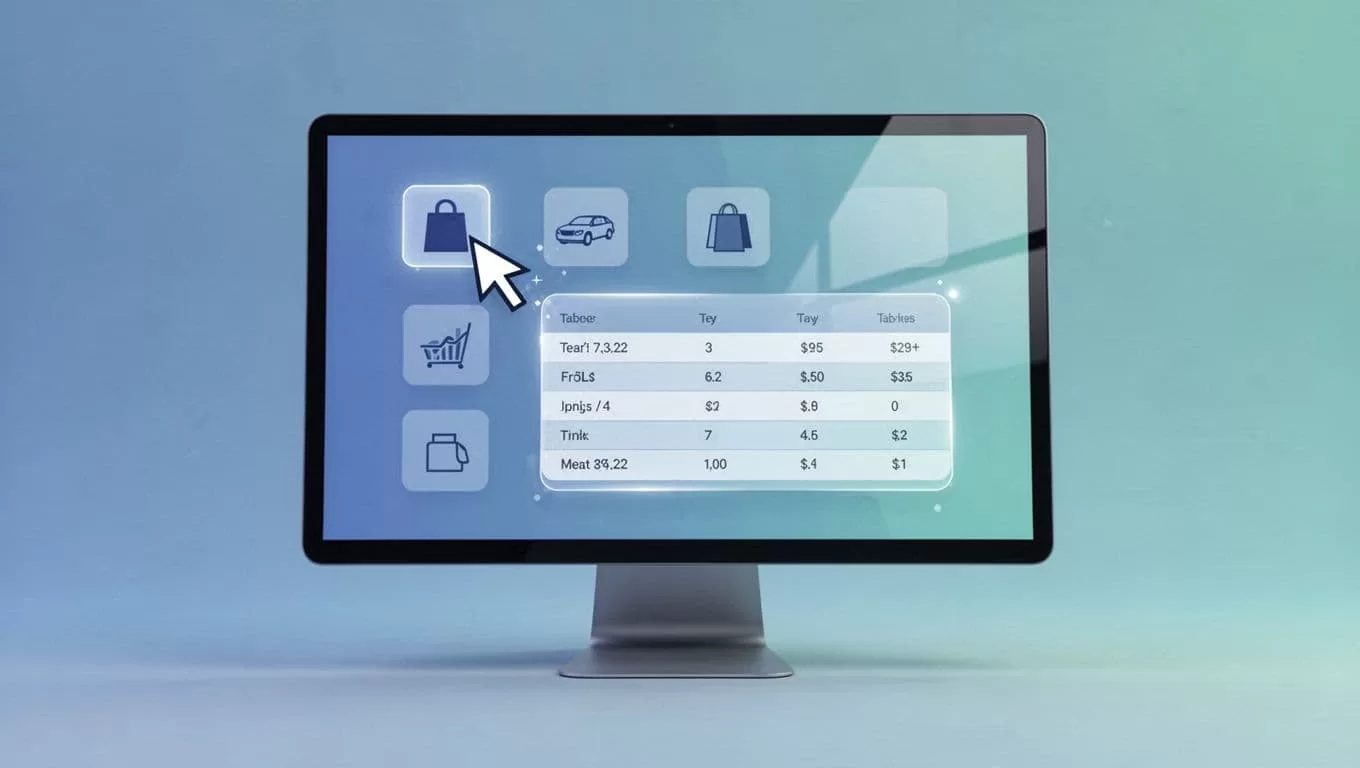
For bulk jobs, upload a CSV of URLs. Twin.so processes them in parallel. I pulled 500 hotel listings from Booking.com this way. Results landed in Sheets instantly.
Troubleshoot easy. If a site changes, tweak the prompt. Use Twin’s Web Agent docs for browser tricks. Outputs format cleanly. No messy HTML.
I schedule daily runs next. Set triggers for new data. Automation beats scripts every time.
Real-World Use Cases I Rely On
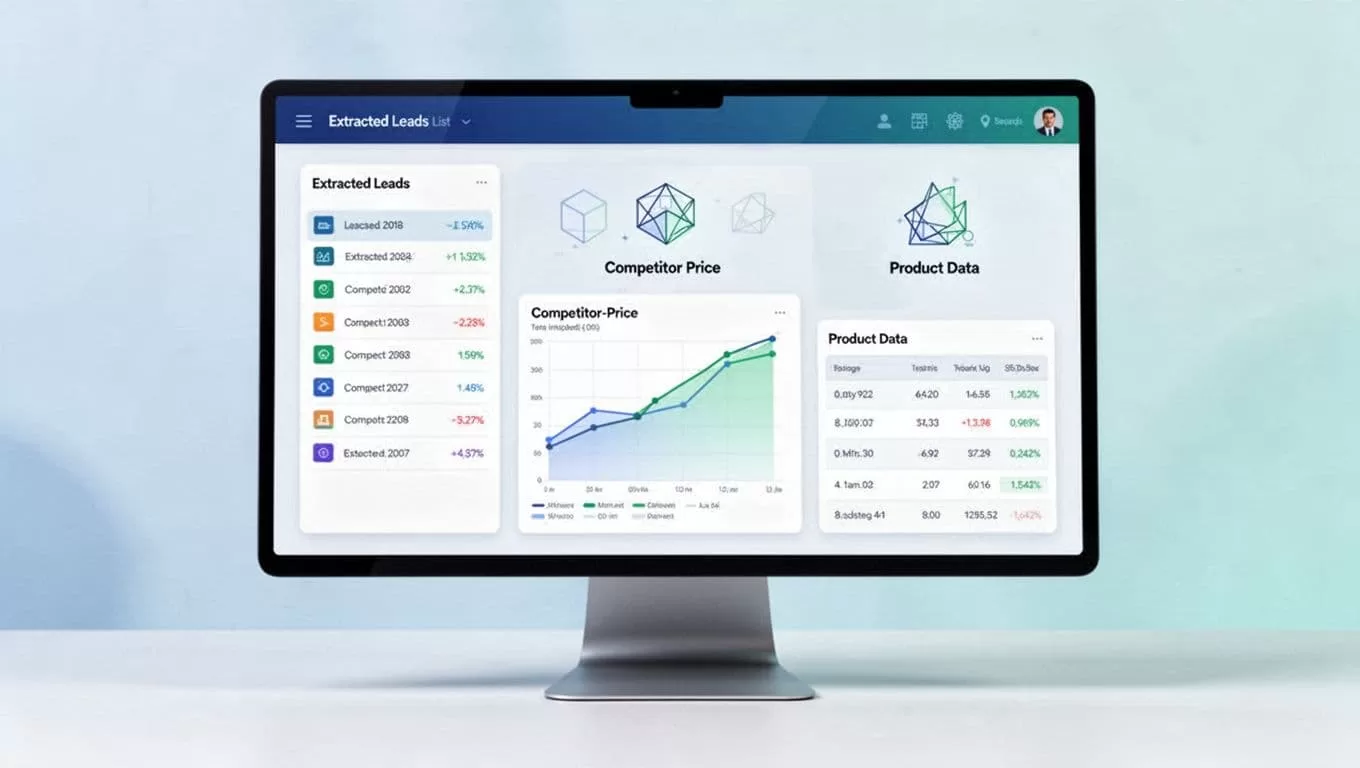
Leads fill my pipeline with Twin.so. I target directories for contacts. Agent visits pages, grabs names, roles, emails. Scores them by fit. Exports to CRM. Last week, it netted 200 qualified leads.
Competitor monitoring saves meetings. I check rival prices weekly. “Visit site A and B, compare product costs, note changes.” Charts update automatically. I spot discounts before they hit.
Product data capture fuels research. E-commerce sites list inventory. Twin.so pulls SKUs, prices, stock levels. I build reports for ops teams. Handles logins for private portals.
Research rounds it out. Audit sites for compliance. Pull stats from reports. Even drafts emails from findings. Pair it with tools like no-code scrapers such as Browse AI for variety.
These cases run cheap. One credit per task after building. Scales to thousands without hassle.
Tips to Maximize Speed and Accuracy
Prompt well. Be specific: “Ignore ads, focus on tables.” Test small batches first.
Chain agents for power. One extracts, another analyzes. Use schedules or webhooks.
Handle blocks. Rotate proxies if sites limit. Twin.so’s tips page covers it: tips and tricks.
Export smart. Direct to Sheets or APIs. I feed data into Recruit CRM workflows for auto-follows.
Monitor runs. Logs show every click. Fix issues fast.
Conclusion
Twin.so changed how I extract website data. Agents handle the grunt work. I focus on insights. Start with a simple goal today. You’ll pull clean data faster than ever.
Your first run proves it. Build that agent now.