Facebook Marketplace Automation With Twin.so: A Practical Setup
Creating one Facebook Marketplace listing takes a few minutes. Creating 30 listings turns into a daily operations task. Facebook Marketplace automation can reduce that workload by moving inventory data, copywriting, photo checks, and review...

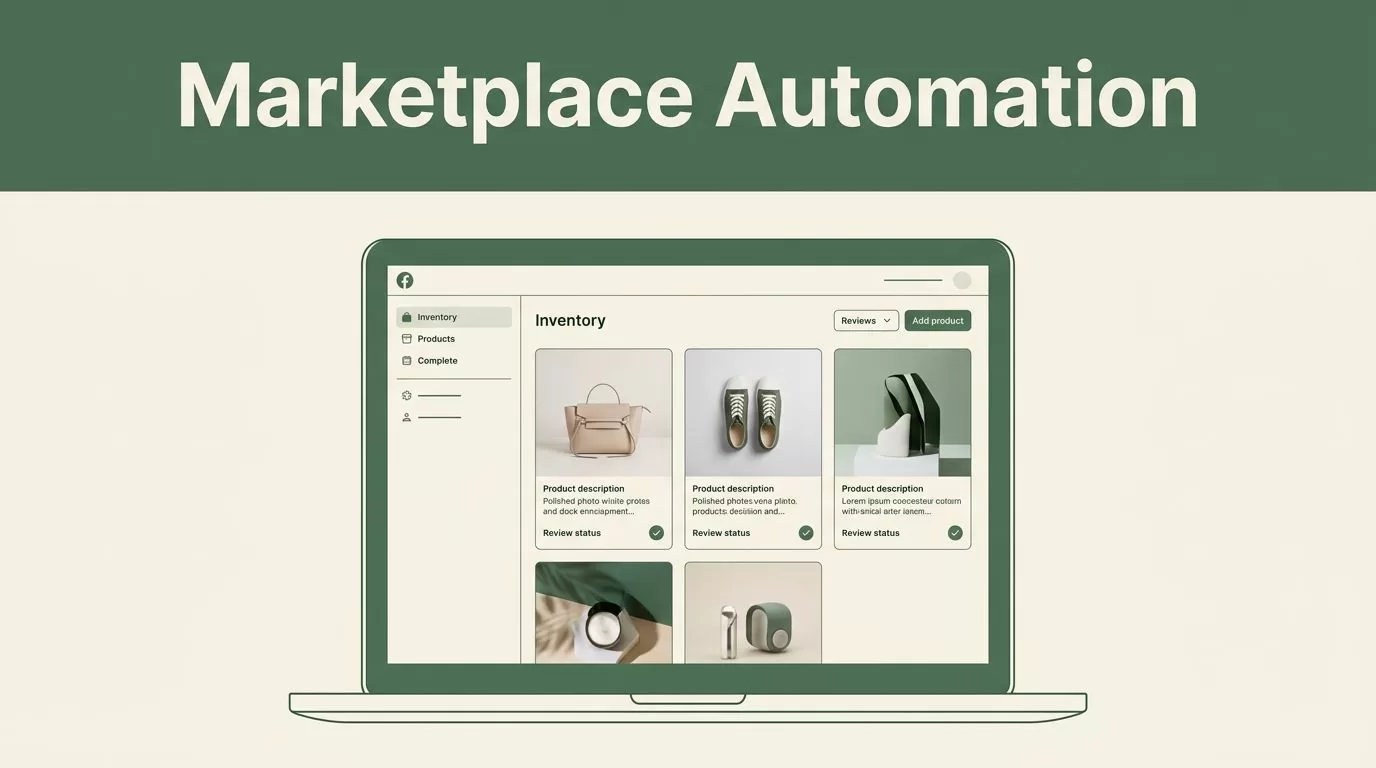
Creating one Facebook Marketplace listing takes a few minutes. Creating 30 listings turns into a daily operations task. Facebook Marketplace automation can reduce that workload by moving inventory data, copywriting, photo checks, and review steps into one repeatable workflow.
Twin.so helps you build no-code AI agents that work across apps and websites. You describe the outcome, connect your tools, and define when the agent should run. The system can use app integrations when available and browser actions when a website lacks a useful API.
The setup needs control. Automation should prepare and manage listings without promising unrestricted posting or bypassing Facebook rules. Start with a reviewed workflow, then expand only after the process produces reliable output.
What Facebook Marketplace automation should handle
A useful Marketplace workflow does more than generate a product description. It manages the full listing pipeline:
- It reads product data from your inventory source.
- It creates a title and description using approved details.
- It checks prices against your rules.
- It organizes or selects the correct photos.
- It sends the draft for review.
- It records the listing status and next action.
- It updates inventory when an item sells or expires.
Twin.so fits this model because its agents can connect to tools, follow instructions, run on schedules, and return structured deliverables. You can use a Google Sheet as the control center, a cloud folder for product photos, and a review channel for approvals.
The important distinction is between draft automation and publishing automation. Draft automation is easier to control. It creates accurate listing packages while leaving the final Facebook action to a person. Publishing automation may require browser interaction, account access, and additional checks. You need to confirm that every action follows Facebook’s current terms and account restrictions.
Tools in this category vary widely. Some focus on cross-listing, repricing, chat handling, or product research. This Facebook Marketplace software comparison provides useful context when deciding which tasks should stay inside Twin.so and which may need a dedicated seller platform.
The safest workflow treats automation as an operations assistant, not as permission to post without limits.


Connect your inventory before building the agent
Twin.so needs reliable source data. If your inventory sheet contains missing prices, unclear product names, or outdated stock counts, the agent will produce inconsistent listings.
Create one row per item. Use stable columns so the agent can read the same fields every time:
| Field | Example |
|---|---|
| SKU | CHAIR-042 |
| Product name | Solid oak dining chair |
| Condition | Used, good |
| Quantity | 2 |
| Cost basis | 35 |
| Target price | 75 |
| Minimum price | 60 |
| Dimensions | 18 x 20 x 34 inches |
| Photo folder | /inventory/CHAIR-042 |
| Status | Ready for review |
Keep the source of truth separate from the listing copy. Your inventory sheet should contain facts. Twin.so can turn those facts into buyer-facing text, but it shouldn’t invent missing specifications.
Use a dedicated status column such as New, Drafted, Approved, Posted, Reserved, and Sold. Add a timestamp after each workflow run. This creates a basic audit trail and prevents the agent from drafting the same item repeatedly.
Photo organization also needs a fixed rule. Store images in folders named with the SKU. Use consistent filenames such as CHAIR-042-01.jpg, CHAIR-042-02.jpg, and CHAIR-042-detail.jpg. Twin.so can use those folder references when building a draft package, while you check image quality before publication.
This structure prevents context switching. You don’t need to search through random phone uploads each time an item reaches the listing queue.
Build the Twin.so listing workflow
Start with a narrow instruction. Don’t ask the agent to “automate Facebook Marketplace” without defining the inputs, outputs, and approval rules.
A stronger workflow instruction looks like this:
Read rows marked Ready for review in the inventory sheet. Create one Facebook Marketplace draft for each row. Use only verified product details. Write a clear title, a short description, a suggested price, and a photo list. Flag missing fields for review. Never mark an item Posted without approval.
That instruction gives Twin.so a clear job. You can then connect the relevant spreadsheet, document, storage, and notification tools.
Twin.so supports natural-language agent building. Its platform combines API integrations with browser automation when a connected website doesn’t offer a practical API. It also supports schedules and webhooks, so you can trigger a run when a new inventory row appears or at a fixed time each morning.
Configure the agent with these operating rules:
- Process only rows with the
Ready for reviewstatus. - Never change the target price without a defined pricing rule.
- Never claim features, warranties, shipping options, or measurements that aren’t in the source data.
- Flag duplicate SKUs before creating a new draft.
- Stop when required fields are missing.
- Save the generated draft back to the same SKU record.
- Send exceptions to a review channel.
The agent should return structured output. Use fields for title, description, price, condition, pickup details, photo references, and review status. Structured output is easier to inspect than a long block of generated text.
Draft titles that buyers can understand
Marketplace titles need clear product terms. Put the item name first, then the strongest factual detail.
Weak title:
Nice chair for sale
Better title:
Solid Oak Dining Chair, Good Used Condition
For a batch of used office equipment, the workflow could generate:
Dell 24-Inch Monitor, Tested, HDMI Included
Set a title length limit inside the agent. Remove promotional claims such as “best,” “rare,” or “must buy” unless the seller has verified evidence. Buyers search for product names and specifications, not vague adjectives.
Generate descriptions from verified fields
Give Twin.so a fixed description structure:
- What the item is.
- Its condition.
- Included parts.
- Measurements or key specifications.
- Pickup or delivery terms.
- Any known defects.
For example:
Solid oak dining chair in good used condition. The chair has light surface wear and no structural damage. Seat height is 18 inches. Two chairs are available. Local pickup is available. Please review the photos for finish marks.
This format is direct and easy to scan. It also limits hallucinated details. If a field is blank, the agent should write “Not provided” in the internal review record, not guess.
Add pricing and photo checks
Pricing should come from a rule, not from a random model estimate. Use the target price and minimum price in your inventory sheet. Then define how Twin.so should respond to a market research input or a human instruction.
A practical rule might be:
- Use the target price for a new draft.
- Suggest a lower price only when the seller provides comparable listings.
- Never go below the minimum price.
- Flag prices that fall outside the approved range.
- Record the reason for every manual price change.
You can keep pricing simple at first. Add advanced repricing only after you have enough sales data to support it. A tool that automatically lowers prices without tracking margin can increase order volume while reducing profit.
Photo checks should follow a similar process. Require at least one clear primary image. Use additional images for labels, defects, dimensions, and included accessories. Keep the first image focused on the full product.
Twin.so may help organize image references or create supporting media, but you should review generated visuals carefully. Don’t use an edited image that hides damage or changes the product’s appearance. Marketplace buyers need an accurate view of what they will receive.
The agent can flag:
- Missing primary photos.
- Files that don’t match the SKU.
- Duplicate images.
- Images with visible personal information.
- Product defects that aren’t mentioned in the description.

Choose a review and publishing model
You have three practical ways to use Twin.so with Facebook Marketplace.
Model one uses manual publishing. Twin.so creates the complete listing package. A team member copies the approved fields into Facebook Marketplace and changes the inventory status to Posted. This model has the lowest account risk and works well for small inventories.
Model two uses supervised browser automation. An agent opens the permitted workflow in a browser, fills fields, and pauses for approval before the final submission. This can reduce repetitive entry while keeping a person in control.
Model three uses limited post-publishing management. After a human publishes the listing, Twin.so records the URL, updates the inventory sheet, and prepares follow-up tasks. It can also flag items that need a price review or status update.
Don’t begin with unattended publishing across a large account. Facebook can change page layouts, require additional verification, or restrict activity that appears abnormal. Browser automation can also fail when fields move or a session expires.
Review Facebook Marketplace automation tools before adding another platform to your stack. Compare the actual task you need, the number of listings you manage, and the amount of human review required.
Your Twin.so agent should log each run. Record the SKU, generated content, timestamp, result, error message, and approval status. When something fails, route it to an exception queue instead of retrying endlessly.
Measure the workflow before scaling
Track operating metrics before you add more products or accounts. The first goal is not maximum posting volume. The first goal is reliable output.
Use a weekly review with these measures:
- Average time to prepare one approved listing.
- Percentage of drafts needing factual corrections.
- Number of duplicate or blocked drafts.
- Photo mismatch rate.
- Average time between sale and inventory update.
- Gross margin after discounts and selling costs.
- Number of automation errors requiring manual recovery.
A lower preparation time has little value if inaccurate descriptions create buyer disputes. Compare speed with correction rate and sell-through performance.
Run the workflow on a small group of products first. Choose items with complete data and clear photos. Review every draft. Adjust the agent’s instructions when it repeats a problem. Then test less consistent inventory, such as used goods with visible wear or incomplete specifications.
Use Twin.so’s schedules only after the workflow behaves correctly on demand. A scheduled run should have a defined input range and a maximum workload. For example, process 20 approved rows each morning, then stop and report exceptions.
Keep credentials protected. Use approved account access methods and restrict who can edit the agent instructions. Separate testing credentials from production accounts where possible. A workflow that can access seller data should not also have unnecessary access to unrelated systems.
Common mistakes to avoid
The most common error is asking the agent to fill gaps with persuasive language. That creates listings that sound polished but contain unsupported claims. Require factual source fields and a visible exception when information is missing.
Another error is mixing inventory updates with publishing actions. If a listing fails halfway through, the item can be marked Posted even though it never appeared. Update the status only after confirmation.
Avoid using several agents for the same inventory queue. Two workflows may process the same row and create duplicate drafts. Assign one owner to each status transition.
Don’t automate buyer conversations without clear limits. Automated replies can acknowledge a message, provide approved information, or route a question to a person. They shouldn’t negotiate outside your price rules or make commitments the seller hasn’t approved.
Finally, review Facebook’s current requirements before using any browser-based action. A tool’s technical ability doesn’t guarantee that a specific action is allowed.
Conclusion
Facebook Marketplace automation works best as a controlled listing system. Twin.so can read structured inventory data, create listing drafts, organize workflow steps, trigger repeatable runs, and connect the work across business tools.
Start with clean SKU records, fixed title and description rules, organized photo folders, and a human approval step. Measure correction rates and inventory accuracy before increasing volume. The strongest setup isn’t the one that posts the most listings. It’s the one that keeps product data accurate while removing repetitive work from your daily queue.

