How to Implement Feature Rollout Software From Mida.so
Product teams often ship new features to every user at the same time, crossing their fingers that nothing breaks. This approach risks breaking core workflows for thousands of active visitors if an unhandled bug slips through production. You...
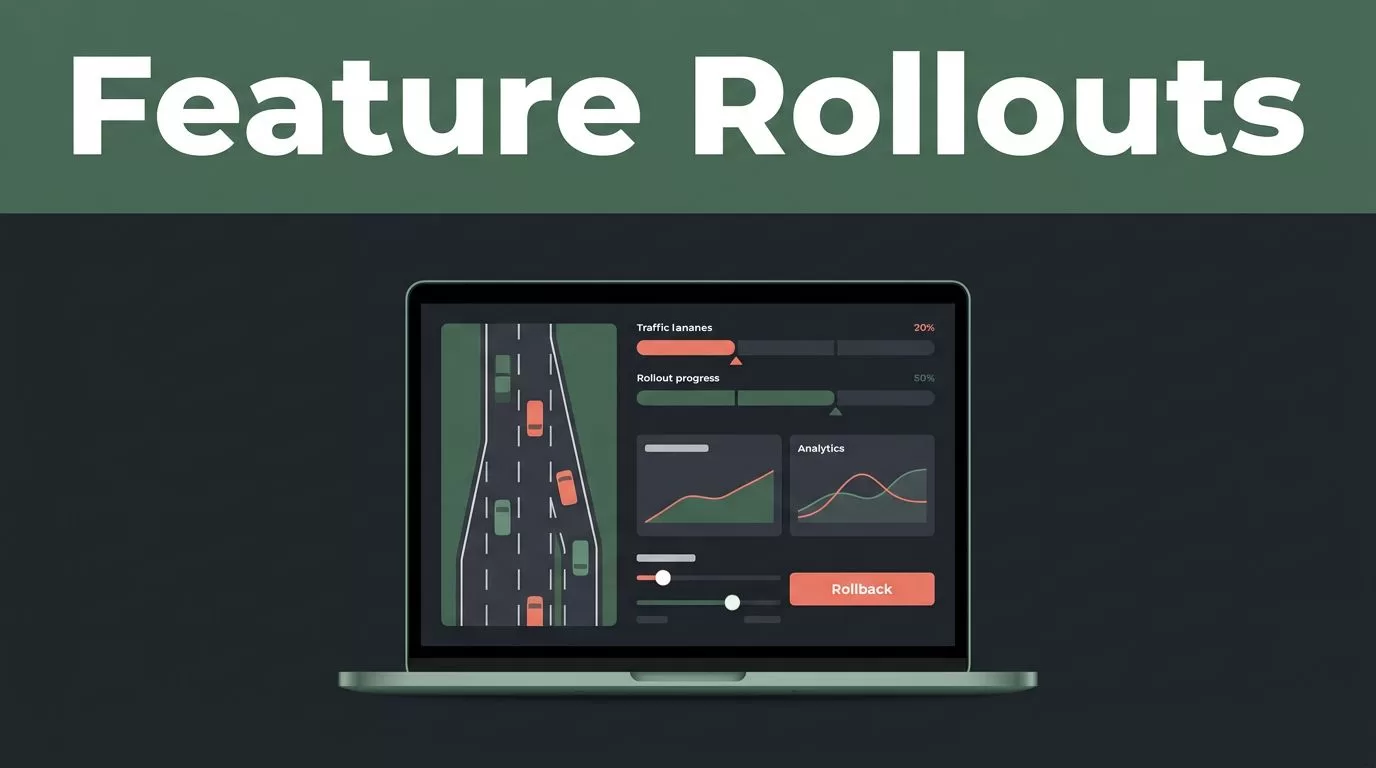
Product teams often ship new features to every user at the same time, crossing their fingers that nothing breaks. This approach risks breaking core workflows for thousands of active visitors if an unhandled bug slips through production. You can eliminate that risk by decoupling code deployments from actual feature releases using dedicated control tools. When you use proper feature rollout software, you gain the power to test new updates quietly with internal teams, release them to a small percentage of live traffic, and roll them back instantly if errors spike.
Mida.so gives SaaS companies and growth teams a practical way to manage these progressive releases alongside website experimentation. Instead of guessing how a new pricing table or signup flow will perform, you can target specific user segments, monitor real-time performance, and scale your updates based on clean data. Here is an operations-focused playbook for setting up your deployment workflow, structuring your first test, and avoiding costly experimentation mistakes.
Key Takeaways
- Test one specific feature change against a stable control version without overlapping variables.
- Monitor a primary conversion goal alongside strict performance guardrails like page load speed.
- Keep traffic allocation steady throughout the test lifecycle to preserve sample purity.
- Segment your final results by device type and traffic source before rolling out globally.
- Store test outcomes and hypotheses in an internal log so your team avoids repeating past experiments.
Establish Your Baseline and Define the Target Metric
Before you write any conditional code or push changes live, you need to document your current product metrics. Run initial checks to record your baseline conversion rate, bounce rate, and core traffic distribution across mobile and desktop devices. If your baseline data is noisy or incomplete, your experiment analysis will yield unreliable conclusions later.
Next, select a primary success metric that matches the specific page or feature you plan to alter. For a B2B SaaS onboarding flow, your primary metric might be completed demo requests or trial signups. For an ecommerce product page, you might track cart additions or completed purchases. Never rely on shallow engagement indicators like raw click-through rates when your true business goal is revenue or qualified lead generation.
For a deeper understanding of how these deployment controls work in broader engineering stacks, review LaunchDarkly’s guide on feature flags. Combine your primary conversion goal with strict guardrail metrics. Track Largest Contentful Paint, interaction delays, and error rates to ensure your new functionality does not degrade the user experience.
Configure Your Campaign and Audience Rules
Traffic allocation controls how users enter your test environment. A standard setup uses a balanced fifty-fifty split, giving both the control experience and the variant equal exposure. Keep your targeting rules precise from the start. If your feature update targets mobile visitors from paid search campaigns, configure those exact audience parameters inside your dashboard before launching.
Altering targeting parameters mid-stream creates a new test condition, which corrupts your sample purity and forces you to restart your measurement period. Exclude internal company traffic, automated bots, and visitors already enrolled in conflicting experiments. For a comprehensive overview of platform alternatives and lightweight script architectures, review this analysis on an AB Tasty alternative for fast AI testing.
| Mida.so Experiment Setup | Configuration Details |
|---|---|
| Traffic Split | 50% Control / 50% Variant |
| Primary Goal | Completed Trial Signup |
| Guardrail Metrics | Largest Contentful Paint (LCP) |
This setup ensures equal exposure while protecting your rendering speed from performance bloat. Once your traffic rules are active, you can write the conditional logic in your application code to evaluate whether the flag evaluates true for the incoming visitor session.
Structure Your First Controlled Experiment
When you build your test variation, focus on a single change rather than overhauling an entire page layout at once. If you update the button color, modify the headline copy, and rearrange the navigation links simultaneously, you won’t know which specific element caused the conversion shift.
+-------------------------------------------------------+
| Mida.so Experiment Setup                              |
+-------------------+-----------------------------------+
| Traffic Split     | 50% Control / 50% Variant         |
| Primary Goal      | Product-List Click-Through Rate   |
| Guardrail Metrics | Largest Contentful Paint (LCP)    |
+-------------------+-----------------------------------+
Keep your tracking scope limited to the specific pages and user segments that require testing. If your update focuses on a mobile pricing page, restrict the script execution to that exact URL pattern rather than loading tracking bundles across your entire domain. For general best practices on maintaining clean code paths once an experiment concludes, see Unleash’s feature flag best practices guide.

Read Results With Business Context and Segment Analysis
Too many teams declare a test winner based entirely on a raw statistical significance percentage displayed on a dashboard. A report needs more than a headline lift to justify a permanent product change. Compare your control group against the variant under identical conditions, and check whether the winning metric holds steady across key audience segments.
A variant that wins overall among organic desktop visitors may fail completely for mobile traffic arriving from paid ad placements.
Always review absolute visitor counts alongside conversion rates. A small percentage difference based on a handful of transactions should never drive a site-wide redesign. For teams looking to connect experimentation data directly with marketing analytics, consult this reference on how to integrate A/B testing with Google Analytics 4 using Mida.so.
Document Wins and Losses in an Experiment Log
Store every test result alongside your original hypothesis and recommendation in an internal log. If the test wins, define the permanent implementation for your development team and remove the temporary conditional code paths. If it loses, record what the result rules out so future teams don’t test the same failing concept six months later.
This workflow gives stakeholders a clear status update and prevents your growth team from presenting an analytics dashboard without a concrete decision attached. Keep your testing records organized by date, traffic allocation, and primary metrics to build an institutional knowledge base that accelerates every future release.
Conclusion
Rolling out new features doesn’t have to be a high-stakes gamble that disrupts your core user experience. By deploying feature rollout software, you separate code deployment from feature release and test every update against real visitor data. Start with a clean baseline, establish precise audience rules, and monitor both conversion lifts and performance guardrails. The winning feature implementation is the one that improves your primary business goals without degrading the experience for the visitors who matter most.
