How I Find Event Organizer Email Addresses With Hunter.io
When I need to find event organizer email addresses, I start with the event’s public footprint, not a guess. Hunter.io works best when I treat it like a clean map, not a magic trick. Event teams leave clues on speaker pages, sponsor p...
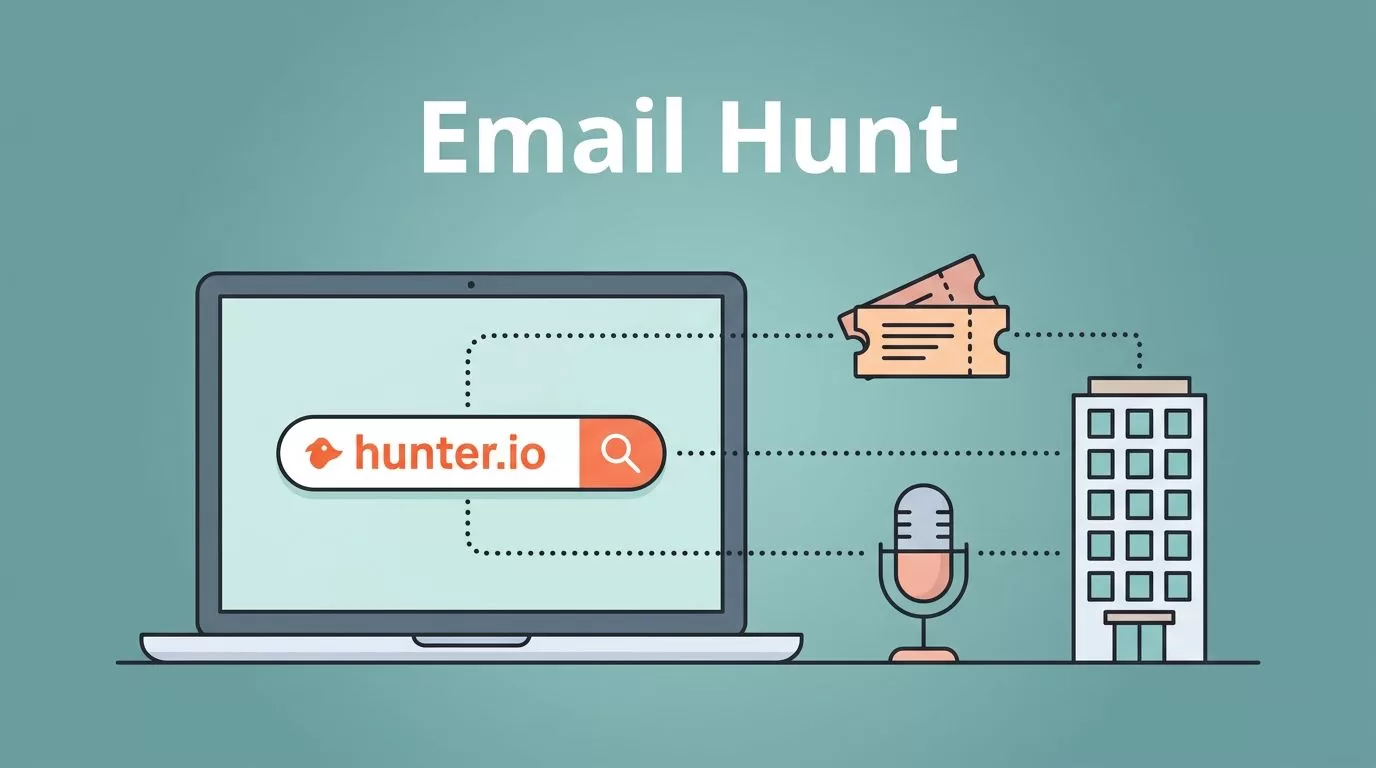
When I need to find event organizer email addresses, I start with the event’s public footprint, not a guess. Hunter.io works best when I treat it like a clean map, not a magic trick.
Event teams leave clues on speaker pages, sponsor pages, agency sites, and company domains. I use those clues to find a public professional inbox, verify it, and keep outreach respectful.
Start with the event brand, not a random name
The fastest path is usually the event’s own domain. If I know the brand behind the conference, summit, or meetup, I can search the domain first and build from there.
I look for domains like eventbrand.com, events.eventbrand.com, or the agency site that runs the show. When the organizer is also the owner of a small event business, I sometimes pair this with my Hunter.io guide for finding business owner emails.
Here’s the simple pattern I use.
| Source I check | What I search | What I usually find |
|---|---|---|
| Event website | the main event domain | organizer, partnerships, or media inbox |
| Agency site | the company behind the event | public team email or role email |
| Speaker page | name plus company | direct professional address |
| LinkedIn profile | name plus domain | email pattern or confirmed contact |
I don’t treat every result as equal. A contact page can point me in the right direction, but it still needs a second check.
I look for public business emails, not private ones. That keeps the search useful and the outreach respectful.
For a wider view of Hunter’s contact tools, I also keep my Hunter.io review for B2B contact discovery handy.

The Hunter.io workflow I use for organizer searches
I usually work through Hunter in four moves. The order matters because it saves credits and cuts noise.
First, I use Domain Search. If I have the event company domain, I enter it and look for public emails tied to that brand. This is where I spot patterns, shared inboxes, and role-based addresses.
Next, I use Email Finder when I know the person’s name. Hunter’s own Email Finder help article matches how I use it, full name plus company domain. That’s perfect when I already know the organizer from an event page or LinkedIn profile.
Then I try Discover with a plain-language prompt. In 2026, Hunter’s AI assistant makes this easier. I can type something like:
- event organizers at conference companies in the US
- trade show managers at B2B event agencies
- partnerships leads at live event brands in Texas
After that, I use the browser extension on event sites or LinkedIn. It lets me save public contact data without bouncing between tabs. For me, that matters when I’m building a list from speaker bios, sponsor pages, and event team pages.
Hunter’s own blog has a good overview of ways to find someone’s email address, and I follow the same basic order, search first, verify second, send last.
How I tell if I found the right organizer
A result is only useful if it matches the person I want to reach. I check three things before I move on.
The first sign is role fit. If I’m pitching sponsorship, I want partnerships, growth, or event ops. If I’m pitching a speaking slot, I want programming or content leads. The title should match the task.
The second sign is domain fit. A contact at conferencebrand.com makes sense for a branded event. A contact at eventagency.com may be the right person if the agency runs the show.
The third sign is proof. I check the event page, speaker bio, company about page, or a recent post. If the name appears in two public places, I trust it more.
When the address looks risky, I verify it. I keep a close eye on shared inboxes and catch-all domains, because they can look clean but still bounce later. My Hunter.io email verification workflow helps me sort valid, risky, and invalid addresses before I send anything.
If I see a catch-all setup, I slow down. My guide to handling catch-all domains in prospecting covers the risk well, and it’s saved me from sending into dead ends.
A short cold email can open the door
Once I have the right address, I keep the first email short. Event organizers get buried fast, so I don’t waste their time with a long pitch.
I follow three rules:
- I name the event or company so the message feels real.
- I lead with one useful reason for reaching out.
- I make the ask small, like a quick reply or the right contact name.
A simple opener might look like this: “I found your team while looking at this year’s summit speakers, and I had one idea that fits your audience.”
That’s enough. No long story. No heavy sell. No pile of links.
I also keep my tone human. If I’m writing to someone who handles dozens of event requests, I try to sound like a person who did the homework. That usually works better than a polished but empty sales note.
What I’ve learned from using Hunter this way
Finding event organizer emails isn’t about hunting harder. It’s about starting with public clues, choosing the right Hunter.io tool, and checking the result before I hit send.
When I work from the event domain, verify the address, and keep the message respectful, I get cleaner replies and fewer bounces. That beats blasting forms or guessing inboxes every time.
A good contact is only useful when the email behind it belongs there.
