How to Run Framer A/B Testing With Mida.so
A landing page can look polished and still lose conversions because one headline, button, or form creates friction. Framer A/B testing gives you a way to compare real visitor behavior instead of relying on opinions. Mida.so adds testing to...

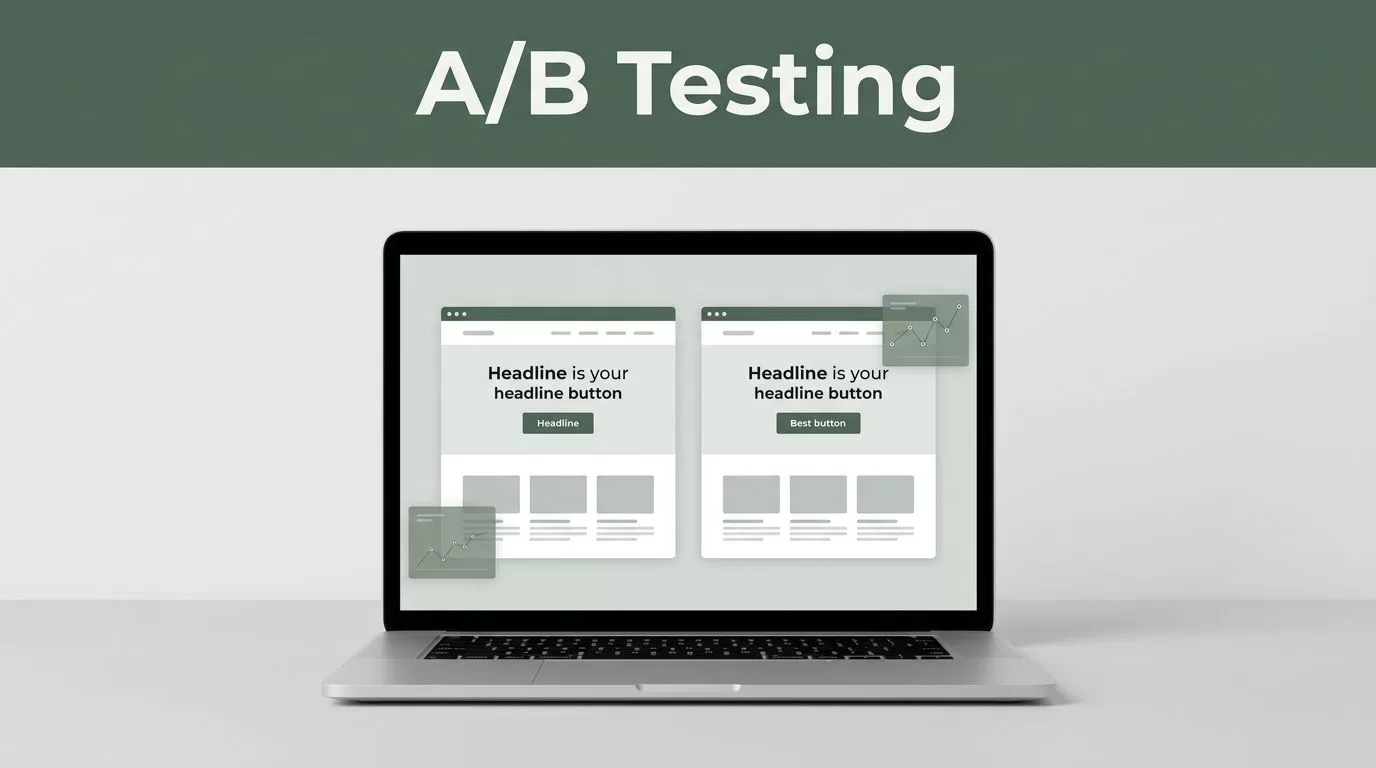
A landing page can look polished and still lose conversions because one headline, button, or form creates friction. Framer A/B testing gives you a way to compare real visitor behavior instead of relying on opinions.
Mida.so adds testing to a Framer site without requiring a separate development stack. You install its tracking script, create a control and variation, define one primary conversion goal, then let the experiment collect data.
The setup is simple for most landing pages. Custom interactions, external forms, and dynamic components may need technical review.
Key Takeaways
- Install the Mida script site-wide through Framer’s Custom Code settings.
- Test one meaningful change at a time so the result has a clear cause.
- Choose one primary conversion goal before sending traffic.
- Check the live site and conversion tracking before launching.
- Wait for adequate traffic and conversions before choosing a winner.
Prepare Your Framer Site and Test Plan
Start with the page that has a clear business purpose. Good candidates include a signup page, product landing page, pricing page, demo page, or lead-generation page.
Don’t begin by changing five elements at once. If you replace the headline, redesign the hero, change the button, and shorten the form, you won’t know which change affected the result. Mida may show that the variation performed differently, but the test won’t tell you why.
Choose one meaningful change. Examples include:
- A new headline that states the product outcome more clearly
- A shorter form with fewer required fields
- A different call-to-action label
- A revised pricing section
- A new hero layout with stronger product context
Write the test question before opening Mida. Keep it direct:
“Will a CTA that says ‘Book a demo’ produce more completed demo requests than ‘Get started’?”
The question should connect the change to one measurable action. Avoid vague goals such as improving engagement or making the page feel clearer.
Review the page in Framer’s website builder first. Confirm that the page is published, loads at a stable URL, and receives enough traffic for a useful comparison. A page with very little traffic may need weeks or months to produce a reliable result.
Also check whether the conversion happens inside Framer. A native form, button click, or thank-you page is usually easier to measure. A form that sends visitors to another domain, opens a third-party checkout, or depends on a complex JavaScript event may need extra configuration.
Don’t use an experiment to change search-critical elements without review. Testing page copy is possible, but title tags, structured data, canonical settings, and indexable content need separate SEO consideration.
Install Mida on Your Framer Website
Create or access your Mida account and add the Framer site as a project. Use the installation instructions shown inside the Mida account. Copy the exact tracking script provided for that project. Don’t build or modify the snippet yourself.
Open the Framer project and locate the site’s Custom Code settings. Paste the Mida script into the site-wide code area and use the placement recommended by Mida. Tracking scripts commonly need to load across the pages included in an experiment, so don’t add the code to one isolated text or embed block unless Mida’s instructions tell you to do that.
Framer’s custom code guidance covers the relevant settings and publishing process. Review it if you haven’t added third-party code to a Framer project before.
Save the change and publish the site. The code in the Framer editor isn’t the same as code running on the public URL. Test the published site instead of relying on the canvas preview.
Return to Mida and use its installation or verification flow to confirm that the script is detected. If the status doesn’t update, open the live URL in a private browser window and reload the page. Then check the following:
- The script is in the published Framer version.
- The live URL matches the domain added to Mida.
- A browser extension isn’t blocking tracking requests.
- The script hasn’t been pasted twice.
- The page doesn’t load an old cached version.
You can also use browser developer tools to inspect page requests. A technical reviewer should check the installation if the script is blocked by a consent manager, content security policy, or other security control. Don’t disable those controls to force the test to work.
The Mida script should be installed before you create the experiment. This gives you time to confirm that the live page is recognized and that visitors can be assigned to a test.
Create the Framer A/B Test in Mida
With tracking installed, create a new experiment in Mida and select the A/B testing workflow available in your account. Add the Framer page URL that visitors should test.
The original page is the control. The changed page is the variation. Keep the control unchanged while you build the variation. That gives you a clean baseline for comparison.
If Mida provides a visual editor for the experiment, open the target page there and select the element you want to change. Edit only the planned element. For example, change the CTA text without also adjusting its color, position, and surrounding copy.
Save the variation, then inspect it at desktop and mobile widths. Framer sites often use responsive layouts, component variants, animations, and interactions. A change that looks correct on desktop can overlap another section on a narrow screen.
Pay attention to how the editor identifies the element. A stable button or content block is safer than a fragile selector tied to generated markup. If a selection breaks when the Framer component changes, the test needs technical review before launch.
Some changes won’t fit a basic visual editor workflow. Get help when the test requires:
- Changes inside a complex Framer component or animation
- Conditional content based on user data
- A conversion event generated by custom JavaScript
- A form or checkout hosted on another domain
- Changes that depend on login state
- Several pages in one visitor journey
Mida may support additional configuration for some of these cases, but don’t assume the setup is automatic. Check the current Mida instructions and test the complete path.
For a technically complex page, a developer may need to inspect the DOM after the page loads. Framer can render interactive content dynamically, and tools that modify page elements may need to wait for those elements to exist. The MutationObserver reference from MDN explains the browser behavior involved, but most non-developers should treat this as a review point rather than a coding task.
Set the Conversion Goal Before Launch
A test needs a defined success condition. Choose one primary conversion goal before you start collecting results.
For a Framer marketing site, the goal may be a CTA click, a completed form, a visit to a thank-you page, or another action supported by Mida’s goal setup. Pick the action closest to business value. A button click is useful when it begins the desired journey. A completed signup is stronger when the click alone doesn’t show intent.
Define the goal in one sentence:
“The primary conversion is a completed demo request on the thank-you page.”
Don’t use pageviews as the main goal for a lead page unless page consumption is genuinely the outcome you care about. More visitors reaching a page doesn’t always mean more customers.
Add secondary measurements only when they help diagnose the result. For example, you might track CTA clicks as a supporting measure while using completed forms as the primary goal. Keep the decision tied to the primary goal.
Set the traffic allocation for the control and variation. A balanced split is a reasonable starting point for a standard two-version test, unless you have a documented reason to use another allocation. Confirm that the selected URL, audience, and goal match the page you intend to test.
Before launch, run a full QA pass:
- Open the live page on desktop and mobile.
- Check that both versions load without layout errors.
- Click the tested CTA.
- Submit a test form if the workflow allows it.
- Confirm that the conversion reaches the expected destination.
- Check that the original page still works.
- Verify that analytics, consent, and payment tools still behave correctly.
Don’t judge a test from the first few visits. Early results can move sharply when the sample is small.
Monitor the Experiment Without Changing It
Once the experiment is live, leave the tested elements alone. Changing the variation halfway through combines two different tests and weakens the comparison.
Monitor technical behavior and traffic quality. Check whether visitors reach the intended page, whether conversions are recorded, and whether one browser or device has an obvious delivery problem. If Mida provides experiment status or goal reporting, use those fields to confirm that data is arriving.
Avoid checking the result every hour. A small lead count can make one version look far ahead before the normal variation in visitor behavior settles. Give the experiment enough traffic and conversions to support a decision.
The required sample depends on your current conversion rate, traffic volume, expected improvement, and test design. A page with a 10% conversion rate needs fewer visitors than a page with a 1% conversion rate to collect the same number of conversions. If the result affects paid acquisition, revenue, or a major page, ask an analyst to review the sample before you stop the test.
Don’t stop because the variation wins after one day. Don’t keep running it forever after the result becomes clear. Use Mida’s reported conversion data and any statistical indicators it provides, then consider the cost of a wrong decision.
Record the test details while they are fresh:
- The original hypothesis
- The exact Framer change
- Start and end dates
- Traffic allocation
- Primary goal
- Conversion counts
- Final decision
This record prevents repeated tests and gives future marketers useful context.
Apply the Result in Framer
When the data supports a winner, update the Framer site itself. A test variation isn’t a replacement for the published design until you add the winning change to the control page.
First, save the final copy, layout, and styling details. Then make the change in the Framer project, publish it, and verify the live page. Keep the Mida experiment active until you confirm that the permanent version works.
After publishing, check the conversion path again. Confirm that the form submits, the thank-you page loads, and any analytics or CRM connection receives the expected event. Remove temporary test code or settings that no longer serve a purpose.
If neither version wins, keep the control and document the result. A neutral test still tells you that the change wasn’t strong enough to justify adoption under those conditions. Use the finding to create a sharper hypothesis instead of making several unmeasured edits.
Conclusion
Framer A/B testing with Mida.so follows a direct process: install the tracking script, build one controlled variation, define one primary goal, QA the live page, and wait for adequate data.
The tool can reduce the technical work, but it doesn’t replace test design. A clear hypothesis and a reliable conversion event matter more than a fast launch. When the result is ready, move the winning change into Framer and keep the decision tied to measured visitor behavior.

