Gaming Industry Automation With Twin.so
Gaming teams lose time in the gaps between systems. A live-service lead checks dashboards, a QA manager updates a release sheet, and a community manager routes player reports across several tools. Gaming industry automation can connect thos...

Gaming teams lose time in the gaps between systems. A live-service lead checks dashboards, a QA manager updates a release sheet, and a community manager routes player reports across several tools. Gaming industry automation can connect those steps, but only when each workflow has a clear owner, trigger, and approval rule.
Twin.so gives operators a no-code way to build AI agents in plain language. The agents can work across connected applications, websites, schedules, and event triggers. The practical goal isn’t to automate every gaming operation at once. It is to remove repeatable coordination work while keeping player-impacting decisions under human control.
Gaming Industry Automation Needs Bounded Workflows
Start with work that repeats, follows visible rules, and produces a defined output. Avoid broad requests such as “run live operations.” An agent needs a narrower instruction, such as “create a daily release-risk report from Jira, Google Sheets, and Slack, then send it to the live-ops channel.”
That workflow has four clear parts:
- A trigger starts the run at a fixed time or after a defined event.
- The agent reads approved sources and collects the required fields.
- The agent applies rules to classify the results.
- The agent sends a report or routes an exception for review.
This structure matters because gaming operations contain many systems with different levels of reliability. A game backend may hold telemetry. Jira may contain release tickets. Google Sheets may contain launch checklists. Slack may contain the latest decision. Twin can help connect those systems when the required integration or browser access is available.
Use bounded workflows for tasks such as:
| Gaming workflow | Trigger | Output |
|---|---|---|
| Daily live-ops report | Scheduled run | KPI summary and exceptions |
| Release readiness check | Build or webhook event | Missing approvals and blocked tickets |
| Community intake routing | New message or form entry | Categorized case for review |
| QA defect digest | Scheduled run | Duplicate, stale, and high-risk issues |
| Store operations check | Scheduled run | Status report from selected portals |
The first workflow should produce information before it changes anything. A read-only report gives your team a safe way to check data quality, timing, and exception handling.

A good first agent removes manual copying between systems. It doesn’t replace the person who owns the decision. That distinction keeps the pilot useful and limits the cost of an incorrect action.
Where Twin.so Fits in a Gaming Stack
Twin.so is a no-code AI agent builder. You describe the outcome in plain language, then configure the tools, data sources, schedule, and distribution method around that outcome. Twin’s official platform overview positions the product as an autonomous AI employee that can work through tools such as Slack and Gmail, connect with other applications, and use websites when required.
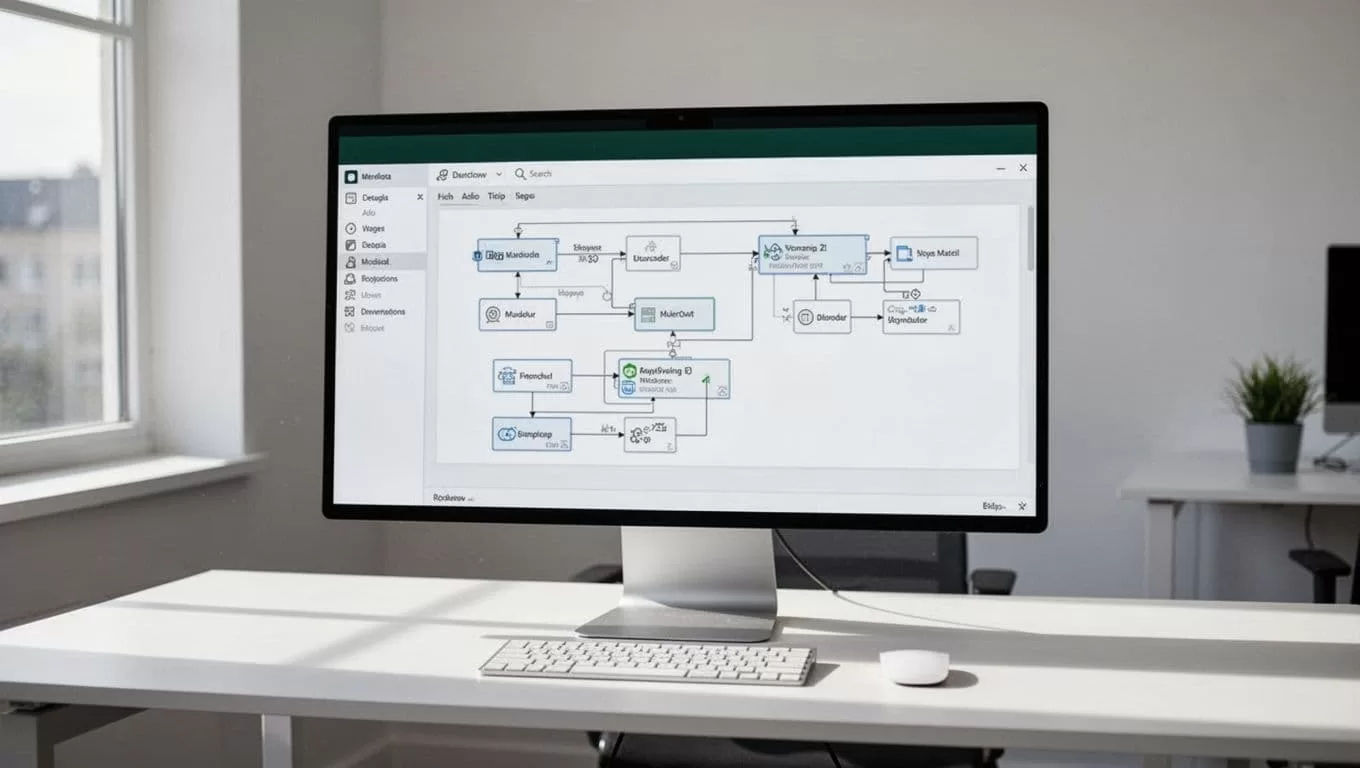
The Orchestrator is the central control area for creating and managing agents. It provides context about agents, runs, schedules, goals, run history, and current state. That gives an operations team one place to change an instruction or inspect what happened during a run.
Twin agents can use APIs when an application exposes the required action. They can also use browser automation when an approved website has no useful API. This makes the platform relevant to gaming teams that still depend on partner portals, vendor consoles, ad platforms, moderation dashboards, or support tools with limited integration support.
The no-code AI agent builder describes a workflow where users create agents with plain-English instructions, connect apps, automate browser tasks, and schedule recurring work. Twin’s agent documentation also describes agents that plan steps, select tools, execute tasks, retry failed actions, and surface exceptions.
Treat those capabilities as building blocks, not a guarantee that every workflow will work without testing. A browser agent still depends on valid credentials, stable page layouts, correct permissions, and predictable forms. A connector still needs the correct fields and scopes. Your deployment plan must test each dependency before production use.
Twin is not a replacement for a game server, data warehouse, observability platform, or moderation policy. It sits above those systems and coordinates operational work between them.
Choose High-Value Gaming Workflows First
The best automation target usually has high repetition and low decision complexity. It also has a measurable starting point. If nobody knows how long a task takes or how often errors occur, the team can’t judge the deployment.
Live-service reporting
A daily report is a strong starting point. The agent can collect approved metrics, compare them with thresholds, identify missing data, and publish a structured update to Slack or another team workspace.
Keep the first version narrow. Use a fixed set of fields, such as daily active users, crash rate, matchmaking latency, incident count, and open release blockers. Send the raw source links with the summary so an operator can verify unusual results.
Don’t ask an agent to invent explanations for a metric change. Ask it to identify the change, cite the source, and route the question to the owner.
QA and release coordination
QA teams often spend time checking whether tickets have owners, builds have approvals, and known issues have updated status. A Twin agent can review Jira, a release sheet, and selected messages on a schedule.
The output can include:
- Tickets without an owner.
- Blockers without a target build.
- Issues that have been inactive for a defined number of days.
- Missing test evidence.
- Conflicting release dates across systems.
The agent should report these conditions. A release manager should decide whether a build ships.
Community operations
Community teams can automate intake classification. New reports can be grouped by topic, platform, language, severity, or product area. The agent can then create a case or post a review item for a human moderator.
Do not begin with automatic bans or permanent account actions. Start with tags, summaries, duplicate detection, and routing. These tasks reduce queue pressure without allowing a model to make an irreversible decision based on incomplete context.
Vendor and portal checks
Gaming operations often depend on websites outside the company’s control. A scheduled browser task can check selected data and return a status report. This can help with partner dashboards, campaign portals, event registration systems, or support consoles.
Use browser automation only when the business owner approves the account and the task. Store credentials through the approved connection method. Don’t share personal employee passwords in prompts or documents.
Build a First Twin Agent Step by Step
A controlled deployment begins with the output, not the prompt. Define what the team needs to receive and what it should do when data is missing.
1. Write the operating brief
Record the workflow owner, trigger, source systems, expected output, allowed actions, and escalation contact. Add the failure conditions before you create the agent.
For a live-ops report, the brief may state:
Every weekday at 9:00 AM, read the approved KPI sheet and incident tracker. Compare values with the listed thresholds. Post a short report in the live-ops Slack channel. Include source links. If a source is unavailable or a value is missing, mark the report incomplete and notify the operations owner. Do not change source data.
That instruction is better than “monitor game performance.” It defines the schedule, sources, rules, destination, and limits.
2. Connect only the required systems
Start with two or three sources. Use the minimum permissions needed to read data and publish the result. If the agent only needs to read Jira, don’t grant project-wide editing access.
Gaming teams should separate development, staging, and production sources where possible. A report built against a test sheet shouldn’t accidentally post in the production incident channel.
3. Define the data contract
Specify the fields the agent must find and the format it must return. Include acceptable values and what happens when a field is absent.
For example, a QA digest may require issue ID, title, severity, owner, build number, last update, and status. If the owner field is empty, the agent should report “missing owner.” It shouldn’t infer a person from an old comment.
This rule prevents silent data completion. A clean-looking report with invented values is worse than an incomplete report.
4. Run in read-only mode
Use several real historical cases. Include normal days, missing fields, duplicate records, failed logins, and conflicting timestamps. Review the full run history, not only the final message.
Check whether the agent:
- Reads the intended source.
- Uses the right date and timezone.
- Applies thresholds consistently.
- Preserves links and identifiers.
- Stops when a required system is unavailable.
- Sends the result only to approved recipients.
5. Add controlled actions
Once the report is reliable, add one low-risk action. This could be creating a Jira task for a missing owner or posting a structured message to a private review channel.
Require confirmation before actions that affect player accounts, purchases, moderation status, public communication, or release state. A human approval step should be part of the workflow design, not a temporary patch added after an incident.
6. Schedule and monitor production runs
Twin supports scheduled execution and event-driven workflows. Use a schedule for reports and recurring checks. Use a webhook or similar event trigger when an external system can send a reliable event.
Set an owner for every agent. That person reviews failed runs, updates credentials, approves prompt changes, and confirms that the workflow still matches the team’s process.
Protect Player Data and Internal Access
Automation does not remove privacy obligations. It increases the number of systems that can access operational data, so the data path needs clear limits.
Start by classifying the information. Game performance metrics usually carry a different risk than player email addresses, support transcripts, payment records, voice chat reports, or account identifiers. The agent should receive only the category it needs.
For a daily retention report, aggregated values may be enough. There is no reason to provide raw player IDs or full support conversations. For community routing, a case ID and selected text may be enough. Avoid sending complete account histories into a general-purpose workflow unless the use case requires them.
Use these controls before production:
- Remove unnecessary personal fields from source exports.
- Use service accounts or approved OAuth connections instead of shared passwords.
- Limit each agent to named applications and defined actions.
- Keep sensitive data out of prompts, test cases, and Slack messages.
- Set retention rules for run outputs, screenshots, and exported reports.
- Record who owns the agent and who can edit its instructions.
- Review regional requirements before processing children’s data or regulated information.
Browser automation needs extra care. A browser session may encounter personal information that wasn’t part of the original task. Configure the agent to collect only the required fields. Don’t ask it to save full pages when a small set of values will do.
A useful rule is simple: if the team wouldn’t paste the data into a shared channel, don’t route it there automatically.
Run a privacy review before enabling player-facing workflows. Legal and security teams should confirm the permitted data, storage locations, access model, and deletion process. Twin can coordinate a process, but it doesn’t decide whether your data handling complies with a particular law or contract.
Add Moderation Escalation and Human Oversight
Moderation is a strong automation candidate when the agent performs triage rather than final judgment. Large queues contain repeated patterns, but context still matters. Sarcasm, reclaimed language, cultural differences, and coordinated abuse can produce false positives.
Build moderation workflows around risk levels. Low-risk items can receive a category and queue assignment. Medium-risk items can receive a summary and recommended review path. High-risk items should go directly to trained staff.
A practical flow looks like this:
- The agent receives a new report through an approved source.
- It removes duplicate records and extracts the relevant case details.
- It assigns a category and confidence value.
- It checks for defined escalation conditions.
- It creates a review item with the source link and evidence.
- A moderator makes the final decision.
- The decision is stored for audit and later quality review.
Don’t let the initial agent permanently ban an account, close a safety case, issue a refund, or publish a public response. Those actions can affect players and create customer support, legal, and reputation risk.
Use escalation rules that are easy to audit. Examples include threats of physical harm, suspected child safety issues, payment fraud, repeated reports across accounts, uncertain classification, or low-confidence output. The agent should stop and route the case when a rule matches.

Human oversight requires more than a final approval button. Reviewers need the original source, the agent’s summary, the rule that caused escalation, and a way to correct the result. Store those details in the case system or approved review queue.
Measure the agent against moderator decisions. Track false positives, missed cases, average review time, and the percentage of cases that require manual correction. If the automated classification creates extra work, change the workflow or remove it.
Measure Outcomes Before You Expand
A Twin deployment needs an operating baseline. Measure the manual process for at least several business days before replacing it.
Track the time spent collecting data, copying fields, checking status, routing cases, and correcting mistakes. Then compare the automated process against the same measures.
Useful metrics include:
| Metric | What to measure |
|---|---|
| Cycle time | Time from trigger to usable output |
| Manual effort | Human minutes per run |
| Data quality | Missing, duplicate, or incorrect fields |
| Exception rate | Runs requiring human intervention |
| Delivery reliability | Successful runs versus failed runs |
| Decision quality | Agreement with an approved reviewer |
| Cost per run | Platform, browser, API, and staff review costs |
A shorter cycle time is not enough if the report contains errors. A low exception rate is not enough if the agent misses high-risk cases. Review speed, accuracy, and control together.
Create a 30-day pilot target. For example, the team may aim to cut a daily reporting task from 45 minutes to 10 minutes while keeping all source links and missing-data alerts intact. That target is more useful than a vague promise to “save time.”
Track the cost of human review as well. Some workflows reduce data-entry work but create a larger verification queue. That can still be useful, but the team needs to see the full operating cost.
Roll Out With Failure Controls
Start with one team and one workflow. A live-ops report or QA digest is usually easier to control than account actions or public communications.
Use a staged rollout:
- Run the agent against historical data.
- Run it in shadow mode without sending the output.
- Send results to a private review channel.
- Compare the output with the manual process.
- Enable one low-risk production action.
- Review performance weekly before adding another action.
Expect failures. APIs can reject requests. Websites can change their forms. Sessions can expire. A source may return partial data. A model may interpret an instruction incorrectly.
Define a stop condition for each dependency. If the incident tracker fails, the report should say that the incident section is unavailable. It shouldn’t publish a complete-looking report with an empty section.
Prevent duplicate actions. Use a unique run ID, ticket ID, or source timestamp when creating records. Check whether the action already happened before creating it again. This matters when an agent retries after a timeout.
Browser workflows need extra monitoring. Test login changes, multi-factor authentication, page layout changes, download behavior, and permission errors. If the site blocks automation or the task becomes unstable, pause the agent and move the process back to a human operator.
Maintain a change log for prompts, connected tools, permissions, schedules, and escalation rules. A small wording change can alter the output. Treat agent instructions like operational configuration.
Conclusion
Gaming industry automation works best when it removes repeatable coordination work without hiding important decisions. Twin.so can help teams build agents that connect applications, browse approved websites, run on schedules, respond to events, and return structured results.
Start with a read-only workflow. Limit the data. Test missing fields and failed connections. Add human approval before any action that affects players, money, moderation status, or release decisions.
The strongest deployment is not the one with the most autonomous agents. It is the one that gives operators reliable information sooner, preserves an audit trail, and makes exceptions easier to review.
