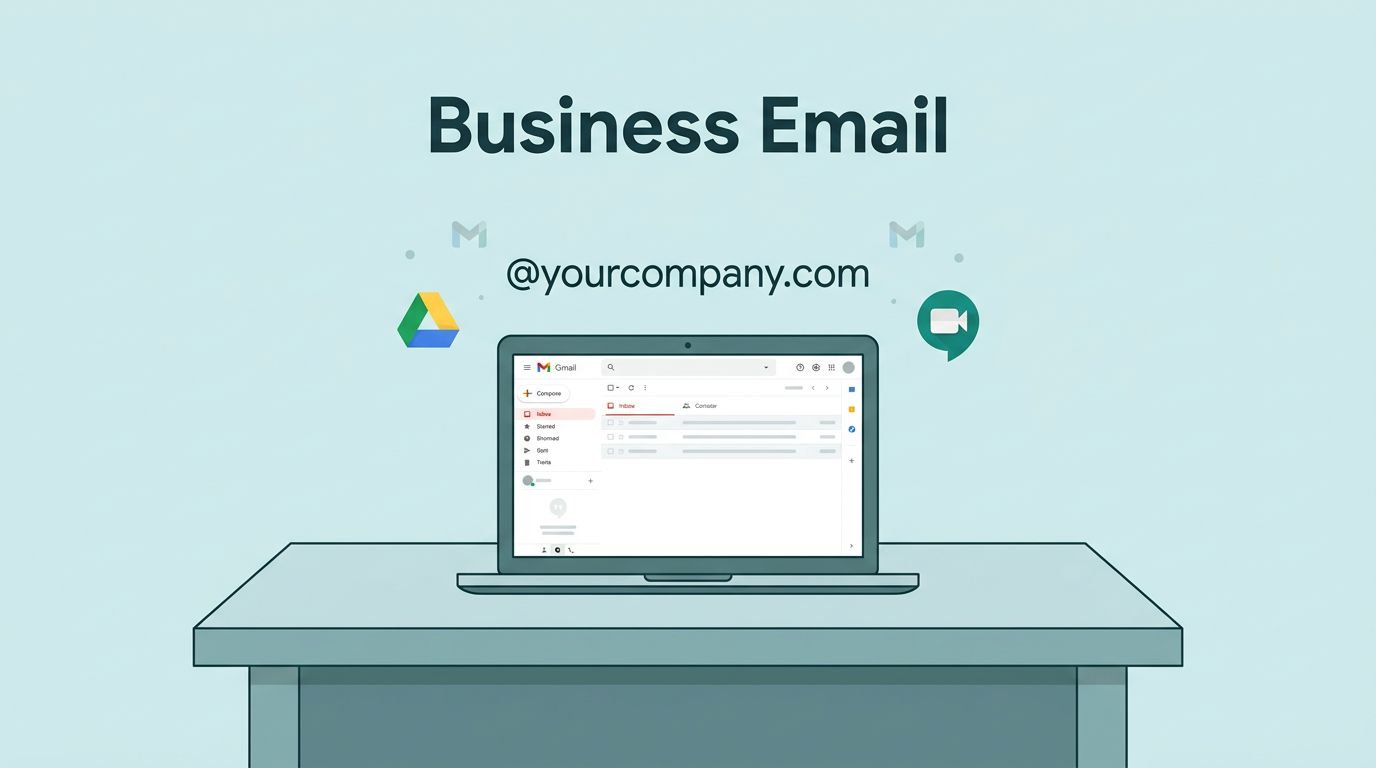
Your business email sets the tone for every client interaction. I remember switching my team’s inbox from a basic provider; suddenly, replies landed faster, and deals closed smoother because Gmail’s reliability shone through. If you’re a business owner tired of spam-filled free accounts or clunky hosts, Google Workspace delivers professional email hosting with your custom domain, like you@yourcompany.com.
It bundles Gmail with tools you already know, plus storage and security built for teams. You get control without hassle. In this guide, I share exactly how I pick plans, connect domains, migrate data, and keep things running smooth in 2026.
What Google Workspace Email Hosting Means for Your Business
Google doesn’t offer standalone email hosting anymore. Instead, it comes through Google Workspace. This suite turns Gmail into your business hub. You use your domain for a polished look, and it integrates with Drive, Meet, and Docs.
I started with Workspace for my operations team five years ago. Free Gmail worked for solos, but teams need separation. Custom domains prevent mix-ups, and admin controls let me assign roles fast. Pricing starts low, yet scales with needs.
Core perks include 2,000 outbound emails per day per user across plans. That’s plenty for sales outreach or newsletters. Plus, Gemini AI now scans your inbox for quick replies. For small businesses, it beats patchwork tools.
Setup takes under an hour if your domain’s ready. I always verify DNS first to avoid delays. Once live, your team accesses email on phones, laptops, or web without extra apps.
Choosing the Right Plan for Your Team Size
Pick a plan based on users, storage, and extras like AI tools. In May 2026, Google lists three main business tiers: Starter at $7 per user monthly on annual billing, Standard at $14, and Plus at $22. Monthly pay adds 20 percent, so commit yearly if you can.
Starter suits solos or tiny teams. It gives 30 GB pooled storage per user, custom email, and basic Meet for 100 people. I used it for my first agency side gig; email flew without hiccups.
Standard jumps to 2 TB pooled storage. Add recording for meetings, noise cancel, and mail merge. That’s my go-to for growing ops teams handling client calls.
Plus offers 5 TB, eDiscovery for audits, and Vault for retention. Choose it if compliance matters, like in finance.


Here’s how I compare them quick:
| Plan | Price (Annual/User/Mo) | Storage (Pooled/User) | Key Extras |
|---|---|---|---|
| Business Starter | $7 | 30 GB | Basic AI, 100-person Meet |
| Business Standard | $14 | 2 TB | Recording, mail merge |
| Business Plus | $22 | 5 TB | eDiscovery, advanced Vault |
Check Google Workspace pricing details for trials. I test Starter free for 14 days before buying.
Connecting Your Domain and Adding Users
Start with a domain from Namecheap or GoDaddy. Log into Workspace admin, add it, and follow MX records prompts. Propagation takes 24-48 hours, so plan ahead.
I point MX to Google’s servers: aspmx.l.google.com first, then alternates. Verify ownership with a TXT record. Once green, email flows.
Add users next. Create accounts like sales@yourdomain.com. Assign licenses from your plan. Groups simplify broadcasts; I set one for weekly updates.

For aliases, route info@ to your main inbox. My full Google Workspace email setup guide covers SPF, DKIM, and DMARC. These boost delivery 30 percent right away.
Mobile setup uses the Gmail app. Enable two-factor auth during onboarding.
Migrating Email Without Losing a Message
Switching hosts? Use Google’s migration tool. I pull from IMAP providers like Zoho seamlessly.
Prep users first, then sync mailboxes while old MX runs. Test samples before flipping DNS. My Zoho to Google Workspace migration steps cut downtime to hours.
Expect 5-10 GB per user to transfer fast. Labels map to Gmail folders. Post-move, update apps and signatures.
Security and Deliverability Basics Every Owner Needs
Gmail’s filters block 99.9 percent of spam out of the box. Add two-step verification and device approval for teams.
Enable SPF, DKIM, and DMARC in admin. These sign emails, so inboxes trust you. I see bounce rates drop under 1 percent.
Deliverability relies on reputation. Warm up new accounts with 50 daily sends first. Avoid bought lists.

Plus plans add Vault for legal holds. All tiers get phishing alerts. For cold outreach, follow my Gmail warmup tips.
Handling Storage and Daily Admin Tasks
Pooled storage means teams share quotas smartly. Monitor via dashboard; I archive old threads monthly.
Admin console tracks logins and usage. Suspend inactive users to save cash. Backups auto-save to Drive.
Aliases and catch-alls grab typos; route to CRM for leads. My catch-all inbox setup recovers 10 percent more inquiries.
Delegate billing or support to deputies. It frees my time for growth.
How Google Workspace Compares to Top Alternatives
Google shines for Gmail fans, but weigh options. Microsoft 365 starts at $6 monthly for Basic, with Outlook and 1 TB OneDrive. It fits Office users better.
Zoho Mail costs $2-7 per user. Less storage, weaker delivery without tweaks.
| Provider | Starter Price (Annual) | Storage/User | Best If… |
|---|---|---|---|
| Google Workspace | $7 | 30 GB pooled | You like Gmail collaboration |
| Microsoft 365 | $6 | 1 TB OneDrive | Outlook and desktop apps |
| Zoho Mail | $2-3 | 5-25 GB | Budget email only |
See Workspace vs. others breakdown for scores. Google leads reliability at 9.4/10.
I stick with Google for speed. Switch if desktop rules your flow.
Conclusion
Google Workspace email hosting transforms your business communication with reliable Gmail on your domain. I pick plans by storage needs, set up domains quick, migrate clean, and lock down security for top delivery.
Teams run smoother, clients trust pro addresses. Start with Starter if under 10 users; scale as you grow. Your inbox waits ready.