Heavy equipment automation doesn’t start with an AI agent driving a haul truck. It starts with clean asset data, safe control boundaries, and workflows people can inspect.
Twin.so can support heavy equipment automation around those systems. Its current public documentation describes an AI agent platform that works across applications through APIs, browser automation, webhooks, and scheduled triggers. It doesn’t describe Twin.so as a machine controller or industrial digital-twin engine.
That distinction controls the implementation plan. Use Twin.so to coordinate information and business workflows. Keep movement control, emergency functions, and safety decisions inside qualified industrial systems.
Heavy Equipment Automation Needs a Clear Twin.so Boundary
Twin.so is best treated as an orchestration layer. Orchestration means coordinating actions across multiple systems without replacing those systems.
Use Twin.so for operational workflows
Twin agents can work with connected applications, use APIs when available, and use an embedded browser when an API isn’t available. Twin’s public pricing and integration pages also advertise webhooks, time triggers, browser agents, web scraping, and access to more than 41,000 applications.
That makes several fleet workflows realistic candidates:
- Collect new equipment alerts and create maintenance tasks.
- Reconcile telematics events with work orders.
- Prepare shift reports from fleet, dispatch, and maintenance data.
- Route overdue inspections to the correct supervisor.
- Identify missing fields before a service request reaches the CMMS.
- Prepare a parts request for human approval.
Twin’s instruction model supports clear sections for purpose, database, starting conditions, workflow, and tools. Use that structure. Define what the agent can read, what it can change, and when it must stop.
Treat the advertised integration count as a starting point, not proof that your specific fleet software is supported. Test the connector, authentication method, rate limits, and write permissions before designing the production workflow.
Don’t confuse an agent with a digital twin
A digital twin is a current digital representation of a physical asset, process, or site. It normally includes asset identity, time-stamped state, relationships, telemetry, and rules for interpreting that state. Some twins also support simulation.
Twin.so’s public materials don’t document OPC UA, MQTT, PLC, SCADA, historian, physics simulation, or industrial edge capabilities. They also don’t document construction or mining deployments. Do not claim that Twin.so provides these functions.
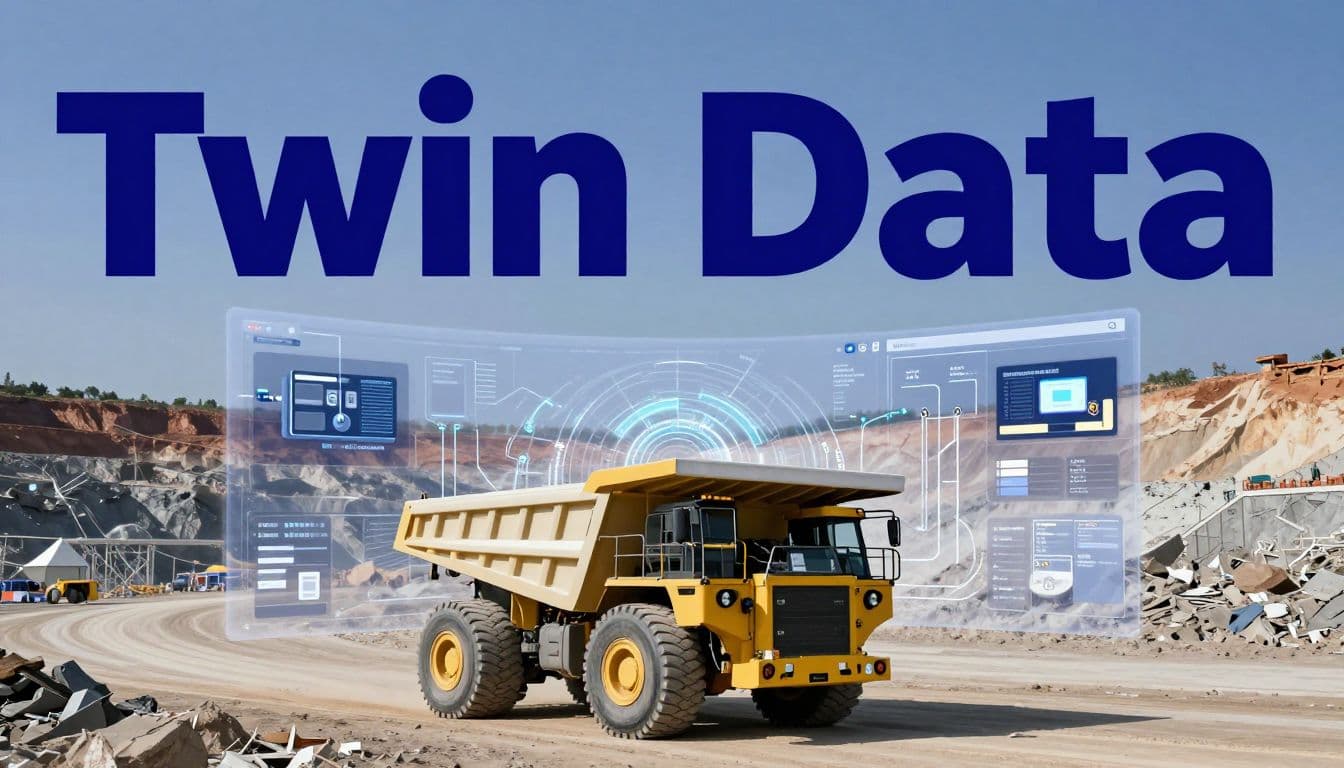
Build the twin in a suitable IoT, fleet, or engineering platform. Let Twin.so read approved records and trigger controlled workflows around that twin. Research on mine-safety digital twins shows why asset state and sensor data matter when equipment operates near people.

Build the Equipment Data Layer First
An agent can’t repair poor telemetry. It will only process bad records faster.
Connect authoritative equipment sources
Start with a source inventory for every asset class in the pilot. Include OEM telematics, CAN bus or J1939 data, GPS, engine hours, fuel consumption, hydraulic pressure, fault codes, payload data, maintenance records, dispatch events, inspection forms, and geofence alerts.
You don’t need to send every raw signal to Twin.so. Create a controlled data layer with consistent fields:
- Asset ID and equipment type.
- Site, operating zone, and shift.
- Event timestamp and ingestion timestamp.
- Current status and last known location.
- Fault code and severity.
- Maintenance status and assigned owner.
- Source system and data quality status.
Keep raw events immutable. Store normalized records separately. This lets engineers audit a recommendation and compare the agent’s output with the original machine event.
Twin.so should usually read curated API responses, database views, or approved reports. Avoid giving an AI agent direct access to an unfiltered high-frequency sensor stream. That increases cost, noise, and the chance of incorrect interpretation.
Keep the control loop at the edge
The cloud can support reporting and coordination. It shouldn’t be the only place where a safety decision exists.
Edge computing means processing data near the equipment or site. Use local controllers for emergency stops, collision avoidance, machine interlocks, speed restrictions, and loss-of-communications behavior. These functions need predictable response times and tested failure states.
For heavy equipment automation, Twin.so should produce a recommendation, create a task, or request approval. It shouldn’t write directly to throttle, brake, steering, hydraulic, or autonomous navigation controls unless a qualified control architecture explicitly permits that function.
If a remote command is required, place a gateway between the agent and the machine network. Allow only approved commands. Validate the asset, command, operating zone, user, and current machine state. Reject stale, duplicate, or incomplete requests.
Start With One Workflow, Not Fleet-Wide Autonomy
The first pilot should reduce administrative delay or improve response time. It shouldn’t move a machine without a person reviewing the result.
Pick a low-risk, measurable use case
Good first use cases include maintenance triage, idle-time alerts, shift-report preparation, inspection follow-up, parts requests, and work-order classification.
Choose one site, one equipment class, and one process owner. Define the baseline before you configure the agent. Record current detection time, assignment time, completion time, manual effort, false alerts, and repeat work.
Twin.so supports scheduled and webhook-triggered workflows. Use a schedule for daily inspection summaries. Use a webhook when a validated equipment event should start a process. Don’t trigger an agent for every minor signal. Apply thresholds in the data layer first.
Avoid starting with autonomous movement, route changes, or safety-critical commands. Those workflows require system-level engineering, formal testing, and approval beyond an application automation pilot.
Make every action reviewable
Run the agent in read-only mode first. It can collect records, classify events, and draft a recommendation without changing the source system.
Move to draft mode next. The agent creates a proposed work order or notification. A supervisor checks the evidence and approves the action.
Only then consider restricted write access. Use separate service accounts for each system. Limit permissions to the exact tables, fields, or actions the workflow needs. Log the source event, agent instruction, output, human decision, API response, and final status.
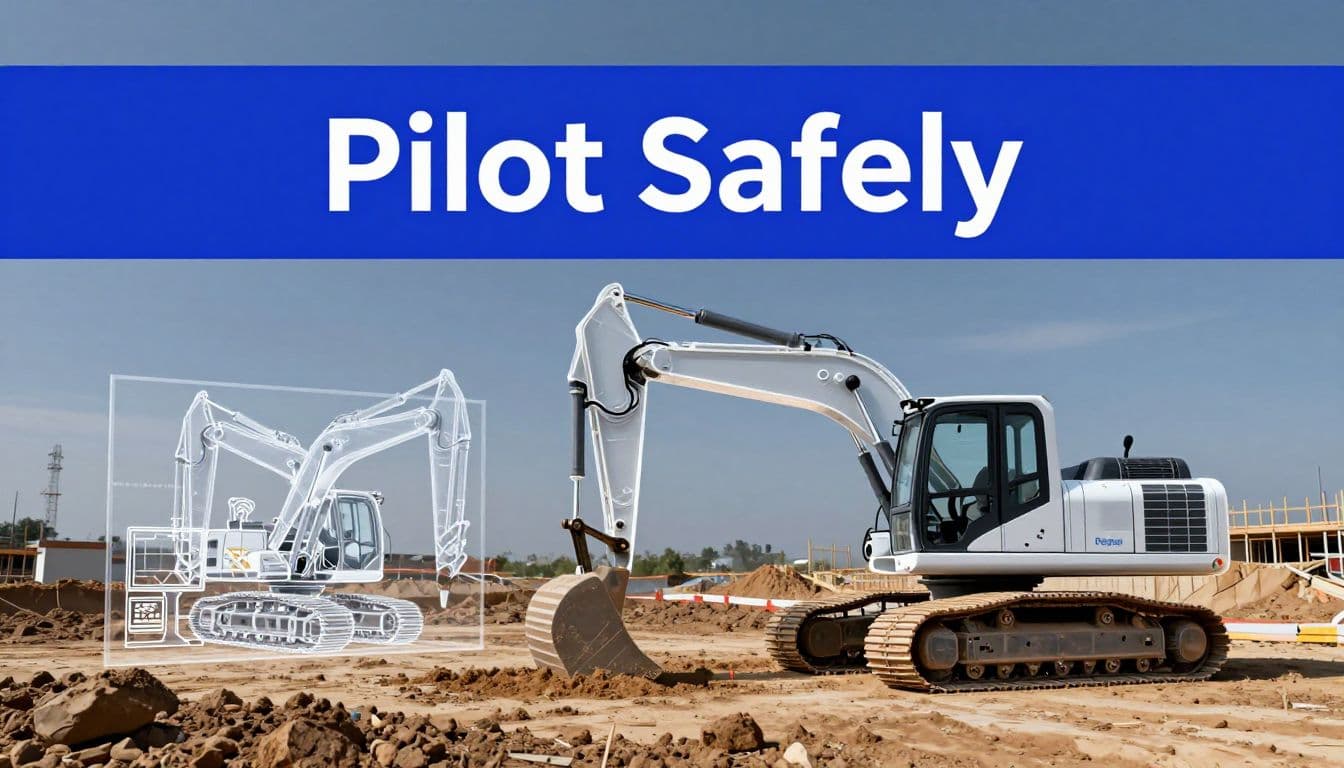
A human approval step is useful only when the reviewer can see the evidence, the proposed action, and the consequences of approving it.
Use APIs First, Browser Automation at the Boundary
Heavy equipment automation depends on reliable system connections. A browser agent can help with legacy portals, but it shouldn’t become the foundation of your machine-data architecture.
Prefer stable machine-readable interfaces
Twin’s documentation says agents use APIs when they exist and an embedded browser when they don’t. Use that order for fleet operations.
An API gives you structured fields, defined authentication, predictable responses, and easier error handling. A browser workflow depends on page layout, session state, buttons, and screen content. A software update can break it without changing the business process.
Use APIs for the CMMS, fleet platform, dispatch system, ERP, identity provider, and reporting database whenever possible. Use browser automation for a narrow boundary, such as downloading a report from an old vendor portal that has no usable API.
Make each action idempotent. In practice, that means repeating the same request shouldn’t create a duplicate work order or duplicate notification. Use a unique request ID, verify the current record before writing, and stop after an unexpected response.
Simulate before changing the machine
Twin.so’s documented capabilities don’t include a physics engine or industrial simulation environment. Use a separate simulator, equipment model, software-in-the-loop test, hardware-in-the-loop test, or historical data replay when the workflow affects machine behavior.
Software-in-the-loop testing runs control logic against a simulated machine. Hardware-in-the-loop testing connects real control hardware to a simulated environment. Both methods can expose timing, sensor, and failure problems before a field test.
Replay known telemetry events. Test missing signals, delayed messages, conflicting asset states, duplicate webhooks, and incorrect geofences. A recent review of digital twins and physical AI also reinforces the need to separate digital models, physical systems, and control decisions.
Treat Security and Functional Safety as Release Gates
A cloud agent connected to operational technology creates a new access path. Treat that path as production infrastructure.
Lock down the cloud-to-OT route
The Twin.so sources reviewed here don’t document a self-hosted industrial deployment, edge runtime, or specific security certification. Confirm those details with Twin.so before sending sensitive operational data or granting write access.
Keep the agent outside the control network. Use an industrial DMZ, an outbound integration gateway, allow-listed endpoints, short-lived credentials, encrypted transport, and a secrets manager. Do not place passwords or API keys inside plain-text agent instructions.
Apply least privilege. Give the agent read access by default. Separate credentials for development, testing, and production. Log every API call and browser action. Alert on unusual volume, new destinations, repeated authentication failures, and changes outside the approved operating window.
Use OT cybersecurity guidance to structure threat modeling and testing around the systems connected to the twin.
Prove safe behavior with human oversight
Functional safety is the discipline of reducing unacceptable risk through defined safety functions, dependable controls, and tested failure behavior. It isn’t a setting you switch on inside an AI workflow.
Complete a hazard analysis before the pilot reaches equipment control. Define the safe state for lost connectivity, bad telemetry, stale commands, sensor disagreement, and unauthorized access. Test manual override, geofences, watchdog timers, and shutdown procedures.
The human reviewer must have enough time and information to act. Don’t route an emergency decision through an email approval that may arrive after the hazard has passed. Keep emergency functions local and independent of Twin.so.
Mining safety work, including real-world worker-safety examples, can help teams identify the data and proximity conditions that require tighter controls.
Measure ROI Before Expanding
Measure the workflow, not the excitement around the technology.
Track:
- Mean time to detect and assign an equipment issue.
- Unplanned downtime and repeat maintenance.
- Idle hours and fuel waste.
- Inspection completion and overdue work.
- Manual hours spent preparing reports.
- False alerts and human overrides.
- Agent success rate and exception rate.
- API latency, failed actions, and cost per run.
- Twin.so credits used for each workflow.
Use a 90-day pilot structure. Spend the first 30 days mapping data and permissions. Use days 31 through 60 for shadow mode and historical replay. Use the final 30 days for restricted production with documented approvals.
Twin.so’s published general plans list Mini at EUR 20 per month with 2,000 credits, Mini+ at EUR 50 with 5,000 credits, and Pro at EUR 189 with 20,000 credits. These prices don’t represent total industrial cost. Add integration work, data engineering, security review, testing, support, and operational training.
If the workflow needs site-specific architecture or exception mapping, Book A Call before granting production access.
Conclusion
Twin.so can support heavy equipment automation when you use it for data coordination, reporting, maintenance workflows, and controlled approvals. It isn’t documented as a PLC interface, physics simulator, edge controller, or autonomous vehicle platform.
Build the equipment data layer first. Keep safety functions local. Start with one measurable workflow, use APIs where possible, test with replay and simulation, and expand only after security and human-approval gates pass.
The safest Twin.so pilot doesn’t ask an AI agent to drive the machine. It gives operators better information and fewer manual handoffs without removing control from the systems designed to protect people.