How I Host Video Courses Securely with MemberSpace
I do not treat paid video courses like public blog posts. Because I want to host video courses securely, I make sure that my content is protected from the moment someone signs up. Once a lesson is easy to copy, it can travel far beyond the...
I do not treat paid video courses like public blog posts. Because I want to host video courses securely, I make sure that my content is protected from the moment someone signs up. Once a lesson is easy to copy, it can travel far beyond the people who paid for it.
MemberSpace gives me a clean login gate around premium content without forcing me to build a custom LMS. However, choosing the right video course hosting platform is a critical step for any creator. The trick is pairing that login gate with the right video host settings, because the security only works well when both sides are closed.
I use a simple setup that keeps member access tight, limits casual sharing, and stays manageable for a small team. A few careful settings do most of the work.
Key Takeaways
- Use a Dual-Layer Strategy: Treat your membership plugin as the front-door gate and your video host as the internal vault; security only works when both systems are configured correctly.
- Prioritize Host-Level Privacy: Never rely on page locks alone. Always apply domain whitelisting, password protection, or hidden links within your video hosting platform (like Vimeo or Wistia) to prevent unauthorized embeds.
- Test Like a Stranger: Always verify your setup by navigating to your course pages in an incognito window to ensure non-members cannot access your video content.
- Select the Right Tool for the Value: Use standard private hosting for general courses, but invest in DRM protection (like VdoCipher or Gumlet) for high-value intellectual property that requires advanced anti-piracy features.
Why I treat MemberSpace as the gate, not the vault
I think about MemberSpace as the front door, not the safe. It decides who gets in, while my video host decides how far the file can travel.
As of June 2026, MemberSpace protects videos hosted on Vimeo, Wistia, or YouTube, and it works best when the host privacy rules are set first. That matches the way I approach securely embedding videos on a membership site, where access control and host privacy work together to form a robust learning management system.
The same idea shows up in protecting course videos on Skool, where the membership layer matters, but the video itself still needs protection. When using various online learning platforms, effective LMS integration between the hosting provider and your access layer is essential. If either side is loose, the course leaks.
MemberSpace controls who gets in. My video host decides how far the file can travel.
That matters because paid content rarely gets stolen through one dramatic hack. It usually slips out through a weak setting, a public embed, or a link someone copied into a group chat.
The video host setup I trust for paid courses
When I want to host video courses securely, the first step is choosing the right video course hosting platform. While MemberSpace effectively gates the page, your chosen host determines how effective that gate really is. To ensure your content remains protected, you need secure video hosting that prevents unauthorized downloads and unauthorized sharing.
| Video host | Best fit | Security setting I use | Why I pick it |
|---|---|---|---|
| Vimeo | Private course libraries | Domain whitelisting, plus hiding the video from vimeo.com | Strong control and a clean member experience |
| Wistia | Branded courses and client training | Domain whitelisting, plus optional password protection | Good when I want tighter control around embeds |
| YouTube | Free previews or lower-risk lessons | Unlisted | Easy, but I keep it for less sensitive content |
For premium content, I typically rely on Vimeo or Wistia. I only use YouTube when I need quick access for a preview lesson or a lighter-touch member experience. If you require advanced DRM protection to prevent screen recording and video downloading, platforms like VdoCipher or Gumlet offer higher levels of security than a standard video course hosting platform. These specialized services are ideal if you have high-value intellectual property that demands maximum protection.
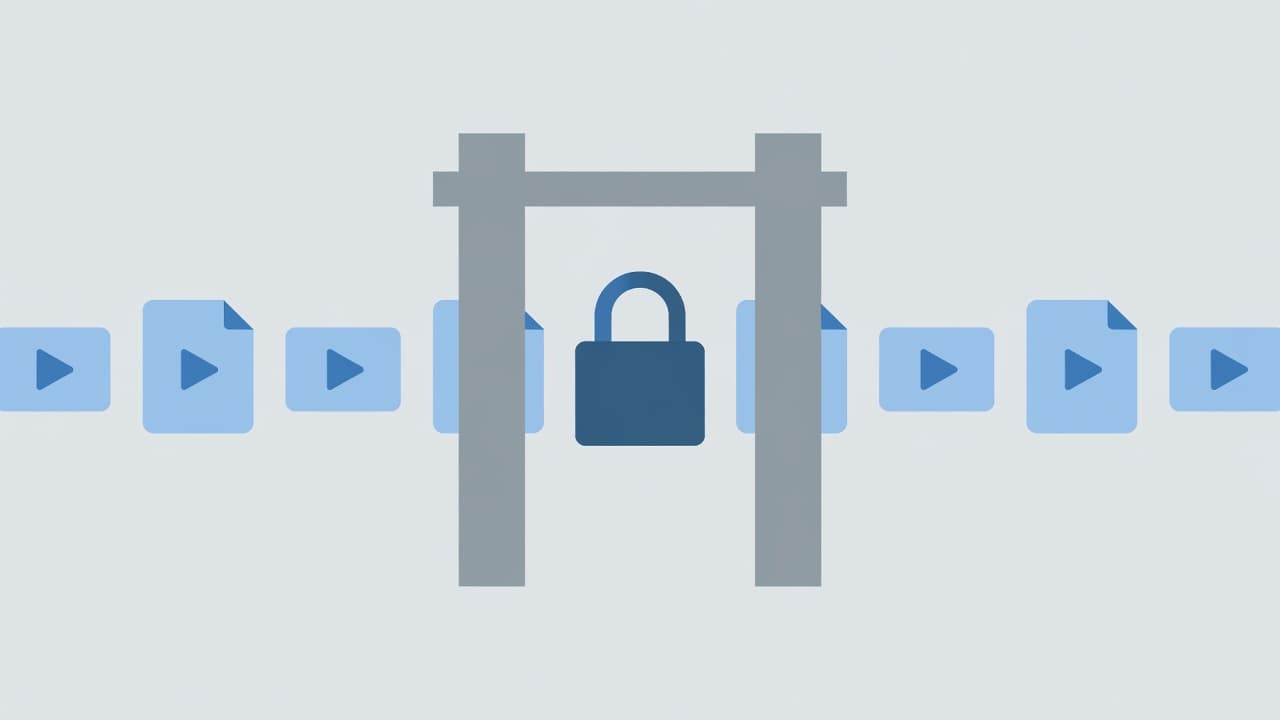
The image matches the way I think about this stack. MemberSpace keeps the gate narrow, and the host ensures the files do not wander off the site.
The step-by-step workflow I use
I keep my setup simple, because a complicated security flow gets skipped. A simple one gets used.
-
I create the course space or protected page in MemberSpace.
I name it clearly, then I decide which members should see it. For paid lessons, I keep the gate tied to a real membership, not a loose public link.
-
I lock the video at the host first.
For Vimeo, I set Domain Level Privacy and hide the video from Vimeo itself. For Wistia, I use Domain Restrictions and, when needed, a password on the video. Relying on simple URL hiding is often not enough to prevent unauthorized downloads, so I look for features like HLS encryption and content encryption to secure my assets. When I need the highest level of security, I turn to DRM protection technologies like Widevine and FairPlay, or specialized platforms like VdoCipher or Gumlet, to ensure my content remains protected. For YouTube, I keep the video Unlisted, knowing that it is the least private of the three.
-
I embed the video on the member page.
I place the lesson inside the protected area and check that the right membership level can see it. If the page is meant for a specific tier, I do not leave that open by mistake.
-
I turn on the extra protection I want.
MemberSpace offers a security code snippet that helps block bypassing, hides protected pages from non-members who disable JavaScript, and tells search engines not to index the page. This seamless LMS integration allows me to layer these security features easily. I use that code whenever my lesson library needs a stronger, more robust layer of protection.
-
I test it like a real visitor.
I open the page in an incognito window first. Then I check the same page as a logged-in member. If I can reach the video without the right access, I fix it before launch.
-
I watch what members actually do.
MemberSpace can show content analytics, so I look at views and access patterns. That helps me see whether a lesson gets watched, skipped, or revisited.
That process keeps the setup practical. I do not need a full LMS build to get a solid member experience.
How I keep access tight after launch
Once the course is live, I watch for the small cracks that usually cause the most trouble. A shared login, a public embed, or a forgotten page can undo a lot of good setup.
The first thing I protect is the member login path. Secure access starts with a clean sign-in flow, which lines up with this note on secure login and membership for LMS courses. If the login feels confusing, people try to work around it.
I also keep the course content inside MemberSpace Spaces when the library needs the strongest protection. For my most valuable video assets, I rely on professional video hosting providers that offer robust DRM protection. This technology uses Widevine and FairPlay to safeguard my intellectual property at both the browser and hardware levels. Through device-level encryption, these tools ensure that my videos cannot be easily downloaded or intercepted.
For bonuses like worksheets or templates, I sometimes use Content Links. MemberSpace still treats those as a very secure file option, and they add one more login check before access. To further discourage unauthorized sharing, I prioritize platforms that support dynamic watermarking. This serves as a powerful deterrent for members who might attempt to leak content, as it overlays identifiable user data directly onto the video.
I also keep search engines out of the way. If a protected page can be indexed, the page lock loses some of its value. The security snippet helps with that, and I still check that the page does not surface in search. By utilizing advanced content encryption, I can maintain peace of mind, knowing that the underlying technology is working hard to protect my intellectual property. When combined with consistent DRM protection, this approach creates a solid barrier against piracy.
Mistakes that weaken course security
The biggest mistakes I see are simple ones, yet they often undermine effective piracy prevention.
- I do not leave the video host public while the page is locked. If the host settings are open, someone can sometimes reach the file another way.
- I do not assume Unlisted means private on YouTube. It only means the video is harder to find, not impossible to share, and it certainly does not prevent someone from using screen recording software to capture your content.
- I do not skip logged-out testing. A page that looks fine to me can still leak to a visitor who is not signed in.
- I do not rely on one layer alone. MemberSpace handles access control, but the video host privacy settings must also be configured correctly. For professional setups, integrating DRM protection, such as Widevine and FairPlay, is a critical step to safeguard your video monetization efforts.
- I do not forget mobile. If the lesson does not behave well on a phone, members start asking for alternate links, and that creates unnecessary security risks.
The safest course setup is the one that feels boring to maintain. That usually means fewer moving parts, clearer permissions, and a short path from login to lesson.
The setup I return to for each new course
When I launch a new course, I follow the same proven pattern to sustain a successful online course business. I choose Vimeo or Wistia for the premium lessons, set the host privacy rules, and then place the video behind MemberSpace. This combination provides robust member authentication at the page level while adding necessary host-level friction if someone tries to share an embed.
I also prioritize the member experience, as clunky access often leads to frustration and unauthorized sharing. When the login flow is smooth, it lowers the pressure on students to download or screenshot the material. Furthermore, many e-learning content providers eventually transition to secure video hosting that utilizes adaptive bitrate streaming, which ensures that videos play flawlessly across various connection speeds.
This setup is simple enough for a coach, creator, or small team to manage without a developer. It also gives me a clear, professional answer when a buyer asks how I keep paid videos private. For those protecting particularly high-value content, incorporating services like VdoCipher or Gumlet can add an extra layer of security through advanced DRM protection, ensuring your intellectual property remains fully guarded.
Frequently Asked Questions
Can I just make my YouTube video ‘Unlisted’ to protect it?
No, unlisted videos on YouTube are not truly private. While they won’t appear in search results, anyone with the direct link can view or share them, making this method insufficient for paid, sensitive content.
Is domain whitelisting necessary if I have a password on my page?
Yes, domain whitelisting is a critical extra layer of defense. It ensures that even if someone manages to copy your video’s embed code, the video will refuse to play anywhere except on your specific website domain.
How can I stop students from screen recording my videos?
While it is difficult to stop dedicated individuals from using screen recording software, you can deter casual copying by using specialized hosting platforms that offer dynamic watermarking, which overlays the user’s information onto the screen to discourage unauthorized distribution.
Do I need a custom LMS to get this level of security?
Not at all. You can achieve a professional, secure environment by combining a lightweight membership tool like MemberSpace with a secure video hosting provider, avoiding the high cost and complexity of building a full custom learning management system.
Conclusion
I host video courses securely by treating MemberSpace as the access gate and the video host as the second lock. That combination gives me member-only delivery without the weight of a custom LMS. By prioritizing secure video hosting, I ensure that my content remains protected while still providing a seamless experience for my students.
The best results come from a few specific habits: set the host privacy rules first, protect the member page, test every lesson in a logged-out browser, and watch for sharing gaps. For those scaling their operations, advanced setups often utilize tokenized URLs and multi-CDN delivery to keep content both fast and safe. Ultimately, implementing DRM protection via Widevine and FairPlay remains the gold standard for high-value, premium courses. Once these pieces are in place, the course feels professional for buyers and much harder for others to copy.
