B2B Lead Generation Strategy With Hunter.io in 2026
Most weak outbound campaigns fail before the first email goes out. The list is off, the contacts are stale, or the targeting is too broad. That’s why I treat Hunter.io as a sharp part of my b2b lead generation workflow, not a magic ma...


Most weak outbound campaigns fail before the first email goes out. The list is off, the contacts are stale, or the targeting is too broad.
That’s why I treat Hunter.io as a sharp part of my b2b lead generation workflow, not a magic machine. It helps me find the right company, locate a real business email, check that address, and move cleaner data into outreach.
What matters more, a huge list or the right list? I always choose the right list, because better targeting saves credits, time, and sender reputation.
Where Hunter.io fits in my lead generation workflow
I use Hunter.io when I already know who I want to reach, or at least which company types I want on my radar. For example, if I’m targeting B2B SaaS firms, I start with domains and role filters. If I’m working for an agency, I narrow by company size and service fit. If I’m selling a service, I look for real buying signals, not random contacts.
As of April 2026, Hunter.io still centers on finding and verifying business emails, with features like Discover, Email Finder, Email Verifier, lead enrichment, and sequences. It also uses a credit system, so I watch usage closely. I check the live Hunter.io pricing page before I commit to a plan, because credits and limits can change.
For a broader product view, I also keep my own Hunter.io review 2026 handy when I want to compare the tool’s role in my stack. I don’t treat it like a full sales intelligence suite. I treat it like a focused contact tool that works best when my targeting is already tight.
A simple way to think about it:
| Need | My use of Hunter.io |
|---|---|
| Find likely work emails | Strong fit |
| Verify a contact list | Strong fit |
| Build a huge account map | Limited fit |
| Replace a CRM | Not the right tool |
That table is the key. Hunter.io helps me move from account idea to usable contact data. It does not replace my thinking.


My step-by-step workflow for finding and checking leads
I keep the process simple, because simple workflows are easier to repeat. Repetition is what makes b2b lead generation pay off.
The order I use
- Define the target account first. I choose one niche, one role, and one reason to reach out.
- Search by domain or company. If I already have a company list, I start there.
- Find the contact. I use email discovery to identify the right address pattern or specific person.
- Verify before I send. I never trust an untested address, even if it looks clean.
- Export into CRM or outreach. Then I move only the safer records into my sequence tool.
If I’m handling a larger batch, I use bulk verification and clean the file before upload. I wrote more about that in my Hunter.io email verification workflow, and that process saves me from burning credits on duplicate or sloppy records.
A verified email is not permission to send lazy outreach.
I also segment by use case. A B2B SaaS list needs different language from an agency list. A local service business needs a different opener from a funded startup.
Here’s the kind of segmentation I use:
| Business type | What I target | What I send |
|---|---|---|
| B2B SaaS | Ops, RevOps, or marketing leaders | A short message tied to growth or workflow pain |
| Agency | Marketing directors, founders, demand gen leads | A relevant case study or audit angle |
| Service business | Owners, partners, or general managers | A direct note tied to time, cost, or missed leads |
That mix keeps my outreach grounded. It also keeps me from spraying one message across every segment.
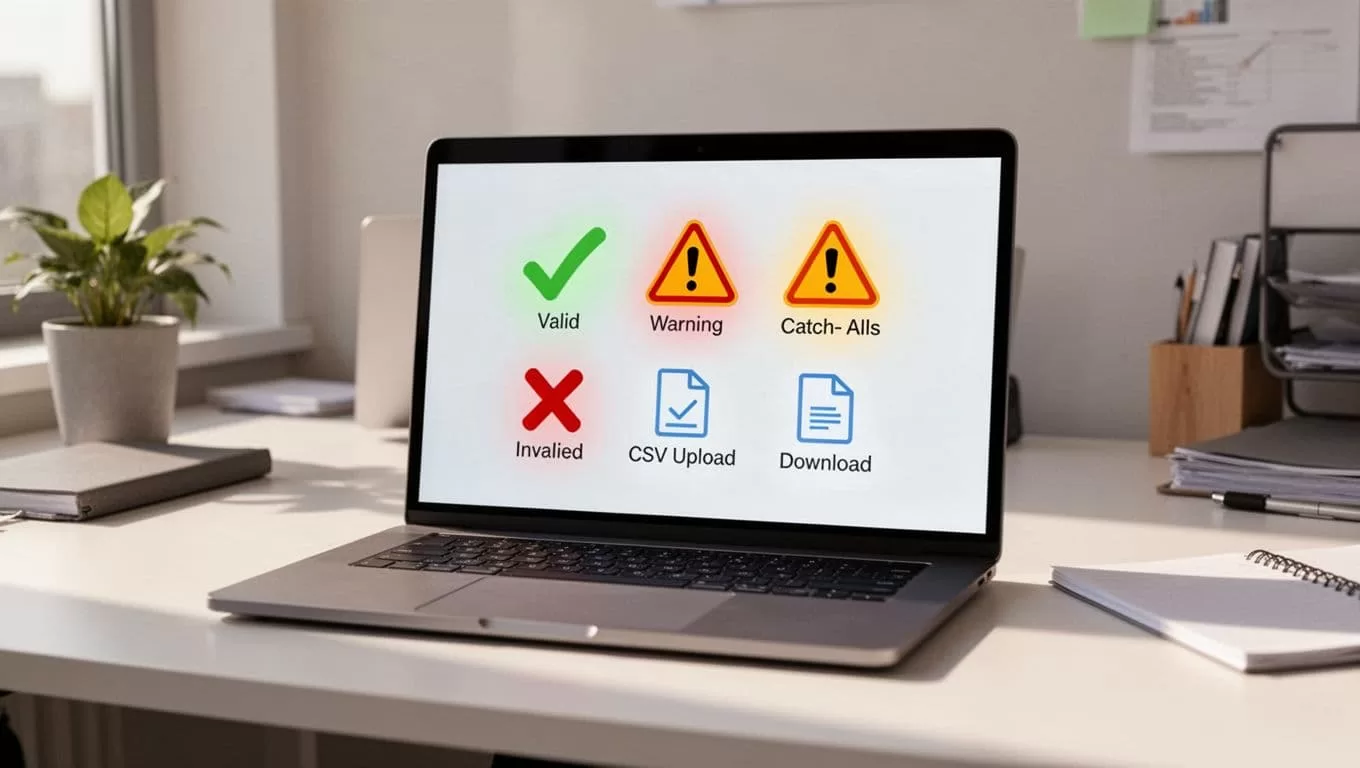
For tricky addresses, I pay attention to catch-all domains. My catch-all email verification guide helps me spot risky records before they hurt deliverability. If I want a shorter read on bounce control, I also keep my Hunter.io bounce rate guide nearby.
How I personalize outreach without wrecking deliverability
Hunter.io helps me gather the raw material. The message still has to sound human.
I keep my first email short. I mention the contact’s role, one specific problem, and one clear reason I chose them. If I can’t make that point in a few lines, the target probably doesn’t belong on the list yet.
I also protect deliverability with boring habits that work:
- I send from authenticated domains.
- I warm new inboxes slowly.
- I remove bounces right away.
- I keep sends low when I’m testing a new segment.
- I don’t mail accept-all domains at full volume.
For compliance, I stay careful with consent, relevance, and opt-outs. If I’m reaching across regions, I read current guidance like this CAN-SPAM vs GDPR cold email guide before I scale. Laws change, and so do enforcement habits. I don’t guess.
I also use Hunter’s AI writing help only as a rough draft. It can speed up the first pass, but I still rewrite the opening line. That’s where trust starts.
The part most teams miss
Hunter.io works best when I use it as a filter, not a shortcut. It helps me narrow companies, find business emails, verify them, and send cleaner outreach.

The best results come when I pair clean data with tight targeting and plain language. If I do that, Hunter.io becomes a useful part of the stack, not just another tool collecting dust.
Before I scale any list, I still check current features, limits, and pricing. That habit keeps my outreach grounded, and it saves me from expensive mistakes later.

