How I Find Nonprofit Contact Emails With Hunter.io
The fastest way I waste time in nonprofit outreach is by guessing at the wrong inbox. When I look for hunter.io nonprofit emails, I start with a domain, verify the result, and only then write. That keeps my work focused on fundraising, part...
The fastest way I waste time in nonprofit outreach is by guessing at the wrong inbox. When I look for hunter.io nonprofit emails, I start with a domain, verify the result, and only then write. That keeps my work focused on fundraising, partnerships, sponsorships, or grant prospecting. It also keeps my outreach respectful, which matters just as much as accuracy.
I don’t treat Hunter.io like a magic list machine. I treat it like a clean map with a few smart shortcuts. Here’s the workflow I use when I need the right contact, not just any contact.
I start with the nonprofit’s own domain, not a guess
I begin on the organization’s website. Staff pages, annual reports, press releases, and sponsor pages tell me more than a random search ever will. If a nonprofit has a parent group, local chapter, or campaign page, I check each domain separately.
That matters because the best contact isn’t always on the main site. A development director may sit on a fundraising subdomain. A program lead may appear on a chapter page. In other words, the email lives where the work happens. I keep a note of the exact domain before I open Hunter.
I also compare what I find on the site with my Hunter.io Email Finder Workflow Guide. That keeps me from drifting into broad, unfocused prospecting.
My Hunter.io search routine for nonprofit outreach
Hunter’s current toolkit gives me four useful moves: Domain Search, Email Finder, Email Verifier, and Sequences. When I need speed, the Chrome extension helps me pull context from a nonprofit’s site or LinkedIn without bouncing between tabs. The Hunter Starter Guide is still the quickest overview if I’m training a new teammate.
As of April 2026, Hunter says qualified nonprofits can get 30% off. That matters when I’m verifying contacts every month or running ongoing outreach. I also keep my notes in line with my Hunter.io Review 2026 for B2B outreach, because I want the same thing every time, clean data and fewer bounces.
My basic search flow looks like this:
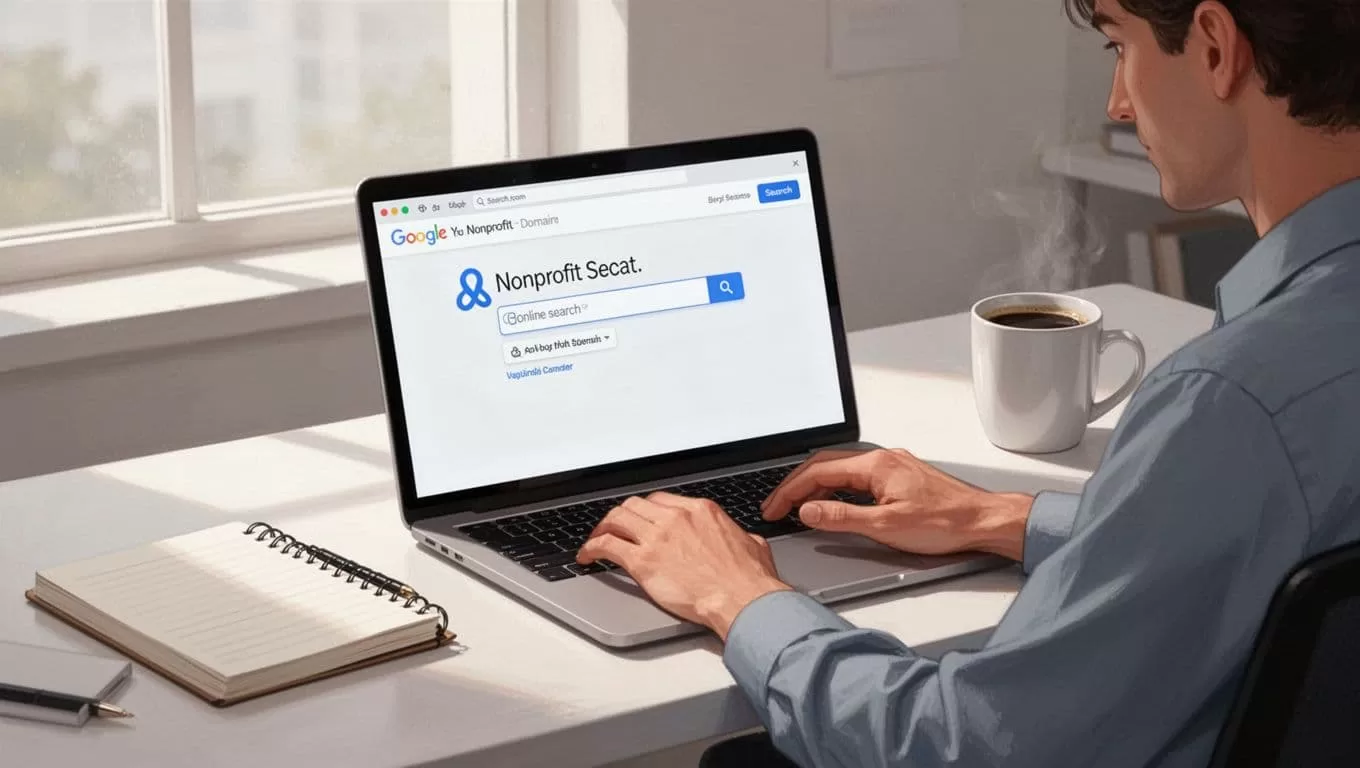
- I search the nonprofit’s primary domain in Domain Search.
- I open the people results and filter by department or title.
- I look for patterns, such as first.last or first initial plus last name.
- I save only the contacts that match my reason for outreach.
I don’t pull every match Hunter shows me. If I’m asking about sponsorship, I want development, partnerships, or marketing. If I’m asking about a grant, I want program or grants staff. The tool helps me narrow the field. I still decide who belongs in it.
I verify every address before I send
Before I write a message, I run the address through my Hunter.io Email Verification Guide 2026. Hunter’s own guide on finding verified email addresses of your prospects follows the same logic, find the address, then prove it can receive mail.
That second step saves me from sending a perfect email to a dead inbox. It also protects sender reputation, which matters if I plan to send follow-ups later.
| Hunter result | What I do |
|---|---|
| Valid | Send only if the role fits |
| Accept-all | Review slowly and send in small batches |
| Unknown | Cross-check on the website or LinkedIn |
| Invalid | Suppress it |
| Disposable | Drop it |
| Role-based | Use only if the inbox matches the message |
A verified email tells me the mailbox exists. It doesn’t tell me the person wants my message.
That’s why I never confuse deliverability with permission. I still keep the email short, tied to a real need, and easy to ignore if it’s not relevant.
When Hunter gives me a partial answer, I check other sources
Sometimes Hunter gives me a useful pattern, but not a perfect contact. When that happens, I turn to the nonprofit’s own material before I do anything else. A staff page can confirm titles. An annual report can reveal board members or donor relations leads. LinkedIn can show whether someone still holds the role I found.
Here’s the quick comparison I use.
| Source | What I look for |
|---|---|
| Nonprofit website | Staff titles, department names, and contact pages |
| Annual report | Leadership, board, and donor relations staff |
| Current role and recent job changes | |
| Sponsor or partner pages | Partnership and marketing contacts |
For fundraising campaigns, I like the same mindset described in email finder tools for fundraising campaigns, fewer contacts, better fit, better timing. That approach keeps me from emailing people who have no reason to care.
If I still can’t confirm the right person, I stop. A missing email is better than a sloppy guess.
The outreach rule I never skip
I only email when I can explain why that person should hear from me. That might mean I saw a grant page, a sponsorship deck, a program launch, or a recent event that fits my offer. A nonprofit inbox can handle a useful note. It won’t forgive a lazy blast.
I also keep the message plain. One ask. One reason. One easy way out. If the fit is weak, I don’t send. If the fit is strong, I keep the first note brief and human.
Hunter’s Sequences can help with follow-ups, but I use them lightly. I’d rather send three thoughtful emails than thirty forgettable ones.
The biggest win comes from the order of operations. I find the domain, search the contact, verify the email, and then write. That rhythm keeps my list clean and my outreach grounded in reality. It also saves me from chasing every shiny result Hunter surfaces.
When I do it this way, Hunter.io nonprofit emails become a starting point, not a shortcut. And that’s exactly why the process works.
