How I Build a Prospect List From Company Names With Hunter.io
A company name looks useful until you try to email it. Then the real work starts, because a name by itself doesn’t tell me the domain, the right contact, or whether the address is safe to use. That’s why my Hunter.io prospect li...
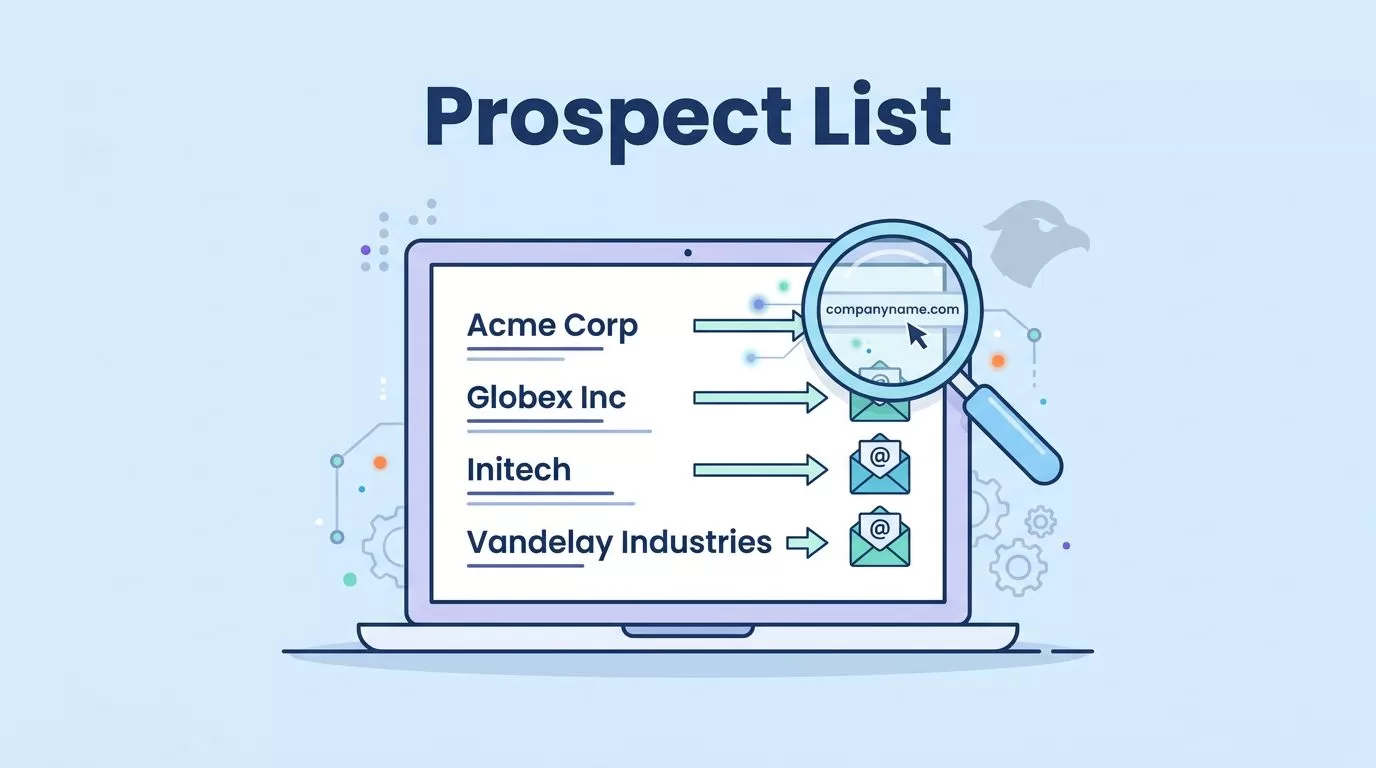
A company name looks useful until you try to email it. Then the real work starts, because a name by itself doesn’t tell me the domain, the right contact, or whether the address is safe to use.
That’s why my Hunter.io prospect list process starts with structure, not volume. I turn a raw list of company names into a clean contact list by finding the right domain, choosing the right job titles, verifying every address, and exporting only the rows that still make sense.
I start with the company name, then confirm the domain
Company names are messy. One brand can have a parent company, a regional site, or a product name that looks nothing like the legal domain. So I never assume the first result is right.
My first move is simple. I search the company name, check the official website, and look for the domain that matches the business I want to reach. If the list came from a spreadsheet, I open the company site before I do anything else. That saves me from building a list around the wrong brand.
A company name is a clue, not a contact.
As of April 2026, Hunter still makes this easy with Domain Search and Email Finder, even if the UI labels shift a little over time. I like that the workflow stays familiar. I can start from a domain, inspect public email patterns, and see which addresses Hunter can verify.
I also keep my broader Hunter.io 2026 B2B review nearby when I’m deciding whether I need a focused finder or a wider database. If the company-name list is tiny, I sometimes widen it with Hunter Discover: generate B2B leads at scale, then come back to the named accounts I actually want.
This is the part where the list stops feeling abstract.

I choose job titles before I look for emails
Once I have the domain, I decide who I actually want. A long company list means nothing if the titles are wrong. I want people who match the buying job, not just the company name.
For small firms, I usually start with the founder, owner, or operator. For larger companies, I look for heads of operations, finance leaders, rev ops, marketing ops, or IT managers, depending on the offer. That keeps my list tied to a real reason to reach out.
If I skip this step, I end up with a pretty spreadsheet and weak outreach.
I often use the logic from my corporate email patterns guide here. It helps me spot the shape of a company’s email format, which matters when I only know the person’s name and the domain. Then I use Hunter’s Email Finder to get the likely address and compare it with the public pattern.
For a deeper walkthrough, I rely on my Hunter.io email finder workflow. That keeps me from guessing too early.

Hunter’s own prospecting tools and methods guide lines up with this approach. I start narrow, then build outward only when the fit is clear.
I verify every address before it goes into the list
I don’t let a guessed email join my prospect list until I verify it. That rule saves me from bounce damage and keeps the final CSV cleaner.
My flow is usually:
- I find the contact name and domain.
- I run Email Finder.
- I check the confidence and verification status.
- I verify anything uncertain.
- I keep only the contacts that deserve a send.
When Hunter returns invalid, unknown, or accept-all results, I slow down. A valid address can go into my send-safe group. An accept-all result stays in review until I have enough context. Unknown results need another look, especially if the company site is sparse.
Here’s how I handle missing data when the company-name list is thin:
| Missing piece | My move | Why it helps |
|---|---|---|
| Several domains for one company | I pick the domain tied to the team I want | I avoid sending to the wrong brand |
| No named contact on the site | I search by role or title first | I keep the list tied to a real function |
| Generic inbox only | I keep it only for the right use case | I avoid noisy outreach |
| Accept-all result | I review before sending | I reduce bounce risk |
When I need to clean a bigger file, my Hunter.io bulk verification workflow keeps the process tight. It’s the fastest way I know to separate useful rows from bad ones.
I clean the spreadsheet before I export it
A good prospect list looks boring in the best way. Every row should have a reason to exist.
Before export, I standardize the fields I care about. I keep company name, domain, person name, title, email, source, and verification status in the same format across the sheet. I lowercase email addresses, remove duplicates, and strip extra spaces. I also tag the date I verified each record, because old data gets stale fast.
If a lead has no clear title, I don’t force it into the list. If the domain feels wrong, I fix that first. If the address looks fine but the status is shaky, I park it in review instead of mixing it with clean contacts.
That discipline matters more than fancy tooling. The export is only useful if I can trust it later.
As of April 2026, Hunter still centers the workflow around Domain Search, Email Finder, Email Verifier, the Chrome extension, and bulk verification. The labels may change, but the habit doesn’t. I still want one clean source, one verified contact, and one clear next step.

The list works because I remove guesswork early
When I build a prospect list from company names, I’m not chasing more names. I’m shaping better ones. I start with the domain, match the title, verify the email, and clean the file before it reaches my CRM or outreach tool.
That’s what makes Hunter.io useful to me in 2026. It keeps the process close to the data instead of far away from it.
If I do it right, the final list feels less like a pile of names and more like a map with clear roads.
