How I Automate Influencer Outreach Campaigns on Twin.so
Influencer outreach gets messy fast. I have seen strong creator lists turn into piles of half-finished follow-ups and missed replies when the work stays manual. Twin.so helps me turn that work into a repeatable system. It can run browser ta...

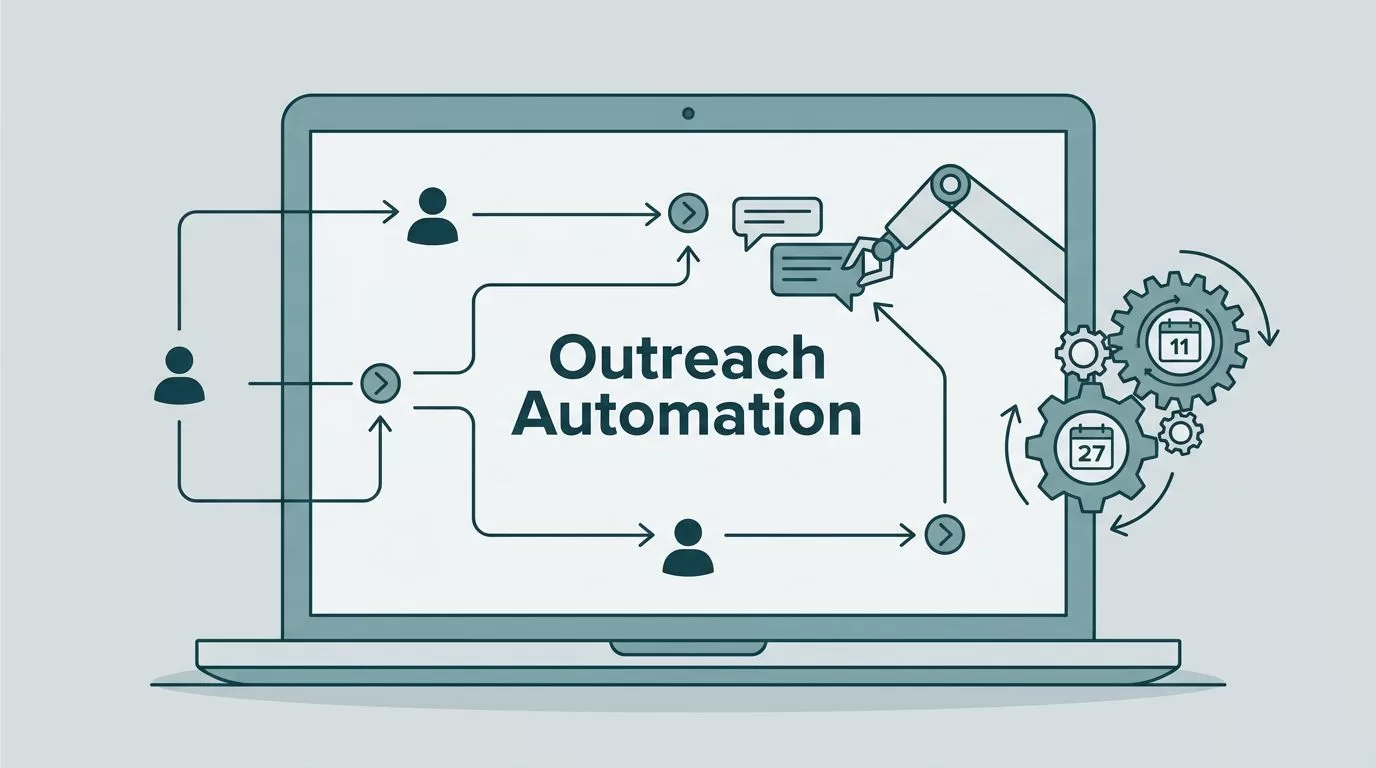
Influencer outreach gets messy fast. I have seen strong creator lists turn into piles of half-finished follow-ups and missed replies when the work stays manual.
Twin.so helps me turn that work into a repeatable system. It can run browser tasks, use APIs where they exist, and keep moving on a schedule, which is useful when I need influencer outreach automation without babysitting every step. In the sections below, I show the workflow I would use to find creators, write better messages, and keep the campaign under control.
Start with the creator list I can trust
I do not start by writing the first email. I start by deciding who belongs on the list.
For me, the best creator list has three things, a real audience fit, recent posting activity, and a clear contact path. Follower count matters less than signal. A micro-creator with a tight niche often beats a big account with loose engagement. That is where Twin.so becomes useful, because I can point an agent at the sources I already use, then let it gather the basics while I keep the criteria strict.
I usually look for creator niche, platform, recent post date, audience location, and a reason the brand fits. I also note whether the creator has worked with brands before, because that changes how I frame the ask. If the campaign depends on email, I verify the address before anything leaves the inbox. When I need better contact data, I pair the workflow with Hunter.io automation integrations so the list stays useful before Twin.so starts sending.
A clean list saves time later. It also keeps the campaign from turning into a polite form letter sent to people who were never a match.
Build the outreach sequence in Twin.so
Twin.so works well when I treat outreach like a workflow, not a pile of one-off tasks. I can describe the job in plain English, then let the agent handle research, browser clicks, message drafting, and scheduled follow-up. When a site has an API, Twin.so can use it. When it does not, it can work in the browser like a careful assistant.

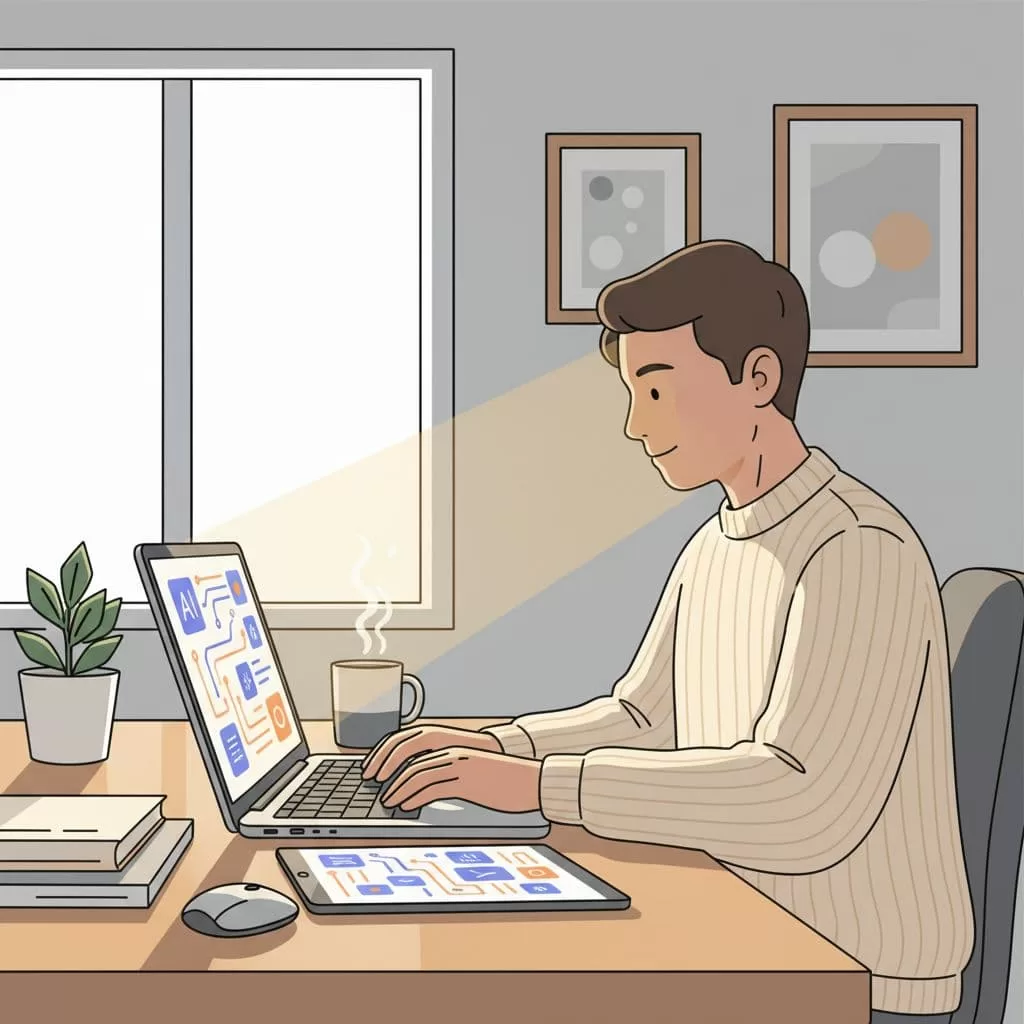
Here is the sequence I use most often:
- I pull the creator into the campaign from a sheet, CRM, or saved list.
- I enrich the profile with recent posts, bio details, and any verified contact data.
- I draft the first message with one personal detail, then hold it for approval when the account is high value.
- I send the email or queue the DM, log the result, and set the reply timer.
- I branch the flow after the wait, follow up once, or stop the sequence when the creator replies.
I like that this flow keeps the manual work at the edges. If a creator replies with interest, I want the thread to stop auto-following and move to a human. If the thread goes cold, I want Twin.so to send one short nudge and then park it. That keeps the inbox calm.
Keep personalization sharp at higher volume
Personalization is where most campaigns slip. I have seen automation turn a good note into a dull one because the message only swapped in a name and a company.
I use Twin.so to pull one or two signals that matter, then I keep the rest short. A recent video, a product category they cover, or a shared audience point works better than a long compliment. I also keep the template flexible. If the creator talks about skincare on TikTok, I write differently than I would for a B2B newsletter host.
If the message sounds like a broadcast, it will be treated like one.
For a broader view of the category, I like this 2026 guide to influencer marketing automation, because it keeps the focus on automation with a human edit. I also use top influencer outreach tools for 2026 when I want a quick market scan and a reminder that filters still matter.
Deliverability still matters. I keep my send volume modest at first, use a real mailbox, and avoid stuffing the message with links or attachments. If the outreach includes paid collaboration or gifted product, I check the disclosure plan before I hit send. That saves me from awkward fixes later.
Track replies, content, and handoffs
Once the first wave goes out, I care more about movement than volume. A campaign looks healthy when I can see where each creator sits, who replied, and which threads still need a human touch.

I track a few things in one view, then let Twin.so update the status as replies come in. That gives me a clean read on the campaign without forcing me to live in the inbox.
| Metric | What I watch | Why it matters |
|---|---|---|
| Reply rate | First responses by segment | Shows whether the list and opener fit |
| Positive reply rate | Interest, asks, or pricing questions | Shows whether the offer is landing |
| Time to first reply | Hours or days after send | Shows the best send window |
| Activation rate | Creators who publish or confirm | Shows whether the handoff works |
The table tells me where to adjust. If replies are high but positive responses are low, I rewrite the offer. If replies come in fast on weekday mornings, I shift the next batch. That is a cleaner use of campaign tracking than staring at open rates that do not tell me much. I also move creators into separate stages, such as contacted, replied, negotiating, live, and complete, so the next action is always clear.
That same reporting mindset is what I see in how automation saves influencer teams time. The time savings come from fewer hand edits and fewer lost threads, not from sending more messages.
A campaign flow I would run this week
If I were launching a new product for a niche audience, I would keep the first run simple. I would load 60 creators into Twin.so, split them by niche and engagement, and send the top 20 through a high-touch path. The rest would get a lighter touch or a later round.
For the top group, Twin.so checks the latest post, pulls one personal detail, drafts a short opening note, and pauses for my approval. After that, it sends the first message, waits three days, and sends one follow-up only if there is no reply. If a creator answers, Twin.so stops the sequence and moves the thread into a human review stage.
That sequence keeps me from overdoing it. It also gives me a clean way to test subject lines, send windows, and creator segments without changing three tools at once. When I need more scale, I widen the list and keep the same rules. When I need better quality, I shrink the batch and tighten the filter.
I get the best results when the campaign has one clear goal, such as product seeding, affiliate signups, or paid posts. A fuzzy ask makes the workflow noisy. A clear ask gives Twin.so a better job to do.
What I automate first
The inbox chaos starts when every creator takes a different path. I get better results when Twin.so handles the repeat work, while I keep control of the message, the timing, and the handoff.
That balance is the point of influencer outreach automation. It lets me move faster without turning the campaign into a pile of copy-and-paste notes, and it gives me a cleaner view of what is working.
When I keep the list clean, the sequence short, and the tracking honest, the whole process feels lighter. The work still needs a human eye, but it no longer needs a human hand on every step.

