How I Automate Invoice Downloads with Twin.so
I remember the days when invoice hunting ate my afternoons. Emails piled up, vendor portals demanded logins, and PDFs scattered across folders. One forgotten download meant scramble at month-end. Now, I let Twin.so handle it all. This no-co...

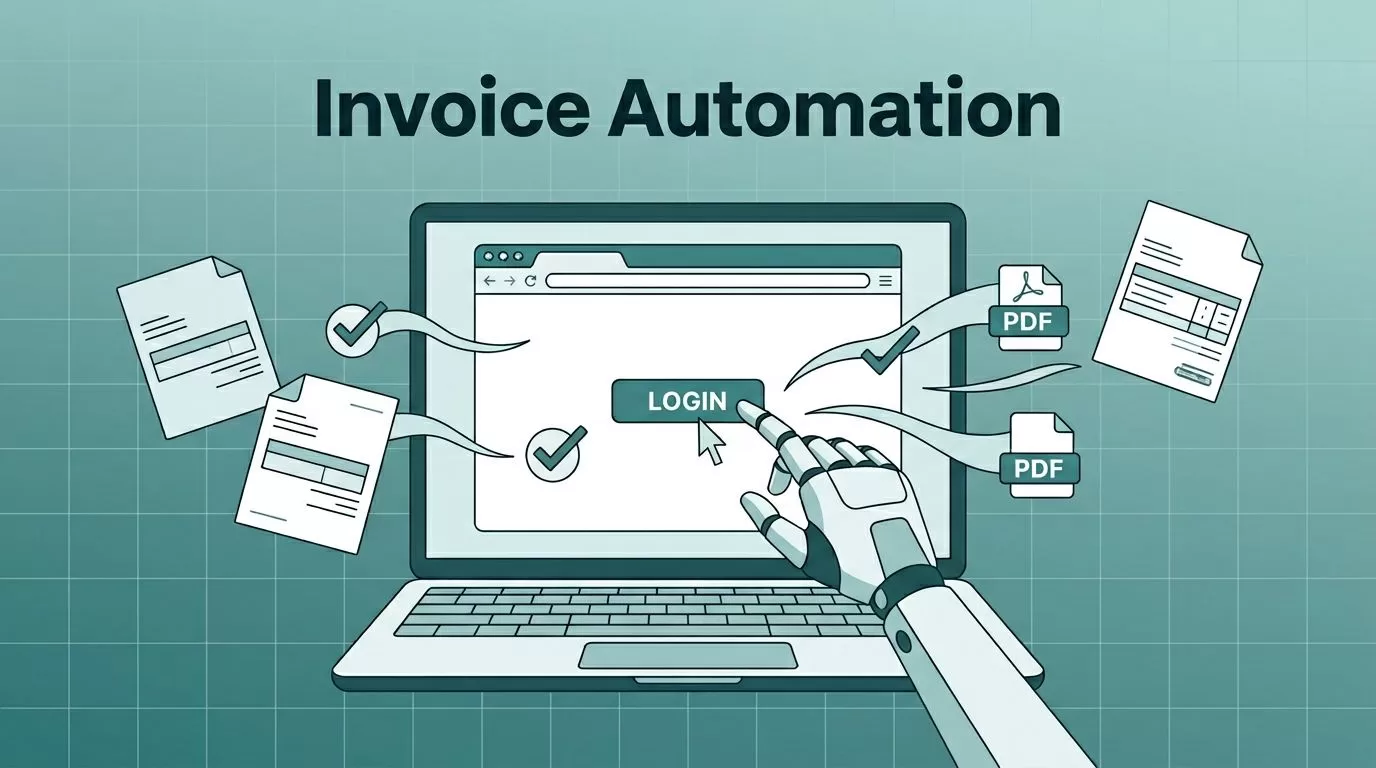
I remember the days when invoice hunting ate my afternoons. Emails piled up, vendor portals demanded logins, and PDFs scattered across folders. One forgotten download meant scramble at month-end. Now, I let Twin.so handle it all. This no-code tool builds AI agents that log in, grab files, and sort them without my input.
You face the same grind in finance or ops. Twin.so changes that by turning plain English instructions into browser actions. It pulls invoices from any site, even without APIs. In this guide, I walk you through my setup. You’ll save hours weekly.
Let’s start with why it fits invoice work so well.
Why Twin.so Excels at Invoice Automation
Twin.so runs agents that mimic human clicks on websites. I tell it, “Log into my suppliers and download new PDFs,” and it does the rest. No scripts or devs needed. Agents adapt if pages update, which beats brittle tools.
For small teams, this means reliable pulls from portals like AWS or suppliers. I use it for 20 vendors; it grabs everything in minutes. Picture a digital assistant that never forgets your password or misses a tab.
Key perks draw me back. Secure vaults store logins. Schedules run tasks overnight. Outputs land in Google Drive or email. Check the Twin documentation for full specs.
It pairs with accounting apps too. After downloads, I feed files into Xero. This cuts manual entry by 80%. Real users praise its speed on repetitive jobs.
I tested it against old RPA tools. Twin.so wins on ease. Agents self-heal, so downtime stays low.
Setting Up Your First Automation
I begin at twin.so. Sign up free, then hit “New Agent.” Describe the task simply. My prompt: “Check vendor portals weekly, download unpaid invoices as PDFs, save to Drive folder named ‘Invoices-2026’.”
Twin.so builds the agent fast. It asks for sites like “acme.com/login.” I add credentials via the vault. No sharing passwords in plain text.


Test runs confirm it. First time, watch the browser simulate clicks: login, navigate to invoices, select recent ones, download. It skips duplicates by date or number.
Common pitfall? Vague prompts. I specify “new since last run” to avoid repeats. Now, it hums along.
Step-by-Step: Building an Invoice Agent
Follow these steps I refined over months.
- Log in to twin.so. Click “Create Agent” from dashboard.
- Type your goal: “Automate downloads from [vendor1.com], [vendor2.com]. Filter by date, save PDFs to Google Drive.”
- Twin.so suggests tools. Pick browser control for portals, Drive integration for storage.
- Enter logins in the vault. Test one site first.
- Set triggers: Weekly on Mondays, or email-based.
- Run preview. Tweak if needed, like “rename files with invoice number.”
- Deploy. Monitor logs for issues.
This took me 10 minutes first try. For multiple vendors, chain agents or use one master prompt.
Integrate with Qonto’s Invoice Collector if you bank there. It bulk-pulls from 400 suppliers.
Scheduling Runs and Storage Options
Schedules keep it hands-off. I set mine for Sundays at 8 PM. Agents run server-side, so my laptop sleeps.
Triggers add smarts. New email from vendor? It activates. Webhooks from CRM work too.
Storage choices matter. Google Drive sorts best for me; folders by vendor auto-create. Dropbox or OneDrive plug in same way. For teams, share folders directly.
I link to Wise invoice matching next. Downloads feed bank recs seamlessly.
Scale up with teams. Assign roles; agents log activity.
Organizing Downloaded Invoices
Files arrive clean, but chaos lurks without rules. I name them “Vendor-Date-InvoiceNum.pdf.” Twin.so handles this in prompts.
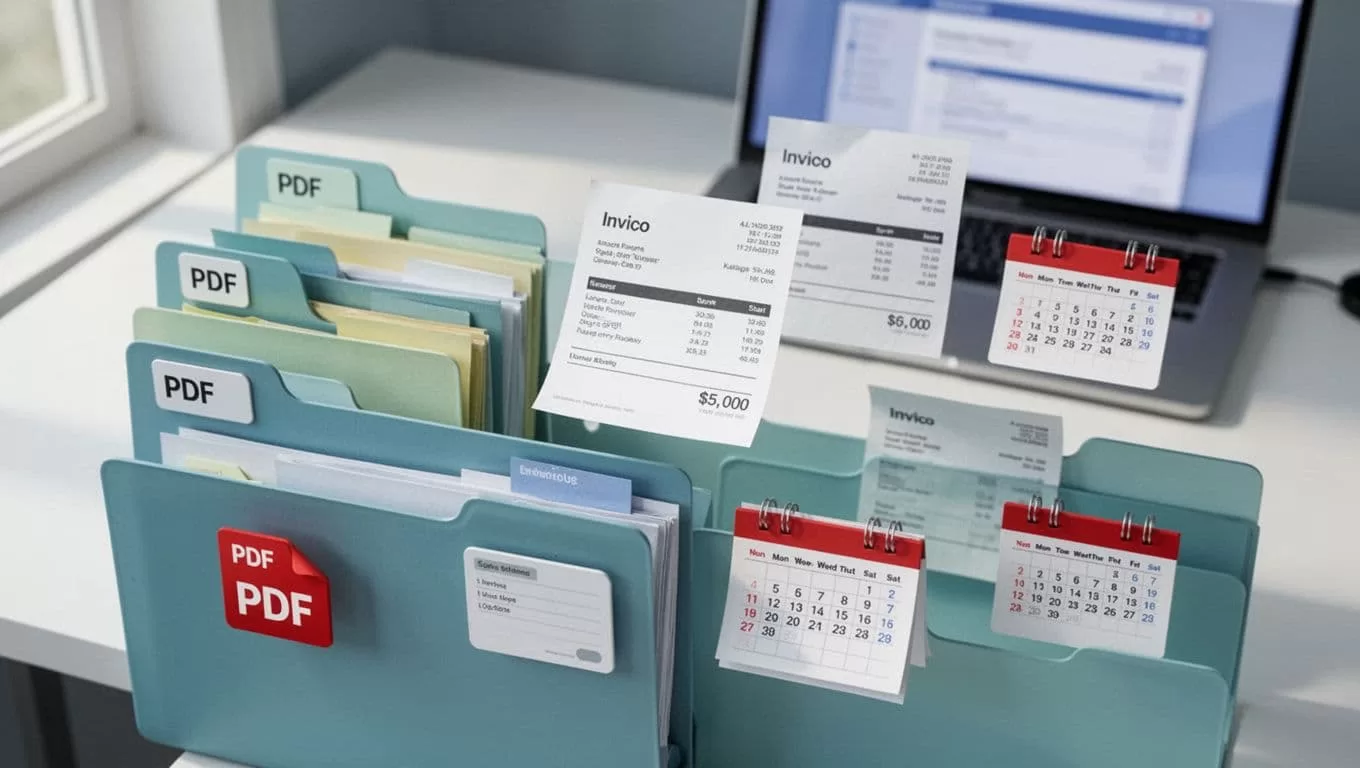
Subfolders by month prevent overflow. Prompts like “sort into 2026-May/VendorX” work.
Post-download, process with OCR apps for PDFs. Extract data for sheets.
Tips for Errors and Smooth Runs
Errors happen. Sites change; agents retry three times. Check logs daily first week.
If login fails, update vault. For CAPTCHAs, pause and manual solve once; it learns.
Backup prompts. Test monthly. Limit to 50 invoices per run to avoid timeouts.
Costs? Free tier suits small volumes. Paid starts low for heavy use.
Conclusion
Twin.so turned my invoice chase into background noise. Agents download, sort, and store without fuss. I reclaim time for analysis, not hunting.
Start small: one vendor, one week. Scale as confidence grows. Your books stay current, stress drops. Automation like this builds real efficiency.

