Looking for a Kajabi Alternative? When Skool Fits Better
The right Kajabi alternative depends on the job the platform must do. Skool fits a paid community with daily activity. Kajabi fits a full online business with sites, funnels, and email. This guide compares both on price, fees, features, and...

The right Kajabi alternative depends on the job the platform must do. Skool fits a paid community with daily activity. Kajabi fits a full online business with sites, funnels, and email. This guide compares both on price, fees, features, and limits. Figures come from the official Kajabi pricing page and the Skool pricing page as read in October 2026. Confirm both pages before you buy.
Skool vs Kajabi starts with the business model
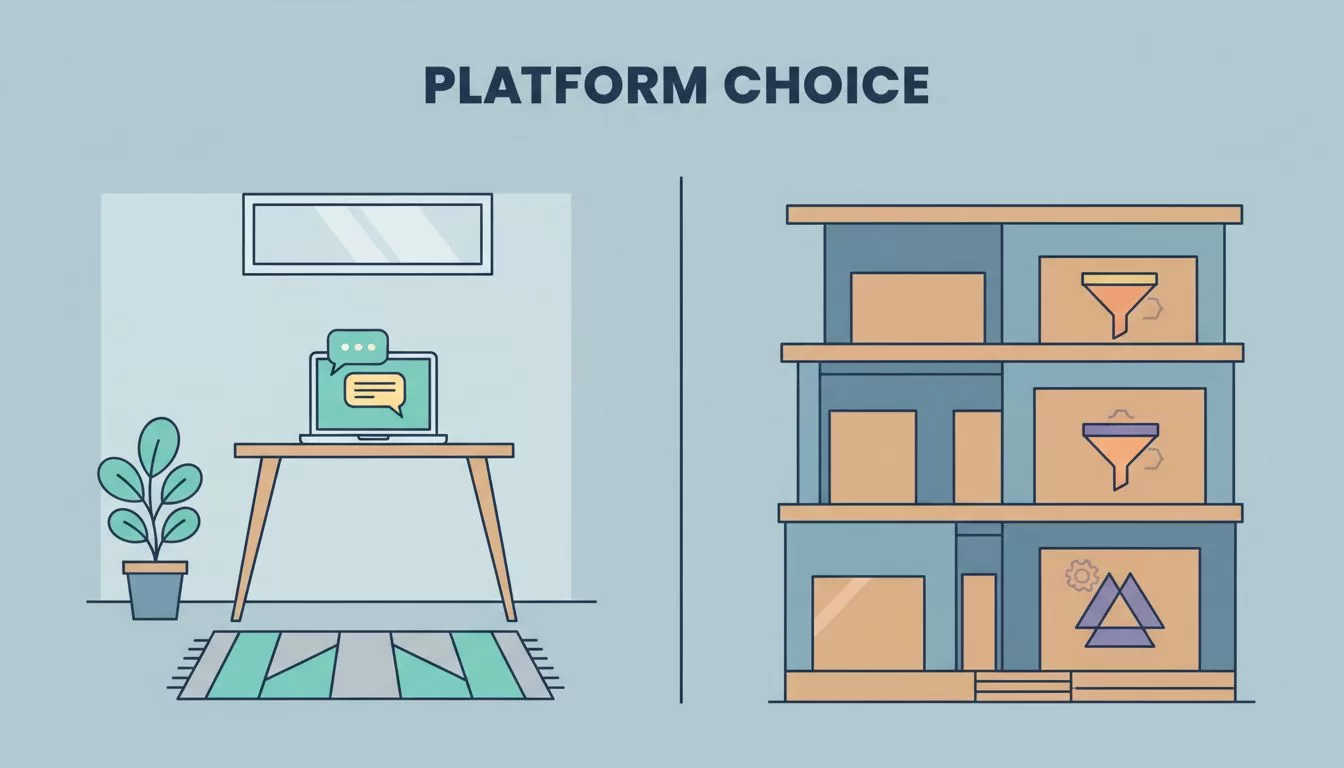
Skool is a community-first product. Members land in a feed with a classroom, calendar, and leaderboard. Kajabi is a business platform. You get products, websites, landing pages, email marketing, and a community in one account.
Pick the model first. Then compare prices. A community seller who buys Kajabi may pay for tools never used. A funnel seller who buys Skool may add four outside tools to fill the gaps.
Pricing compared in October 2026
Skool lists two plans. Kajabi lists three. The Kajabi page shows monthly prices and a lower effective monthly price on annual billing.
| Plan | Monthly price | Annual price per month | Key limits |
|---|---|---|---|
| Skool Hobby | $9 | Not stated in text read | Unlimited members, courses, videos, live calls |
| Skool Pro | $99 | Not stated in text read | Unlimited members, courses, videos, live calls |
| Kajabi Basic | $179 | $143 | 5 products, 2,500 contacts, 1 website, 1 community, 2 admin users |
| Kajabi Growth | $249 | $199 | 50 products, 25,000 contacts, 1 website, 1 community, 11 admin users |
| Kajabi Pro | $499 | $399 | Unlimited products, 100,000 contacts, 3 websites, 3 communities, 26 admin users |
The Kajabi page labels its annual prices in an inconsistent way. Treat the annual figures as effective monthly rates and check the billing line at checkout.


Fees: the claim to check carefully
Many comparisons say Kajabi charges no platform fees. The Kajabi page confirms no revenue share. Payment processing still costs money. For US cards, Kajabi Payments lists these rates:
- Basic: 2.9% plus $0.30 per transaction.
- Growth: 2.8% plus $0.30 per transaction.
- Pro: 2.7% plus $0.30 per transaction.
A third-party processor adds a further fee where Kajabi Payments is offered. The page lists 2% on Basic, 1% on Growth, and 0.5% on Pro. Rates vary by country and provider, and the page shows US figures only.
Skool takes a transaction fee of 10% on Hobby and 2.9% on Pro. Skool is also the merchant of record and handles sales tax collection and filing, according to the Skool payments FAQ. Compare this tax role with your own needs before you choose.
Break-even math for Skool plans
Hobby costs $9 plus 10% of sales. Pro costs $99 plus 2.9% of sales. The two costs match near $1,270 in monthly sales. This calculation excludes outside tools and payment processing.
Where Skool wins
Community and engagement
Skool treats the community as the main room. Members earn points for posting, commenting, and finishing lessons. Levels can unlock courses. Leaderboards add motivation without extra work from you. A Learning Revolution review of Skool also lists iOS and Android apps with push notifications.
Fast setup
Skool has few settings. You create a group, add a classroom, set a price, and invite members. A 14-day free trial lets you test the flow before you pay. Payouts run through Stripe Express, and the payout guide lists monthly, annual, and lifetime price options.
Low entry cost
A $9 plan costs far less than the $179 Kajabi Basic plan. A new creator with an unproven offer can test demand with less risk.
Where Kajabi wins
Marketing tools
The Kajabi page states unlimited access groups, funnels, landing pages, and marketing emails come with every plan. Skool offers no email broadcasts, according to Learning Revolution, so Skool users need an outside email service.
Website and landing pages
Kajabi includes websites on every plan. Skool offers a community page with a directory listing. A creator who needs a branded sales site must add a separate builder.
Scale and team size
Kajabi plans list admin seats, contact limits, and product limits. Pro supports 26 admin users and 100,000 contacts. The Learning Revolution review lists one admin on the Skool Hobby plan. Confirm the current admin limit on the Skool pricing page before you plan a team.
Feature comparison
| Need | Skool | Kajabi |
|---|---|---|
| Community feed | Core feature | Included, 1 to 3 communities by plan |
| Course delivery | Simple classroom | Products with more options |
| Quizzes and certificates | Not offered per Learning Revolution | Check the Kajabi product pages |
| Email marketing | Not included | Included |
| Landing pages and funnels | Not included | Included |
| Website | Community page only | Included |
| Mobile app | iOS and Android apps | Branded app on Pro |
| Free trial | 14 days | Offered, length not stated on page |
Kajabi also lists a 30-day money-back guarantee on every plan in its FAQ. Skool lists a 14-day free trial. Read both refund terms before you pay.
Total cost of a Skool stack
Skool alone rarely runs a full business. A typical stack adds an email service, a landing page tool, and a scheduling tool. Each tool has its own monthly price and its own login. Add these costs to the $9 or $99 plan before you compare with Kajabi.
Kajabi can look expensive at $179. Yet the plan replaces several tools. A fair comparison counts all tools on both sides. Build a simple sheet with the monthly price of every tool, the transaction fee at your expected sales, and the hours you spend moving data between tools.
Revenue reporting also needs care. Neither platform replaces a dedicated analytics tool. A subscription business can add subscription analytics using Baremetrics to track churn and monthly recurring revenue.
Setup time and learning curve
Skool has fewer screens, so a first group goes live quickly. Kajabi has more screens because the product holds more tools. A new user must learn the product builder, the site editor, the email system, and the checkout settings. Expect a longer first week on Kajabi.
More settings bring more control. A seller with a detailed funnel gains from this control. A seller with one community offer gains little. Match the learning curve to the size of the offer.
How to test both platforms before you pay
- Write the offer in one paragraph. Include price, delivery method, and the number of members you expect in six months.
- List every tool the offer needs: community, lessons, checkout, email, landing page, and analytics.
- Start the Skool 14-day trial and build the first lesson and the first event.
- Start a Kajabi trial and build the same offer as a product with a landing page and an email.
- Compare the hours spent, the tools added, and the monthly cost of each path.
- Pick the platform with the lower total cost and the smaller setup burden for your own offer.
This test takes a few evenings. The result beats any review, including this one.
Questions to ask before switching from Kajabi to Skool
- Do members depend on email sequences and landing pages? Skool will not replace these.
- Do you sell more than one product? Skool groups are separate, and each community needs its own subscription per Learning Revolution.
- Do you need a branded site? Check the custom domain details on the Skool pricing page.
- Can you export your content? Learning Revolution reports no structured export from Skool, so keep your own copies.
Who should choose each platform
Choose Skool if
- The community is the product and daily conversation matters.
- You want a fast launch and a low monthly cost.
- You can add email and landing pages from outside tools.
Choose Kajabi if
- You sell courses, coaching, and digital products through a marketing funnel.
- You want your website, checkout, and email in one account.
- You plan several products and a team of admins.
Use both when the business needs both
Some creators sell a funnel through Kajabi and run a paid community inside Skool. This setup doubles the bills and splits member data. Use the pair only when each tool earns its price.
FAQ
Does Kajabi charge platform fees?
The Kajabi pricing page states no revenue share. Payment processing fees still apply and vary by country and provider.
How much does Skool cost?
Skool lists Hobby at $9 per month with a 10% transaction fee and Pro at $99 per month with a 2.9% transaction fee.
Is there a free trial for Kajabi?
Each Kajabi plan shows a Start Free Trial option. The page does not state the trial length, so confirm the length at signup.
Can Skool replace Kajabi?
Skool replaces the community and basic course parts. Skool does not replace email marketing, landing pages, or a website.
Which platform suits a beginner?
A beginner with a community offer can start on Skool at low cost. A beginner who needs a full sales funnel should price the complete Kajabi stack first.
Does Kajabi include a community?
Yes. The Kajabi page lists one community on Basic and Growth and three on Pro.
Do prices change often?
Platform prices change from time to time. Read the official pricing pages on the day you buy, and save a screenshot of the plan and the fee you accept.
Conclusion
Skool works as a Kajabi alternative only for community-first businesses. Kajabi remains the stronger choice for funnels, email, and sites in one account. Map the next twelve months of your offer, add every tool cost, and read both official pricing pages again before you pay.

