Choosing a Kajabi Alternative Like MemberSpace
Kajabi can do a lot, but that strength can become a burden when I only need a clean way to sell access. If I already have a website, I don’t always want to rebuild my whole business around one platform. That’s where MemberSpace...

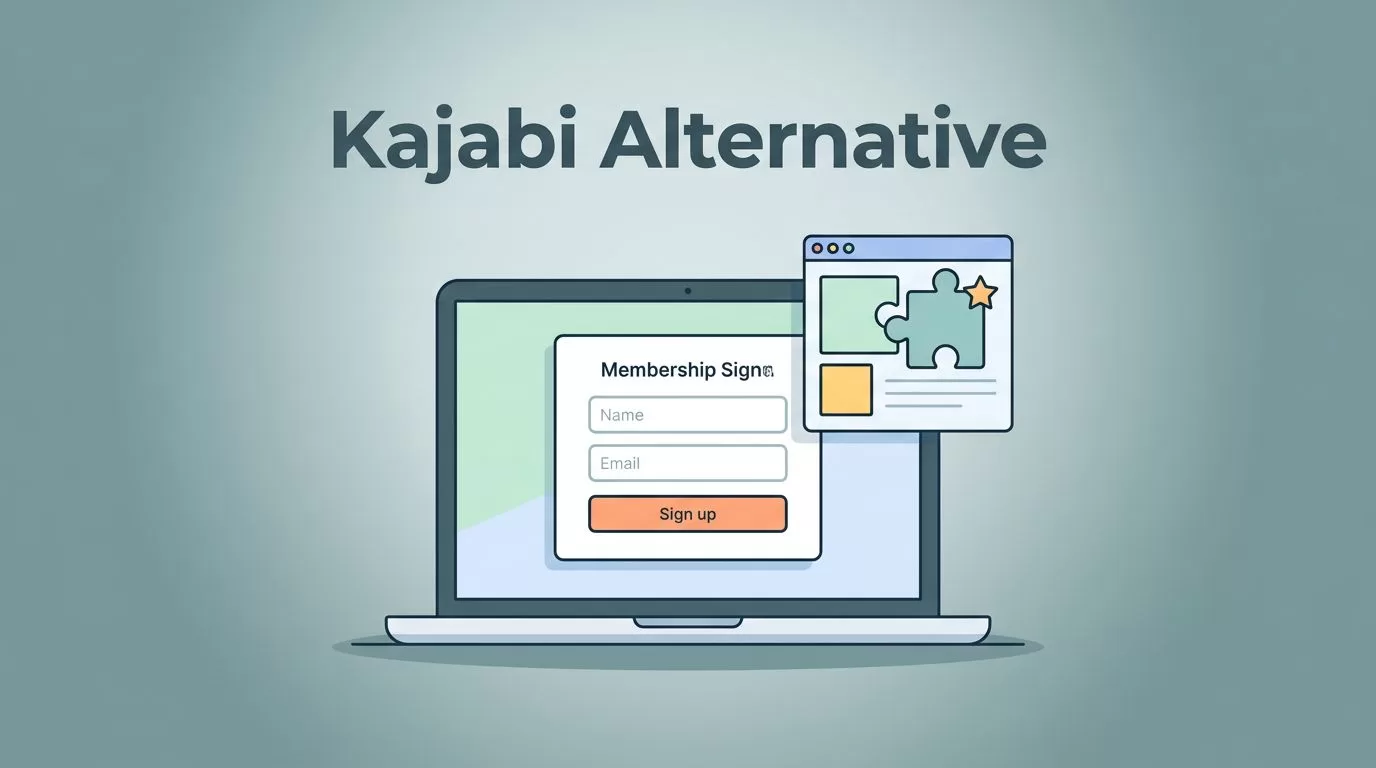
Kajabi can do a lot, but that strength can become a burden when I only need a clean way to sell access. If I already have a website, I don’t always want to rebuild my whole business around one platform.
That’s where MemberSpace starts to look smart. It feels lighter, more focused, and easier to fit into an existing setup, which matters when I want paid content without a full platform switch.
Why I look beyond Kajabi
Kajabi is still a strong all-in-one choice in 2026. It bundles website tools, email marketing, funnels, courses, and memberships in one place. That sounds neat on paper, and for some businesses, it is the right call.
The problem starts when I only need part of that stack. I might already like my website design. I might already use another email tool. I might only want to gate content, manage subscriptions, or sell a few digital offers. In that case, paying for a large bundle can feel like buying a truck to carry one box.
That is why I treat Kajabi and MemberSpace as different answers to the same business problem. Kajabi is better when I want the platform to do most of the work. MemberSpace is better when I want to keep my site and add paid access on top of it.
For a simple look at how MemberSpace positions itself, I found its own Kajabi alternative page useful. It makes the focus clear, which is exactly what I want before I compare tools.
Where MemberSpace fits best

MemberSpace makes the most sense when my website is already doing a good job. I use it when I want to sell membership access, protect pages, or charge for exclusive files without moving everything into a new home.
That can mean client portals, premium newsletters, private libraries, member-only training, or recurring access to digital downloads. It also works well when I want my public site to stay public while a few parts sit behind a paywall.
I reach for MemberSpace when I want my current website to stay in charge.
That matters because website control affects brand feel. Kajabi gives me one unified system, but MemberSpace lets me keep the site I already built. If I like my design, my structure, and my CMS, I don’t have to throw them away just to sell access.
I also like MemberSpace when the offer is simple. If I am selling one membership, a set of protected resources, or a small library of premium content, I do not need a giant sales machine. I need a reliable gate, clean checkout flow, and easy member management.
When the business model gets more community-heavy, I start comparing other options too. I have found it helpful to look at Skool versus Kajabi for course creators when I want to think through community-led growth instead of pure content delivery.
Kajabi vs MemberSpace side by side
The cleanest way to choose is to compare what each platform is built to do. I use this kind of table when I want the decision to stop feeling fuzzy.
| What matters | Kajabi | MemberSpace | My read |
|---|---|---|---|
| Pricing model | One subscription that bundles many tools | Add-on style pricing around membership access | Kajabi costs more, but it includes more in-house tools |
| Website control | I build inside Kajabi’s system | I keep my existing site and add access control | MemberSpace wins if I want design freedom |
| Memberships | Strong membership and course support | Strong gating and subscription access | MemberSpace is focused and practical |
| Digital products | Good for courses, coaching, and packaged offers | Good for protected content and paid access | Kajabi is better for bigger product stacks |
| Audience and community | Email tools and community features in one place | Access control first, community depends on my setup | Kajabi is stronger when I want an all-in-one audience engine |
| Ease of use | Easier if I want one platform for everything | Easier if I already have a site and only need memberships | MemberSpace feels lighter in an existing stack |
The pattern is easy to spot. Kajabi is the broader business hub. MemberSpace is the sharper membership tool. If I want to launch faster with fewer moving parts, MemberSpace often feels less heavy. If I want courses, email, and funnels under one roof, Kajabi still has the edge.
I also read broader comparison guides when I want a second opinion. This Kajabi comparison for coaches and course creators is one example that helps me think through the trade-offs without the sales gloss.
When Kajabi still makes more sense
MemberSpace is strong, but I do not force it into jobs it was not built to do. If I need a full course business with built-in marketing, Kajabi can be the better fit.
I lean toward Kajabi when:
- I want my website, emails, funnels, and memberships in one place.
- I am starting from zero and do not already have a site I like.
- I want a smoother path for launching courses and bundled offers.
- I need more of an all-in-one setup than a membership layer.
Kajabi also helps when I want less technical stitching between tools. A single login, one dashboard, and one support path can save time. That matters if I am running a solo business and do not want to babysit integrations.
MemberSpace asks me to think differently. I keep my website, then add membership logic around it. That is a strength when I want flexibility, but it also means I should already be comfortable with the rest of my stack. If my site is messy or my offer is still changing every week, Kajabi may feel safer.
Community is another split point. Kajabi gives me more of a built-in audience system, while MemberSpace is better at access control than at creating a lively member hub. If my business depends on discussion, events, and member interaction, I would look harder at a community-first platform and compare it against a more traditional course stack.
How I make the final call
When I am stuck between these tools, I ask three plain questions.
- Do I want a new home, or a layer on my current site?
If I want to keep my design and domain flow, MemberSpace gets a strong look. - Am I selling a membership, or running a full content business?
For memberships, gated libraries, and recurring access, MemberSpace is a clean fit. For courses, funnels, and email automation in one place, Kajabi is stronger. - How much complexity do I want to manage?
If I want fewer tools and a wider built-in system, Kajabi makes sense. If I want more control over my existing site, MemberSpace keeps the setup lean.
I also look at the money side with a practical eye. Kajabi usually costs more because it bundles more features. MemberSpace usually feels easier to justify when I only need memberships and content access. That difference matters when I am still testing an offer or trying to protect margin.
Conclusion
If I want a Kajabi alternative, I start with my business model, not the logo on the homepage. MemberSpace is a strong choice when I already have a website and I want to sell access without rebuilding everything.
Kajabi still wins when I need the wider machine, especially for courses, funnels, and built-in marketing. The right answer is the one that fits how I sell, how I publish, and how much control I want over my site.

