Finding Landing-Page Friction Before You Test in Mida.so
More form fills won’t fix a weak SaaS acquisition system. If the wrong visitors submit your form, your sales team gets busy without getting better leads. Lead generation optimization starts with clear intent, reliable behavior data, a...

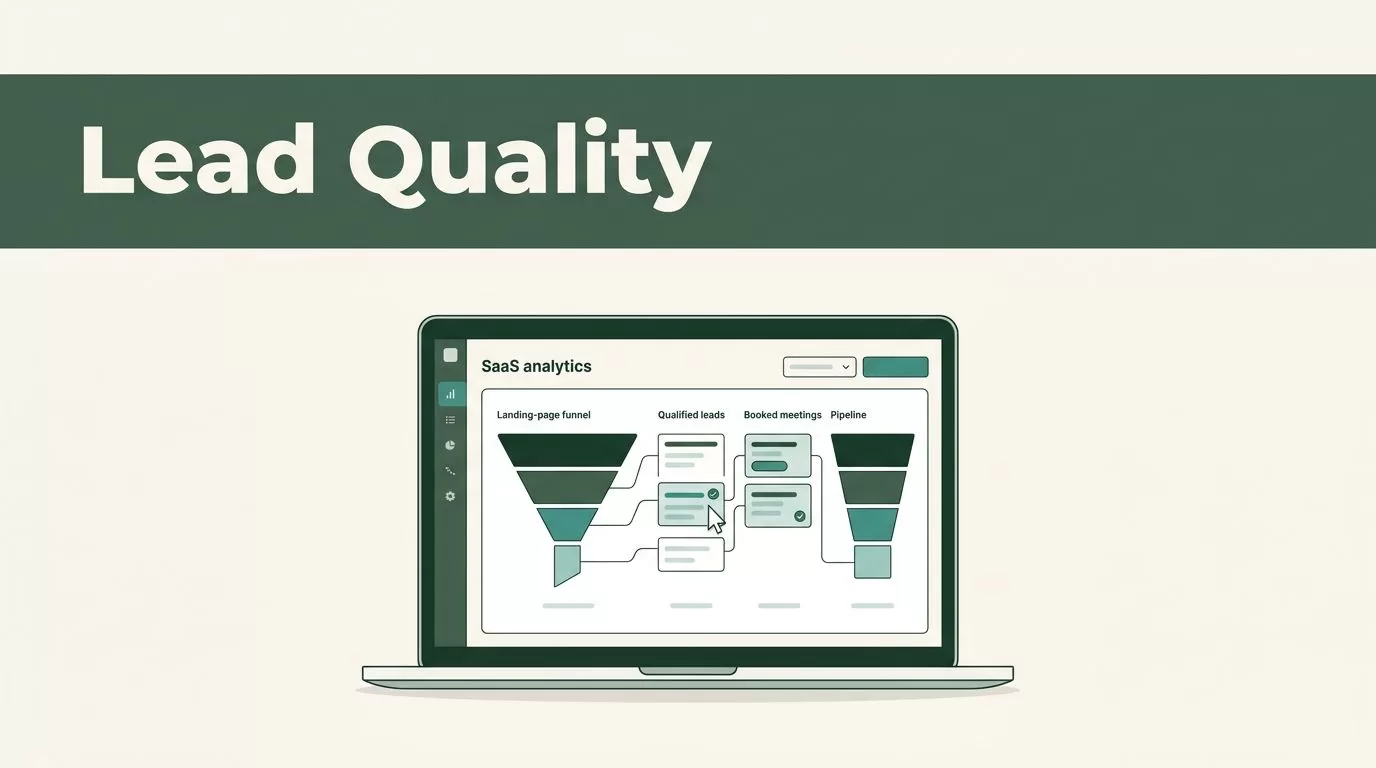
More form fills won’t fix a weak SaaS acquisition system. If the wrong visitors submit your form, your sales team gets busy without getting better leads.
Lead generation optimization starts with clear intent, reliable behavior data, and experiments tied to pipeline quality. Mida.so can help you connect what visitors do on a landing page with the changes your team makes next.
The process is practical. Define a qualified lead, track the right actions, test one meaningful change, and judge the result beyond the conversion rate.
Key Takeaways
- Define lead quality before changing page copy or form design.
- Use Mida.so data to find friction across your highest-value landing pages.
- Test one clear hypothesis with a primary conversion goal and guardrail metrics.
- Measure form submissions against booked meetings, trial activation, and pipeline.
- Improve conversion rates without using misleading claims or forced consent.
Start With the Lead You Actually Want
A landing page can produce more conversions while generating fewer useful conversations. That happens when the page attracts low-intent visitors, asks weak qualification questions, or promises something the sales team can’t deliver.
Set the target before opening your analytics dashboard. Write a short definition of a qualified lead for each campaign. Include the company type, buyer role, use case, and action that shows meaningful intent.
For example, a demo request from a B2B software company with an active sales team may be more valuable than a newsletter signup. A trial activation from a target account may matter more than a broad content download. The right definition depends on your sales process.
Separate your funnel into three levels:
- A visitor shows interest by viewing a pricing page, integration page, or product tour.
- A lead gives contact information and identifies a relevant business need.
- A qualified opportunity takes a sales action, such as booking a meeting or starting a serious evaluation.
This structure prevents a common reporting mistake. Teams often treat every form completion as equal, then optimize toward the easiest submissions.
Create a tracking plan for the page before you edit it. Record the page URL, traffic source, offer, form type, current conversion goal, and downstream outcome. Add the main objections you expect, such as price, security, implementation time, or integration support.
Use Mida.so to review the behavior data available for that page. Keep the analysis tied to the original business question. You aren’t trying to make every visitor click. You’re trying to help the right visitor take the next useful step.
Configure Mida.so Around Real Conversion Signals
Tracking becomes useful when every event has a reason. Avoid collecting dozens of actions that nobody reviews. Start with the events that show movement through the buying process.
For a SaaS landing page, those actions may include:
- Clicking the primary demo or trial button
- Opening or submitting the lead form
- Selecting a company size or use case
- Viewing pricing, security, or integration content
- Booking a meeting after form submission
- Reaching a confirmation or onboarding page
Use a consistent naming system across campaigns. Names such as demo_form_submit, trial_start, and pricing_view make reports easier to filter. Avoid vague labels such as button_click_1.
Mida.so should support a clear comparison between page behavior and conversion outcomes available in your setup. Verify that the tracking fires once, works on mobile, and excludes internal traffic where appropriate. Submit the form yourself. Check the confirmation step. Test the flow after every major page release.
If you also use GA4, align event names and parameters rather than creating separate definitions for the same action. Google’s GA4 event documentation provides the technical reference for event collection and parameters.
Do not hide important details inside a single conversion number. A form submission tells you that someone completed a form. It doesn’t tell you whether the person had a real business need or supplied usable information.
Add source, campaign, page variant, and lead status to your reporting process. Your CRM can hold the later stages. Mida.so can help you connect the page experience with the behavior that happens before the handoff.
Respect privacy during setup. Collect only the data you need, explain why you collect it, and don’t record sensitive form fields. Consent requirements vary by location and implementation. Review Google’s consent guidance before deploying tracking across regions.
Find Landing-Page Friction Before You Test
The first optimization opportunity is often not a new headline. It is a broken path between the visitor’s intent and your next step.
Review Mida.so data by landing page, device, traffic source, and campaign. Look for differences that require investigation. A page may convert paid search visitors well but lose visitors from partner referrals. Mobile users may reach the form but stop when the form expands.
Use behavior reports to identify where users hesitate. If your setup includes heatmaps or session recordings, inspect a focused sample rather than watching sessions without a question. Look for repeated patterns:
- Visitors click an element that isn’t interactive.
- Users scroll past the form before seeing the value of the offer.
- Prospects return to pricing or security information before converting.
- A form error appears after submission.
- The page asks for information before explaining the product’s fit.
Pair behavior evidence with page intent. A visitor on a security page needs different proof than a visitor arriving on a comparison page. A request for a product demo needs more context than a low-commitment email signup.
Don’t treat every drop-off as a design problem. Some visitors leave because the offer isn’t relevant. That can be a useful result. A qualified lead generation strategy should filter poor-fit demand instead of forcing more people through the form.
Write each finding as an observation, not a conclusion. “Mobile visitors reach the form and stop after the company-size field” is useful. “The form is too long” is a guess.
Then connect the observation to a testable hypothesis. For example: “If we explain the implementation process before the form, qualified visitors will submit at a higher rate without reducing meeting quality.”
Run Focused Experiments on SaaS Pages
A useful experiment changes one important variable and gives you a clear reading of the result. Mida.so can support this workflow when you use the testing and reporting controls available in your account.
Start with the page’s job. A demo page should move a qualified buyer toward a sales conversation. A free-trial page should help the right user begin evaluation. A pricing page should reduce uncertainty before the visitor chooses a plan or contacts sales.
Choose one test area:
- Message: Match the headline to the visitor’s use case or acquisition source.
- Proof: Add a relevant customer example, security detail, or integration list.
- Form: Remove unnecessary fields or split qualification into a later step.
- Call to action: Replace vague copy with a specific next step.
- Page structure: Move pricing, implementation details, or product evidence closer to the decision point.
Keep the treatment honest. Don’t call a consultation a “free trial.” Don’t hide required terms below the fold. Don’t use fake countdowns or preselected consent boxes. Conversion gains that depend on confusion create support problems and damage trust.
Define the primary metric before launch. It may be qualified form submissions, completed demo requests, or trial starts. Add guardrails such as form completion rate, booked meetings, lead acceptance rate, and spam rate.
A simple experiment brief should include the following:
- The page and audience.
- The observed behavior.
- The change you will make.
- The primary metric.
- The guardrail metrics.
- The decision rule for the next step.
Don’t change the headline, form, pricing layout, and testimonials in one test. You may see movement, but you won’t know which change caused it. A smaller test gives your team a cleaner decision.
Measure Qualified Leads, Not Vanity Conversions
Conversion rate is useful, but it is not the final score. A page can win on submissions and lose on sales acceptance.
Build a short reporting chain:
| Funnel stage | Useful question | Metric to review |
|---|---|---|
| Landing page | Did the visitor take the intended action? | CTA clicks and form completion |
| Lead capture | Did the submission include usable information? | Valid leads and qualification rate |
| Sales handoff | Did the team accept the lead? | Accepted leads and response time |
| Pipeline | Did the lead create a real opportunity? | Meetings, opportunities, and pipeline value |
Review these metrics by variant when your tracking setup supports it. If Mida.so shows a clear page-level winner but your CRM shows weaker lead quality, the test didn’t succeed. The page may have reduced friction for everyone, including visitors who were never a fit.
Give the sales team a simple feedback field. Ask whether the lead matched the target account profile, had a relevant use case, and understood the next step. Connect that feedback to the original campaign and page variant.
Use sample size and test duration carefully. Don’t stop an experiment after a few submissions because one version looks ahead. Traffic quality can change by weekday, campaign, geography, or sales promotion. Continue until you have enough data for a reasonable business decision.
Avoid treating a small percentage change as a business result without checking volume and quality. A higher conversion rate from a low-volume channel may matter less than a modest improvement on your main acquisition page.
Report the decision in plain language. State what changed, what happened, which segment responded, and what the team will do next. Keep losing tests. They prevent your team from repeating weak ideas.
Create a Repeatable Mida.so Optimization Process
Lead generation optimization works better as an operating process than as a one-time redesign. Set a weekly review for active campaigns and a monthly review for the wider funnel.
Start each review with the same questions. Which pages generate qualified leads? Where do visitors stop? Which sources produce poor-fit submissions? Which open tests have enough data for a decision?
Assign one owner for instrumentation and one owner for the page change. Marketing can own the hypothesis. Sales can validate lead quality. Revenue operations can connect the page data to CRM stages.
Keep a backlog with four fields: evidence, hypothesis, expected impact, and effort. Prioritize issues that affect high-intent pages and have a clear measurement path. A broken form deserves attention before a minor button-color test.
Document the original page before each release. Save the copy, form fields, offer, tracking names, and experiment dates. This record helps you explain performance changes when campaigns, pricing, or traffic sources change.
Review consent, data retention, and access permissions as part of the process. Ethical optimization includes the data collection method, not only the page copy. Your visitors should understand what they submit and what happens next.
The strongest workflow is direct: observe behavior in Mida.so, identify a specific friction point, launch a controlled change, and check the downstream lead outcome. Repeat the process only when the measurement is clean.
Conclusion
More submissions don’t automatically mean better demand generation. The reliable path is to define lead quality first, connect Mida.so behavior data to meaningful events, and test changes that solve a visible problem.
Use conversion rate as an early signal. Use qualified leads, accepted opportunities, and pipeline as the business test. When the page makes the next step clear without misleading visitors, lead generation optimization improves both the buyer experience and the sales process.

