Deploy Legal Tech Automation With Twin.so
Legal teams rarely lose hours on one difficult task. They lose them through repeated handoffs, missing documents, status checks, and manual data entry. Legal tech automation reduces that waste by connecting routine work across the tools you...

Legal teams rarely lose hours on one difficult task. They lose them through repeated handoffs, missing documents, status checks, and manual data entry. Legal tech automation reduces that waste by connecting routine work across the tools your team already uses.
Twin.so adds an AI agent layer to that process. You describe the outcome in plain English, connect the required systems, and let the agent complete approved actions through APIs or browser automation. The deployment works best when you start with one narrow workflow, define review points, and measure the result.
What Twin.so Does for Legal Operations
Twin.so is a general AI agent and workflow automation platform. It isn’t a legal practice management system, contract lifecycle management system, or accounting platform. It is an execution layer that can move information between those systems.
Twin.so describes a no-code process where users explain a task, then the platform builds an agent to run it. The agent can use an API when one exists. It can also use an embedded browser to click, type, and navigate through websites that don’t offer an API.
Workflows can start on a schedule, event, webhook, email, or call. That gives legal operations teams several ways to launch recurring work. A daily document check, a new intake notification, and an approval request can all use different triggers.
Twin.so has a Lawmatics integration that covers contacts, deals, intake records, and tasks. Its published workflow uses OAuth to connect the account, a plain-English instruction to define the job, and an agent that runs on demand or on a schedule. Twin.so also documents an Access Legal and Twilio workflow for reading information from one system and taking action in another.
The practical boundary is clear:
Use Twin.so to collect, move, classify, and route information. Keep legal judgment, contract interpretation, payment approval, and final matter decisions with authorized people or tested legal systems.
The broader market follows the same division of responsibilities. Thomson Reuters’ legal workflow guide covers document automation, collaboration, contract review, and due diligence as connected workflow areas. Twin.so can support those processes, but your legal system of record should retain the official matter data.
Where Legal Tech Automation Fits Best
The strongest use cases involve repetitive work with clear inputs, predictable outputs, and defined exceptions. Avoid starting with a workflow that requires open-ended legal analysis.
Matter intake and client onboarding
A new inquiry often creates work in several places. Someone reads an email, checks whether the required information is present, creates a contact, opens an intake record, assigns a task, and sends a response.
Twin.so can connect those steps. For example, a Lawmatics intake record can trigger an agent that checks required fields, creates the next task, updates the status, and alerts the assigned employee. Missing information should stop the run and create an exception instead of producing an incomplete matter.
This removes administrative copying without allowing the agent to decide whether the firm should accept the client.
Document collection and filing
Legal teams often download documents from court portals, client systems, vendors, and government sites. The work includes finding the correct reporting period, saving the file, applying a consistent name, and placing it in the correct matter folder.
Browser automation can handle the collection steps when a portal lacks an integration. Store the original file without modification. Create a separate working copy if headers, formats, or metadata need changes.
Contract and approval workflows
An automation can collect contract request details, check whether required fields are present, route the request to the correct approver, and update the status in a contract system. It can also notify the requester when a stage changes.
Don’t ask Twin.so to decide whether a clause meets company policy unless that decision logic has been separately tested and approved. Legal workflow platforms such as Checkbox’s legal automation software show how intake, NDA requests, contract approvals, and compliance reviews can be structured as distinct workflows.
Compliance tracking and reporting
Compliance work often depends on dates and missing records. An agent can check a register, compare upcoming deadlines with assigned owners, create follow-up tasks, and prepare a report for review.
The report should identify its source, collection date, reporting period, and exception status. A clean report without supporting records is difficult to verify later.
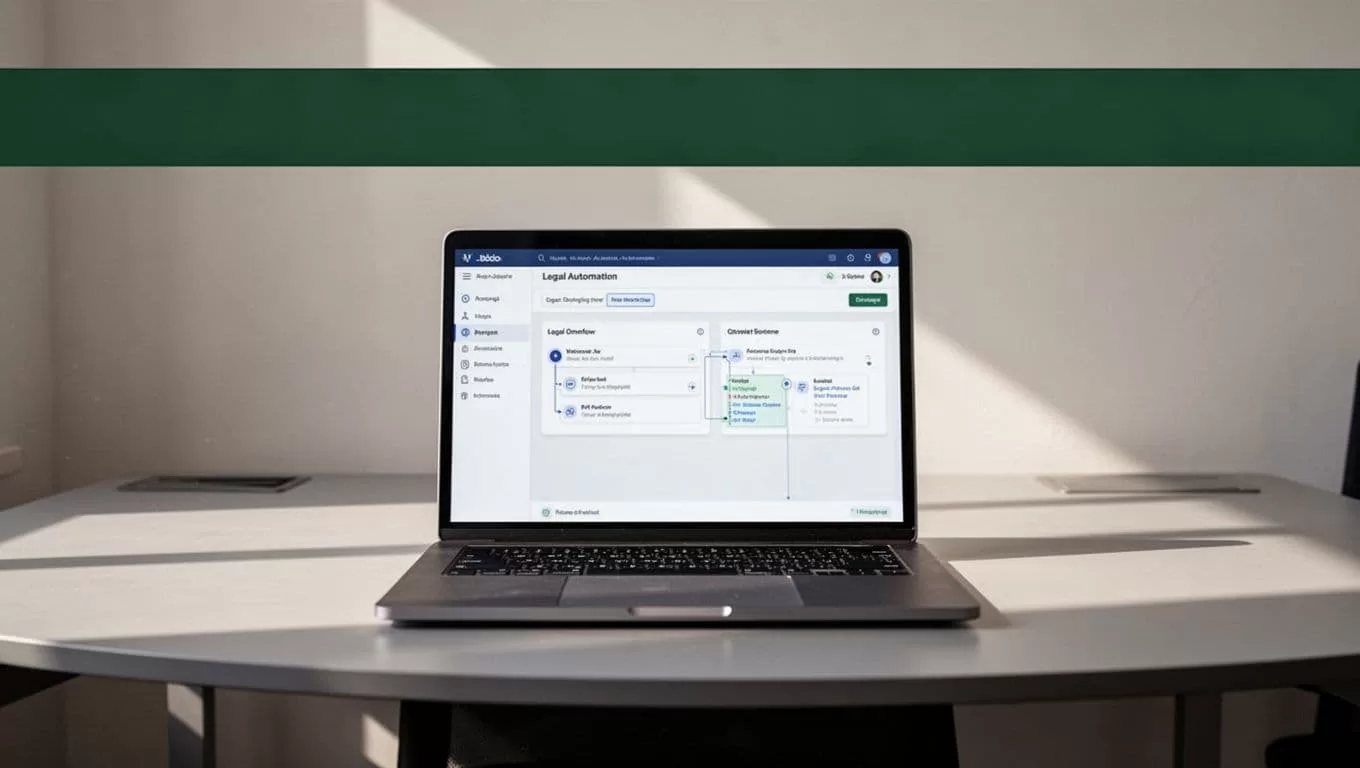
Deploy Legal Tech Automation With Twin.so
A legal tech automation project needs a defined build sequence. Start small. Keep the first workflow narrow enough to test every result.
- Choose one process with a measurable baseline. Select a workflow such as new matter intake, document collection, or compliance reminders. Record the current cycle time, manual touches, error rate, and weekly volume before building anything.
- Define the exact output. Write down what a successful run must produce. That might include a saved document, a completed intake record, an assigned task, a notification, and a run log. Also define what the agent must not do.
- Map each system and permission. Identify the source system, destination system, required fields, credentials, and owner. Use OAuth where available. Give the agent access only to the records and actions required for the workflow.
- Write a narrow instruction. Plain-English instructions work best when they include the trigger, fields, validation rules, destination, and stop conditions. Avoid broad requests such as “manage all new legal matters.”
A more useful instruction would look like this:
“When a new Lawmatics intake record arrives, check the required contact and matter fields. If any field is missing, create an exception task and stop. If all fields are present, assign the record to the approved intake queue, create the next review task, and record the run details.”
- Test normal and abnormal cases. Use complete records, duplicate records, missing documents, incorrect dates, expired credentials, empty files, and changed portal layouts. Browser automation can fail when a website changes. The agent must report the failed step instead of quietly continuing.
- Add human approval where risk requires it. Low-risk file organization may run without approval. Client acceptance, legal advice, contract execution, regulatory submissions, and payment actions need a human review step.
- Run a limited pilot. Start with one team, one matter type, or one portal. Compare the automated result with the manual result. Fix the workflow before adding more systems or higher-risk actions.
Twin.so describes self-healing behavior and long-term memory as platform features. Test those features against your own exceptions. They don’t remove the need for access controls, review queues, and audit records.
Implementation Checklist and Control Design
Use this checklist before moving a workflow into production:
- Name one business owner and one technical owner.
- Document the source, destination, trigger, and expected output.
- List every field the agent may read or change.
- Connect accounts with approved credentials and least-privilege access.
- Define missing-data, duplicate, timeout, and failed-login rules.
- Set a stop condition for uncertain records.
- Route high-risk results to a named reviewer.
- Store the source file without changing it.
- Record the run ID, timestamp, source, account, reporting period, status, and reviewer decision.
- Create a rollback method for incorrect updates.
- Review current pricing, usage limits, data retention, security terms, and browser support before procurement.
A good exception message identifies the provider, account, reporting period, failed step, and time of failure. “Task failed” doesn’t give a legal operations team enough information to act.
Keep collection and validation separate. Twin.so may retrieve a document, but a reviewer or tested downstream system should confirm that it belongs to the right matter, period, account, and document type. Legal Technology Hub’s workflow automation overview also treats intake management and workflow execution as structured operational functions, not as substitutes for professional review.
Store a source record for every automated action. Include the original document, destination, workflow version, and review outcome. An automated file without provenance is only a file. An automated file with provenance can support an audit.

KPIs to Track After Deployment
Set a manual baseline before calculating improvement. Review the first two to four weeks of automated runs before setting permanent targets.
| KPI | What to measure | How to use it |
|---|---|---|
| Cycle time | Request received to completed output | Compare the automated process with the manual baseline |
| Touchless completion rate | Runs completed without human correction | Expand only when quality remains acceptable |
| Exception rate | Stopped or failed runs divided by total runs | Identify weak inputs, permissions, or portal changes |
| First-pass accuracy | Outputs accepted without rework | Protect legal and operational quality |
| Review time | Human minutes spent per completed run | Quantify remaining administrative effort |
| Audit completeness | Runs with source, timestamp, status, and decision | Track control quality and reporting readiness |
Don’t measure success through run volume alone. A fast agent that creates incorrect matters or misfiles confidential documents creates additional work. The useful result is lower cycle time with stable accuracy, clear exceptions, and complete records.
Conclusion
Twin.so gives legal teams a practical way to connect repetitive work across legal systems, portals, email, and business applications. Its strongest role is collection, routing, task creation, and status management. It should not replace legal judgment or an approved system of record.
Start with one workflow, define every output and stop condition, and keep the original source data intact. A controlled legal tech automation deployment saves time without removing accountability, which is the standard legal operations teams need.
