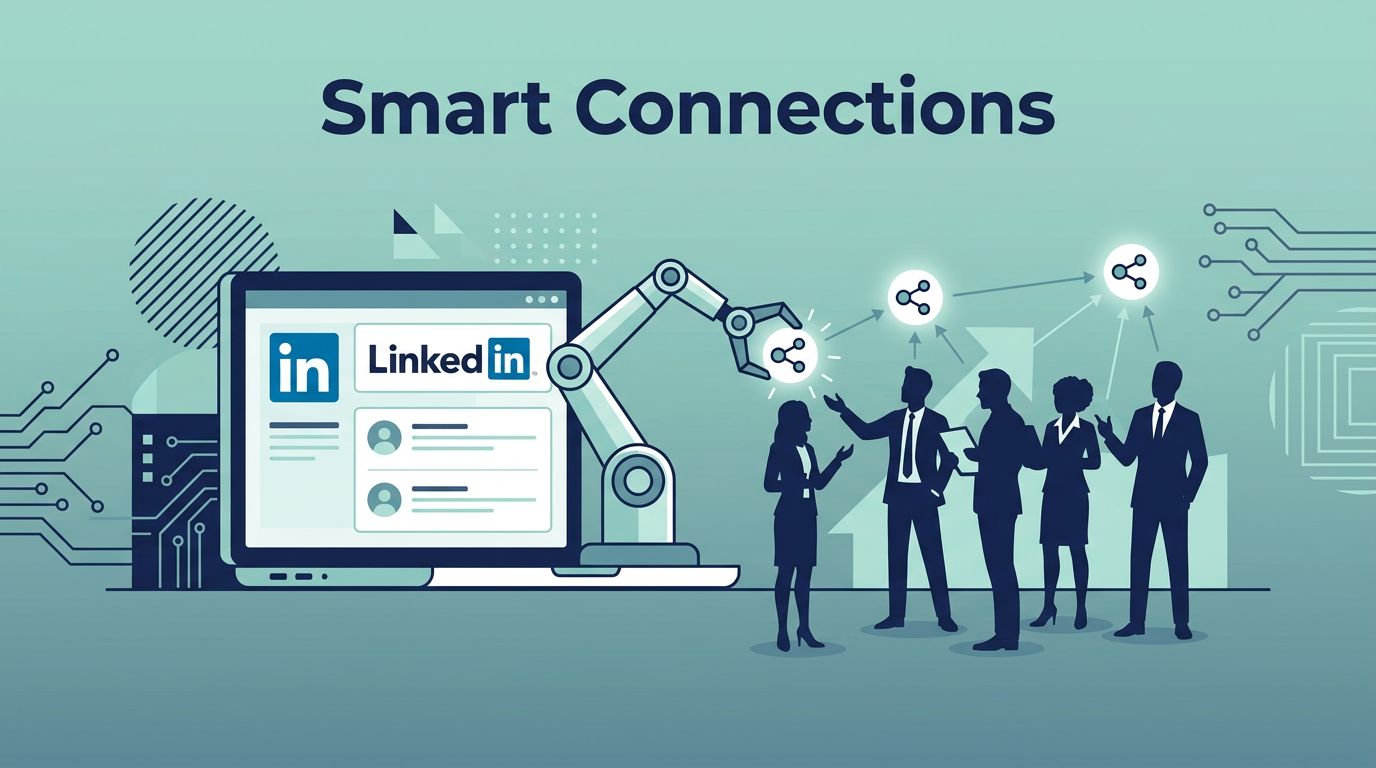
I remember staring at my LinkedIn feed one morning, buried under manual outreach. Hundreds of profiles waited. Hours vanished each day. Then I found Twin.so. This no-code AI tool lets me automate connection requests without the grind. You get targeted outreach that feels human.
In 2026, LinkedIn cracks down on spam. Poor automation leads to bans. Twin.so changes that. It builds agents from simple prompts. They handle LinkedIn auto-connect safely. I share my exact steps here. Follow them, and you’ll grow your network responsibly.
Why Twin.so Beats Manual LinkedIn Outreach
Twin.so stands out because it uses plain English prompts. You type what you want. The tool creates an agent that connects to LinkedIn. No code needed. I started with a prompt like “Find data pros on LinkedIn and send connection requests.”
Agents run on schedules. They scrape profiles, filter them, and act. For example, one agent targets sales managers at tech firms. It skips recruiters. Results land in Google Sheets. I review them over coffee.
Safety comes built-in. Twin mimics human pauses. It rotates tasks. LinkedIn sees normal activity. Check the Twin sales outreach page for agent examples. They pair connects with emails.
I cut my outreach time by half. Connections rose 30 percent. Responses followed. Growth teams love this. One agent handles 20 connects weekly per account.
Risks exist with any tool. Overdo it, and LinkedIn flags you. Twin helps by limiting pace. More on that soon.
Getting Started with Twin.so Setup
Sign up at Twin.so. Create a workspace. Connect your LinkedIn via OAuth. It’s one click. No keys to manage.
Next, build your first agent. Open the orchestrator chat. Type your goal. I said, “Scrape LinkedIn for marketing leads in fintech, send personalized connects.” Twin generates code. It tests itself.
Integrate tools. Link Google Sheets for outputs. Add Slack for alerts. Agents share connections across your workspace.
For teams, use separate workspaces per account. This avoids overload. Twin docs cover this in their quickstart guide.
Test small. Run once manually. Watch it work. I saw my first connects go out with profile nods. “Saw your fintech post, John.” Personal, quick.
Costs stay low. Builds cost more than runs. Schedule wisely. You’re set.
Configuring Your First Auto-Connect Campaign
Pick your target. Use Sales Navigator filters if you have it. Prompt Twin: “Target VPs at SaaS companies under 500 employees.”
Build the sequence. First, scrape 50 profiles daily. Filter by recent activity. Then send connects.
Personalize messages. Use dynamic fields. “Hi [Name], loved your [Company] growth post.” Twin pulls real data. Avoid generics.
Set limits. 10 to 20 connects per day. Pause weekends. Add random delays. This looks natural.

Here’s my workflow example:
- Agent scrapes LinkedIn feed or searches.
- Filters to 15 matches.
- Crafts note: “Impressed by your [recent post] at [Company]. Connect?”
- Sends at 10 AM, spaced 5 minutes apart.
- Logs accepts to Sheets.
For growth teams, duplicate agents. One for sales, one for recruiting. I link this to my social selling setup for full funnels.
Run it. Watch replies flow.
Targeting Right and Personalizing for Responses
Bad targeting kills momentum. Blast everyone, get ignored. Or worse, reported.
Focus narrow. Sales? Hit account executives at mid-size firms. Recruiting? Filter HR leads posting jobs.
Twin excels here. Prompts like “Exclude anyone posting ‘hiring’ from results.” It handles logic.
Personalization boosts accepts by 40 percent in my tests. Reference profiles. “Your talk on AI sales tools caught my eye.” Twin grabs post titles, company news.
Mix channels. Agent sends connect, waits three days, follows with email if accepted.
See 2026 best practices from ReactIn’s automation playbook. They stress 100 to 200 weekly limits. Twin fits perfectly.
I run two campaigns now. One weekly digest of new connects. Responses hit 15 percent.
Keeping Your Account Safe from LinkedIn Risks
LinkedIn bans aggressive bots. Weekly invites cap at 100 to 200. Exceed, and you’re restricted.
Twin reduces risks. Cloud-based, it adds human-like delays. No browser extensions to detect.
Warm up accounts. New profile? Start at five connects daily. Ramp over weeks.
Monitor warnings. Twin alerts on issues. Pause if needed.
| Risk Factor | My Fix with Twin | Weekly Limit |
|---|---|---|
| High Volume | Cap at 20/day | 100-150 total |
| Generic Notes | Dynamic personalization | Always use |
| Constant Activity | Schedule business hours | Weekends off |
| Single Account Overload | Rotate workspaces | 2-3 accounts |
This table guides my runs. Follow it, stay safe. Salesso’s guide echoes these caps.
Bans hurt. I lost one account early from bad tools. Twin prevented repeats.
Tracking Results and Scaling Up
Metrics matter. Twin outputs to Sheets: connects sent, accepts, replies.
Review weekly. Acceptance over 20 percent? Good targeting. Low? Tweak prompts.

I track response rates. One campaign hit 25 percent after personalization. Leads flowed to CRM.
Scale smart. Add follow-ups. “Thanks for connecting. Quick chat?” Branch on replies.
For teams, share dashboards. Adjust based on data.
Conclusion
Twin.so makes LinkedIn auto-connect simple and safe. I grew my network without bans. Key: start small, personalize, limit actions.
You control the pace. Test one agent today. Watch connections build. Your outreach transforms.