How I Use Hunter.io as a LinkedIn Email Finder in 2026
You spot a perfect contact on LinkedIn. Their profile screams ideal fit for your outreach. But no email shows up. I face this weekly. Cold InMails cost extra, and replies stay low. That’s why I turn to Hunter.io as my LinkedIn email f...
You spot a perfect contact on LinkedIn. Their profile screams ideal fit for your outreach. But no email shows up. I face this weekly. Cold InMails cost extra, and replies stay low. That’s why I turn to Hunter.io as my LinkedIn email finder. It pulls professional emails from public data without scraping. No bans, no risks.
This method keeps me compliant with LinkedIn’s rules. I grab the company domain, search patterns, find matches, and verify everything. Results land in inboxes, not spam. In the next sections, I walk you through my exact steps. You’ll build clean lists fast.
Spot the Company Domain on Any LinkedIn Profile
LinkedIn profiles hide emails on purpose. Their terms ban scraping or automation. I respect that. Instead, I note the company name and click through to their page. Most list a website right there.
Take a sales manager at a fintech firm. Their profile links to acmebank.com. That’s my starting point. Public sites often reveal email patterns in footers or “Contact Us” pages. LinkedIn just points me there.
I avoid extensions that pull data directly. They trigger bans fast. For more on safe prospecting, check Starnus’s 2026 guide to LinkedIn emails.
Run Domain Search to Uncover Email Patterns
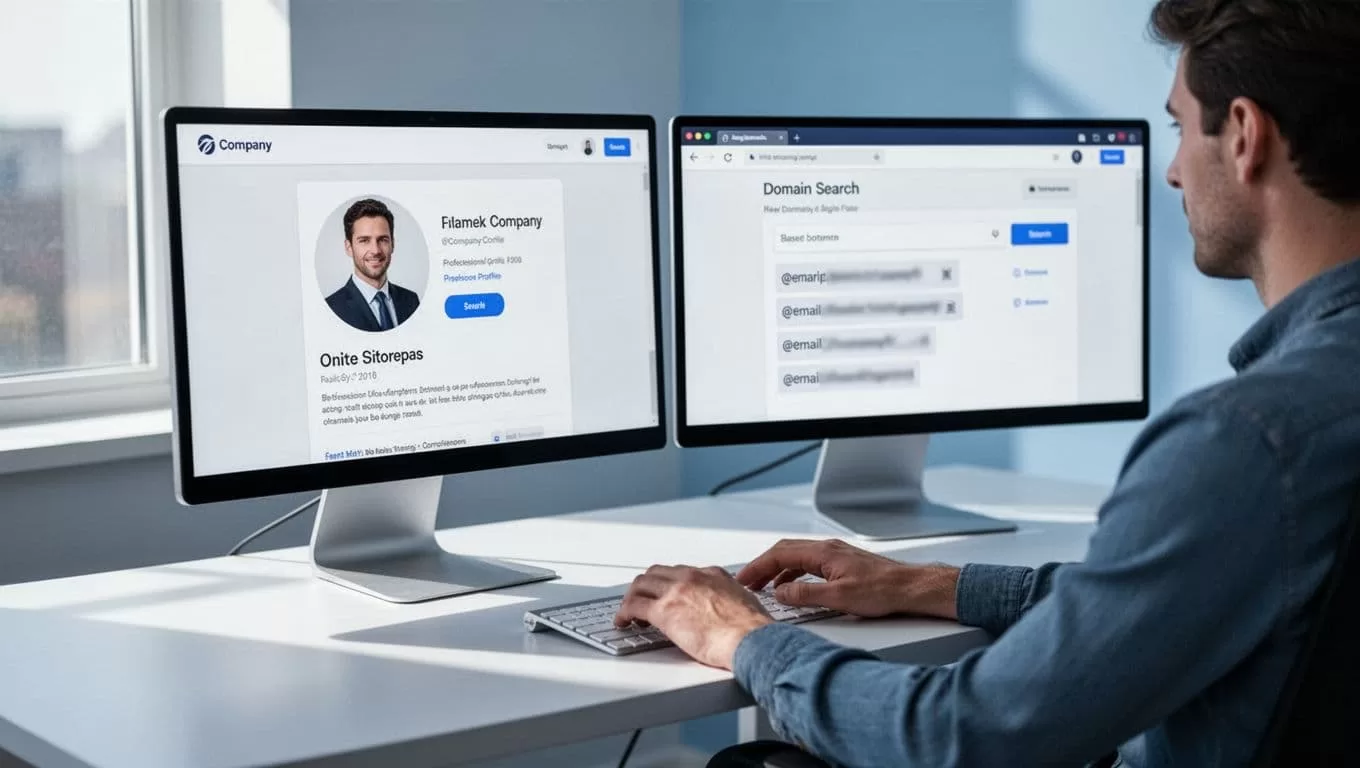
Hunter.io shines here. I paste the domain into their Domain Search tool. It scans public sources for emails tied to that site. Patterns emerge quick, like first.last@domain.com.
For acmebank.com, I might see john.smith@acmebank.com and patterns for 20 others. Confidence scores rank them. High ones mean real matches. This costs one credit per search.
I export nothing yet. Patterns guide my next move. In addition, Hunter shows roles. That matches LinkedIn details perfectly.
Pinpoint Emails with the Email Finder Tool
Now I combine name and domain. Back on LinkedIn, I copy the person’s full name. Into Hunter’s Email Finder it goes, with the domain.
Hunter tests formats against public data. It suggests the top match, often verified already on paid plans. For our sales manager, jane.doe@acmebank.com pops up at 92% confidence.
This step uses one credit per find. I stick to business reasons only. No mass pulls. If you want a full Hunter.io email finder workflow, I’ve detailed it before.
Success feels like flipping a light switch in a dim room. Emails appear where guesses failed.
Always Verify Emails Before You Send
Unverified emails bounce. Bounces kill your sender reputation. Hunter’s Email Verifier fixes that. Paste the address. It checks MX records, SMTP, and more. Green light means safe.
One credit per check, or auto on paid plans. I verify batches via CSV for lists. Invalid ones get cut. Accept-all domains? I review them slow.
Here’s a quick results breakdown I follow:
| Status | Action | Why It Matters |
|---|---|---|
| Valid | Send | Low bounce risk |
| Invalid | Suppress | Protects reputation |
| Unknown | Double-check | Might work, but test first |
| Accept-all | Low volume only | Watch for patterns |
After the table, I segment lists. Send-safe goes to outreach. This habit keeps rates under 2%.
Stay Compliant with GDPR and CAN-SPAM Rules
Ethics matter more than speed. LinkedIn bans data grabs. Hunter uses public sources only. Still, I add safeguards.
Provide value in your first email. Explain why you reached out. Include an opt-out link. Track unsubscribes. For EU contacts, note consent basis.
CAN-SPAM requires honesty. No fake subjects. Physical address if needed. I log everything in sheets. This builds trust over time.
Tools like Hunter integrate with CRMs. That automates compliance checks.
Pick the Right Hunter.io Plan for Your Workflow
Credits drive Hunter. Free gives 50 monthly. Perfect for tests. I started there.
Paid plans scale. Here’s April 2026 pricing:
| Plan | Monthly (Yearly) | Credits/Month | Best For |
|---|---|---|---|
| Free | $0 | 50 | Beginners |
| Starter | $49 ($34) | 2,000 | Solos |
| Growth | $149 ($104) | 10,000 | Teams |
| Scale | $299 ($209) | 25,000 | Agencies |
| Enterprise | Custom | Custom | Enterprises |
Yearly saves 30%. Buy extras if needed. For a full Hunter.io review, see my breakdown.
Quick FAQ on LinkedIn Email Finding
Does Hunter work with LinkedIn directly?
No integration pulls from profiles. Use it post-domain grab for ethics.
What if no email shows?
Try patterns manually. Or skip. Quality beats quantity.
Free plan enough?
For 10-20 finds weekly, yes. Scale up later.
GDPR risks?
Minimal with public B2B data. Still, document outreach reasons.
Turn Verified Emails into Outreach Wins
Hunter campaigns start clean. I import lists, personalize with LinkedIn insights, and sequence short emails. Replies climb because data holds.
This LinkedIn email finder flow saved my pipeline. No more dead ends. Test it on five profiles today. Watch verified addresses stack up. Your inbox will thank you.
(Word count: 982)
