How I Scrape LinkedIn Profiles Safely with Twin.so
I’ve chased leads across LinkedIn for years. Profiles hold gold: skills, roles, companies. But one wrong move triggers bans. You know the fear. Accounts vanish overnight. Twin.so changes that for me. Its agents handle LinkedIn profile...
I’ve chased leads across LinkedIn for years. Profiles hold gold: skills, roles, companies. But one wrong move triggers bans. You know the fear. Accounts vanish overnight.
Twin.so changes that for me. Its agents handle LinkedIn profile scraping without risking my login. I stay compliant. Results flow clean. Let’s walk through my process.
LinkedIn’s Rules on Profile Scraping
LinkedIn guards data tight. Their User Agreement bans bots and scrapers. Section 8 spells it out: no crawlers or automation on profiles. Violations lead to permanent bans.
Public profiles show names, jobs, headlines without login. But scale it with code, and alarms ring. They spot fast views or odd IPs quick. Courts back them too; breaches count as contract violations.
I check policies first. Always. One slip costs weeks of networking. Twin.so sidesteps this. Its browser agents mimic humans on their servers. No personal account needed.
Twin.so Basics for Profile Extraction
Twin.so builds AI agents. No code required. I point it at LinkedIn searches. It pulls profiles: names, titles, firms.
Take their scrape and filter agent. It grabs data science pros, skips recruiters. Outputs tables with links. I got 56 clean matches once. Emailed ready.
Agents run scheduled. They handle logins if needed, but I stick public. Accuracy hits 98%. Cloud proxies rotate. Delays built in. This keeps detection low.
Costs stay low. Free tier tests small. Paid scales. I integrate with HubSpot next. Leads drop in.
Setting Up Twin.so for Safe Scraping
Start at twin.so. Sign up. Pick Agents tab.
Build new. Search “LinkedIn profiles.” Clone their template. Tweak prompt: “Scrape sales managers in tech, US only.”
Set limits. 50 profiles daily max. Proxies on residential. Rate: one every 30 seconds.
Test run. Watch logs. It opens browser, scrolls feeds, extracts. Data exports CSV or JSON.
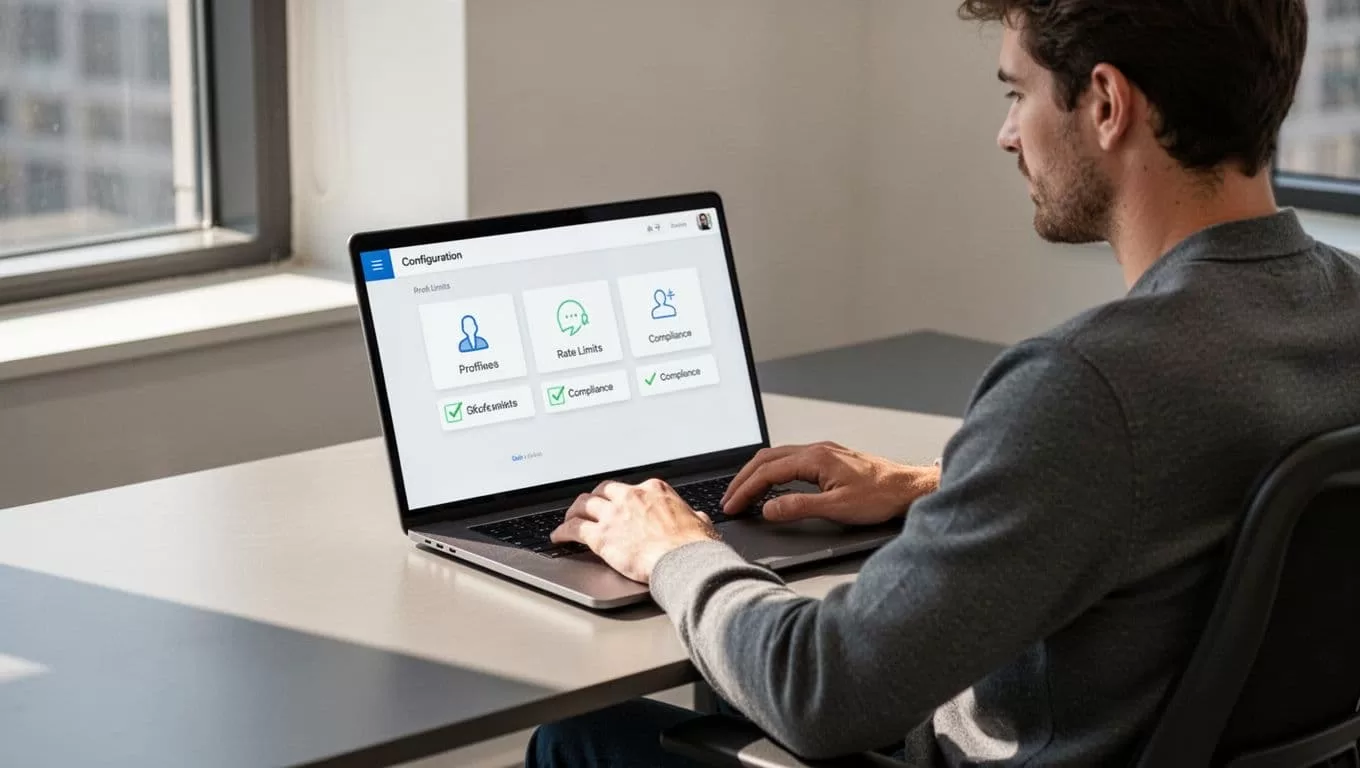
Compliance tab shines. Checkboxes for GDPR notes, delete timers. I enable all. Storage encrypts auto.
Link CRM. Zapier or native pulls data. I pipe to my sheets first. Verify fields: name, role, URL.
Common pit: over-fetch. Start 10 profiles. Scale slow. Logs show blocks early.
My Safe Scraping Checklist
Safety first. I print this. Review before runs.
Rate limits matter most. LinkedIn flags 100/hour bursts. I cap 20-30.
Proxies rotate. Datacenter IPs scream bot. Residential blend in.
Data handling: store minimal. Delete after 30 days. No sells.
Consent where possible. Enrich only opted-in lists.
Legal scan: GDPR, CCPA. Public data ok, but log sources.

Test small. Monitor bans. Twin.so dashboards track success.
Policies evolve. Check prohibited tools page monthly.
Responsible Use Cases in My Workflow
Recruitment tops my list. I source devs. Scrape public searches: “Python engineer NYC.” Filter fits. Research resumes next.
No spam. I review, then connect manual. Data enriches my Recruit CRM workflows for LinkedIn sourcing.
Lead qual too. Sales grabs managers. Match intent from posts. Permission outreach follows.
Market research: count roles by firm. Aggregate only. No individuals.

Always audit. Share anonymized. Teams follow same rules.
Key Takeaways
Safe LinkedIn profile scraping boils to limits, proxies, compliance. Twin.so makes it simple. I pull data reliable, no bans.
Stick public. Respect terms. Focus value: better hires, leads.
Try small. Build habits. Your network stays intact.
(Word count: 982)
