How I Mastered Twin.so’s AI Agent Builder
I remember the frustration of manual data pulls from websites. Hours spent copying leads or checking emails ate into my sales time. Then I found Twin.so’s AI agent builder. It lets me automate those tasks with plain English prompts. N...
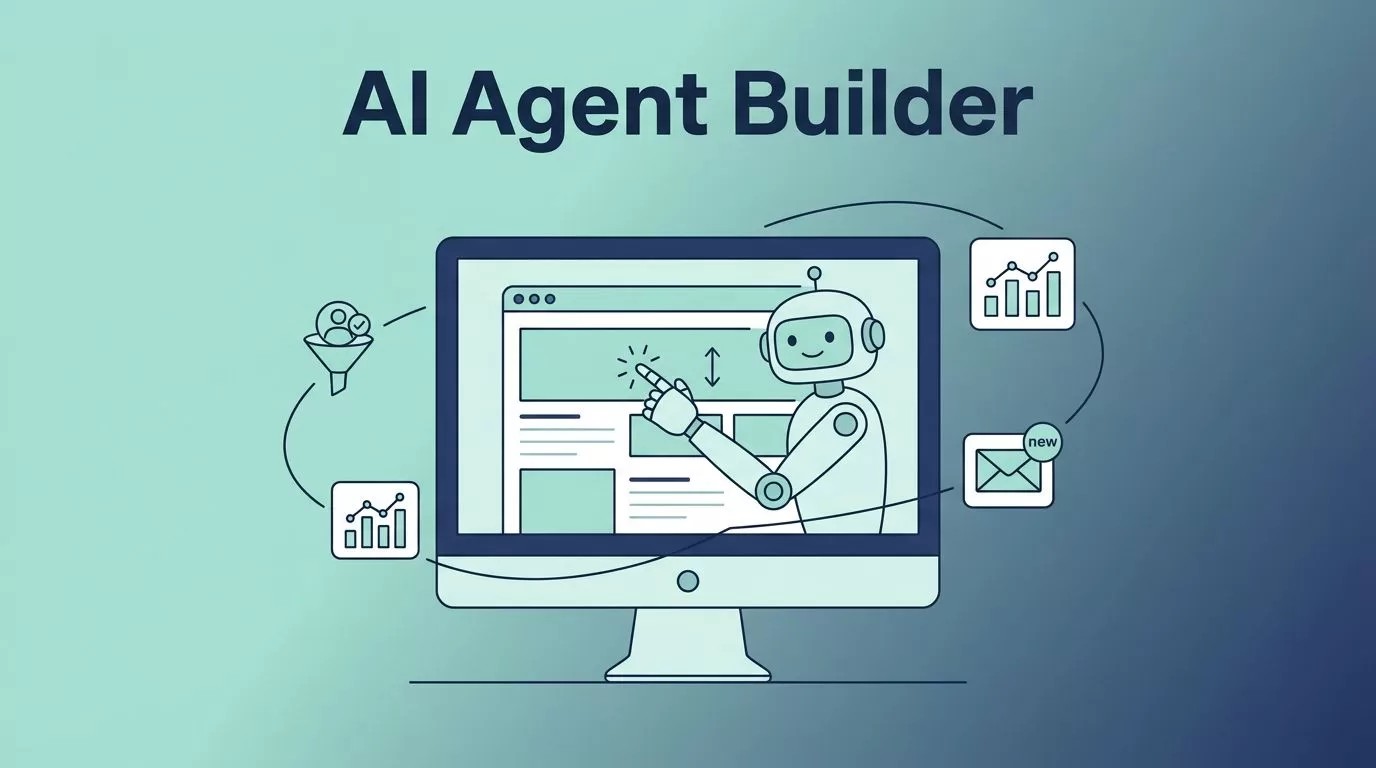
I remember the frustration of manual data pulls from websites. Hours spent copying leads or checking emails ate into my sales time. Then I found Twin.so’s AI agent builder. It lets me automate those tasks with plain English prompts. No code needed.
Now, agents handle my weekly competitor scans and lead qualifiers. They save me 10 hours a week. In this guide, I share exactly how I set them up. Follow these steps, and you’ll build your own in minutes.
What Sets Twin.so’s AI Agent Builder Apart
Twin.so stands out because agents act like humans in browsers. They click buttons, fill forms, and scroll pages without APIs. I use this for sites that lack developer tools.
The platform splits into build and run modes. Build mode plans the agent with heavy AI, which costs more credits. Run mode executes it cheaper, often 3 to 10 times less. I always test in run mode first to control spend.
Triggers keep agents alive. Schedules run them daily. Webhooks or emails kick them off on events. Workspaces organize everything in one spot. As of May 2026, pre-built agents in the library speed things up. I tweak those instead of starting fresh.
Pricing runs on credits for actual work only. Idle agents cost nothing. Check the Twin.so pricing docs for your plan details. A free trial lets you experiment.
This setup beats tools like n8n. No wiring nodes or writing scripts. Just describe the goal.
Set Up Your Twin.so Workspace
I signed up at twin.so and created a workspace right away. Think of it as your agent’s home base. It holds all runs, schedules, and chats.
Next, I chatted with the Orchestrator. This left-side interface plans agents from natural language. I typed, “Prep my sales meetings by checking calendars and leads.” It asked questions to clarify, then proposed a plan.
Approve the plan. The Orchestrator builds agents behind the scenes. I monitor the chat to tweak if needed. UI details might shift, so watch tooltips.
Connect tools early. Emails, calendars, or sheets link via OAuth. No API keys for browser tasks. I added my Gmail in seconds.
Workspaces scale for teams. Share access or duplicate agents. I keep personal ones separate from business flows.
Building Your First AI Agent
Start simple. I aimed for a daily lead summary. In the chat, I said, “Scan my CRM for new leads, qualify them by industry, and email a report.”
The builder asked for details like CRM login. I provided them. It generated the agent in build mode.
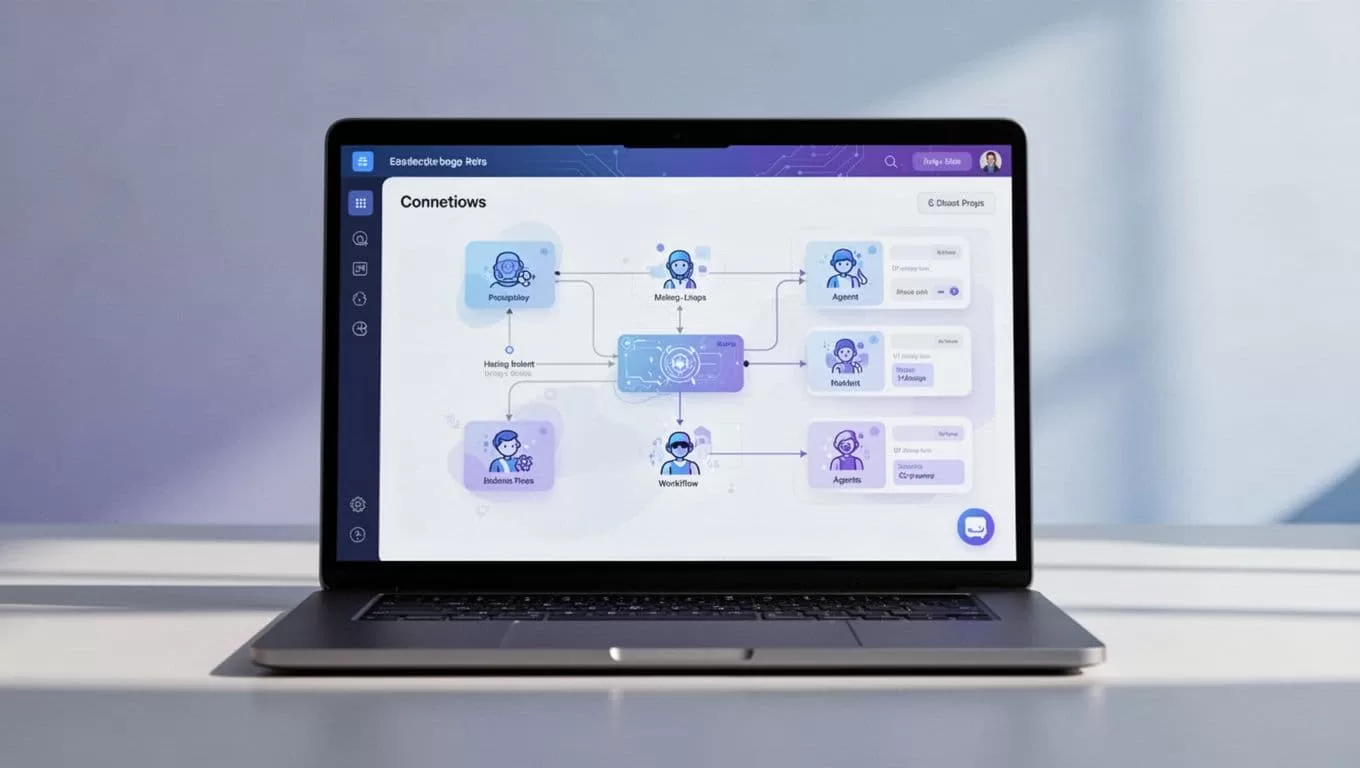
Nodes appear as a flow. One pulls data, another qualifies, a final one emails. No drag-and-drop needed. The AI handles it.
Follow the Twin.so quickstart guide for hands-on tasks. It covers schedules and browser automation. I built three agents there first.
Switch to run mode. Pick low reasoning for cheap tests. Watch it execute live. If it stumbles, chat corrections.
Craft Effective Prompts for Better Results
Prompts make or break agents. I learned to state the end goal clearly. “Send a weekly competitor price update via email” works better than vague steps.
Be specific on tools. Mention “use Gmail for output” or “check this site.” The prompt enhancer refines your words automatically.
Test iteratively. Run once, review output, refine. I added context like “focus on tech startups under 50 employees.”
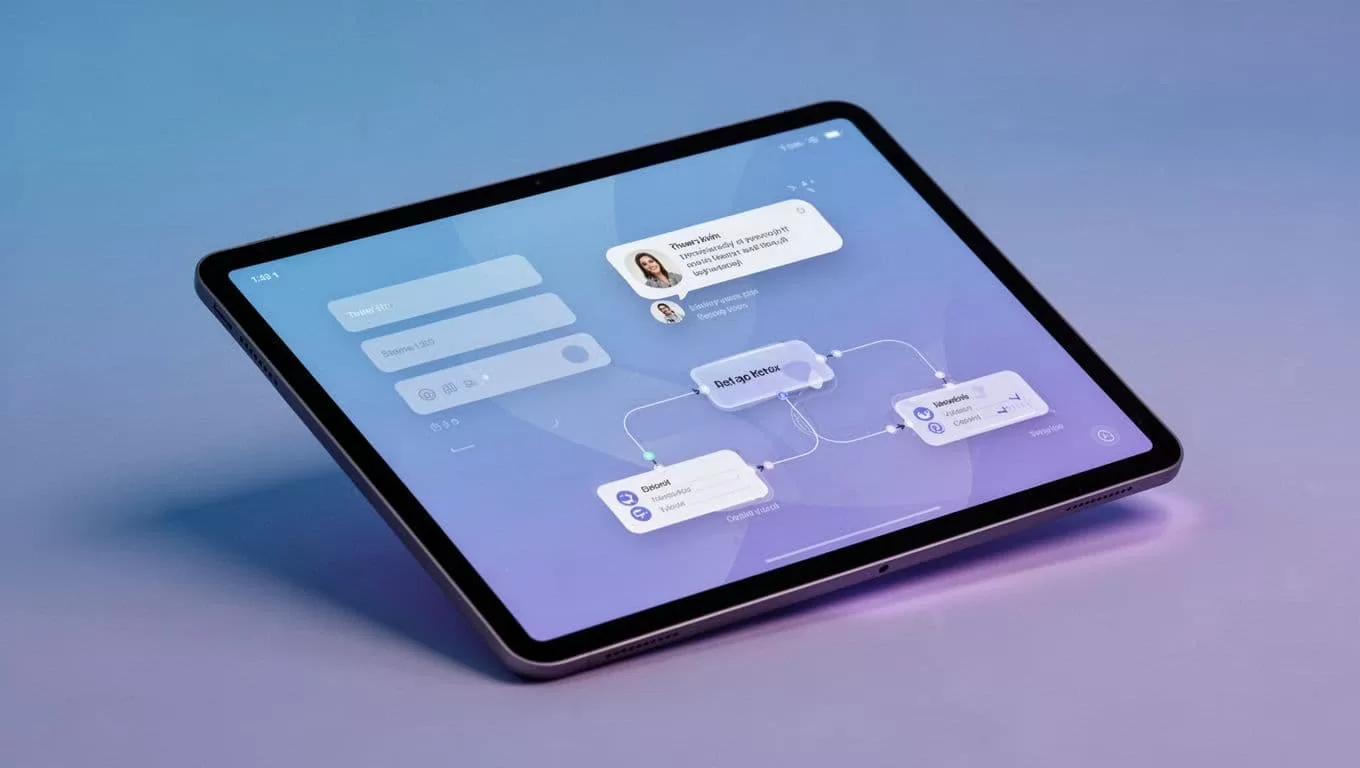
For browser tasks, describe actions like a human. “Log in, click reports tab, download CSV.” See Twin.so tips and tricks for more.
Avoid over-planning. Let the AI brainstorm. This cuts build costs and improves quality.
Deploy and Scale with Triggers
Once tested, deploy. Set a schedule like “run every Monday at 9 AM.” Or use email triggers for replies.
I scaled by copying agents. One for leads became a family for regions. The Orchestrator coordinates multi-agent flows.
Monitor runs in the workspace. Logs show steps and errors. Costs drop in run mode, so schedules pay off fast.
For complex needs, chain agents. One scrapes data; another analyzes it. I paired mine with no-code scraping tools like Browse AI for hybrid setups.
UI evolves, so check docs for new triggers.
Real-World Examples from My Workflow
Sales lead qualification tops my list. The agent checks forms, scores by keywords, and tags hot ones in my CRM. It runs on submissions.

Meeting prep saves mornings. It pulls calendar events, researches attendees via browser, and drafts agendas. Triggered daily.
Competitor intel briefs competitors weekly. Browses sites, compiles changes, emails a digest. No APIs required.
For social teams, I built a reply bot. It qualifies mentions and drafts responses. Pairs well with tools like Someli for social automation.
These cut my manual work by half. Start with one, then expand.
Key Takeaways to Get Started
Mastering Twin.so’s AI agent builder boils down to clear prompts and iterative tests. I went from manual tasks to autonomous flows in weeks.
Agents now handle my repetitive work reliably. Costs stay low with smart modes. Build one today for your biggest time sink.
You’ll wonder how you managed without it.
