How I Build a LinkedIn Prospect List From Search
A strong LinkedIn prospect list doesn’t come from one lucky search. I build mine like I’d sort parts on a workbench, one clean piece at a time. Broad searches fill a screen fast, but they don’t fill a pipeline. If I want s...

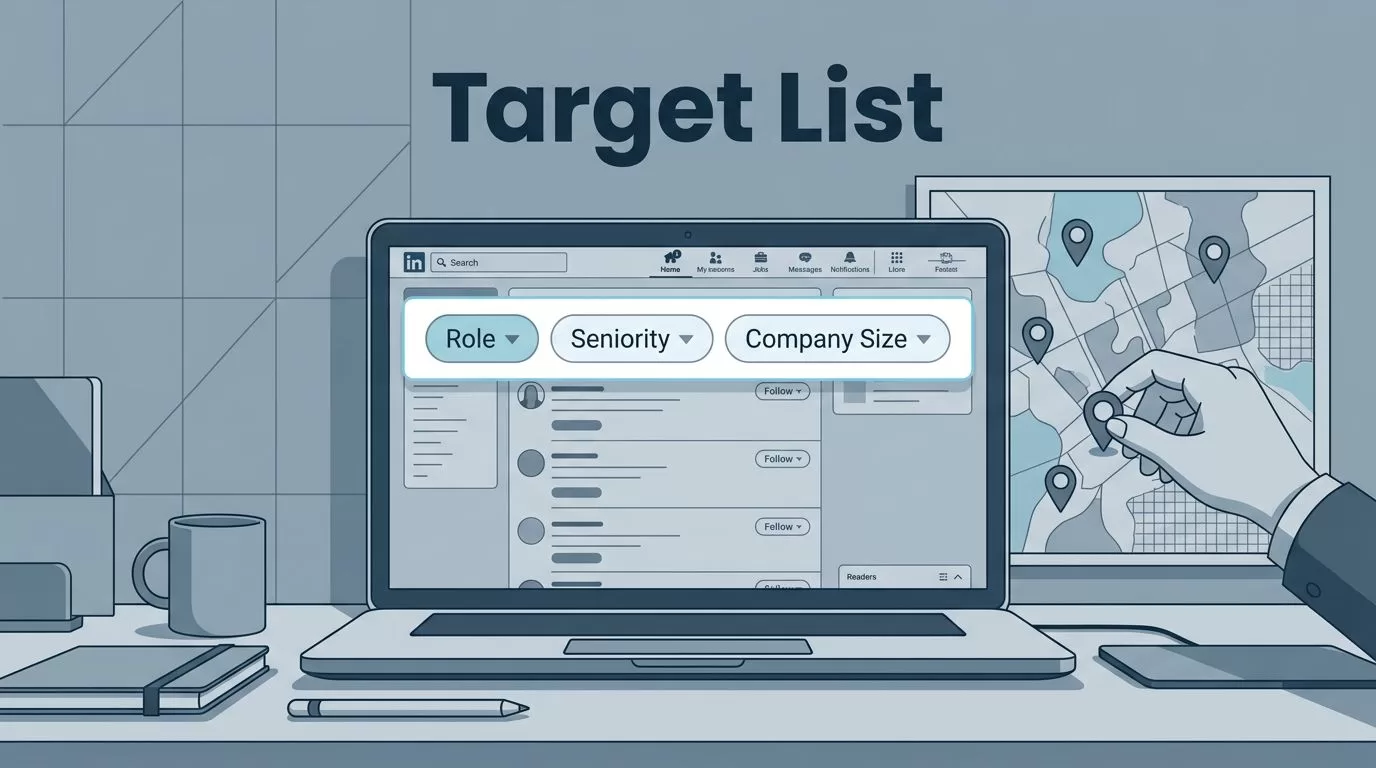
A strong LinkedIn prospect list doesn’t come from one lucky search. I build mine like I’d sort parts on a workbench, one clean piece at a time.
Broad searches fill a screen fast, but they don’t fill a pipeline. If I want sales leads, recruiting targets, or outbound accounts, I need profiles that fit a clear purpose.
That’s why I treat LinkedIn search as the starting point, not the finish line. The workflow below is the one I use to keep the list tight, current, and usable.
I start with a narrow target, not a huge audience
Before I type anything into LinkedIn, I decide who belongs on the list. I keep it simple: role, seniority, company size, industry, location, and one trigger that gives me a reason to reach out.
A vague search feels like fishing in fog. A focused one gives me a shore to aim for.
If I want a current view of the filter options, I compare my setup with this LinkedIn Sales Navigator guide. It helps me remember which filters are worth the extra effort.
LinkedIn’s limits shape my process too. Free search is tight, and even Sales Navigator still has caps. I work around that by splitting big markets into smaller slices.
| Area | Free LinkedIn | Sales Navigator |
|---|---|---|
| Results per query | Around 1,000 | Up to 2,500 |
| Saved searches | Limited | 50 lead and 50 account searches |
| List capacity | Not built for scale | 1,000 leads per list, 10,000 total |
That’s why I don’t try to pull an entire market in one pass. I build slices I can review and use.
I use search filters that cut the noise


My best searches are boring in the best way. They’re narrow, repeatable, and easy to explain.
I might search for:
- VP Sales, SaaS, United States, 51 to 200 employees
- Head of Talent, healthcare, London, recent job change
- Founder or Co-Founder, cybersecurity, seed stage, posted on LinkedIn recently
When I’m using standard LinkedIn Search, I keep the filters simple. When I have Sales Navigator, I add seniority, function, headcount, and geography. That extra layer helps me sort real prospects from random profiles.
I also pay attention to recent activity. A fresh post, a new role, or a company update can tell me a lot. It gives me a better first line later.
A broader look at LinkedIn prospecting in 2026 says the same thing I see in practice, smaller and better-targeted searches outperform giant ones.
LinkedIn Search helps me find people. It doesn’t finish the job for me. It won’t give me every email, every signal, or every buying clue. So I use it to spot fit, then I move fast before the list goes stale.
I clean each profile before I save it
If I can’t explain why a profile belongs on the list, it doesn’t belong on the list.
I open each profile and check for fit before I save it. Title matters, but it’s not enough. I also look at the company page, location, recent activity, and whether the role still makes sense.
This is where a lot of lists fall apart. People save profiles because the title looks good. Then the lead turns out to be stale, off-target, or impossible to use.
I track the same fields every time:
| Field | Why I track it |
|---|---|
| Name | So I can personalize outreach |
| Title | So I know the real decision level |
| Company | So I can confirm account fit |
| LinkedIn URL | So I can return to the profile fast |
| Location | So I can segment by market |
| Search source | So I know which query worked |
| Trigger or note | So I remember why I saved them |
| Email status | So I know what’s missing |
| Stage | So I know what happens next |
B2B data decays fast, so I don’t treat old saves like fresh truth. I keep my eye on list quality, and this 2026 prospecting list guide makes the same point well.
When I need to verify work emails before outreach, I move to contact discovery and email verification. That step keeps my list cleaner and my bounce risk lower.
I move the list into a real workflow
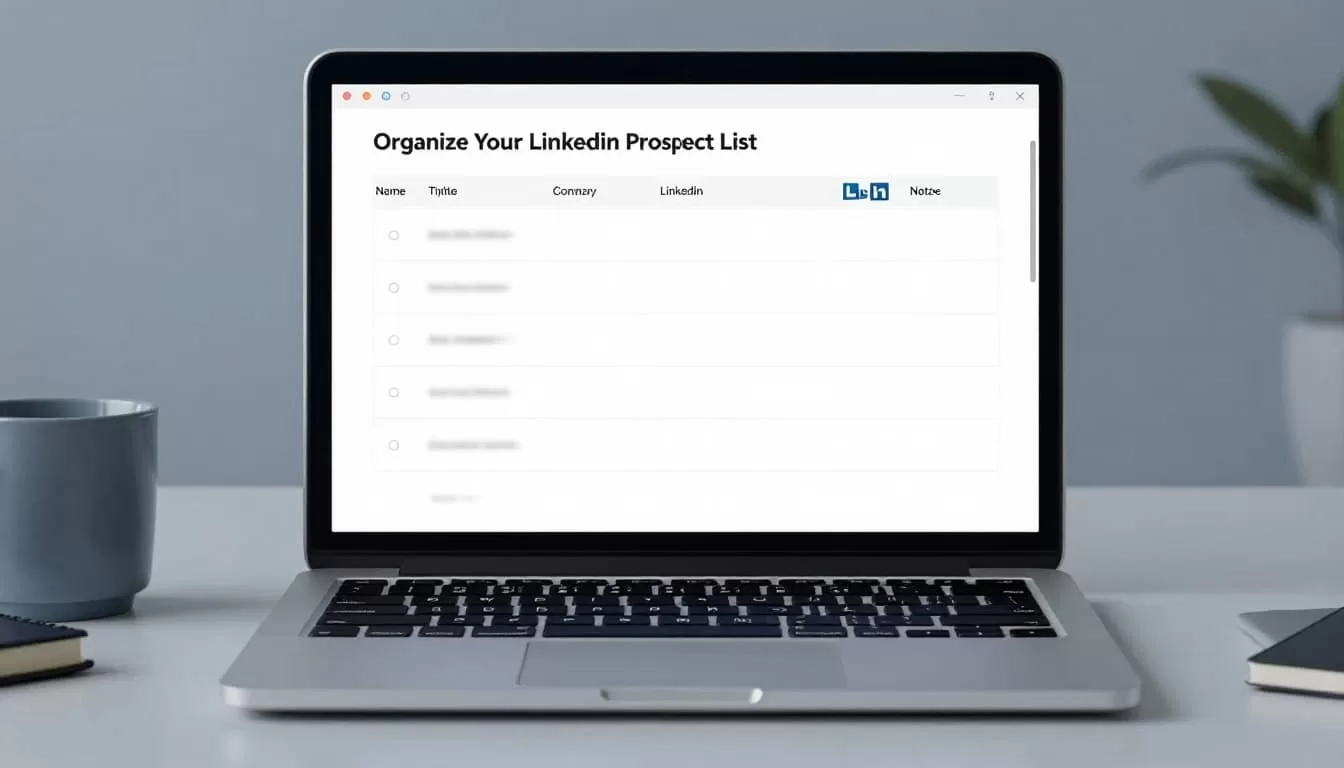
A prospect list only helps me if I can use it tomorrow. So I move it into Sheets, a CRM, or a recruiting pipeline right away.
For sales, I keep stages simple, like New, Reviewed, Enriched, and Contacted. For recruiting, I might use Sourced, Screened, Interviewing, and Shortlisted. The point is the same. I want the list to show where each person stands.
If I’m working a recruiting flow, I like custom workflows in Recruit CRM because they keep candidate stages clear. If I’m running outbound, automating LinkedIn with CRM integration helps me hand off clean records to the rest of the team.
I also keep notes short. One line is enough if it tells me why the person matters. For example, “recently hired,” “new market expansion,” or “owns talent strategy.” Long notes slow me down. Clear notes save me later.
This is where I stop thinking like a searcher and start thinking like an operator. The list needs structure, not decoration.
I keep the list fresh without crossing the line
I don’t scrape in bulk, and I don’t push weird shortcuts that risk the account. LinkedIn works best when I stay inside the rules and work with the platform, not against it.
That means I pace my actions. I keep connection requests slow, I review profiles in batches, and I avoid stuffing the list with people I’ll never contact. Small, steady passes work better than big bursts.
I also clean up old entries on a schedule. If a person changed jobs, moved regions, or no longer fits my ICP, I mark it and move on. A stale list feels full, but it performs like empty shelves.
When I want a wider view of current targeting habits, I compare my own workflow with this LinkedIn prospecting guide. It’s a useful reminder that careful filtering beats noisy volume.
The list works only when it stays useful
I build my LinkedIn prospect list by starting narrow, filtering hard, and cleaning every profile before I save it. That gives me a list I can trust, not just a list that looks big.
The real win is speed with control. When the target is clear, the handoff is clean, and the data stays fresh, LinkedIn becomes a practical source of prospects instead of a pile of names.

