How I Set Up UTM Tracking For Email Campaigns
Email clicks look simple until they land in analytics as a blurry mix of direct, referral, and “unknown.” That’s where email UTM tracking earns its keep. I use it to tie every click back to the right send, link, and offer....

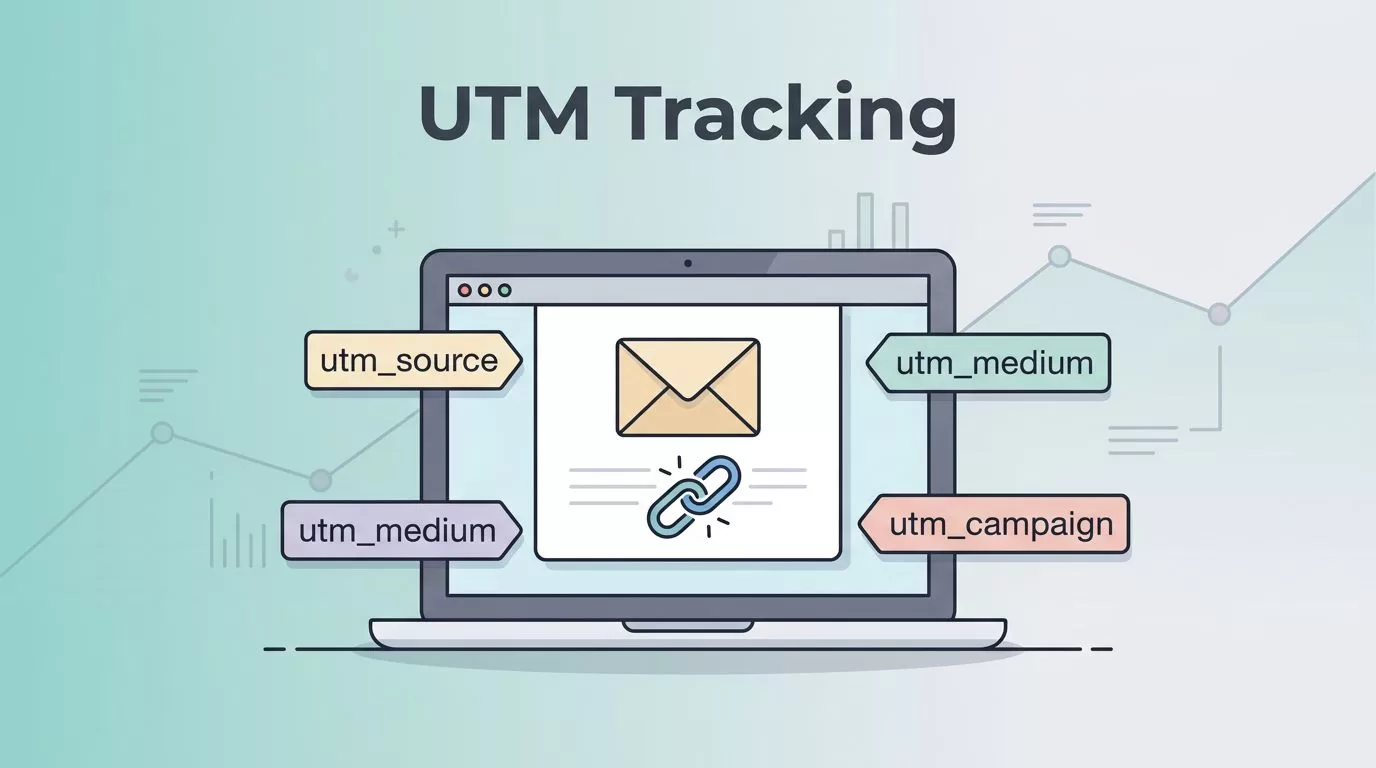
Email clicks look simple until they land in analytics as a blurry mix of direct, referral, and “unknown.” That’s where email UTM tracking earns its keep. I use it to tie every click back to the right send, link, and offer.
When my reports stay clean, I can tell which subject line pulled readers in and which button drove action. The trick is boring in the best way, one naming system, one link pattern, and one test before every send. Here’s how I set it up.
Why email UTMs need their own rules
Email traffic behaves differently from paid social or search ads. With paid social, I care about the platform and the ad set. With email, I care about the list, the campaign, and the link position.
I keep utm_medium=email every time. If I change that value, I split the channel and make reporting messy. For a broader primer on tag structure, I like UTM parameters explained.
Here’s the simple logic I follow.
| Channel | Medium | Source | What I track most |
|---|---|---|---|
| newsletter, klaviyo, crm | campaign and link placement | ||
| Paid social | paid_social or cpc | linkedin, meta | ad set and creative |
| Search ads | cpc | keyword or ad group |
The big difference is consistency. Email UTMs should not drift from send to send. Paid social can change more often because the ad structure changes more often. Email needs a steadier hand.
If the same email can be sent twice and look different in analytics, my naming system isn’t tight enough.
My naming convention template for email UTMs
I keep my email UTM setup short and predictable. I want the final link to make sense when I see it six months later. I also want anyone on my team to read it fast.
| Parameter | My rule | Example |
|---|---|---|
utm_source | sending list or platform | newsletter |
utm_medium | always email | email |
utm_campaign | date + offer + audience | 2026_04_spring_offer |
utm_content | link placement or variant | hero_button |
My copyable template looks like this:
utm_source=newsletter&utm_medium=email&utm_campaign=2026_04_spring_offer&utm_content=hero_button
For a deeper look at email-specific tagging, I also like UTM parameters for email marketing.
I use lowercase for every value. I also use underscores instead of spaces. That keeps reports clean and avoids duplicate rows like Spring_Sale, spring_sale, and Spring-Sale. Those small differences can split the data in ugly ways.


I also avoid stuffing too much into utm_campaign. I don’t put the subject line, the date, and the promo type all in one giant string. Instead, I keep the campaign name clear and use utm_content for link-level detail.
The step-by-step setup I use before every send
I start with a clean base URL, then I add UTMs only after I know the destination page is final. If a page changes later, I update the link at the source.
- I copy the landing page URL without any tracking tags.
- I add the core tags in lowercase.
- I keep the same
utm_source,utm_medium, andutm_campaignacross every link in the email. - I change
utm_contentfor each button, text link, or banner. - I test the tagged link in a draft send before I schedule the campaign.
A real example looks like this:
https://yourdomain.com/demo?utm_source=newsletter&utm_medium=email&utm_campaign=2026_04_demo_launch&utm_content=primary_cta
Before I hit send, I also clean the list. Bad addresses can hide a good campaign in bad data, so I use my Hunter.io bulk email verification workflow to reduce bounce noise first. Clean delivery and clean tracking belong together.
If I run an automated sequence, I keep the same naming pattern in every step. That way, I can compare the welcome email against the follow-up without guessing. I do the same thing in my Recruit CRM email sequencing guide when I build repeatable outreach flows.
A small rule that saves me later
I never use a fresh naming style just because a new campaign feels special. A webinar, a newsletter, and a re-engagement flow still need the same logic. Consistency beats clever wording every time.
How I verify the tags are working in analytics
Once the email is out, I check the data fast. I don’t wait days if I can avoid it. In GA4, I look at traffic acquisition and real-time activity to confirm the tagged session shows up with the right source and medium.
For a deeper campaign-tracking framework, I like campaign tracking with UTM parameters. It helps me think through attribution before I send, not after I’m confused by the report.
When the tags work, I expect to see the email traffic grouped under the source I chose and the medium email. If it lands in direct, I check for three common problems.
- The link lost its tags in the email builder.
- A redirect stripped the query string.
- I typed one value with a capital letter and another in lowercase.
I also compare clicks to conversions, not just traffic. If email brings visitors but the page underperforms, the link may be fine and the landing page may be weak. That’s where my landing page optimization guide comes in handy.
Quick FAQ
Should I use uppercase or lowercase in UTM values?
I use lowercase only. Newsletter and newsletter can show up as separate rows in analytics, and I don’t want that split.
Should I tag internal links on my website?
No, not once the visitor is already on my site. Internal UTMs can overwrite the original source and muddy attribution. I only tag the links that bring people in from the email.
Can I use UTMs in automated email flows?
Yes, and I usually do. I keep the same base tags for the flow, then change utm_content for each step or link position. That lets me compare the first email, the reminder, and the final nudge.
The cleanest email data comes from simple rules
Email UTM tracking works best when I keep it plain. I use one naming pattern, one medium, and one habit of checking the links before every send. That gives me reports I can trust.
The real win is not more data, it’s cleaner data. When the tags stay consistent, I can stop guessing and start reading the campaign with confidence.

