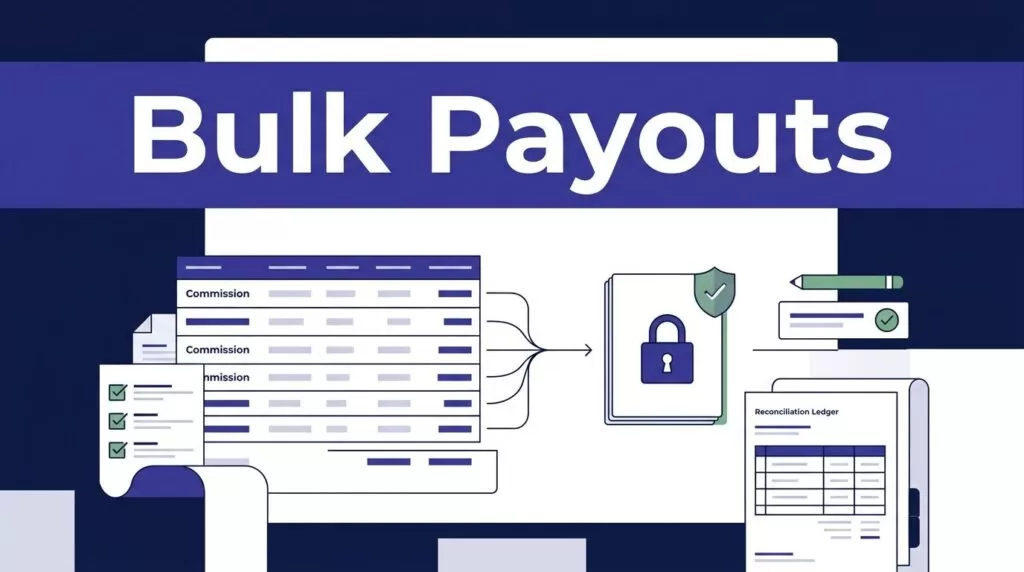
Affiliate payouts fail when a commission report gets treated like a payment system. mass payout software works when conversion tracking, approval, money movement, and reconciliation each have a clear owner.
Rewardful can track referrals and calculate commissions. It doesn’t replace the payment provider that sends money to affiliates. Build a controlled handoff between the two systems before you send a live batch.
Keep Rewardful and mass payout software in separate roles
Rewardful is your affiliate tracking and commission system. Your payout platform or payment provider is the money movement system. Finance owns approval. Your integration owns the handoff and audit trail.
With Stripe, Rewardful receives invoice-payment events and checks whether the customer belongs to an affiliate referral. Review how Rewardful uses Stripe invoice events before you set commission rules.
Give each system one job
Don’t let Rewardful and your payment platform calculate the same affiliate balance. That creates mismatches after refunds, manual adjustments, or delayed invoices.
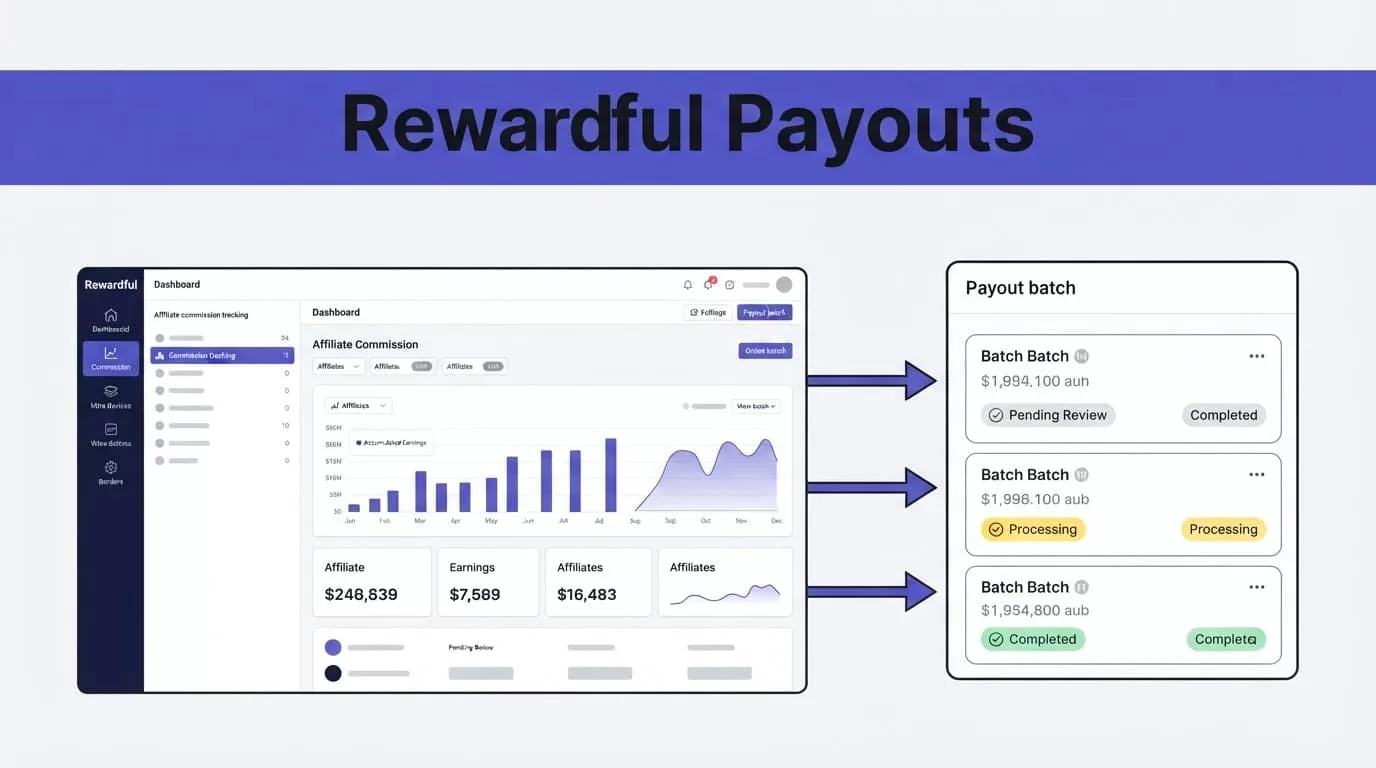
Use Rewardful for referral attribution, commission amounts, commission due dates, and payout records. Use the payout system for recipient onboarding, transfer submission, payment status, fees, and failed-transfer handling.
Your accounting system should hold the final financial record. It needs the approved commission amount, provider transfer ID, date paid, currency, fees, and reviewer.
Keep stable IDs with every payout
Store the Rewardful affiliate ID, payout ID, campaign ID, Stripe customer ID, invoice ID, provider recipient ID, and provider transfer ID. These fields let your team trace one payment back to a referred customer and paid invoice.
Never use an affiliate email address as the only identifier. Emails change. Payment profiles change. Stable IDs don’t.
Referral attribution is a marketing record. A paid invoice is a revenue record. A provider confirmation is a cash record.
Track conversions before you automate payments
A payout batch is only as reliable as the conversion data behind it. Start with a full test path before you connect a live payment account.
Test the paid-invoice path
Create a test affiliate. Use that affiliate’s tracking link or approved attribution route. Complete a test signup and a paid checkout in Stripe.
Then confirm that Rewardful shows the referred customer, campaign, commission amount, currency, and commission status. Compare the commission with the invoice amount the customer actually paid.
Rewardful’s Stripe commission calculation overview explains that commission data is based on paid Stripe invoice data, not a page-view estimate or an unpaid signup.
Check recurring commissions too. Confirm the number of paid invoices that qualify, the commission rate, the cookie window, and any plan exclusions.
Write terms affiliates can use
Your affiliate terms should explain the commission calculation in plain language. State whether rewards apply to gross revenue or collected revenue. State the payment delay, minimum payout amount, refund rules, and recurring-commission limit.
Use the same rules in your Rewardful campaign setup and your internal approval workflow. A written rule prevents one affiliate from receiving a manual exception that finance can’t explain later.
Track refunds, chargebacks, cancelled subscriptions, and voided commissions before you release a batch. A commission that looks valid on day one may not be payable after the refund window.
Approve commissions before they reach the payment queue
Rewardful commission states can include pending, due, paid, and voided. Those states don’t remove the need for an internal approval record.
A due commission means it is eligible under the configured timing rules. It does not always mean finance should send money without review.
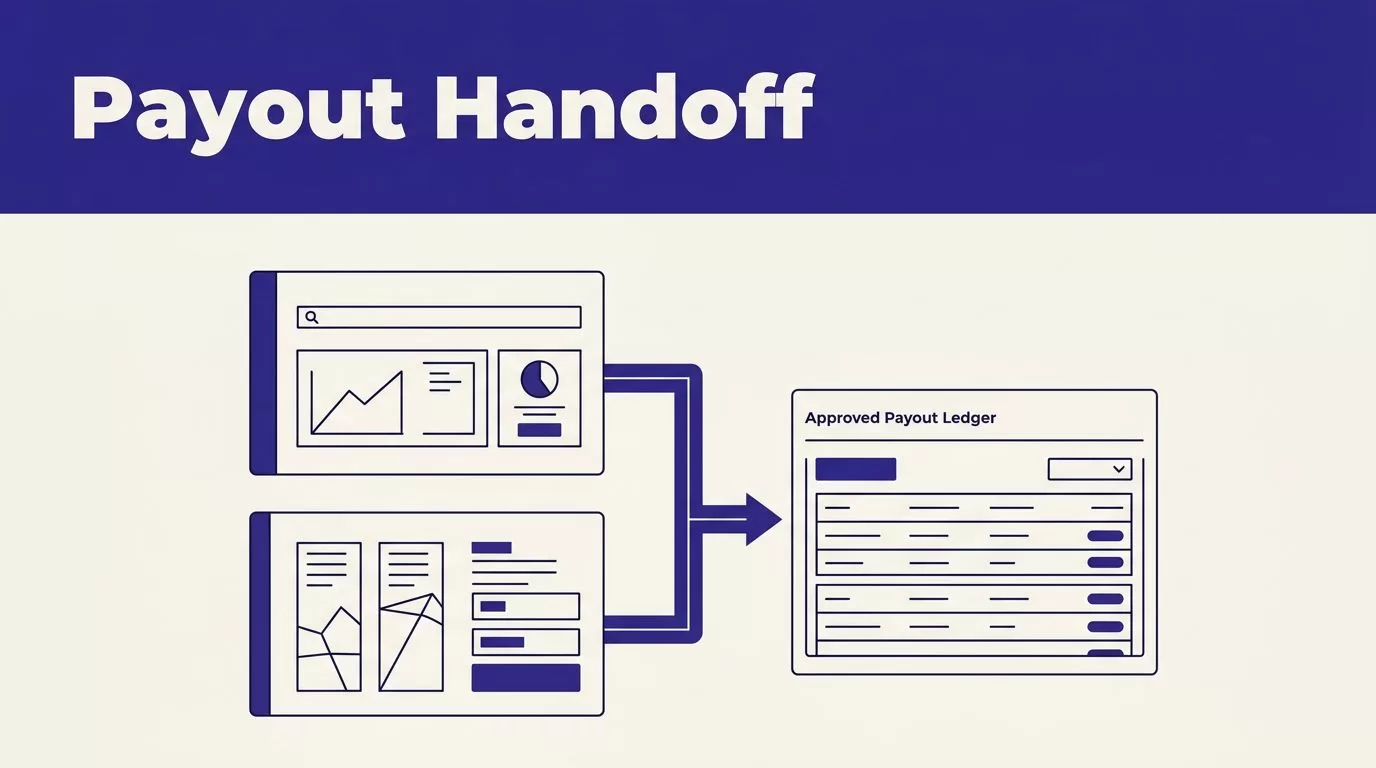
Create a separate approval queue
Build an internal table with visible statuses:
- Draft means the payout candidate is still being prepared.
- Needs Review means a rule, payment profile, or source record needs a person to check it.
- Approved means the candidate can enter the next payout batch.
- Rejected means it must not be paid, with a reason and reviewer attached.
Review high-value payouts, new affiliates, unusual conversion rates, short-lived subscriptions, and accounts with abnormal refund rates. Also check self-referrals, duplicate customer details, coupon leakage, unauthorized incentive traffic, and trademark-bidding violations.
Preserve the source record
Don’t overwrite Rewardful amounts to force a payout through. Keep the original commission and payout data unchanged. Store internal adjustments, reviewer notes, and rejection reasons in separate fields.
This preserves the evidence behind each decision. It also makes a later dispute easier to resolve.
Rewardful’s payout workflow describes the split between Rewardful payout records and the external payment step. Treat the external transfer result as the last approval gate.
Choose mass payout software for the payment work
Your mass payout software needs to handle the payment work that Rewardful doesn’t perform. Start with the countries, currencies, affiliate types, and payout methods your program supports.
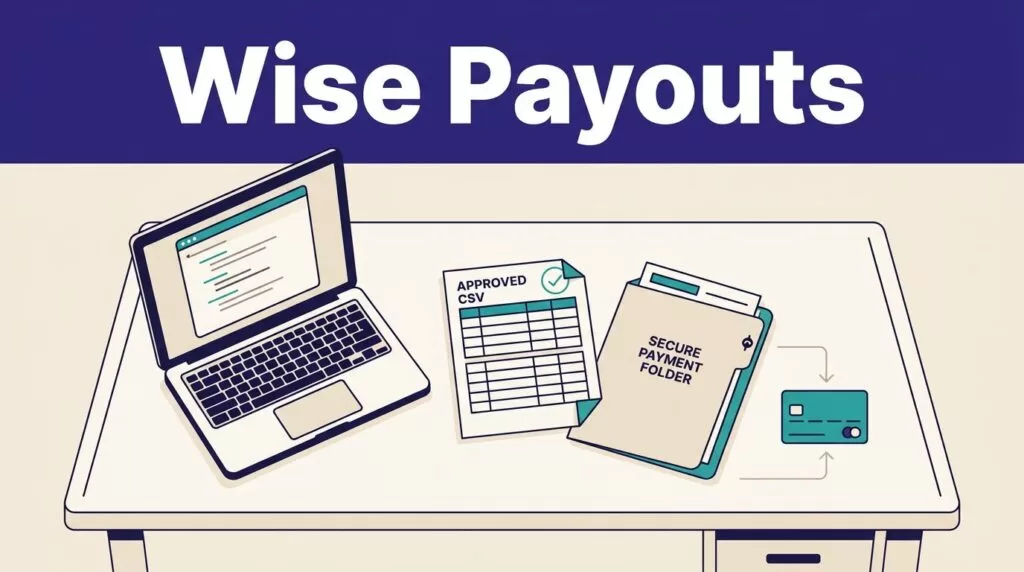
Stripe Connect is a practical option when affiliates can onboard as connected accounts. PayPal Payouts, Wise Business, and Trolley may also fit certain programs. Don’t assume Rewardful has a native payment connector for any provider. Plan for an API or file-based handoff unless your current account setup proves otherwise.
Check the provider against your operating model
Use this comparison before you build the integration.
| Requirement | What to confirm |
|---|---|
| Affiliate coverage | Supported countries, currencies, and payment methods match your active affiliates. |
| Recipient setup | The provider can collect identity, bank, and tax details through a controlled onboarding flow. |
| Batch controls | The API supports batch references, idempotency, status retrieval, and failed-payment handling. |
| Finance records | You can export payment amounts, fees, transfer IDs, dates, and payment states. |
| Access control | Finance can approve batches without giving every operator permission to send money. |
Stripe’s connected-account payout requirements explain how connected accounts receive payouts and manage external payout accounts. Confirm your account type and country support before you design around it.
Use provider-hosted payment profiles where possible
Don’t collect raw bank details in a spreadsheet if the provider offers hosted onboarding. Store the provider recipient ID in your database and limit access to staff who need it.
Review provider fees, foreign-exchange treatment, funding timing, payout limits, and compliance requirements using the live provider documentation. Those details can differ by country, recipient type, and payout route.
Build the payout run with idempotent controls
Use a webhook as a signal. Don’t let it send money on its own.
Rewardful can notify your system when a payout becomes due. Your application should create a payout candidate, validate it, wait for approval, then submit it to the payment provider.
Create one candidate per Rewardful payout
Build the workflow in this order:
- Receive the Rewardful payout event or poll for due payouts on a schedule.
- Log the event ID, timestamp, payload, and Rewardful payout ID before processing it.
- Create one payout candidate with a unique constraint on the Rewardful payout ID.
- Check approval status, recipient profile, currency, minimum threshold, and exception flags.
- Add only approved candidates to a payment batch.
Webhook events can retry. A scheduled job can run twice. The unique payout ID prevents a duplicate transfer when either event repeats.
Submit transfers with a provider reference
Group approved payments by currency and payment route. Give each provider transfer an idempotency key based on the Rewardful payout ID. Save the provider batch ID and transfer ID immediately after the provider accepts the request.
The Stripe Payout API documents payout objects and their payment-state data. Use the equivalent transfer object and status record if you select another provider.
Do not mark a Rewardful payout as paid when the provider accepts the request. A submitted transfer can still fail, return, or remain pending. Wait for the provider’s final paid state.
Reconcile every payout before closing the period
A successful API response isn’t a completed payout. Your finance team needs a daily or batch-level tie-out between Rewardful, the payment provider, and the general ledger.
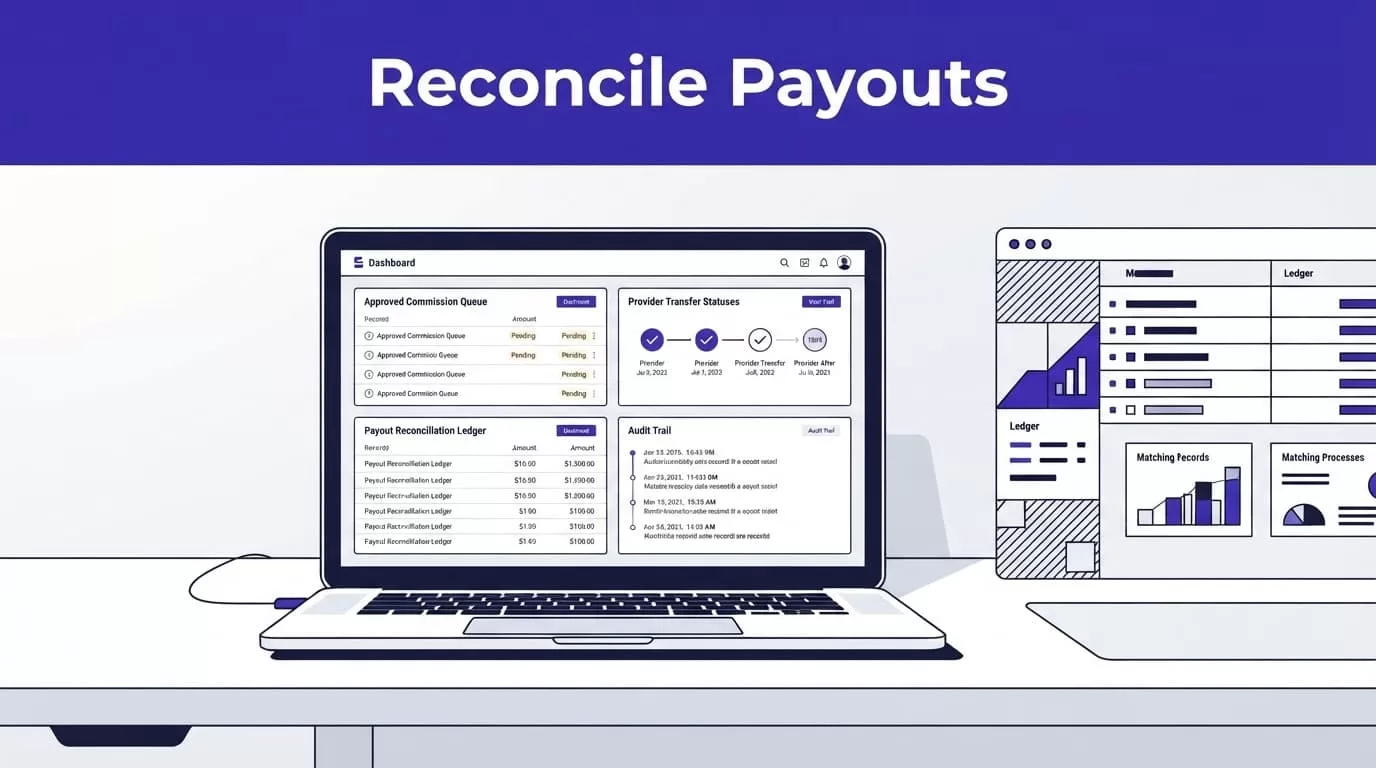
Match the records in both directions
Build a reconciliation table with the Rewardful payout ID, affiliate ID, approved amount, currency, provider transfer ID, provider status, paid date, fee, batch ID, and reviewer decision.
Match every due Rewardful payout to one provider transfer. Then match every provider-paid transfer back to one Rewardful payout. Investigate any missing, duplicated, failed, or amount-mismatched record.
When the provider confirms payment, mark the Rewardful payout as paid at the payout level. Don’t update each commission one by one unless you have a documented exception.
Keep failed transfers out of the paid ledger
If a provider rejects or fails a payment, leave the Rewardful payout unpaid. Move the candidate to an exception queue. Correct the recipient profile, route, currency, or approval issue, then retry only that payout.
Use Stripe’s payout event guidance as the model for tracking created, updated, paid, and failed payout states.
Measure cleared commissions, voided commissions, refund rate, failed transfers, review minutes, correction time, and payouts accepted without rework. A batch with many transfers is not efficient if finance spends hours repairing it.
Use this implementation checklist before production
Start with a small approved batch
Run the first production-like test with a small group of verified affiliates. Include a normal payout, a recurring commission, a refund or void, a missing payment profile, and a failed transfer case.
Confirm each part of the path:
- A referred customer produces the expected Rewardful commission after a paid invoice.
- The due payout creates one internal candidate, even if an event repeats.
- Finance can approve or reject the candidate without editing source data.
- The provider receives one transfer with a stored transfer ID.
- A paid transfer updates the related Rewardful payout.
- A failed payment stays out of the paid ledger and reaches the exception queue.
Measure accepted payout records
Track the records your team accepts after review, not the number of webhook events or API calls completed. Monitor duplicate candidates, missing IDs, retry counts, correction minutes, and provider failures.
If no owner can approve the source mapping, payment permissions, and exception policy, Book A Call before you connect a live payment account.
Final Thoughts
Rewardful should remain the commission and payout record system. Your payment provider should move the money. Finance should approve exceptions and reconcile the result.
That division keeps one transfer from hiding bad attribution, a refund reversal, or a duplicate payment. A payout run is complete when Rewardful, the provider, and the ledger agree.