Build an Online Community Using Skool That Lasts
A community can feel like a campfire or an empty room. The platform alone rarely explains the difference. A Skool community lasts when a clear result, a short onboarding path, and a steady rhythm come before any menu or color choice. This g...

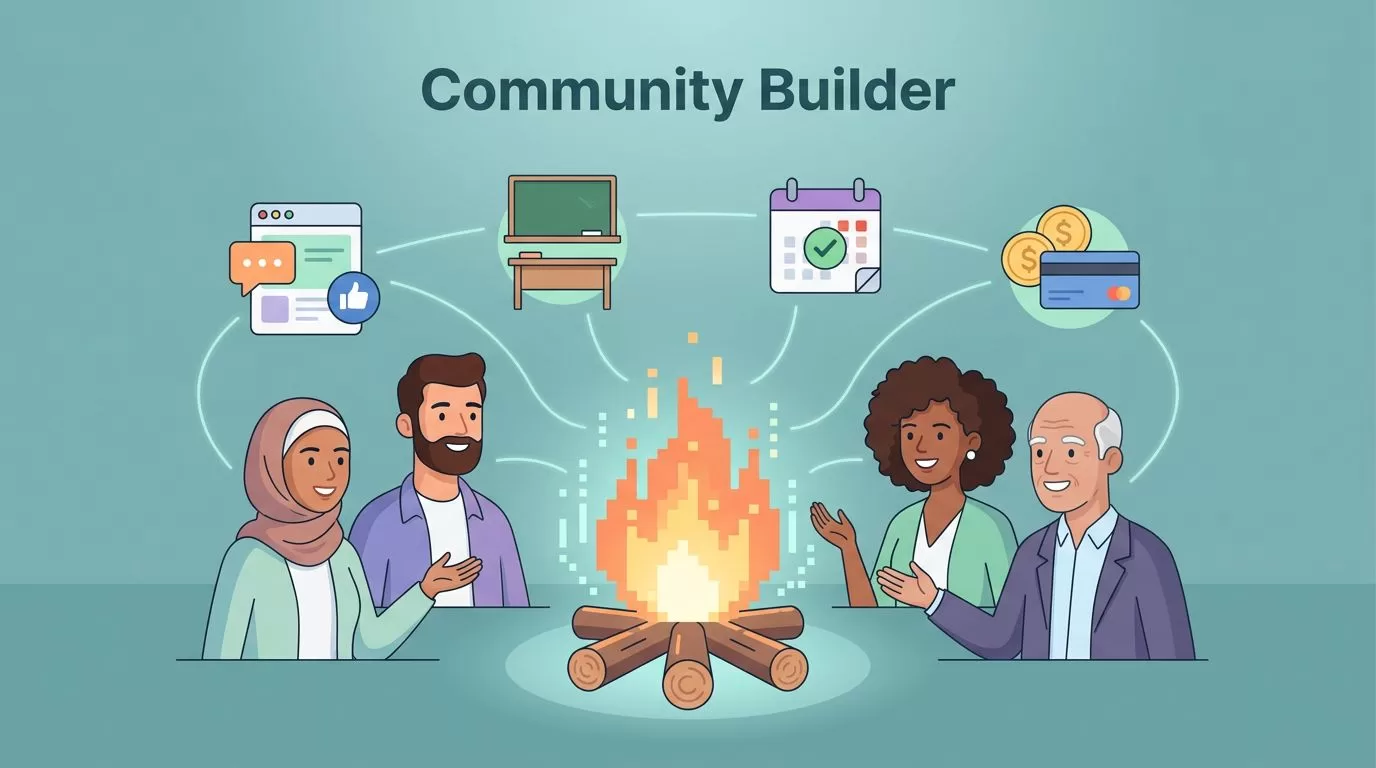
A community can feel like a campfire or an empty room. The platform alone rarely explains the difference. A Skool community lasts when a clear result, a short onboarding path, and a steady rhythm come before any menu or color choice.
This guide follows a launch sequence. You will define the promise, set up the core pieces, win your first members, keep the feed active, and build a paid ladder with retention loops. Pricing figures come from the official Skool pricing page, so confirm them before you commit.
Why Skool Fits Modern Community Businesses
Most owners want one home, not five tabs stitched together. Skool brings the feed, classroom, calendar, member profiles, messages, and checkout into one place. Creators, coaches, educators, and membership owners use the platform to cut tool sprawl.
The official pricing page lists unlimited members, courses, videos, and live calls on both plans. Independent reviews also describe mobile apps for members, points and levels, and built-in payments. Feature details can change, so verify each item on the Skool pricing page and in the Skool help center.
Audience fit still matters more than software. Bring members from email, YouTube, LinkedIn, or podcasts. For a clear example of growth from zero, read this community launch plan.
What Skool Costs
Skool sells two plans. The official pricing page shows the figures below.
| Plan | Monthly price | Transaction fee |
|---|---|---|
| Hobby | $9 | 10% |
| Pro | $99 | 2.9% |
The page also advertises a 14-day free trial on Hobby and a yearly toggle with two months free. Third-party explainers report extra per-transaction charges and plan differences. Treat those details as unconfirmed until you read the official terms.
A simple rule helps you choose. Estimate monthly sales. Multiply by the fee on each plan. Add the plan price. Pick the plan with the lower total. The gap between fees grows with revenue, so a growing community often outgrows Hobby.
Set Up Your Skool Community Around One Clear Result
Name the result before you touch settings. People do not join software. They join progress. A coach sells accountability. An educator sells a path. A membership business sells momentum and shared support.


Set up the core pieces in this order.
- Define the promise: Write one sentence stating who the group serves, what members get, and which first win they should expect.
- Build a short onboarding path: Pin a welcome post, a start-here lesson, and one easy action such as an introduction post.
- Create only a few categories: Too many rooms make the place feel empty. Start with wins, questions, resources, and announcements.
- Map the classroom to milestones: New members need a runway, not a content dump.
Consider a paid group for agency owners. The first week might include a welcome video, one lead-generation template, and a live office hour. In a data-skills community, open only the week one lessons and release the rest over time. Members then avoid binge watching and vanishing.
Launch with 20 good-fit members before you chase 200 casual signups. Small groups give fast feedback and strong early culture. Behind the scenes, keep staff organized with Google Workspace collaboration for remote teams, especially when helpers manage support, assets, or event prep.
Win Your First 100 Members
Growth in the first months comes from direct invitations, not ads. Use a simple weekly routine.
- Invite warm contacts: Message past clients, newsletter readers, and followers who asked for help on your topic.
- Offer a founding rate: Give early members a lower price in return for feedback. State the end date plainly.
- Publish proof: Share early wins from members with their permission.
- Host a free event: Run a live session and invite attendees to join the group.
- Ask for referrals: Request one introduction from each happy member.
Track invitations sent, replies received, and joins each week. The numbers show where the funnel leaks.
Write Simple Community Rules
Clear norms protect the culture before problems appear. Pin a short rules post near the top of the feed. Keep the list to five lines or fewer.
- Be kind and specific when you give feedback.
- Share wins and questions in the matching category.
- Do not post promotions without permission.
- Protect member privacy and never share screenshots outside the group.
- Ask for help early and say thank you when you receive help.
Moderate with a light hand. Reply to the first few rule breaks privately and politely. Public warnings should be rare. Members copy the tone of the owner, so model the behavior you want.
Boost Engagement Before You Add More Content
Most communities do not fail from a lack of lessons. They fail because the feed goes quiet. When the room feels still, new members assume nobody will notice them, and they slip out the side door.

Use a few simple triggers to keep motion going.
- Fast prompts: Ask for one quick reply, such as a win, a roadblock, or a screenshot.
- Useful gamification: Points and levels matter when they unlock something members want, such as a bonus workshop or template pack.
- A live rhythm: Weekly office hours, hot seats, or teardown calls give the community a heartbeat.
- Visible member wins: Welcome newcomers by name and spotlight small progress early.
More content does not fix a quiet community. Better reasons to reply do. Events sit on the calendar, and lesson comments stay tied to the teaching. For more ideas, this Skool community best practices guide stresses clear norms, fast feedback, and a steady posting rhythm.
A weekly posting calendar
| Day | Post type | Goal |
|---|---|---|
| Monday | Goal-setting prompt | Start the week with intent |
| Wednesday | Lesson or resource drop | Give members a task |
| Thursday | Live office hour | Create real-time contact |
| Friday | Wins thread | Celebrate progress |
Adjust the days to your audience time zones. Consistency matters more than the exact schedule.
Monetize With Tiers, Events, and Clean Retention Loops
A paid offer should feel like a ladder, not a locked door. Keep an entry point for new members, then add deeper support, private calls, or premium coursework for higher tiers. Check the help center articles on payments for the current ways to charge, since options change.

Three common structures show the range.
- Coaching group: A base membership with weekly questions and answers, plus a higher tier with small-group calls.
- Education group: Free discussion, then paid cohort lessons inside the classroom.
- Membership business: Templates, recordings, and monthly workshops bundled into one recurring offer.
Third-party explainers report Stripe-based payments and weekly payouts. Verify payout timing and fees in the help center under the Admin payments topics before you promise anything to members.
Retention starts with early wins
Give every new member a result in the first seven days. A finished worksheet, a posted introduction, or feedback on a first project all count. Then keep the calendar steady and the next step obvious.
For paid files hosted outside the platform, use secure document sharing in Google Workspace so private resources stay under control.
Metrics to Review Every Month
A lasting community needs a simple scorecard. Review the numbers below on the first day of each month and write one decision beside each number.
| Metric | How to measure | Decision supported |
|---|---|---|
| New members | Joins during the month | Whether invitations and events work |
| Active members | Members who post or comment | Whether the feed stays alive |
| Early activity | New members who post in week one | Whether onboarding works |
| Cancellations | Members who leave | Whether value matches the price |
| Revenue after fees | Sales minus transaction fees and plan cost | Whether to change plans |
Compare each month against the last three months. A single month can mislead. A trend over a quarter shows the real direction.
Share the scorecard with any moderators so everyone sees the same numbers. Agree on one change to test next month. Review the result at the next scorecard and keep only the changes which work.
Common Mistakes When You Build a Skool Community
- Starting without a promise: Vague groups attract vague members.
- Opening too many categories: Empty rooms signal a dead community.
- Dumping all lessons at once: Members binge, then leave.
- Skipping the welcome: Reply to every introduction within a day.
- Ignoring the fee gap: Review your plan every quarter as revenue grows.
Frequently Asked Questions
How much does a Skool community cost?
The official pricing page lists a Hobby plan at $9 per month with a 10% transaction fee and a Pro plan at $99 per month with a 2.9% transaction fee. Verify current figures before you subscribe.
How many members can a Skool community hold?
The pricing page lists unlimited members on both plans.
Can you run live events inside Skool?
Yes. The pricing page lists live calls, and the platform includes a calendar for events.
How do you keep a new community active?
Post prompts on a fixed rhythm, host a weekly live session, and welcome every newcomer by name.
Should you start free or paid?
Either path works. Free entry builds numbers faster. Paid entry filters for commitment. Match the choice to your goal and your capacity to support members.
Conclusion
An online community is not a shelf for content. A community is a room with momentum. Keep the promise clear, the onboarding short, and the rhythm steady, and a Skool community starts to feel alive.
Start smaller than you think. Publish the welcome post today and give your first members a reason to speak.

