How I Build a MemberSpace Cohort Course
I want to build an online course that feels truly alive. When students move through the same material at the same pace, they ask better questions, finish more lessons, and show up with more energy. That is why I use MemberSpace when I want...
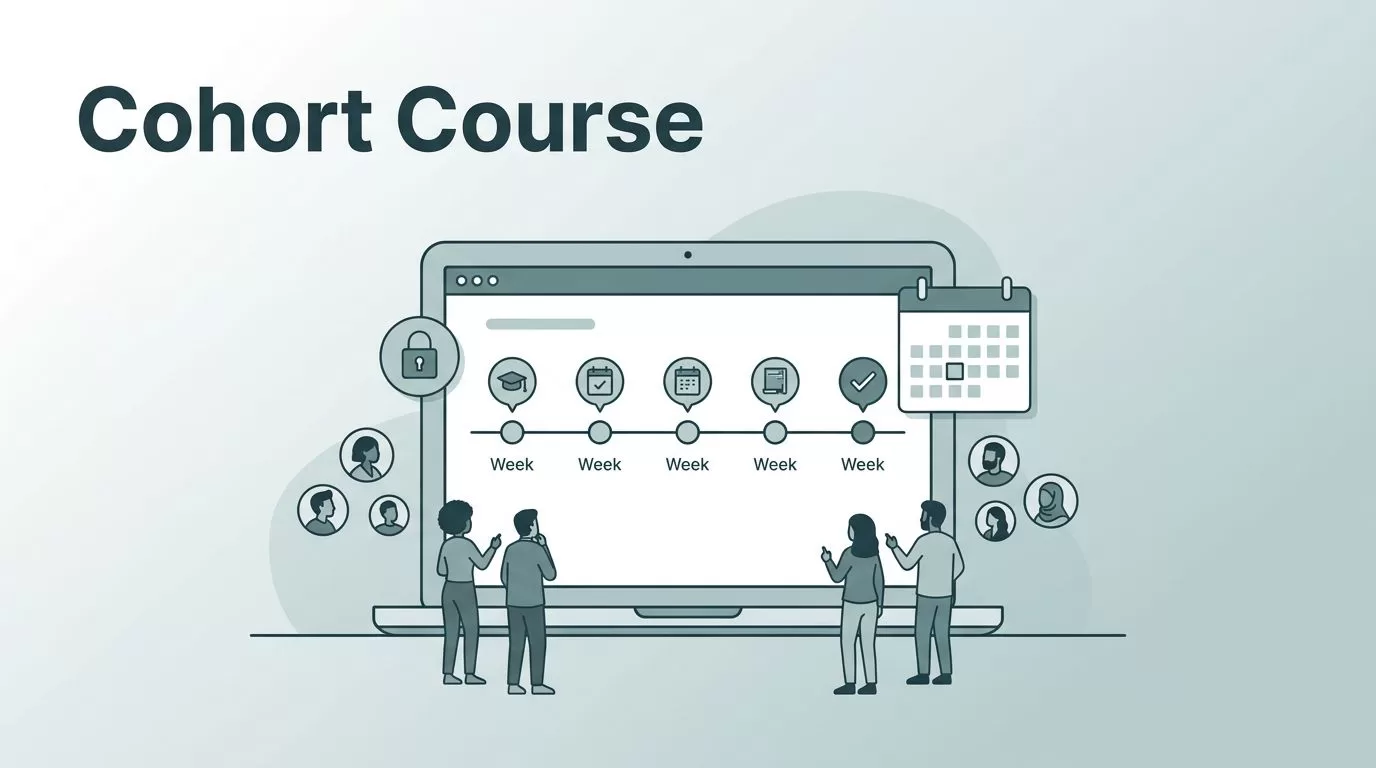
I want to build an online course that feels truly alive. When students move through the same material at the same pace, they ask better questions, finish more lessons, and show up with more energy.
That is why I use MemberSpace when I want a course to work like a guided group experience instead of a static video library. With MemberSpace, I can lock pages, set access rules, drip lessons, and control pricing without rebuilding my whole website.
I start with the offer, then I shape the course around the rhythm I want students to follow.
Key Takeaways
- Define a singular promise: Successful cohort courses rely on a clear outcome, a fixed timeline, and a specific start date to keep students aligned.
- Leverage MemberSpace for structure: Use MemberSpace to protect your content, gate specific pages, and manage access levels without migrating your existing website to a new platform.
- Control the pace with drip content: Release lessons on a weekly schedule to ensure the group moves through the material together rather than sprinting ahead individually.
- Simplify the user experience: Maintain a consistent, predictable communication rhythm and a clean navigation path so students always know exactly what to do next.
- Iterate through testing: Treat your first launch as a test run to identify friction points, gathering data on engagement and completion to refine the system for future cohorts.
Start with one clear cohort promise
Before I open MemberSpace, I decide what the cohort is really about. A successful online course needs one main result, one group timeline, and one clear start date. If I try to teach too much, the whole thing gets muddy.
I usually write the promise in one sentence. For example, I might say, “In four weeks, I will help new agency owners build their client onboarding process.” That gives me a topic, a timeline, and a finish line.
For a wider view of how to design cohort-based programs, I like Circle’s guide to launching a cohort-based course. The same pattern keeps showing up: students want structure, deadlines, and a reason to keep pace with the group.
I lock in three choices right away:
- who the cohort is for
- what outcome it delivers
- how long it runs
Once those are set, the course becomes much easier to build. I stop guessing about content for my digital products and start shaping pages, emails, and deadlines around a real schedule.
A cohort works best when the group feels like it is moving through the same hallway together.
Build the classroom in MemberSpace
MemberSpace offers a clean way to turn standard website pages into exclusive areas. Whether I am using a WordPress plugin or building directly on a Squarespace website, I do not need to move my business to a new platform just to run an online course. This flexibility allows me to protect pages effectively and gate my members-only content without a complicated migration.
I usually build four parts first: a public sales page, a protected course hub, specific course pages for each week, and a replay or resource area. This structure keeps the user experience simple. Students always know where to go, and I can easily manage my digital products.

Because of the seamless Stripe integration, MemberSpace provides the pricing flexibility needed to match any cohort model. I can set up a one-time payment, a recurring subscription, or a custom payment plan. This makes it simple to run an early-bird launch or offer a flexible payment plan for buyers who need more breathing room.
Here is the setup I use most often:
| Cohort model | MemberSpace setup | How I use it |
|---|---|---|
| Early-bird cohort | One-time payment with a launch discount | I close enrollment on a fixed date |
| Higher-ticket cohort | Custom payment plan | I spread the price across a few months |
| Alumni access | Monthly or yearly member plan | I keep replays and bonuses available |
This table keeps my launch choices clear. I do not need multiple payment systems; I simply match the member plan to the access I want students to have, using the platform to protect pages as needed.
Design the signup flow and onboarding
I want enrollment to feel easy, but not vague. So I keep the landing page focused on one thing, which is joining the next cohort. This is how I sell online courses effectively without overcomplicating the user experience.
MemberSpace lets me build custom signup forms, which is useful when I want to collect more than a name and email. I often ask for timezone, current level, and the student’s main goal. That helps me group people better and plan office hours that fit real schedules. If you prefer a simpler approach, you can just share a direct signup link to your specific member plan to get students enrolled quickly.
After checkout, I send people to a welcome page within my membership site. That page gives them the start date, the weekly schedule, the first lesson, and the support path. I also tell them what opens now and what opens later. That matters more than people expect.
I use the same kind of start-here flow I wrote about in my Skool membership site setup, because the first few clicks shape the whole experience. By structuring my course pages with clear instructions, I ensure students settle in fast instead of feeling lost.
My onboarding page usually includes:
- the cohort start date
- the live call schedule
- the lesson release plan
- the homework deadline
- where to ask questions
If I want limited enrollment, I keep the window short. I don’t leave the doors open forever. A cohort gets its energy from the deadline.
Release lessons on a weekly rhythm
This is where MemberSpace shines for me. I use the drip content feature so the whole group receives the next lesson at the same time. This strategy keeps the online course moving forward together and gives me room to teach live rather than simply posting everything at once.
AccessAlly’s explanation of cohort-based courses lines up with the way I use this model. I release lessons in a shared sequence, then I use live sessions to react to what students are actually doing.
A simple release pattern works well:
- Week 1 covers the foundation.
- Week 2 moves into implementation.
- Week 3 focuses on feedback and fixes.
- Week 4 closes with review and next steps.
I keep one module and lesson unlocked at a time. That way, students do not sprint ahead and disappear. They move with the group, and the live session feels connected to the module and lesson they just finished.
I also post resources on the same schedule. Worksheets, checklists, or templates go live alongside the material they support. Because I rely on drip content to manage the flow, the curriculum stays organized and accessible.
When I have a replay, I upload it after the live call. Then I link it back into the protected area so late joiners or those who missed the session still have a clear path to follow.
Keep communication simple and visible
A cohort course lives or dies by communication. If I make the student hunt for updates, they stop paying attention.
So I keep my reminders short. I send one message when a lesson goes live, one message before a live call, and one message when homework is due. That is enough for most groups. Students do not need a flood of email. They need a steady beat to keep their online course momentum high.
I also keep a simple question path inside the membership site. If MemberSpace comments or reactions fit the lesson page, I use them. If I need deeper discussion, I connect the course to a community space or a group email thread. I just do not split attention across too many places.
The weekly rhythm I use in my Skool community guide works well here too. A clear prompt, a live touchpoint, and a wins post give people a reason to return.
If the next step is obvious, the student experience remains consistent and students stay engaged longer.
I also like to repeat the same language every week. For example, I might say, “Lesson is live,” “Call starts tomorrow,” or “Post your homework here.” Those simple lines do more than clever copy ever does.
Launch the first cohort, then tighten the system
My first launch is never the final version. I treat it like a clean test run. I check the checkout page on mobile, test the member login, and click through every protected page myself. If a student can get stuck, I want to find that problem before they do.
I also run the launch with one clear deadline. If I add too many bonuses or too many pricing options, the offer starts to wobble. A cohort works better when the path is narrow and easy to follow. When you first decide to sell online courses, keeping the offer simple with a one-time payment is often the best way to validate your idea.
After the cohort ends, I review a few things:
- how many people signed up
- how many finished each lesson
- which pages got the most views
- where students asked for help
- what part of the schedule felt rushed
- the net profit after accounting for any platform transaction fee
That feedback tells me what to change before the next cohort opens. Sometimes I move a lesson earlier. Sometimes I add a worksheet. Sometimes I shorten the live call and move more teaching into the protected pages of my membership site.
I also decide whether the course should stay cohort-based or shift into a hybrid model. Some cohorts work best as one-time launches. Others turn into a repeating membership with alumni access, or even a system built for recurring payments to generate consistent passive revenue for your business.
Frequently Asked Questions
Can I use MemberSpace with my existing website?
Yes, MemberSpace is designed to integrate seamlessly with platforms like Squarespace, WordPress, and many others. You do not need to rebuild your site; you simply install the MemberSpace code to turn your existing pages into protected, members-only areas.
How does MemberSpace handle different pricing models for my cohort?
MemberSpace integrates directly with Stripe, allowing you to easily set up one-time payments, recurring subscriptions, or custom payment plans. This flexibility lets you easily create early-bird discounts for your cohort or offer installment plans for higher-ticket programs.
Why should I use a drip content schedule for a cohort?
Drip content is essential for a cohort-based course because it keeps the entire group moving through the curriculum at the same pace. By unlocking material on a set schedule, you ensure that everyone attends live sessions with the same foundational knowledge, which increases engagement and course completion rates.
How do I collect student information during the signup process?
MemberSpace allows you to build custom signup forms if you need to gather specific details beyond a name and email address. You can ask students for their current skill level, time zones, or learning goals to better tailor your office hours and group activities to their needs.
Conclusion
A successful MemberSpace cohort course feels organized without feeling rigid. I keep the promise sharp, the access rules simple enough to password protect specific content tiers, and the lesson release tied to the calendar.
When I build it this way, students know where they are, what comes next, and when to show up. That is the part that keeps a course from turning into a pile of pages.
If I can see the path clearly inside MemberSpace, my students can follow it too.
