How I Build Secure Paid Communities on MemberSpace
You run a coaching business or online course. Members pay for exclusive tips. But leaks happen. Free riders sneak in. Payments fail quietly. I faced that mess early on. Now I use MemberSpace to lock everything down tight. It works on any si...
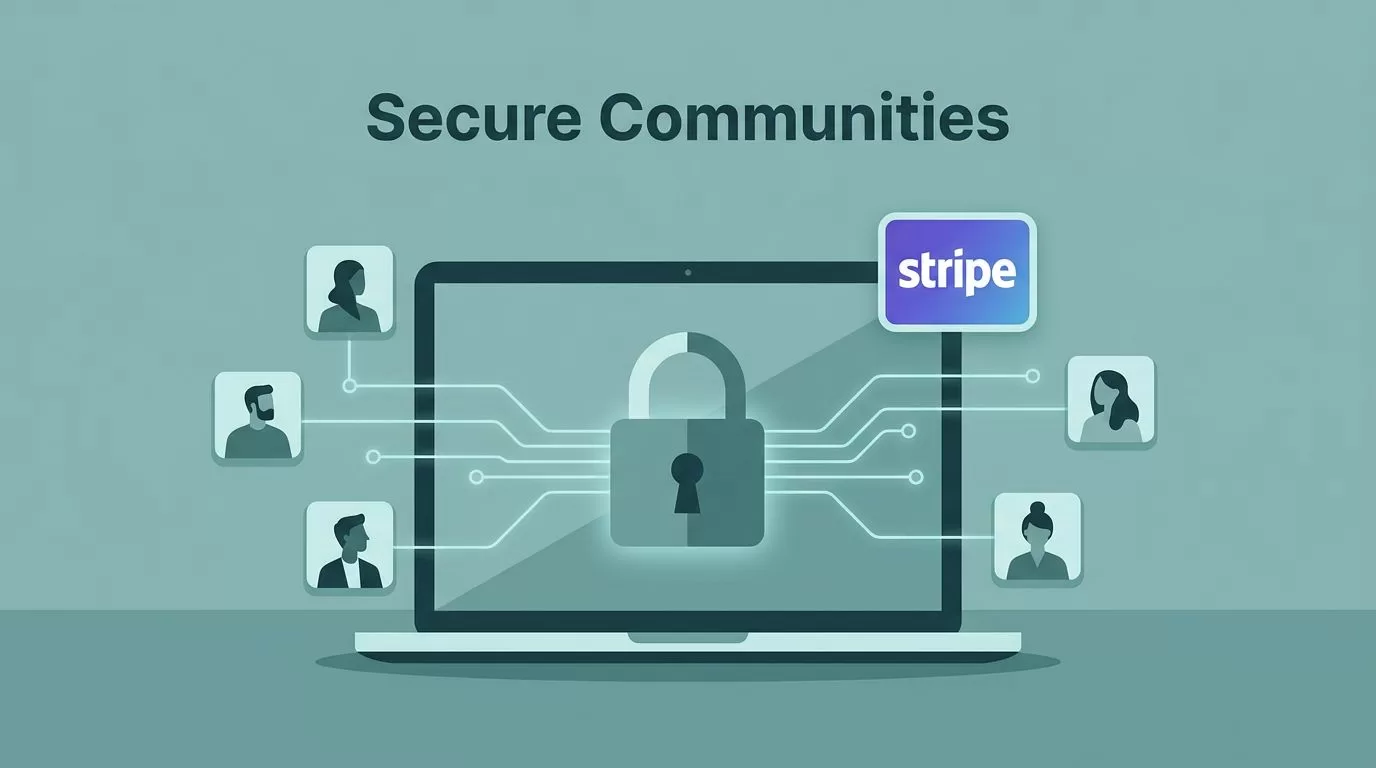
You run a coaching business or online course. Members pay for exclusive tips. But leaks happen. Free riders sneak in. Payments fail quietly. I faced that mess early on. Now I use MemberSpace to lock everything down tight.
It works on any site, like Squarespace or Webflow. Setup takes minutes. Security stays strong with Stripe payments and content gates. You control access without rebuilding your whole setup. Let’s walk through my exact steps.
Setting Up Your MemberSpace Account
I start with a fresh MemberSpace account. Go to memberspace.com and pick the Side Business plan at $29 a month. It covers unlimited members and basics. No transaction fees beyond Stripe’s cut.
Sign up with your email. Connect your site right away. MemberSpace scans pages fast. I choose the ones for paid access. The dashboard shows clean options for plans and spaces.

Next, create spaces. These group content like videos or PDFs. I name one “Premium Coaching” for my top tier. Assign pages to it. Test the lock on a dummy page. Non-members see a login wall. Members slide right in.
Enable the member hub. It’s a simple menu where people manage subscriptions. I customize the login button to match my site’s blue theme. Support chats if issues pop up. Phone or email works quick.
This base setup keeps things simple. You avoid bloated plugins. SEO stays safe because MemberSpace hides paywalls server-side.
Configuring Secure Payments and Subscriptions
Payments need trust. I link Stripe first. MemberSpace uses its secure checkout. No custom code required. Go to Pricing in the dashboard. Create a plan.
Pick recurring at $49 monthly. Add a free trial of 7 days. Set signup fees if you want upfront cash. Multiple payments work too, like three $99 hits. Currencies match your audience.
Test the flow. I buy a test subscription. It hits my Stripe dashboard instantly. Receipts email out. Failed payments trigger reminders. Cancellations offer upsells, like a cheaper tier.

For security, enable SCA compliance. MemberSpace handles it with Stripe. Two-factor pops up for big charges. GDPR and CCPA stay checked too. Check MemberSpace security details for the full list.
Prorate changes mid-cycle. A member upgrades? They pay the difference now. Downgrades wait till next bill. This keeps revenue steady.
I set billing dates to the first. Members know when cash pulls. Zapier connects for email automations. New subscriber? Welcome series fires off.
Gating Content and Protecting Member-Only Areas
Content leaks kill value. I gate pages one by one. In the dashboard, pick a URL. Lock it to a space or plan. Non-payers hit a paywall.
Upload files direct. PDFs, MP3s, videos from Vimeo. They stay private. No public links slip out. Drip schedules release weekly. Members see a calendar tease.
Add extra code for steel walls. Paste this snippet on locked pages:
<meta name="robots" content="noindex, nofollow">
<style>#__memberspace_modal_protected_page { position:fixed; top:0; left:0; width:100%; height:100%; background:#fff; z-index:2147483646; }</style>
<div id="__memberspace_modal_protected_page"></div>
It blocks bots and adds a full-screen shield. Google ignores those pages. See extra security steps.

Limit logins to two devices. Stops account sharing cold. I track views too. Who skips sessions? Nudge them back.
Managing Members and Access Control
Members join. I approve manually for high-touch groups. Auto works for scale. Import lists from CSV if you migrate.
The hub shows profiles. Upgrade paths glow obvious. I send custom emails. “Your trial ends soon. Upgrade?”
Expirations hit hard. Late payers lose access till fixed. Popups remind before cancel. Most stay.
Audit weekly. Export data. Cross-check Stripe. One rogue account? Revoke keys fast.
For communities, add Circle SSO. Members log in once. Chats and forums open seamless. Facebook Groups link too if casual fits.
If Skool tempts you for deeper chats, check my Skool community launch guide. But MemberSpace gates any site better.
Advanced Security Best Practices
SSL encrypts everything. Logins and bills stay safe. PayPal options add choice.
Concurrent limits block multi-logins. Set at 1-3 based on your crowd. Alerts flag odd patterns.
Backup data monthly. MemberSpace exports easy. Store off-site.
Use Zapier for logs. New login from weird IP? Slack pings me.
Taxes auto-collect. EU folks get VAT right. No fines surprise.
Test hacks. Share a fake link. Does it hold? Tweak till ironclad.
Quick Checklist for Secure MemberSpace Setup
Run this before launch:
- Connect Stripe and test a full buy cycle.
- Gate all premium pages with spaces.
- Add noindex code to locks.
- Limit concurrent logins to two.
- Set failed payment reminders.
- Enable SSO for community tools.
- Audit one member access end-to-end.
- Export data and store securely.
Tick these. Your paid community runs smooth.
Wrapping Up Secure MemberSpace Communities
I built my first MemberSpace paid community last year. Leaks vanished. Revenue climbed steady. You get that too with these steps.
Focus on gates and payments first. Security follows natural. Members trust the lock. They renew.
Scale without worry. Add tiers as you grow. Your coaching or courses stay yours alone.
(Word count: 1487)
