MemberSpace vs Podia in 2026 for Digital Products
When I compare MemberSpace and Podia, I am comparing a paywall with a storefront. One protects content on a site I already own. The other gives me the site, checkout, email, and product tools in one place. That difference matters when I sel...

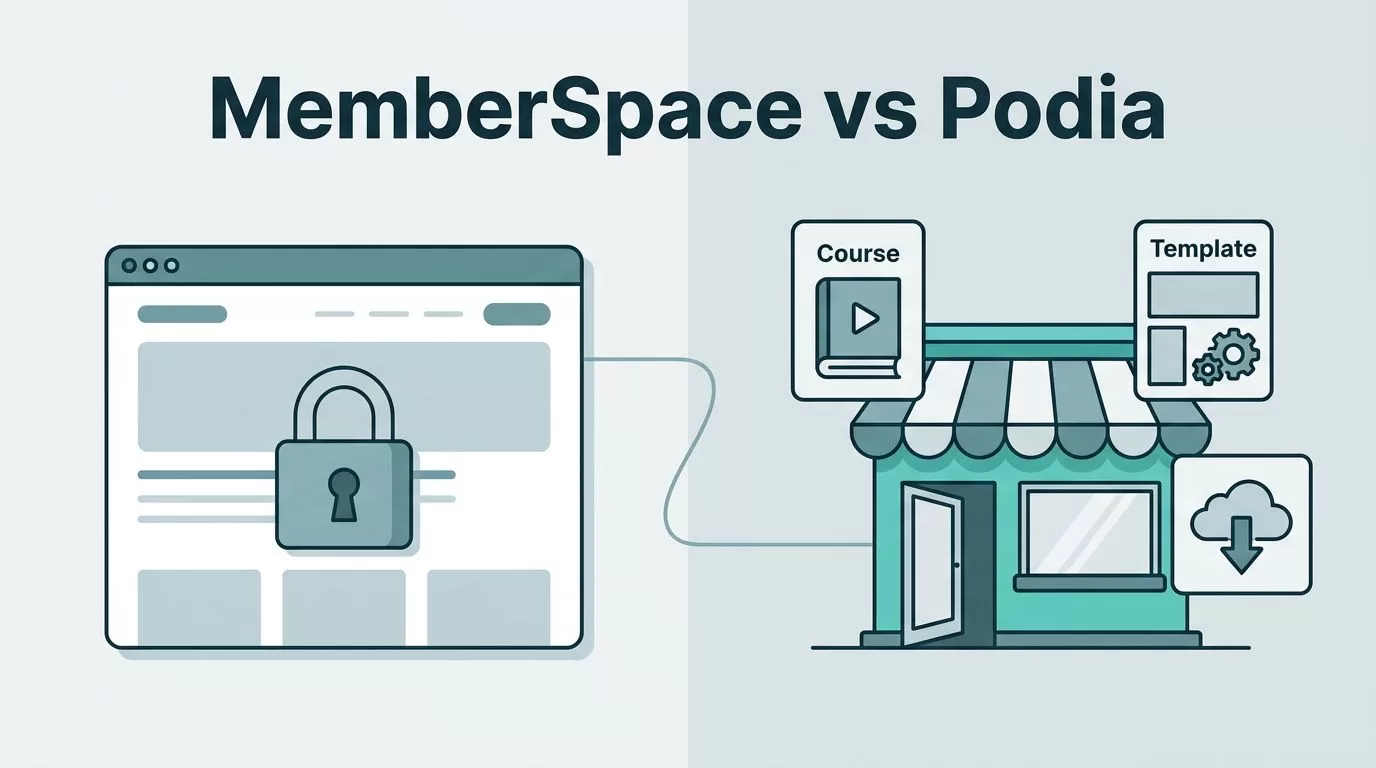
When I compare MemberSpace and Podia, I am comparing a paywall with a storefront. One protects content on a site I already own. The other gives me the site, checkout, email, and product tools in one place.
That difference matters when I sell memberships, courses, templates, or downloads. A light stack can save time, but it can also leave gaps if I need course structure or built-in marketing. I want the simplest setup that still matches the product I am selling, so I focus on control, pricing, and what each platform actually handles for me.
If I already know which one I need, I can move fast. If not, the details below make the call easier.
Suggested slug: memberspace-vs-podia-2026
Table of contents
- The short answer I give first
- MemberSpace vs Podia: the core split
- MemberSpace vs Podia at a glance
- Pricing and fees in 2026
- Where each platform fits best
- Setup, control, and ownership
- Common questions I hear
- Conclusion
The short answer I give first
If I already have a website and I want to hide parts of it behind a login, I start with MemberSpace. If I want one place to build the site, sell the product, and manage the email list, I start with Podia.
That split lines up with broader membership software roundups too, including Outseta’s best membership management software list. The same pattern shows up again and again. One tool is stronger as an access layer. The other is stronger as an all-in-one product home.
As of June 2026, I treat that as the real decision. I do not start with price. I start with the job the platform needs to do. If the product lives on my own site, MemberSpace feels cleaner. If the product needs a full sales and delivery system, Podia feels lighter to run.
MemberSpace vs Podia: the core split
MemberSpace sits on top of a site I already own. I use it when I want to gate pages, protect a library, or sell recurring access without rebuilding my whole web presence. Podia is different. It is the place where I build the site, host the product, and run the sale.


That split changes everything for digital products. If I sell a paid resource vault, a private podcast feed, a membership area, or a simple gated collection of files, MemberSpace fits the shape of the work. It is closer to a control panel than a storefront. It lets me keep the design, domain, and site structure I already like.
Podia asks less of me at the start. I do not need to bolt together a separate site builder, checkout tool, and email tool right away. I can open one dashboard and start selling. That makes it a better fit when speed matters more than fine-grained site control.
If I need a richer course stack, I do not force MemberSpace to become one. I wrote more about that in my MemberSpace Teachable alternative guide, because access control and course delivery are not the same job. MemberSpace is strong when the gate matters most. Podia is stronger when the whole package matters.
MemberSpace vs Podia at a glance
A side-by-side view makes the tradeoff easier to see.
| Area | MemberSpace | Podia |
|---|---|---|
| Main role | Adds membership access to my existing site | Hosts my website and products in one place |
| Best at | Gating content, recurring access, protected libraries | Courses, downloads, webinars, email, checkout |
| Site control | High, because I keep my own site | Moderate, because the platform owns the stack |
| Course tools | Basic access control, not a full course builder | Built-in course builder with simple lesson delivery |
| Email marketing | Needs a separate tool | Included |
| Setup style | Better if I already have a website | Better if I want one dashboard from day one |
| Best fit | Access-first membership business | All-in-one digital product business |
The table hides one important detail. MemberSpace is not trying to be a full course platform. Podia is trying to be an all-in-one home for products, and that is why it feels broader.
I also keep an eye on how the lesson and product structure feels in real use. For a full map of the wider course and membership market, my Skool vs Kajabi comparison helps when I want to compare bigger bundle platforms, not just a gate versus a storefront.
Pricing and fees in 2026
I check pricing last, but I never ignore it. A cheap plan can turn expensive once fees and add-ons pile up. As of June 2026, I still verify live pricing pages before I buy, because plans and limits can change.
Here is the simple pricing picture I keep in mind.
| Pricing point | MemberSpace | Podia |
|---|---|---|
| Entry price | Starts around $39 per month | Mover is $39 per month |
| Transaction fees | Adds fees on sales | Mover charges 5% |
| Higher tier | Check the live pricing page for current tiers | Shaker is $89 per month |
| Higher tier fee | Depends on current plan terms | 0% transaction fee on Shaker |
| Best value pattern | Good when access control is the main job | Good when I want fewer tools and fewer gaps |
A quick third-party snapshot like Slashdot’s MemberSpace vs Podia page shows the same broad fee split. The details can move, but the logic stays stable.
I look at total cost, not just the sticker price. If I need a separate site builder, a separate email tool, or a separate course stack with MemberSpace, the math changes fast. If Podia lets me retire two or three tools, the higher monthly plan can still cost less in practice.
Where each platform fits best
MemberSpace works best when my site already exists and the product is access.
Podia works best when the platform itself is the product home.
Best for creators selling memberships
I reach for MemberSpace when recurring access is the main thing I am selling. That includes private newsletters, resource libraries, paid communities with a lighter content layer, member-only content hubs, and simple subscription sites.
It also works well when my brand already has a website people trust. I do not have to rebuild the front end or move my content just to add paid access. That keeps the site familiar for members and easier to manage for me.
If I care about design control, MemberSpace pulls ahead fast. I keep the look, layout, and site structure I already built. I only add the layer that manages who can see what. That is a clean fit for founders, consultants, and small teams that already have a web presence.
Best for all-in-one digital products
I choose Podia when I want one place to sell courses, downloads, coaching, webinars, and memberships. It is the better match when the business needs a broader catalog, not just a locked door.
The built-in course tools matter here. I do not need to stitch together a separate learning system just to deliver a simple course. Podia keeps the workflow tight, which helps when I want to launch quickly and keep the stack easy to run.
Podia also helps when email marketing belongs in the same place as the product. That matters more than it sounds. A separate tool can be fine for a larger business, but a solo creator or small team often wants one dashboard and fewer moving parts. If that sounds like my setup, Podia is usually the better fit.
Setup, control, and ownership
The setup question is where the choice becomes real. With MemberSpace, I need a website first. With Podia, the platform gives me the website and the product system together.
That means MemberSpace rewards people who already own their web stack. I can keep my domain, my pages, and my design. I add the membership layer, then protect the parts I want behind a paywall. That is a strong fit if I already run WordPress, Webflow, or another custom site and do not want to start over. For more detail on that path, my MemberSpace as a Teachable alternative guide covers the access-first setup I use when I want a leaner membership build.
Podia reduces setup work in another way. I do not have to connect as many separate tools before I can sell something. That saves time at launch, especially when I want to test an offer before I invest more in the stack. It feels less like assembling parts and more like opening a shop.
I also pay attention to ownership. If I care most about owning the site layer, MemberSpace gives me more room. If I care most about owning the workflow inside one platform, Podia keeps things simpler. I use the same rule for digital product businesses that may grow later. The cleaner the structure, the easier it is to change offers without breaking the whole site.
I like seeing how other member-area setups handle that tradeoff too. Squarespace Member Sites: 2026 Guide & Comparisons gives a useful wider view of how gated content works inside a site-first model.
Common questions I hear
Which is easier for beginners?
Podia is easier for beginners. I can build the site, add the product, and start selling without setting up a separate web stack. MemberSpace is still simple, but it makes more sense when I already have a site I trust.
Can MemberSpace sell digital products?
Yes, but I treat it as a membership and access layer first. If I only need to sell access to a protected library or content area, it works well. If I need a deeper course builder, I look for another tool to handle that part.
Does Podia replace email software?
For many small creators, yes. Podia includes email marketing, so I do not need to plug in a separate email tool right away. That keeps the stack smaller and easier to maintain. Bigger teams may still want a dedicated email system later.
Which one is better for a site I already own?
MemberSpace is better for that situation. I keep my existing website, then add the paid access layer on top. That is the cleaner path when I do not want to rebuild my brand site just to sell a product.
Which one should I choose if I sell memberships and courses?
I start by asking which part matters more. If the membership itself is the product, I lean toward MemberSpace. If the course catalog, email, and checkout need to live together, I lean toward Podia. When my product mix gets broader, I compare more than two tools and look at the rest of the stack too.
Conclusion
The clearest MemberSpace vs Podia answer in 2026 is simple. MemberSpace is the better fit when I already own the site and want stronger access control. Podia is the better fit when I want one place to host, sell, and market digital products.
I do not choose between them by hype. I choose by structure. If the product is mainly a gated membership, MemberSpace feels like the right key. If I want an all-in-one home for digital products, Podia gives me fewer moving parts and a faster launch.
The best platform is the one that matches how I sell today, not the one that looks cheapest on the pricing page.

