How to Conduct an A/B Test With Mida and GA4
An A/B test compares two versions of a page or experience. The control is the current version. The variant contains a planned change. A testing tool assigns eligible visitors to each version, then the team compares their outcomes. Good test...
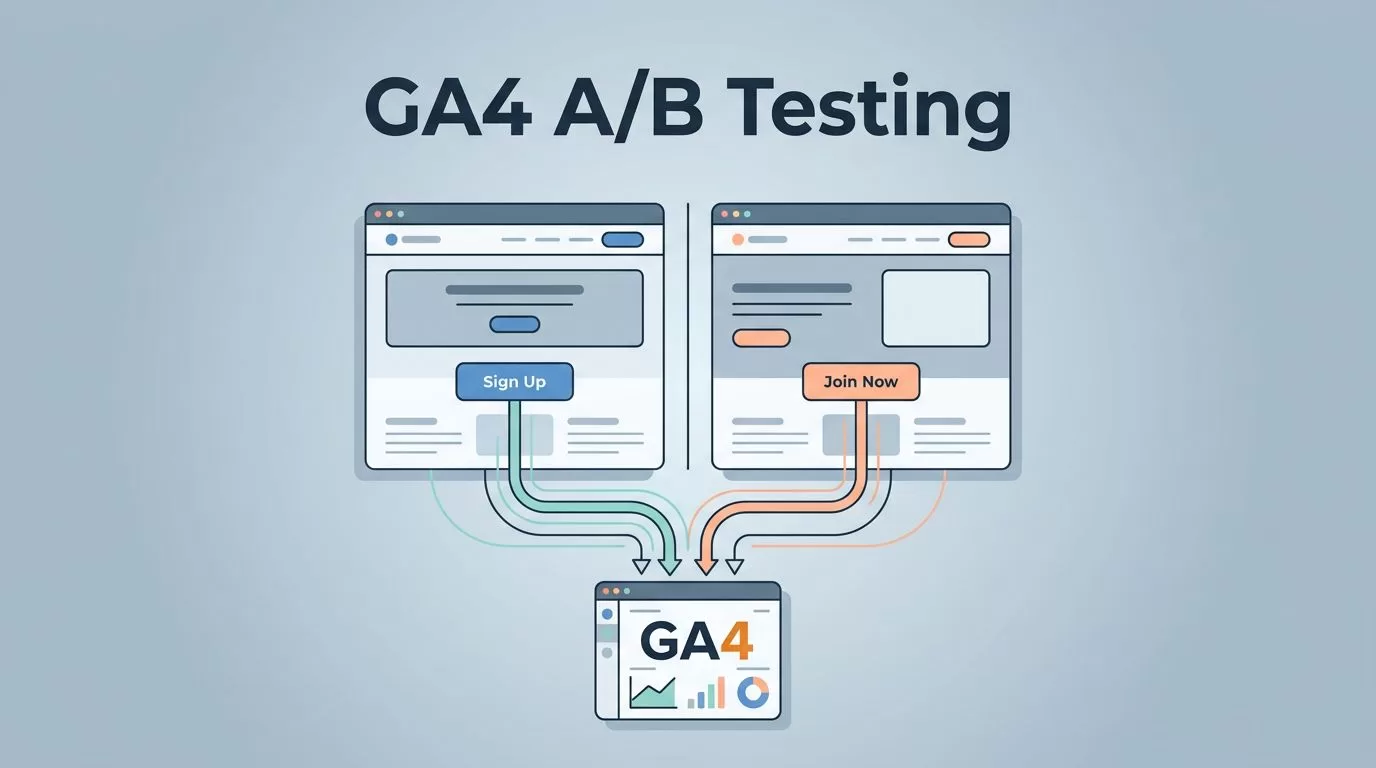
An A/B test compares two versions of a page or experience. The control is the current version. The variant contains a planned change. A testing tool assigns eligible visitors to each version, then the team compares their outcomes.
Good tests start before anyone edits a page. You need a clear reason for the change, a metric that reflects the goal, and enough data to make a useful decision. Mida can help create and assign variants. Google Analytics 4 (GA4) can help you review experiment exposure and visitor outcomes alongside your other analytics data.
Neither tool can rescue a poorly designed test. This guide walks through the full process, from writing a hypothesis to deciding what to do with the results.
1. Start with a user or business problem
Do not begin by changing a button color just because it is easy. First find a problem worth investigating.
Look for evidence in sources such as analytics reports that show where visitors leave a funnel, customer questions about a confusing offer or next step, usability sessions that reveal hesitation, support conversations or sales calls, and page feedback, form abandonment, or purchase data.
For example, visitors may reach a pricing page but rarely start a trial. That points to a problem to investigate. It does not prove that the button is the cause. Review the page and gather evidence before choosing a change.
A/B testing can tell you whether the tested version changed a measured outcome. It cannot, by itself, explain why people behaved differently. Pair quantitative results with user feedback or usability research when you need to understand the reason.
2. Write a testable hypothesis
A hypothesis connects an observed issue to a specific change and an outcome. Use this format:
If we change [element] for [audience], [primary action] will improve because [observed reason].
For example: If we change the trial button label from “Submit” to “Start my free trial” for pricing-page visitors, trial starts will increase because the current label does not explain what happens next.
This hypothesis gives the team a reason for the test, a target audience, and a result to measure. It also helps prevent a test from turning into a collection of unrelated edits.
3. Choose one change and define the audience
Keep a test focused. If you change the headline, page layout, button copy, and offer at the same time, a result will not tell you which change mattered.
For a standard A/B test, compare the current page with one version that changes a single main idea. Minor changes that support that idea may be reasonable, but document them. If you need to compare several combinations, use a method designed for multiple variants and plan for the larger data requirement.
Define who should enter the test before launch. That might be visitors to one landing page, people using a specific device, or new visitors from a campaign. Do not change the audience midway through the experiment unless you are willing to treat the test as compromised.
A common starting allocation is 50/50. It gives both versions similar exposure and can make it easier to collect data. It is not the right choice for every test. A team may use a smaller share for a risky change, but a smaller allocation also means it can take longer to gather enough data. Choose the split before launch and keep it stable.
4. Choose one primary metric and guardrails
Select one primary metric before the test starts. It is the main measure used to decide whether the change helped. Choose a metric tied to the business goal, not simply the easiest number to move.
Add guardrail metrics to catch trade-offs. These are important outcomes that should not get worse while the primary metric improves.
| Page or goal | Possible primary metric | Possible guardrails |
|---|---|---|
| Ecommerce product page | Completed purchases per eligible visitor | Revenue per visitor, refunds, add-to-cart rate |
| Lead generation page | Qualified leads per eligible visitor | Form completion, lead quality, follow-up response |
| SaaS signup page | Completed account creations per eligible visitor | Activation, trial-to-paid conversion, early retention |
Clicks and scroll depth can help explain behavior, but they are not always signs of business success. A button can receive more clicks while producing fewer purchases. Use them as supporting measures unless the click itself is the true goal.
Write down how each event is defined. For instance, decide whether a purchase means a completed transaction, an order confirmation page view, or a server-confirmed event. Changing definitions after the test begins makes comparisons harder to trust.
5. Estimate sample size and test duration
Before launch, record the baseline conversion rate for the audience you plan to test. Then decide the minimum detectable effect (MDE), the smallest improvement worth detecting and acting on.
For example, a page with a 5% baseline conversion rate might not justify a test for a tiny lift if the cost of implementing the change is high. The MDE should reflect what would matter to the business, not just what would look impressive in a report.
Use a sample-size calculator to estimate how many eligible visitors or conversions you need. The estimate depends on factors such as:
- Baseline conversion rate
- MDE
- Significance threshold
- Desired statistical power
- Number of variants and allocation
Teams often plan around a 5% significance threshold and 80% power, but these are planning choices, not guarantees of business value. Record your assumptions before the experiment starts. More variants usually require more data.
Set a test window that gives the experiment enough time to reach its target and includes the normal business cycle for that page. A weekday-only test may not represent a store with different weekend behavior. Seasonal promotions, holidays, and major campaigns can also affect results.
Do not stop the test early just because one version leads for a day. Results can swing while the sample is small. Repeatedly checking and stopping as soon as a result looks favorable can increase the chance of a false win. Stop when you reach the pre-set sample and planned duration, unless a technical issue or safety concern requires you to pause.
6. Set up Mida and GA4
Mida handles experiment assignment and exposure. GA4 supports measurement and reporting. According to Mida’s GA4 integration documentation, the integration requires a GA4 configuration tag on the page, through gtag.js or Google Tag Manager, as well as the Mida tracking code.
A practical setup sequence is:
- Confirm that your GA4 tag is working on the pages included in the test.
- Install the Mida tracking code on those pages.
- Enable the GA4 integration in your Mida workspace.
- Create the experiment, set the audience and allocation, and define the change.
- Confirm that the conversion goal is configured and that the test reaches the full conversion path.
- Test the experience on desktop and mobile before exposing real traffic.
Mida’s documentation says its integration sends three events: mida_pageview, mida_execute, and mida_conversion. It describes the event data as including the test ID, test name, variant, and an anonymous Mida user ID. Check the actual payload in your GA4 property before relying on any parameter names in a report.
| Event | What Mida says it represents | What to check |
|---|---|---|
mida_pageview | Visitor has been bucketed into a variant on a page | Whether the event appears for the expected page and test |
mida_execute | A test campaign actually ran on the current page | Whether the visitor received the intended variant |
mida_conversion | Visitor reached a Mida conversion goal | Whether the goal matches the business outcome you chose |
The event names and descriptions above come from Mida’s published integration page. Review the event details in your own property. Do not assume that a parameter name is available, or that it has been registered for reporting, until you verify it.
Register GA4 custom dimensions when needed
GA4 collects event parameters, but custom parameters may need to be registered as custom dimensions before you can use them in certain reports and explorations. Google’s guide to custom dimensions and metrics explains that you must first collect the parameter and then create the relevant custom definition.
Check the event payload in DebugView or the event details in GA4. Use the exact parameter key shown there when creating an event-scoped custom dimension. Registration does not make historical data appear retroactively, and new definitions can take time to become available in reports. Google notes that custom definitions may take 24 to 48 hours before they are available for reporting.
Handle cross-domain journeys carefully
Mida says you can use the same project snippet across different websites or domains by adding it to each site. That supports a test spanning those sites, but it does not automatically configure GA4 to treat a visitor as the same user across domains.
If visitors move between domains during the conversion journey, configure GA4 cross-domain measurement as well. Google’s cross-domain measurement guide explains how to add domains to the GA4 web stream configuration. Test the entire journey, including links and forms that move people from one domain to another.
Check current plan limits
Mida’s pricing page currently lists its free Sandbox plan with up to 100,000 monthly tested users and a limit of 50,000 tracked events per day. Mida defines a monthly tested user as a unique visitor who interacts with at least one active experiment during a billing month. These plan details were checked in September 2026 and can change, so confirm them on the pricing page before planning a test.
Mida says its script is 15 KB compressed and designed to have minimal impact on site speed. That is a product claim, not a guarantee for every website. Actual performance depends on how the script is installed and on the site, device, and network. Test page behavior and performance in your own environment rather than relying on a general comparison.
7. Run a pre-launch quality check
Before sending visitors into an experiment, walk through the experience as a real visitor would.
- Confirm that eligible visitors are assigned consistently and do not keep switching versions.
- Check that the control and variant load on the intended pages.
- Verify that exposure events and conversion events appear in Mida and GA4.
- Confirm that event definitions match the primary metric and guardrails.
- Test the complete conversion path, including confirmation pages or steps on another domain.
- Review the experience on mobile and desktop.
- Check that the page still works with consent settings, ad blockers, and common browsers.
- Confirm that traffic sources and audience rules match the test plan.
An A/A test sends visitors to two versions that are intentionally identical. It can help reveal issues in assignment, tracking, or analysis if the reported results differ more than expected. It is not proof that every future test will work correctly, but it can be a useful setup check when the experiment process is new or has changed.
8. Validate events before trusting reports
Use GA4 Realtime and DebugView to check whether events arrive as you test. They are useful for early validation, but they do not replace reviewing processed data in standard reports. Standard reports may take 24 to 48 hours to process data, and report timing can vary.
| Problem | What to check |
|---|---|
| No Mida events in GA4 | Confirm that the GA4 tag and Mida snippet load on the tested page, then check the Mida integration setting. |
| Exposure appears, but conversion does not | Test the full conversion path and confirm the Mida goal or conversion event fires at the intended step. |
| Variant details are missing from a report | Inspect the incoming event parameters, then register the exact parameter as a custom dimension if needed. Allow time for processing. |
| Visitors seem to switch variants | Check assignment and targeting rules, cookies or consent behavior, and whether multiple versions of the snippet or experiment are active. |
| Cross-domain traffic is split | Check that the Mida project snippet is present on each test domain and that GA4 cross-domain measurement is configured for the journey. |
| Results differ by device | Confirm that both variants render and function correctly on each device. Review segments only if they were planned or the difference points to a clear issue. |
If tracking is wrong, pause the experiment and fix it. Do not treat data collected during a known measurement failure as a reliable result.
9. Interpret the result and choose a next step
When the test reaches its planned sample and duration, review the primary metric and guardrails together. Statistical significance alone does not show that a result is valuable to the business. It also does not protect against faulty tracking, an unrepresentative audience, or a broken user experience.
- The variant improves the primary metric and guardrails remain healthy: Consider applying the change to the tested page and audience. Continue monitoring after rollout.
- The control performs better: Keep the control. Review the hypothesis and evidence before designing another test.
- The result is inconclusive: Do not call a winner. Check whether the test reached its sample target and whether the MDE was realistic. You can collect more data only if the test plan supports doing so, or use other research to shape a new test.
- The primary metric improves but a guardrail declines: Investigate the trade-off. For example, more trial starts may not be worth it if activation or lead quality falls.
- Results vary by audience or device: Treat the difference as a question to investigate. Avoid declaring a segment winner based on a small, unplanned comparison.
A win applies to the page, audience, and conditions tested. It is not proof that the same change will work everywhere. Record the hypothesis, audience, dates, allocation, primary metric, guardrails, sample, result, and decision. That record helps the team learn even when a test does not produce a clear winner.
When A/B testing may not be the right fit
A/B testing needs enough traffic and conversions to distinguish a meaningful effect from normal variation. A low-traffic page may take too long to reach a useful sample. In that case, usability testing, customer interviews, support feedback, or a review of existing analytics may offer better evidence.
A/B testing is also a poor way to explain why visitors act as they do. It measures outcomes, not motivation. Pair it with session analysis or direct user research to understand friction and plan stronger follow-up tests.
For a broad redesign, consider breaking the change into focused questions or using a research method suited to comparing many combinations. Adding variants increases the amount of data needed and can make results harder to interpret.
Frequently asked questions
Is a 50/50 split required?
No. It is a common allocation, but the right split depends on the risk and design of the experiment. Choose the split before launch and keep it stable.
Should I use clicks as my primary metric?
Only when the click itself is the business goal. For purchases, leads, or subscriptions, measure the completed outcome and use clicks as supporting context.
Does connecting Mida automatically make every GA4 report ready?
No. Confirm that events and their parameters arrive in your property. Register custom dimensions for custom parameters when needed, and allow time for GA4 processing.
What if the test does not reach significance?
Treat the result as inconclusive, not as proof that both versions are identical. Review the planned sample, test duration, tracking quality, and whether the MDE was practical. Use the result and other research to decide what to test next.
Sources checked in September 2026: Mida GA4 integration, Mida pricing, Google Analytics custom dimensions, and Google Analytics cross-domain measurement.
