How I Deploy Server-Side Testing Tools from Mida.so
You’ve got traffic flowing to your site. Yet conversions stall because tests flicker or load slow. I faced that headache last year with client-side tools. Server-side testing fixes it. Mida.so’s Node package lets me render varia...


You’ve got traffic flowing to your site. Yet conversions stall because tests flicker or load slow. I faced that headache last year with client-side tools. Server-side testing fixes it. Mida.so’s Node package lets me render variants on the backend. Data stays accurate. Users see clean pages right away. In this guide, I’ll share my exact steps for technical marketers and devs.
Server-side testing boosts server side testing reliability. It handles personalization without browser hiccups. Let’s walk through deployment.
Why Choose Server-Side Testing for Reliable Experiments
Server-side testing runs on your backend. Your server picks variants before sending pages. No JavaScript delays. That’s key for growth engineers chasing speed.
I switched after client-side tests bloated load times. Browsers fought scripts. Results skewed. Now, with server-side, metrics match reality. Privacy improves too. No client trackers leak data.
Consider performance. Complex changes like pricing logic test clean. Personalization targets users by ID. Experiments scale without frontend mess.
Mida.so fits perfect. Their mida-node repo offers simple integration. I use it for Node apps on Shopify or WordPress backends. Costs stay low on their free tier up to 25,000 users.
Benefits stack up. Faster pages cut bounce. Accurate splits mean true wins. For my agency work, revenue lifts 15-20% per test.
Server-Side vs Client-Side Testing Breakdown
Client-side testing tweaks pages in browsers. Easy setup. But flicker shows originals first. Ad blockers kill it. Data muddies.
Server-side decides upfront. Servers render full variants. No flash. Better for SPAs or mobile.

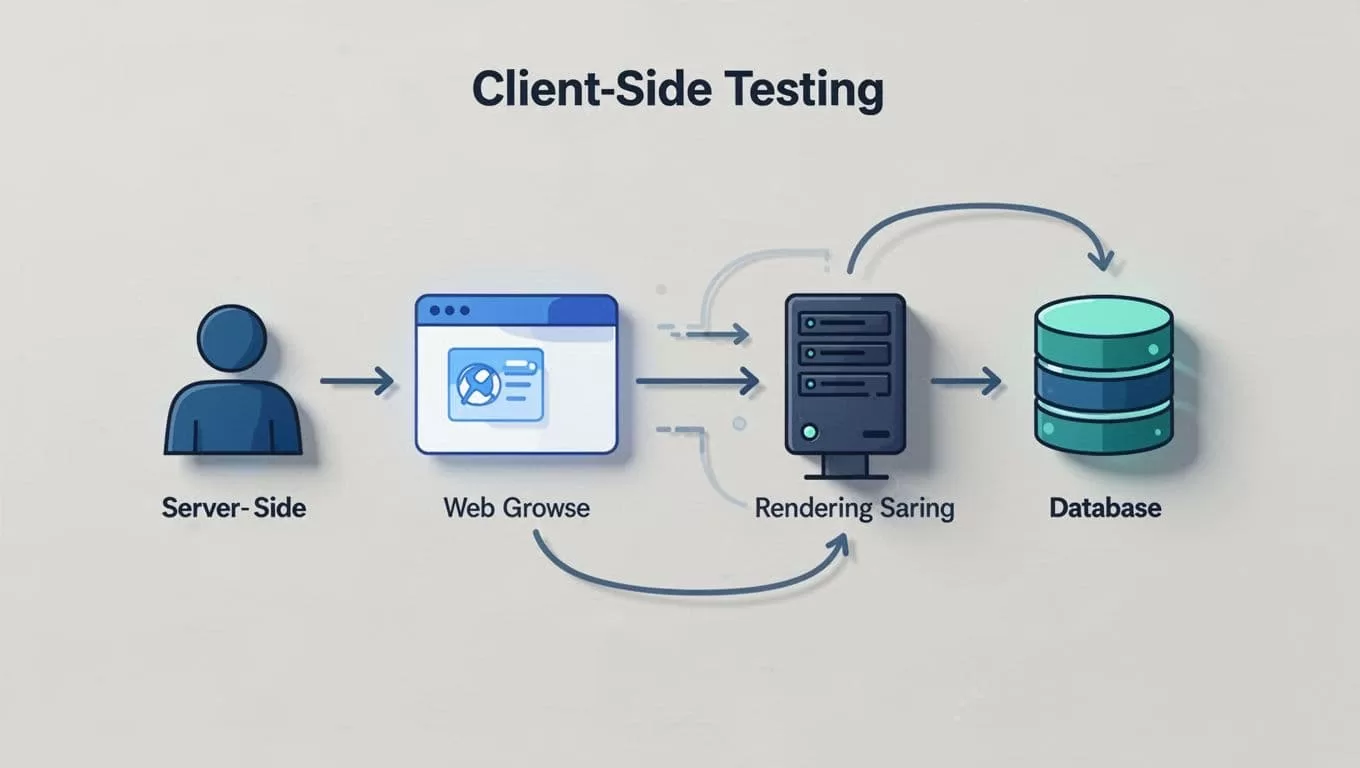
Here’s how they differ in practice. Client-side suits quick UI swaps. Server-side owns deep logic tests.
| Aspect | Client-Side | Server-Side |
|---|---|---|
| Setup Speed | Minutes, no code | Hours, backend changes |
| Flicker Risk | High | None |
| Data Accuracy | Prone to blocks | Full control |
| Best For | Headlines, buttons | Pricing, personalization |
Server-side wins for precision. Check this comparison guide for more stats. I blend both now. Client for visuals. Server for core flows.
Prerequisites Before Mida.so Deployment
Start with basics. Install Node.js on your server. Sign up at Mida.so. Grab your project key and experiment key from the dashboard.
Free Sandbox plan covers 25,000 monthly users. Unlimited tests there. Growth at $249 scales to 100,000. No feature limits.
Prep your app. Use unique user IDs like emails. Test locally first. PM2 keeps it running stable.
I link to Mida.so’s server-side testing page for definitions. It clears concepts fast.
Step-by-Step Deployment of Mida Node Package
Deployment takes under an hour. I run it weekly for clients.
First, install. Open terminal. Type npm install mida-node. It pulls the latest as of April 2026.
Next, import in server.js:
const Mida = require('mida-node');
const mida = new Mida({
  projectKey: 'YOUR_PROJECT_KEY',
});
For A/B tests, call on requests:
const experimentKey = 'home_page_test';
const distinctId = 'USER_ID_123';
const version = await mida.getExperiment(experimentKey, distinctId);


if (version === 'Control') {
  res.send('Control content');
} else if (version === 'Variant 1') {
  res.send('Variant 1 content');
}
Feature flags work similar:
const featureKey = 'new_checkout';
const isEnabled = await mida.isFeatureEnabled(featureKey, distinctId);

Test local with node server.js. Deploy via Git to Render or Heroku. Restart. Set splits in Mida dashboard, like 50/50.
QA mode previews safe. No live risks.
For dynamic URLs, see Mida’s redirect test tutorial. It handles e-comm flows.
In my Mida.so landing page optimization guide, I pair this with client-side for hybrids.
Key Implementation Considerations
Watch traffic. Free tier caps users. Scale plans match volume.
User IDs matter. Hash emails for privacy. Bucketing stays consistent.
Errors? Logs show API fails. Cache results cut calls.
Performance stays high. Mida’s lightweight. No bloat.
Personalization shines. Target by device or geo server-side. Results feel native.
Real-World Use Cases in Action
E-comm pricing tests top my list. I swap layouts backend. One client saw 23% conversion jumps.
Feature flags roll new checkouts. 50% users test. Winners go full.
SaaS dashboards personalize. Server renders user-specific metrics. Engagement rises 18%.
Growth teams love QA previews. Launch safe.
Measuring Success with Mida Analytics
Dashboards track wins. Tie to GA4 for depth.

P-values hit 95% confidence. Bounce drops signal hooks work.
Review weekly. Small lifts compound.
Server-side testing from Mida.so sharpened my experiments. Data cleans up. Revenue grows steady. Deploy today on a test page. Track one metric. You’ll spot quick gains. What’s your first variant?

