Best No-Code Automation Tools for Admin Work in 2026
Admin work often disappears in tiny pieces. A reminder gets sent twice, a form sits unanswered, and a status update gets copied into three places. I look for no-code automation tools that cut those repeat tasks without creating new ones. In...
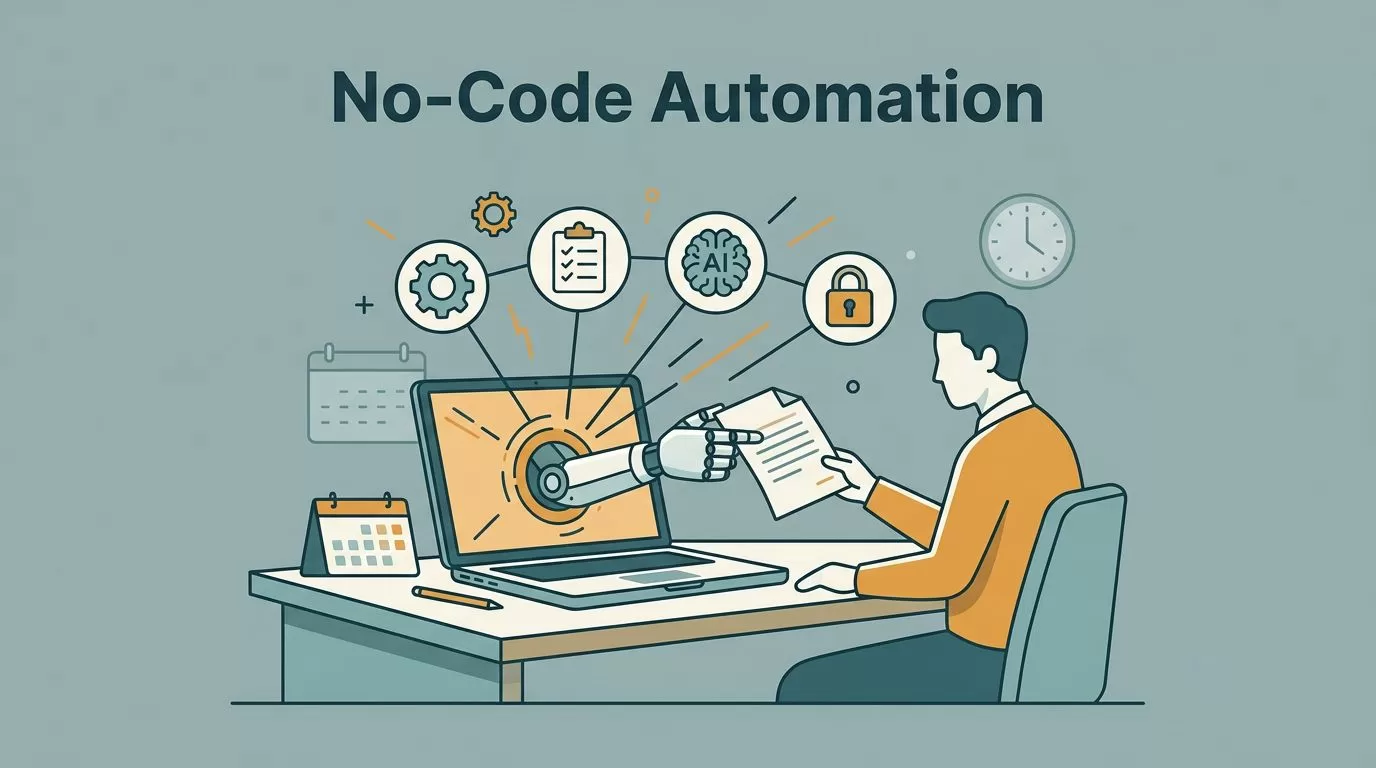
Admin work often disappears in tiny pieces. A reminder gets sent twice, a form sits unanswered, and a status update gets copied into three places.
I look for no-code automation tools that cut those repeat tasks without creating new ones. In 2026, the best options are the ones that handle real office work, not just flashy demos.
When I compare tools, I care about five things first, ease of use, templates, approval flows, AI help, and security controls. Then I ask whether the price still makes sense once the workflow grows.
What I look for before I trust a tool
I want a tool I can set up fast, because admin teams rarely get extra time for setup. I also want reusable templates, since starting from zero slows everything down.
Approval routing matters too. If a tool cannot move a request from one person to the next, it only solves half the problem.
Security is the last filter. I look for access controls, audit trails, and options that fit company policy. If the workflow touches payroll, vendor data, or HR records, that matters even more.

The short list I would compare first
Here’s the comparison I would use before I commit to one platform.
| Tool | Ease of use | What it does best | Security and scale | Pricing position |
|---|---|---|---|---|
| Zapier | Very easy | Fast app-to-app handoffs, templates, AI help | Good for small to mid-size teams, standard SaaS controls | Free tier, then low-cost starter plans |
| Make | Moderate | Visual branching and multi-step workflows | Strong for more complex routes | Usually cheaper than heavy enterprise tools |
| n8n | Moderate | Custom logic, self-hosting, privacy | Best for control and sensitive data | Cloud or self-host, often low tens to start |
| Microsoft Power Automate | Moderate | Approvals, Microsoft 365, desktop flows | Strong governance and admin controls | Often bundled or priced per user/add-on |
| Airtable | Easy | Forms, databases, light automations, AI workspaces | Good for shared records and team visibility | Free tier, then per-seat business plans |
| Cflow | Easy | Approval workflows and audit trails | Good compliance fit for formal requests | Usually business or quote-based pricing |
Zapier wins on speed. Make gives me more branching. n8n gives me more control. Power Automate fits Microsoft shops. Airtable and Cflow solve structure and approvals. I keep Gumloop on my radar for AI-heavy triage, but these are the tools I would compare first.
I start with the workflow shape, then I check security and price. The brand name matters less than the handoff it has to fix.
Zapier for fast setups and everyday handoffs
Zapier is the tool I reach for when I want a task done today, not next week. It connects thousands of apps, so I can move form data into Sheets, send a Slack alert, or create a calendar hold without much setup.
The templates help a lot. So does the AI builder, especially when I need a quick workflow for email routing or simple intake forms.
The trade-off is cost and depth. Once a workflow gets messy, Zapier can feel expensive, and branching logic gets harder to manage. For executive assistants and office managers, that’s fine if the process stays clean.

Microsoft Power Automate for teams inside 365
I reach for Power Automate when the company lives in Outlook, Teams, SharePoint, and Excel. The Power Automate platform does well with approvals, desktop flows, and governance rules.
That makes it a strong fit for office requests, purchase approvals, and internal notifications. It also matters when security teams want clear access control and logging.
Copilot adds some AI support, which helps non-technical users build faster. The downside is licensing confusion. If my stack is not mostly Microsoft, I usually look elsewhere.
n8n for control, privacy, and complex paths
n8n is the tool I choose when I want more control over the whole flow. It handles multi-step automations well, especially when a process needs branching, API calls, or custom rules.
I also like it because I can self-host it. That gives me more privacy and a better fit for sensitive admin data.
The downside is setup time. n8n asks for more planning than Zapier, and it helps if someone on the team understands the logic before rollout. Still, for operations teams that want scale without a black box, it is a strong pick.
Make sits between Zapier and n8n. I use it when I want more visual control than Zapier, but I do not want the overhead of self-hosting.
Airtable and Cflow when the work needs structure
I treat Airtable as the admin hub and Cflow as the approval lane.
Airtable’s AI workflow builder works well when I need forms, records, views, and light automations in one place. I use it for onboarding lists, asset tracking, vendor logs, and shared request queues. It is also where templates help, because a good base saves me from rebuilding the same structure again.
When I connect intake forms to clean records, I use the same habit I describe in my email verification workflow, because bad data ruins good automation.
Cflow’s approval workflow platform is better when the process itself matters more than the data table. I like it for leave requests, purchase approvals, HR handoffs, and finance sign-off. The audit trail is useful, and the routing feels more formal than a general-purpose app.
Airtable gives me flexibility. Cflow gives me control. If I need both, I sometimes use Airtable for intake and Cflow for approvals.
How I would choose for different admin teams
- For a solo executive assistant, I would start with Zapier.
- For a Microsoft-heavy operations team, I would pick Power Automate.
- For a team that needs shared records and simple dashboards, I would use Airtable.
- For approvals with policy and audit needs, I would choose Cflow.
- For privacy, custom logic, and higher complexity, I would go with n8n.
The tool that fits the work usually wins
The best no-code automation tools for admin work in 2026 are the ones that match the job in front of me. If I need speed, I pick speed. If I need control, I pick control.
The wrong tool makes admin work feel heavier. The right one makes the busy parts fade into the background, which is exactly what good automation should do.
