How I Build No-Code Web Scrapers with Twin.so
You need product prices from a competitor site. Or job listings for your next hire. Data sits there, but coding a scraper feels out of reach. I faced this too until I found Twin.so. It lets me pull that info with plain English prompts. No s...

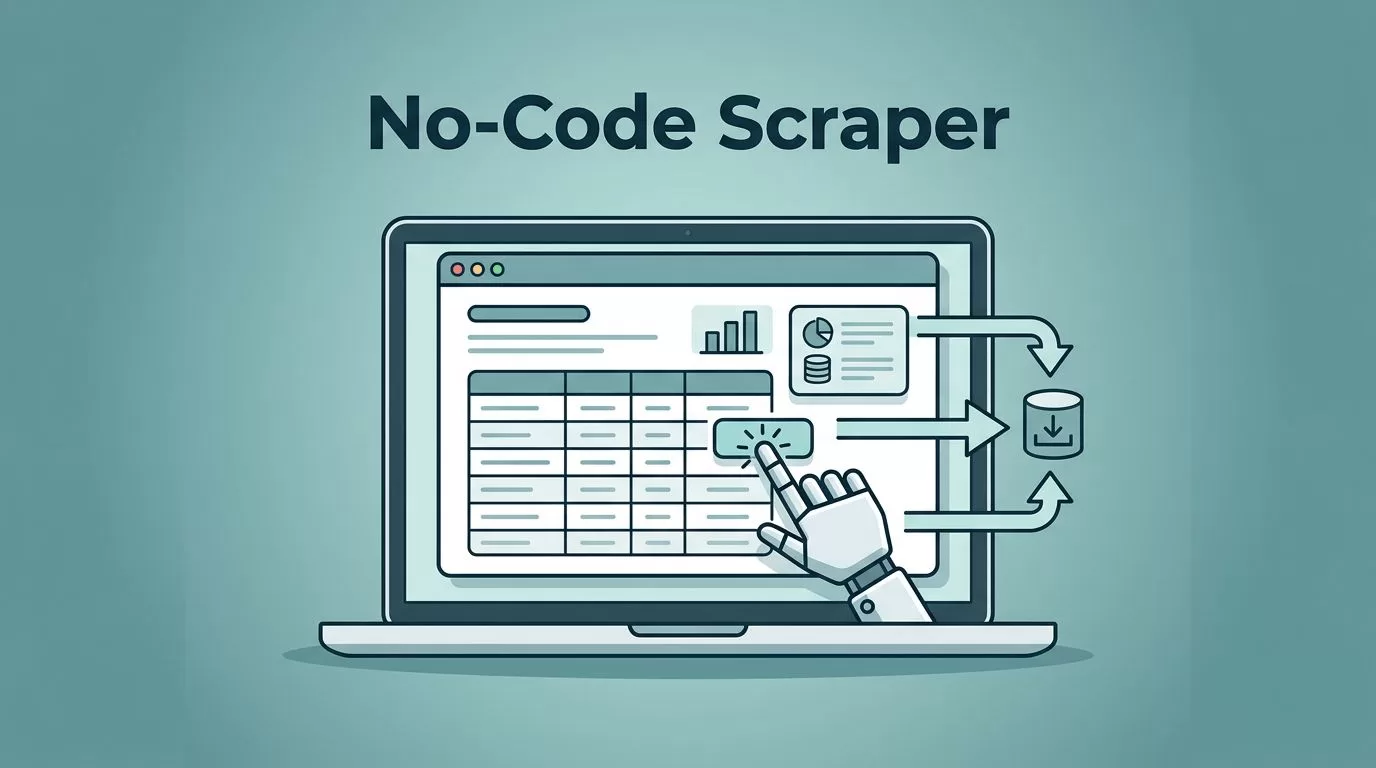
You need product prices from a competitor site. Or job listings for your next hire. Data sits there, but coding a scraper feels out of reach. I faced this too until I found Twin.so. It lets me pull that info with plain English prompts. No scripts. No hassle.
Twin.so builds AI agents that act like real users on websites. They click, scroll, and grab data. I use it for business leads or market checks. In this guide, I walk you through my exact steps. You’ll have a working scraper by the end.
Why Twin.so Beats Other Tools for Me
I tried several no-code options before Twin.so. Some falter on JavaScript-heavy pages. Others need constant tweaks. Twin.so handles dynamic content and self-heals when sites change.
Its agents prefer fast APIs first. They fall back to browser actions only when needed. This keeps runs cheap and reliable. Cloud execution means it works while I sleep.
For example, I scrape Google Maps for leads. Names, phones, addresses flow to a sheet. Compare it to tools like Browse AI for reliable no-code scraping. Twin.so adds AI smarts for tougher tasks.
Set Up Your Twin.so Account
I start with a free account on twin.so. Sign up takes seconds. No credit card up front.
Once inside, I see the dashboard. It shows agent builders and past runs. I click “New Agent” for my scraper.

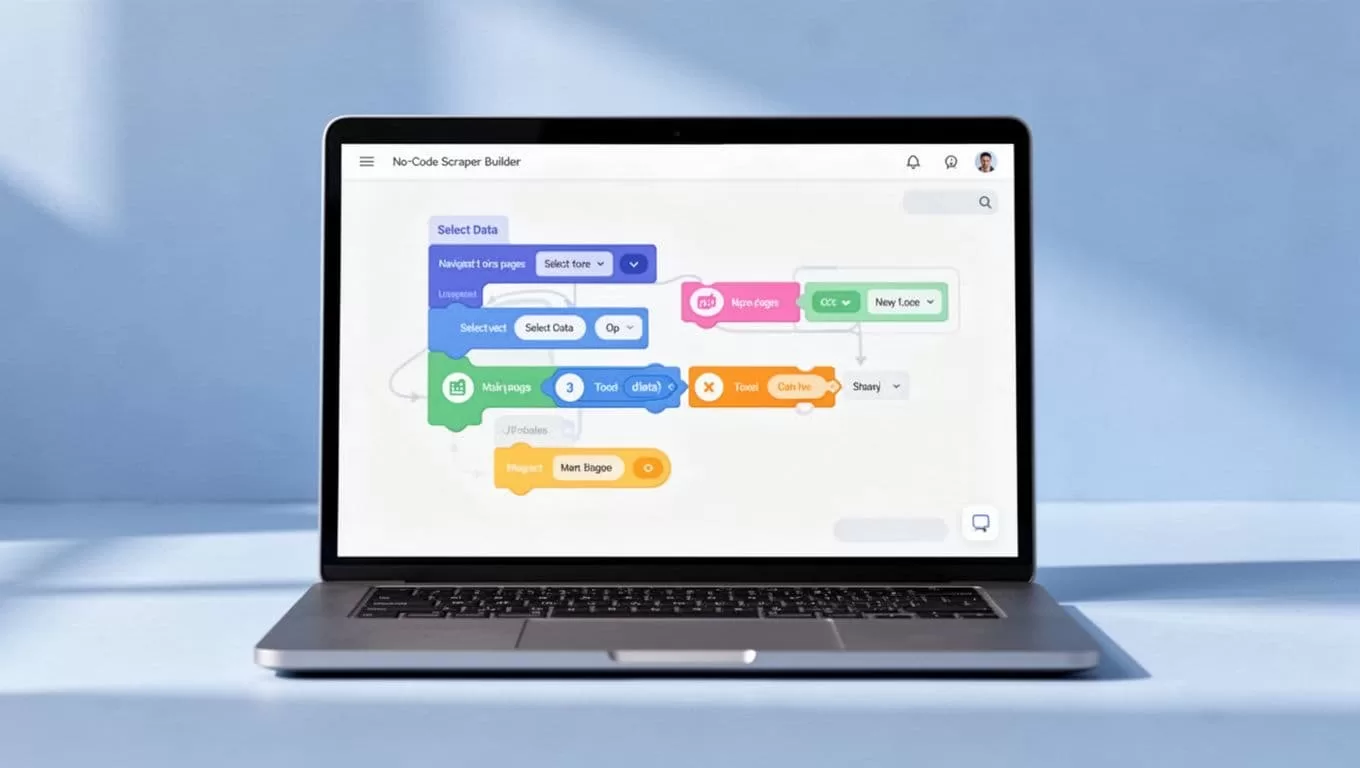
Name it something clear, like “Product Price Scraper.” Add a description: “Go to example.com/products, extract titles and prices for all items, save to Google Sheets.” Twin.so parses this into steps.
I link integrations early. Google Sheets works out of the box. Or use webhooks for CRMs. Test a quick run to confirm setup.
This base takes under five minutes. Now the agent knows my goal.
Define What Data to Scrape
I pick real targets. Say, e-commerce prices. Or Indeed job postings: title, company, salary.
In the prompt box, I write specifics. “Visit jobs.example.com/search?q=marketing. Click next pages until no more jobs. For each, get title, company, location, salary range.”
Twin.so suggests refinements. I add: “Ignore ads. Format salary as numbers only.” This cuts junk data.
For leads, I target directories. “Scrape business names, emails, phones from maps.site.” Set output as CSV rows.
Keep prompts under 100 words. Focus on one site first. Expand later.
I always check Twin.so’s quickstart guide for prompt examples. It shows browser automation basics.
Configure Your Scraper Steps
Twin.so turns my words into a workflow. I review the plan before launch.
The agent first scrapes the page structure. It spots fields like price tags or buttons. Then it simulates clicks.
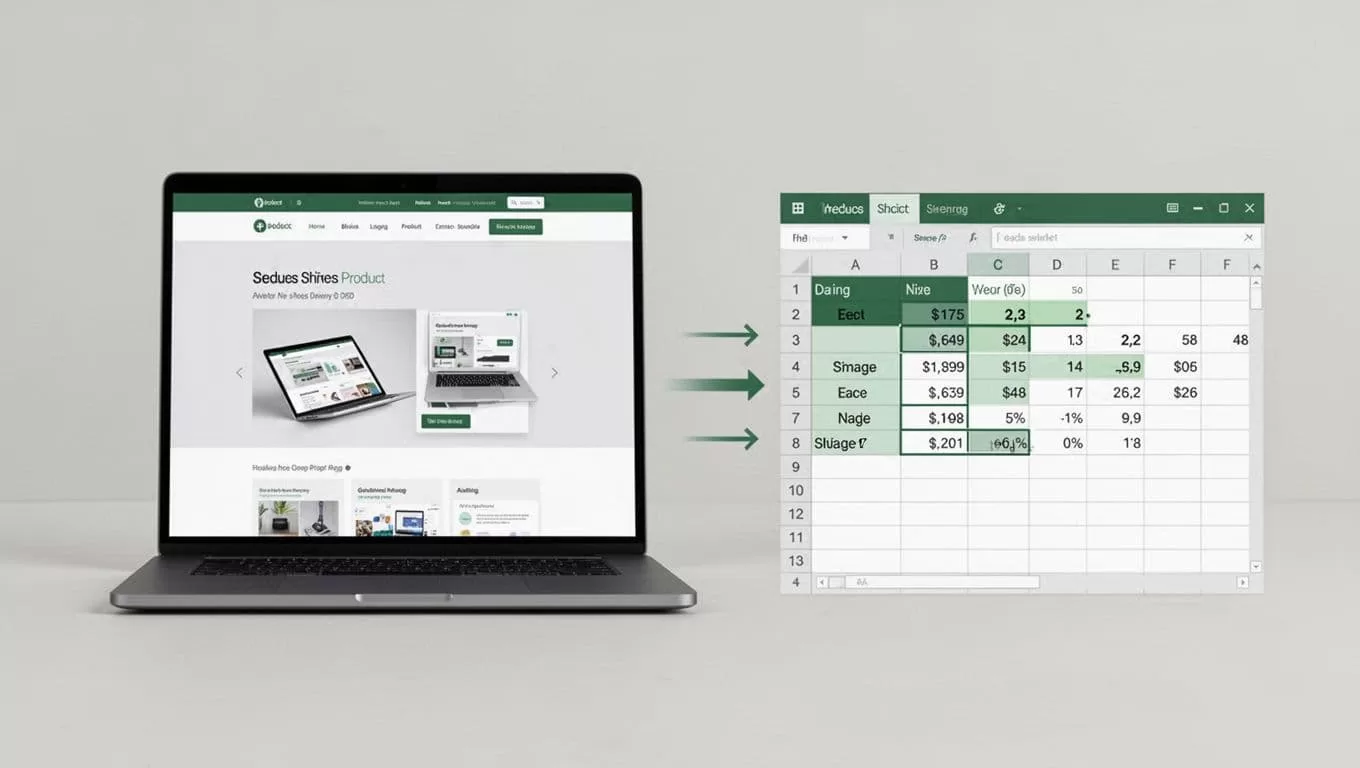
For products, steps look like this:
- Load the products page.
- Extract title and price from each listing.
- Click “Load More” or next page.
- Repeat until end.
- Clean data: strip currencies, standardize formats.
- Export to sheet.
Edit if needed. “Scroll slowly to load dynamic content.” Hit run.
It logs every action. I watch it navigate like me.
Tackle Pagination and Dynamic Pages
Sites with “next” buttons or infinite scroll trip up basic scrapers. Twin.so thrives here.
Its Web Agent clicks pagination naturally. Or scrolls to trigger loads. For dynamic pages, it waits for JavaScript to fire.
I add to prompts: “Handle login if needed. Rotate user agents for blocks.” Self-healing fixes layout shifts over runs.
See Twin.so Web Agent docs for details. They explain pre-analysis to plan sessions.
In tests, it grabbed 200 jobs across 10 pages. No misses.
Test and Export Your Data
I run small tests first. Target one page. Check output for accuracy.
Tweak prompts based on logs. “Missed salaries? Add ‘look for $ signs near job titles.'”
Once solid, schedule daily runs. Or trigger on events.

Export shines. Sheets, Airtable, or APIs. I pipe leads to my CRM.
Validate: Spot-check 10% manually. Use formulas for duplicates.
Boost Reliability and Stay Legal
Rate limits matter. I space runs. Twin.so rotates proxies.
For blocks, mention tools in prompts per Twin.so tips. It picks APIs over browsers.
Legal side: Check robots.txt. Respect terms of service. Avoid personal data without consent. Public business info stays safe.
I review site rules first. Scraping for internal use rarely trips alarms.
Key Takeaways
Twin.so makes no-code web scraping simple for me. I pull prices, jobs, or leads without code. Agents handle the hard parts: dynamics, pagination, exports.
Start small. Test often. You get reliable data fast.
Your business gains an edge. Build that first scraper today.

