You pour hours into your Transistor.fm podcast. Listeners rave about full episodes. But social media demands quick clips. Views stall without them. I faced that grind too. Then Opus Transistor.fm workflows changed everything for me.
Opus Clip grabs key moments from audio or video. It adds captions and formats for TikTok or Reels. Pair it with Transistor.fm hosting, and you automate repurposing. No direct link exists yet. So I bridge them manually. Follow my steps, and you’ll clip episodes fast.
Here’s a quick demo on Opus Clip editing that fits podcast flows:

Why Podcasters Love Opus Clip with Transistor.fm
Transistor.fm hosts my shows reliably. It handles RSS feeds, analytics, and YouTube posting. But turning talks into bite-sized videos? That’s manual pain. Opus Clip fixes it. This AI scans transcripts for hooks. It scores clips on viral potential.
I started because shorts boost discovery. One episode yields 10 to 20 clips. Post them weekly, and reach triples. Transistor tracks downloads. Opus handles visuals. Together, they cover audio-to-social fully.
Costs make sense too. Transistor starts free. Opus offers trials. I pay $19 monthly for basics. Results pay back quick. Engagement rose 40% after my first batch.
No fancy setup needed. Download from Transistor. Upload to Opus. Done in minutes. Yet quality stays high.
Preparing Your Transistor.fm Episodes for Clipping
First, ensure episodes work for shorts. I record video podcasts. Audio-only needs workarounds. Transistor’s YouTube tool adds static images to audio. That creates basic videos ready for Opus.
Log into Transistor.fm. Check your dashboard. New episodes show RSS and files. Download MP3 or MP4. Video files shine brightest. They give Opus faces and motion to detect.
If audio-only, add visuals pre-upload. I use free tools for waveforms. Transistor integrates with Riverside.fm for video recording. That skips extra steps.
Test one episode. Pick your best: guest stories or tips. Length matters. Aim under 60 minutes. Opus processes faster then.
Pro tip: Add timestamps in Transistor notes. Opus uses them for better cuts.
Setting Up Opus Clip with Transistor.fm
Sign up at Opus.pro. Free trial gives 90 minutes processing. Connect nothing direct. Workflows stay simple.
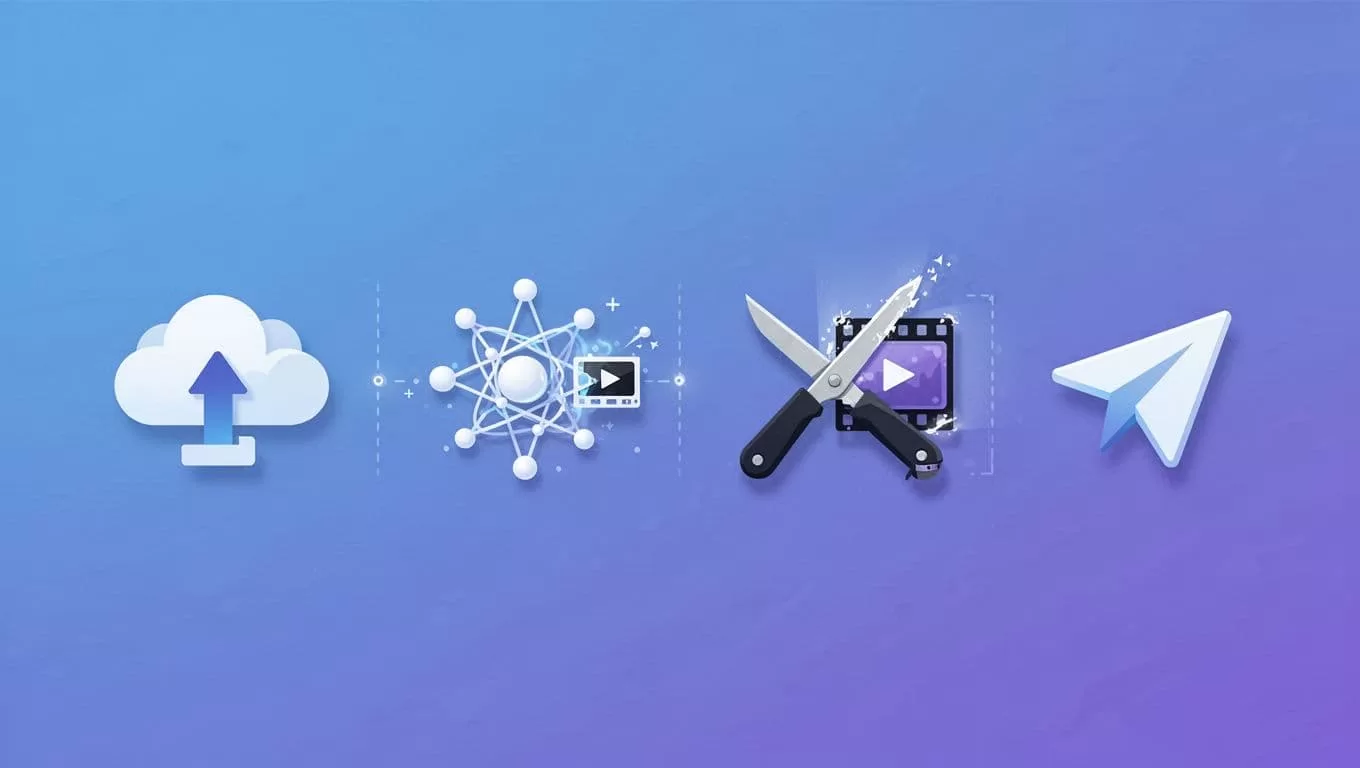
Download your Transistor episode. Save MP4 locally. Head to Opus dashboard. Hit upload. Drag the file in.
Opus analyzes instantly. It pulls transcript if none exists. I name clips during upload: “Episode 45 Hooks.” Brand settings follow. Pick colors matching your show.
No Zapier needed yet. But Opus’s new Zapier integration hints at future Transistor links. For now, manual rules.

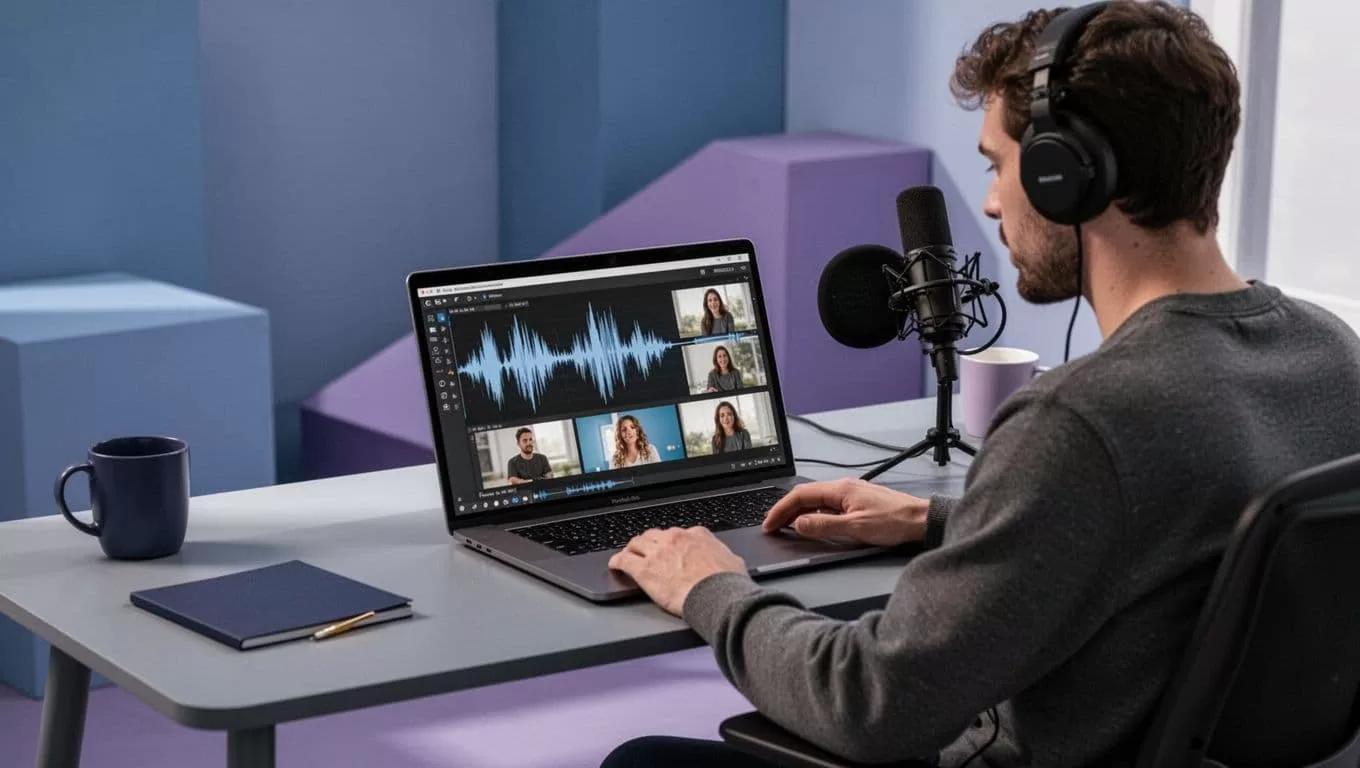
This setup took me 10 minutes first time. Repeat for batches. Transistor’s episode queue guides picks.
Step-by-Step Guide to Creating Shorts
Upload finishes. Opus generates 10 to 20 clips. Sort by score. High ones hook viewers first five seconds.
Review each. AI adds captions and b-roll. Tweak if off. Delete filler pauses. I spend two minutes per clip max.
Edit basics: trim ends, swap emojis. Mobile app lets me finalize on phone. Export vertical for Reels, square for Stories.
Here’s my flow:
- Pick top five clips.
- Add your logo overlay.
- Adjust speed for punch.
- Download pack.
Post direct from Opus or save. Schedule via Buffer. One episode fuels a week’s content.
Interfaces change, so check Opus help docs. As of April 2026, speaker detection improved multi-guest shows.
Best Practices for Repurposing and Common Limits
Focus on hooks. Start clips with questions or stats. I tag episodes by theme in Transistor. That speeds theme matching.
Limitations hit hard. Audio-only needs video assets. Opus adds stock footage, but custom looks better. No auto-upload from Transistor. Download manually each time.
Batch process. I clip three episodes Sundays. Use audiograms for audio shows. Captions boost views 12 times per studies.
Track results. Transistor shows listens. Social analytics reveal winners. Reuse formats that pop.
For social calendars, check my AI social media generator setup guide. It pairs well with Opus outputs.
Avoid over-editing. AI nails 70% ready clips. Refine rest. Test on one platform first.
Scaling Your Workflow as a Marketer or Creator
I automate posting next. Opus exports to YouTube Shorts direct. For TikTok, download and upload. Transistor’s private podcasts inspire clips too. Tease paid content free.
Marketers, use clips for leads. Add CTAs like “Full episode in bio.” Podcasters, grow lists. Link Transistor pages.
Combine with tools like Opus Clip YouTube automation guide. It fits my routine.
Features evolve. Watch Opus blog for Transistor ties. I save two hours weekly now.
Start small. Clip last week’s episode today. Watch views climb.
Opus Clip transforms Transistor.fm episodes into ready shorts. You save time. Audiences engage more. I clip weekly now. Growth follows.
Try it on your next show. Download, upload, post. What clip will you share first? Your feed needs it.