Orbital Calculations Automation on Twin.so
Orbital calculations automation on Twin.so can remove repetitive data handling, but it doesn’t replace an orbital propagator. Twin.so can trigger agents, move structured data, call backend services, and route results for review. You s...

Orbital calculations automation on Twin.so can remove repetitive data handling, but it doesn’t replace an orbital propagator. Twin.so can trigger agents, move structured data, call backend services, and route results for review. You still need a physics engine, fixed conventions, test cases, and qualified human oversight.
That distinction controls the whole implementation. Use Twin.so as the workflow layer. Keep orbital mechanics in a controlled calculation service. Then validate every result before it reaches a report, database, alert, or mission decision.
What Twin.so Can Handle Today
Confirmed Twin.so capabilities
As of August 2026, Twin.so public documentation describes AI agents, scheduled workflows, event-driven triggers, OAuth integrations, REST API access, webhooks, and browser-based task execution. Its quickstart documentation covers scheduled agents, event triggers, connected applications, and browser tasks.
Twin.so also lists connections for tools such as Google Sheets, databases, Slack, Gmail, and Google Docs. Its documentation claims more than 2,700 app connections. That makes it suitable for collecting requests, moving results, notifying analysts, and storing calculation records.
A typical workflow can look like this:
- An analyst submits orbital elements through a form or spreadsheet.
- Twin.so checks whether required fields are present.
- A backend calculation service performs propagation.
- Twin.so receives the structured output.
- Validation rules compare the result with expected limits.
- An analyst approves the result before publication.
What Twin.so does not confirm
Public Twin.so materials don’t document a native orbital propagator, an Orekit integration, a SPICE-based calculation engine, or a certified spacecraft digital-twin environment. They also don’t confirm that an agent can produce flight-quality state vectors without an external calculation service.
Don’t ask a language model to invent a trajectory and treat the answer as numerical analysis. Use deterministic code for the calculation. Use Twin.so to coordinate the inputs, execution, validation, and outputs.
Build Orbital Calculations Automation With a Controlled Workflow
Start with one calculation task. Good first candidates include:
- Converting classical orbital elements into a Cartesian state.
- Propagating a two-body orbit for a defined time interval.
- Calculating orbital period, altitude, or mean motion.
- Generating repeatable comparison reports.
- Checking incoming data for missing units, invalid ranges, or stale epochs.
Define the calculation contract
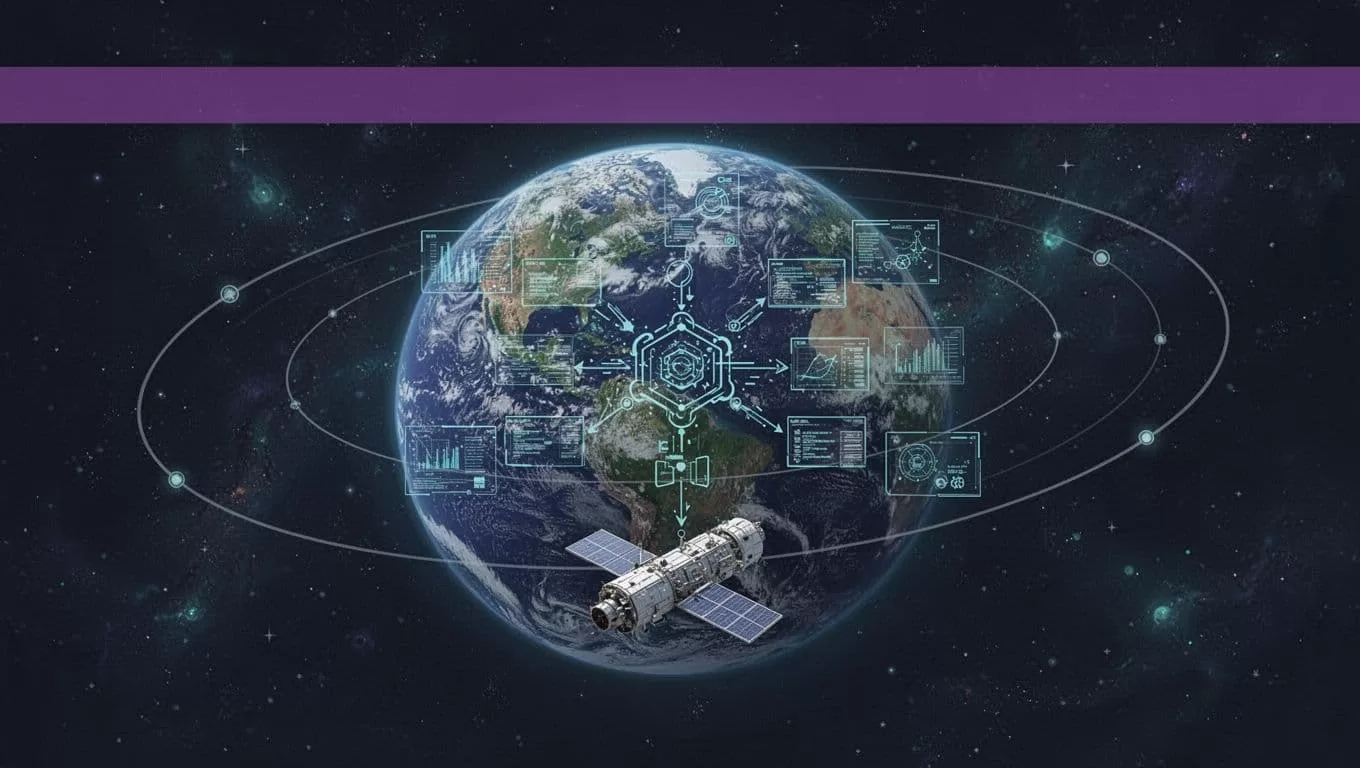
Write the input and output contract before creating the agent. Every field needs a name, type, unit, and accepted range.
A useful input contract includes the central body, gravitational parameter, epoch, orbital elements, propagation interval, reference frame, and time system. The output should include the calculated state, model name, software version, input hash, warnings, residuals, and validation status.
Don’t accept a field named velocity without a unit. Use names such as velocity_km_s or attach units as structured metadata. The same rule applies to time, distance, gravitational parameters, and angles.
The workflow should reject a request when the epoch is missing, eccentricity is outside the model’s range, or the frame is undefined.
Use APIs before browser steps
Use Twin.so’s API and backend connections for stable data paths. Reserve browser automation for an authorized source that has no usable API. Browser sessions can encounter changed page layouts, login challenges, missing fields, and incomplete extraction.
The exact Twin.so authentication details, webhook event types, and payload schema can change. Confirm those details in the current documentation before production deployment. Keep the physics service independent from the browser agent so a page change cannot alter the calculation itself.
A practical design has three separate components:
- Twin.so receives and routes the request.
- The calculation service validates inputs and runs deterministic code.
- Twin.so stores the result and sends it to an approval queue.
This separation makes failures easier to isolate.
Implement the Orbital Math Outside the Agent
A simple two-body calculation is useful for testing the automation path. It isn’t a complete mission model. It ignores effects such as atmospheric drag, third-body gravity, solar radiation pressure, and non-spherical gravity.
Use a known two-body calculation
For an elliptical orbit, calculate mean motion with:
n = sqrt(mu / a^3)
Here, mu is the central body’s gravitational parameter and a is the semi-major axis. Advance mean anomaly with:
M = M0 + n * dt
Then solve Kepler’s equation:
E - e * sin(E) = M
Use Newton iteration:
E_next = E - (E - e * sin(E) - M) / (1 - e * cos(E))
Stop when the residual and change in E fall below your defined tolerance. Convert the eccentric anomaly to true anomaly only after the solver converges.
For mu = 398600.4418 km^3/s^2, a = 7000 km, e = 0.001, M0 = 0, and dt = 600 s, the expected values are approximately:
- Mean motion:
0.001078 rad/s - Orbital period:
5,828 s, or about97.1 minutes - Mean anomaly after 600 seconds:
0.647 rad - Radius: about
6,999 km
This example doesn’t produce a complete x, y, z, vx, vy, vz state unless inclination, right ascension of the ascending node, argument of perigee, and frame conventions are also supplied.
Return structured outputs
Use a response that another system can validate without reading prose. A compact example looks like this:
| Field | Example |
|---|---|
model | two_body_elliptic |
epoch_utc | 2026-08-16T00:00:00Z |
frame | GCRF |
radius_km | 6999.2 |
mean_motion_rad_s | 0.001078 |
residual_kepler | Less than 1e-12 rad |
validation_status | pass |
Include a warnings array even when it is empty. Return pass, review, or fail, not a vague status such as complete.
For higher-fidelity propagation, use a tested library or service. Orekit’s propagation documentation describes multiple propagation methods. Twin.so can trigger that service and distribute its result, but the propagation model should remain under engineering control.
Control Units, Frames, Time, and Numerical Accuracy
Most orbital automation failures are convention failures. The formula can be correct while the result is unusable.
Lock the conventions
Keep one unit system inside each calculation. A common Earth-centered choice is kilometers, seconds, and km^3/s^2 for the gravitational parameter. Don’t combine meters with kilometers or minutes with seconds.
Reference frames need the same discipline. ECI is a category, not one universal frame. GCRF, ITRF, and TEME have different meanings and transformations. A state in an inertial frame isn’t interchangeable with a state in an Earth-fixed frame.
The NAIF reference-frame documentation is a useful reference for frame definitions and transformations. Store the frame name with every state vector. Never infer it from a file name.
Time needs an explicit system too. Parse ISO 8601 timestamps with a timezone. Record whether the input uses UTC, TAI, TT, or UT1. Don’t use the server’s local clock. Don’t silently remove leap-second information.
Add numerical checks
Set limits for solver iterations, residual size, position magnitude, velocity magnitude, and propagation interval. Reject non-finite values. Check that the result doesn’t jump beyond the expected physical range.
For a two-body orbit, compare the calculated specific orbital energy and angular momentum with expected values. Large changes can reveal a unit error, sign error, or bad frame conversion.
Store the algorithm version and constants used for each run. A result without its model version can’t be reproduced reliably six months later.
Validate Every Automated Result
Compare with trusted tools and known cases
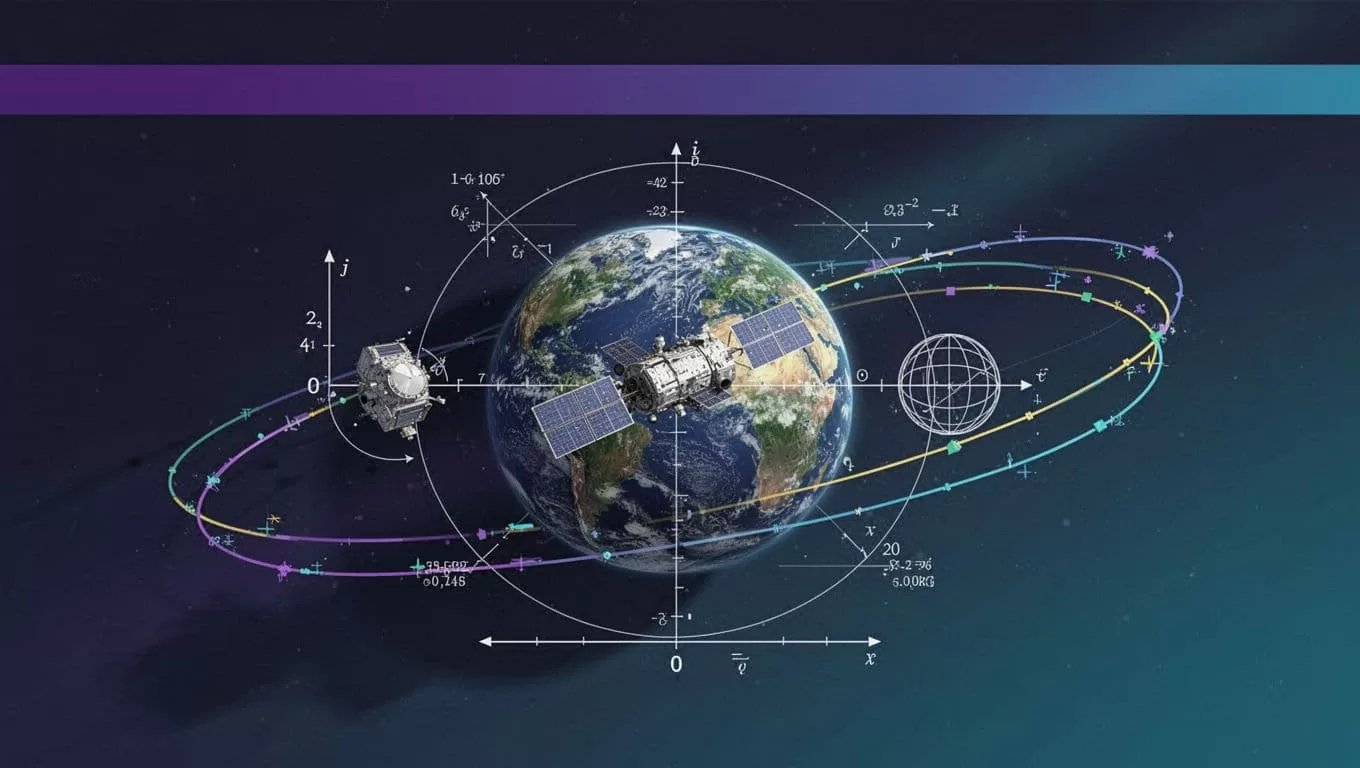
Start with analytical cases. A circular orbit has e = 0, constant radius, and a predictable period. Use that case to test the entire path from Twin.so input through the final stored result.
Then compare selected outputs against an independent implementation. NAIF provides cspice_prop2b, a documented two-body propagation routine for a massless body. You can use it as an independent check for compatible inputs. The CSPICE two-body propagator reference defines the expected inputs and calculation scope.
For ephemeris work, compare against trusted SPICE data and match the frame and time system. A comparison is invalid when one tool returns a state in GCRF and another returns TEME or ITRF.
Use a small regression set with:
- Circular and eccentric Earth orbits.
- Short and long propagation intervals.
- Perigee and apogee cases.
- Boundary values near the accepted eccentricity range.
- Known frame and time conversions.
- Invalid inputs that must be rejected.
Keep a human approval gate
Automation can prepare a result. A qualified analyst should approve mission-critical use.
Require review when the source data changes, the model changes, validation residuals exceed limits, two sources disagree, or the output will drive a maneuver, conjunction decision, safety alert, or regulatory report.
The approval record should contain the input version, output version, reviewer, decision, and reason for rejection. Don’t allow a browser agent or AI agent to send commands to flight hardware based only on a generated response.
Twin.so should orchestrate orbital analysis. It should not certify the physics or replace mission approval.
Monitor Usage and Troubleshoot Failures
Twin.so uses credits. Its pricing documentation says credits are deducted when agents build, run, browse, research, or generate output. The documentation lists planning examples of about 15 to 30 credits for a simple API, filter, and email workflow; 20 to 70 credits for a 100-item scraping job; and 100 to 200 credits for a browser session of about 20 steps.
These are planning ranges, not fixed costs for an orbital workflow. Benchmark your own run. Track cost per accepted result, failed runs, retries, review minutes, duplicate outputs, and correction time. A fast workflow that creates incorrect state vectors isn’t saving money.
Use hard stops and a fallback
A good troubleshooting checklist includes:
- Check that every numeric input has a declared unit.
- Confirm the frame and time system survived every handoff.
- Compare the received schema with the expected schema.
- Separate an empty result from a failed extraction.
- Limit retries and use backoff for temporary network errors.
- Prevent duplicate writes with a run ID or input hash.
- Save progress by record ID, file, or request ID.
- Compare reruns against a known sample.
- Stop when the source changes, results are incomplete, or sources conflict.
Create a manual fallback before production release. State who retrieves the data, where they record it, and how they identify the last trusted result. Stop the final write step when the calculation service is unavailable or validation fails.
For a production design review covering API boundaries, validation rules, and human approval controls, Book A Call.
Make the Automation Reproducible
Orbital calculations automation works best when Twin.so handles coordination and a deterministic service handles the math. Define units, frames, epochs, models, tolerances, and output schemas before building the agent.
Start with a two-body regression case. Compare it with an independent tool. Add approval gates before any mission-critical action.
The right goal isn’t an agent that produces more calculations. It’s a repeatable workflow that produces traceable results an analyst can verify.
